search icon

Decision Tree Flowchart Template for PowerPoint & Google Slides Dark
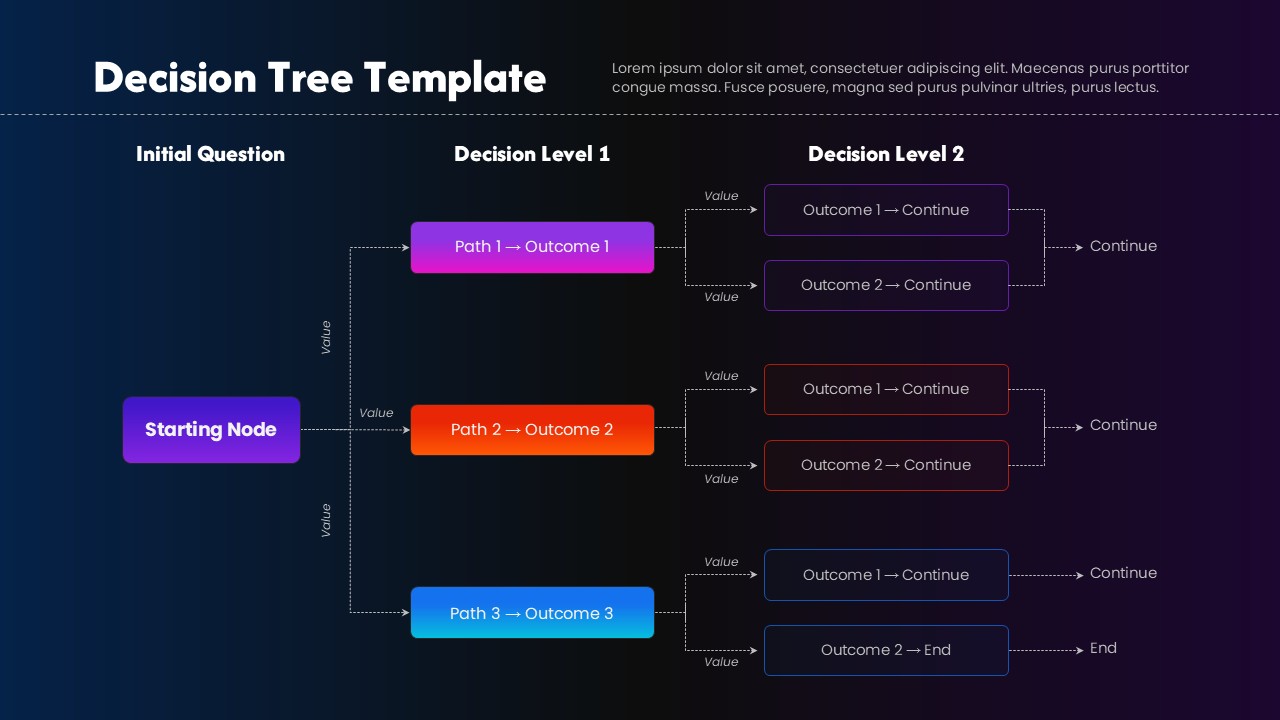
Decision tree flowchart slide with a starting node, multiple decision paths, and outcome boxes arranged horizontally.

This template is part of a deck featuring multiple slides. To check out all slides.

See All
Decision tree flowchart slide with a starting node, multiple decision paths, and outcome boxes arranged horizontally.

Product Description

Decision Tree Diagram for Structured Decision Making Presentation Template

This decision tree flowchart presentation template is designed to visually map decision paths, outcomes, and next steps in a clear, logical structure. Using a left-to-right layout, the slide starts with a single starting node and expands into multiple decision levels, making it easy to communicate how choices lead to different results. The decision tree flowchart presentation template helps audiences follow complex reasoning without confusion by organizing each path into distinct, color-coded blocks connected by directional lines.

The design separates the process into an initial question, first-level decisions, and second-level outcomes, ensuring clarity at every stage. Rounded rectangles and dashed connectors create a modern, professional look while maintaining strong visual hierarchy. This decision tree flowchart presentation template is especially effective for explaining evaluations, process logic, risk assessments, or conditional workflows where each decision triggers a new scenario or conclusion.

Fully editable in PowerPoint and Google Slides, the decision tree flowchart presentation template allows users to rename nodes, adjust paths, change colors, and extend branches as needed. Whether used for business strategy, technical explanations, or educational content, this slide transforms abstract decision logic into a structured visual that supports better understanding and confident decision-making.

Features of this Decision Tree Flowchart template

• Multi-level decision tree layout with starting node, paths, and outcomes.
• Color-coded decision paths for easy differentiation and readability.
• Clear directional connectors showing logic flow between decision levels.
• Fully editable shapes, text, and colors in PowerPoint and Google Slides.

Why use this Decision Tree Flowchart template

• Simplifies complex decision logic into an easy-to-follow visual flow.
• Improves clarity when presenting processes, evaluations, or scenarios.
• Saves time compared to building decision diagrams from scratch.
• Enhances presentations with a clean, modern, and professional structure.

Who is it for

Business analysts, project managers, consultants, product teams, educators, and students who need to explain decision logic, workflows, or conditional processes. Also suitable for strategy planning, risk analysis, system design, and training presentations.

Login to download this file

What do you think about this template? Give a rating




