




Business Process Flowchart Template for PowerPoint & Google Slides
This template is part of a deck featuring multiple slides. To check out all slides.
See AllProduct Description
Horizontal Business Workflow Flowchart Presentation Template
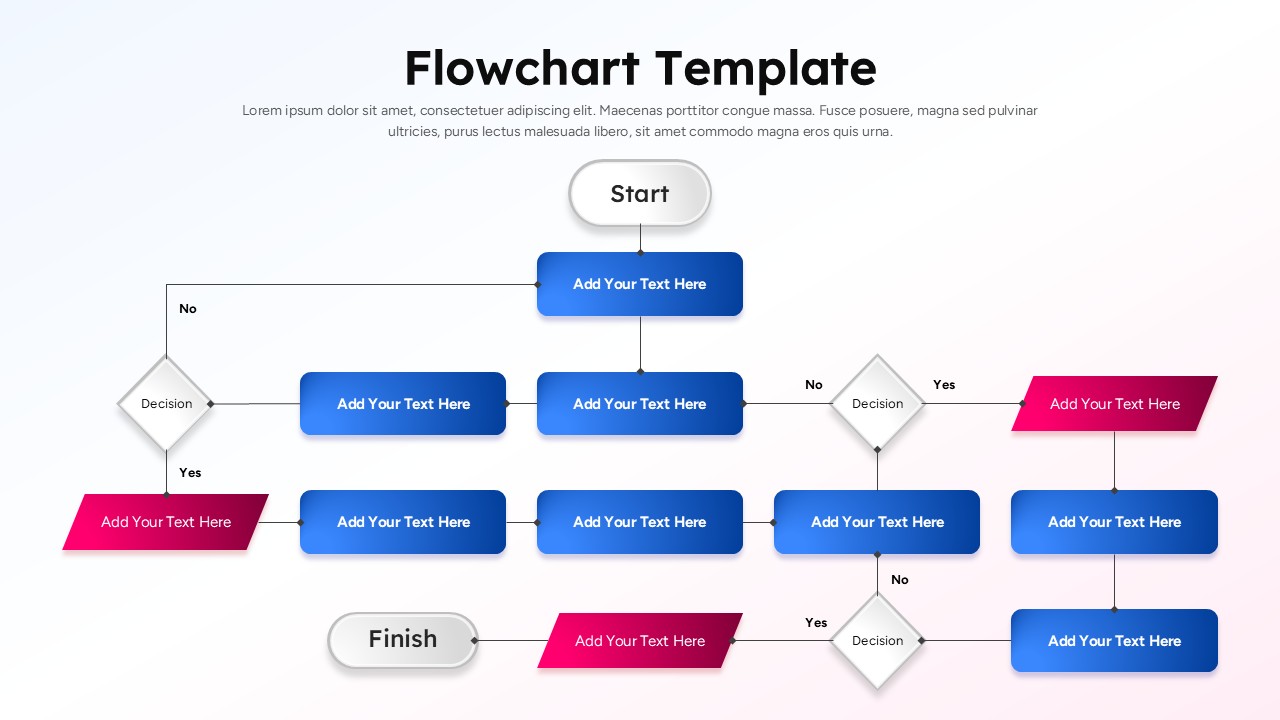
This horizontal business process flowchart template is designed to help teams visualize complex workflows, decisions, and outcomes in a clear, logical sequence. Featuring a structured left-to-right layout, the slide begins with a clearly defined start point, progresses through multiple process steps, and branches into decision diamonds with yes/no paths. Rounded rectangles highlight key actions, while angled accent shapes emphasize important milestones or outcomes, ensuring viewers can follow the process without confusion.
The business process flowchart uses consistent spacing, connector lines, and directional arrows to guide attention naturally across the slide. A balanced combination of blue process blocks, white decision nodes, and contrasting highlight shapes improves readability and supports quick comprehension during presentations. Subtle shadows and soft gradients add depth without distracting from the content, making the flowchart suitable for professional and executive-level use.
Built for efficiency and adaptability, this horizontal business process flowchart template allows you to replace placeholder text with your own steps, rules, or conditions in seconds. All shapes, connectors, and colors are fully editable in PowerPoint and Google Slides, enabling seamless alignment with brand guidelines. Whether you are documenting internal procedures or explaining a customer journey, this flowchart structure keeps information organized and visually engaging.
This business process flowchart is ideal for presenting operational workflows, system logic, approval chains, or decision-driven scenarios. Its clear hierarchy supports better discussions, reduces misunderstandings, and helps stakeholders quickly grasp how individual steps connect to the overall process. Use it as a standalone slide or duplicate it to build a complete process narrative across your deck.
Features of this Business Process Flowchart template
• Horizontal flow layout with start and finish markers for logical storytelling.
• Decision diamonds with yes/no branches for clear conditional paths.
• Editable shapes, connectors, colors, and text placeholders.
• Clean typography and spacing optimized for presentations.
Why use this Business Process Flowchart template
• Simplifies complex workflows into an easy-to-follow visual format.
• Improves clarity and engagement during meetings and presentations.
• Saves time with ready-made structure and consistent design.
• Works seamlessly in both PowerPoint and Google Slides.
Who is it for
Business analysts, project managers, operations teams, consultants, educators, and product teams explaining processes, systems, or decision logic. Also suitable for training sessions, documentation, and executive briefings.
Login to download this file