




Free Simple Flowchart Process Diagram Template for PowerPoint & Google Slides
Free Simple Flowchart Process Presentation Template
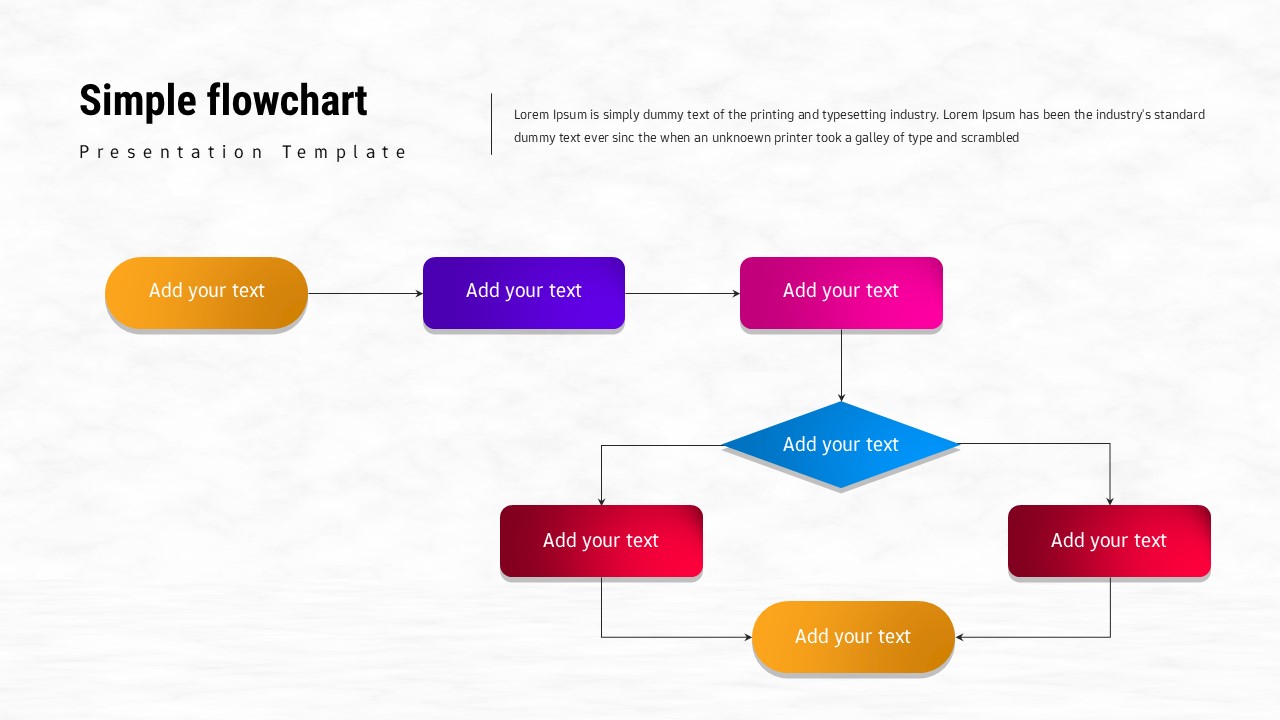
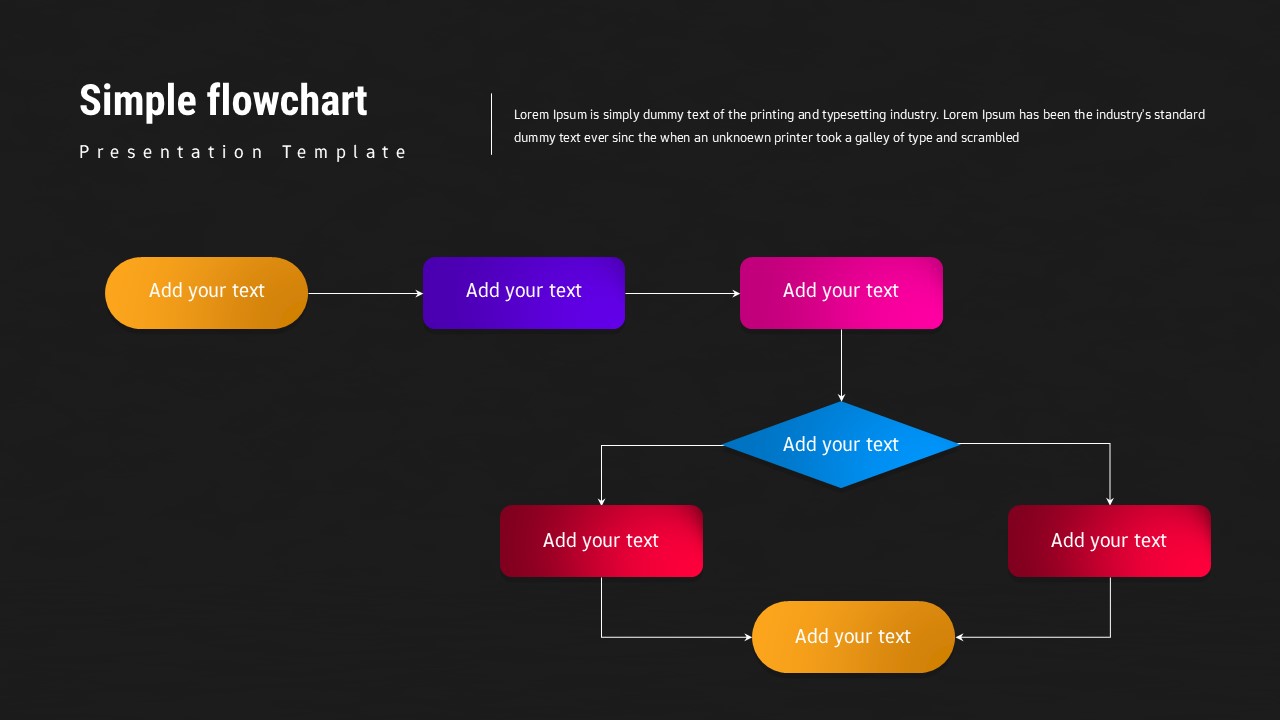
This Simple Flowchart presentation template is designed to help you visualize processes, workflows, and decision paths in a clean and easy-to-follow format. The slide features a linear-to-branching flowchart structure with rounded rectangles, directional arrows, and a central decision diamond, making complex logic easy to explain at a glance. Its balanced spacing and clear connectors ensure viewers can quickly follow each step from start to finish.
Built with clarity in mind, this Simple Flowchart slide uses color-coded shapes to distinguish stages, actions, and outcomes without overwhelming the layout. The minimal background texture keeps attention focused on the process itself, while the horizontal and vertical flow supports both sequential steps and conditional branching. This makes the slide suitable for explaining procedures, systems, approvals, or operational logic in presentations.
Fully editable in PowerPoint and Google Slides, this template adapts effortlessly to business, education, technology, and project documentation use cases. It can also be internally linked with related visuals such as process diagrams, timelines, and roadmap slides from the Infographics/Flowchart and Infographics/Process categories to create a cohesive, structured presentation deck.
Features of this Free Simple Flowchart Diagram template
• Clean flowchart layout with process steps and a decision diamond.
• Color-coded shapes for visual separation of stages and outcomes.
• Clear arrows guiding logical flow and decision paths.
• Fully editable text, shapes, and colors in PowerPoint & Google Slides.
Why use this Free Simple Flowchart Diagram template
• Simplifies complex processes into an easy-to-understand visual.
• Improves communication of workflows, decisions, and procedures.
• Works seamlessly with other process and diagram slides for internal linking.
• Saves time with a ready-made, presentation-ready flowchart design.
Who is it for
Business analysts, project managers, consultants, educators, students, operations teams, and anyone needing to present workflows, systems, or decision-making processes clearly and professionally.
Login to download this file


