




2026 Minimal Calendar Overview Template for PowerPoint & Google Slides
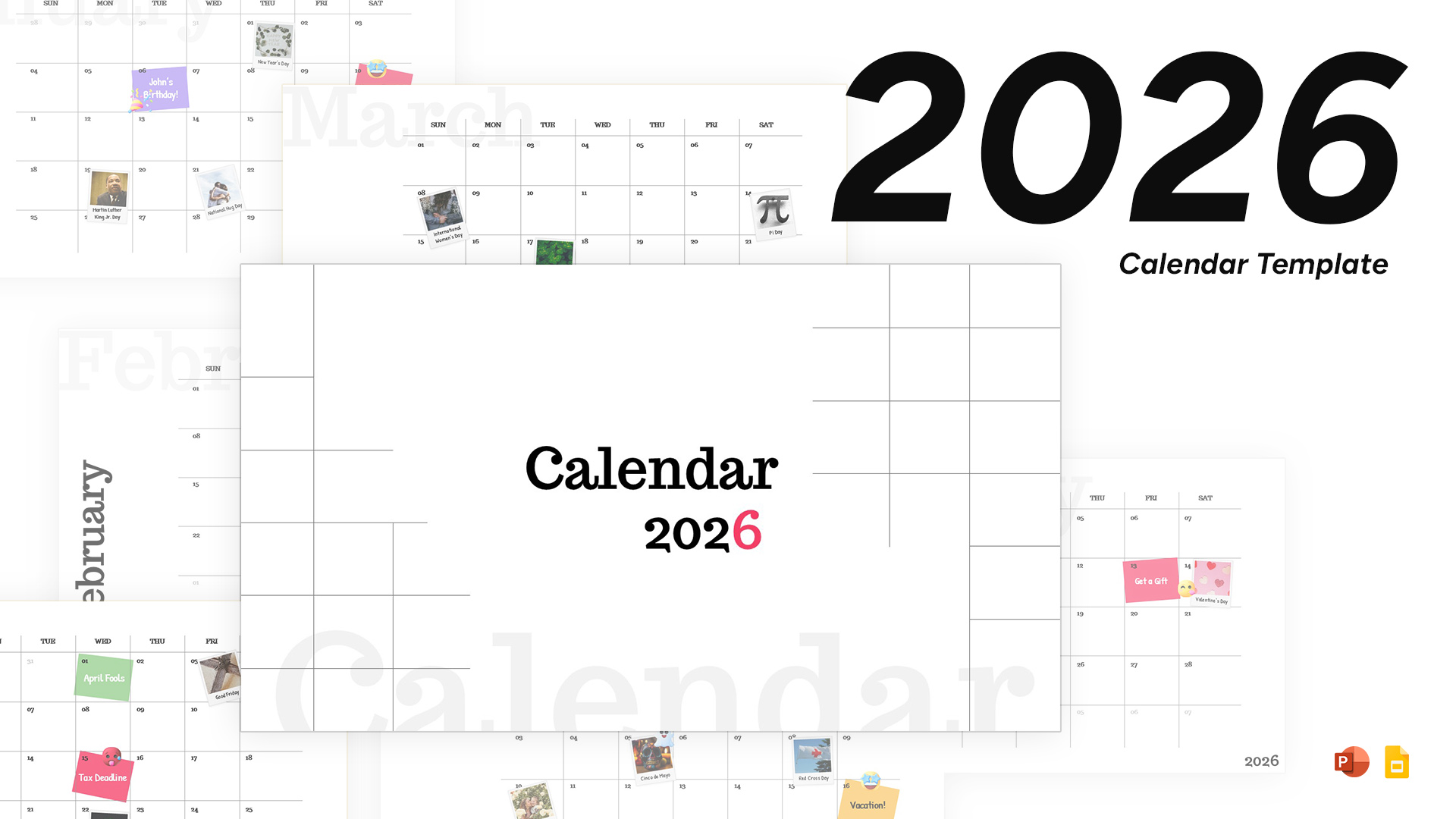
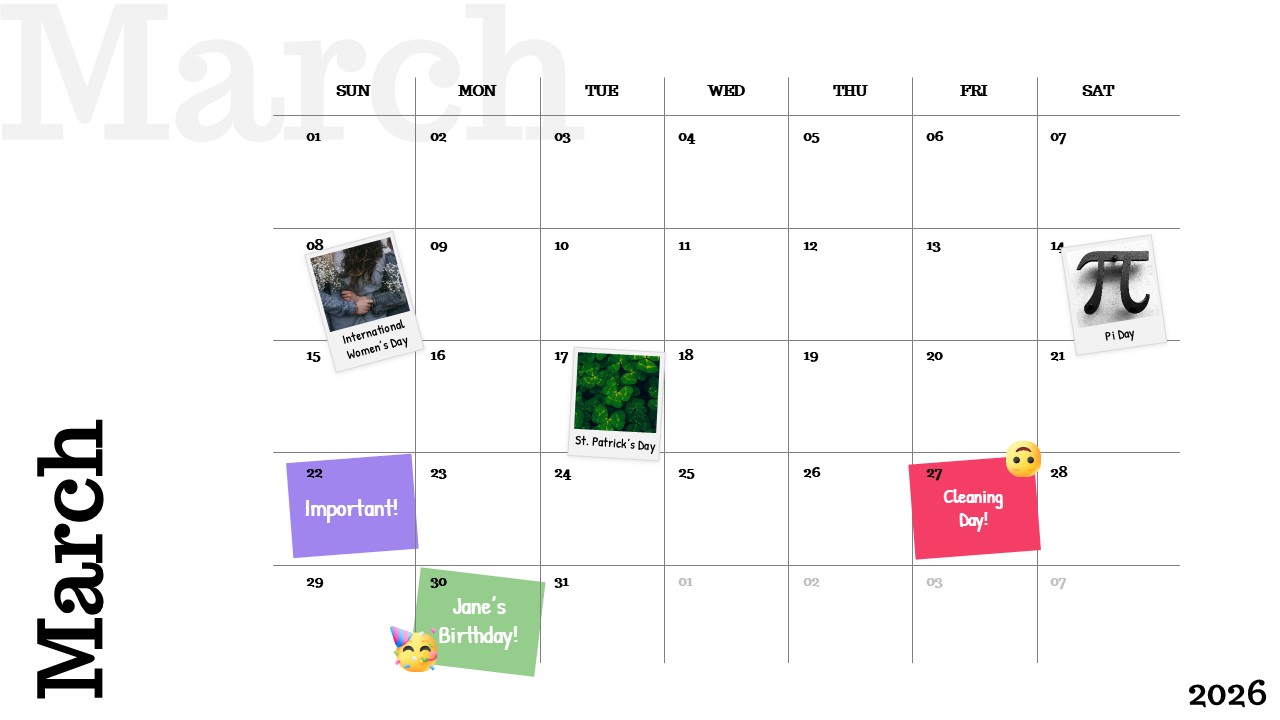
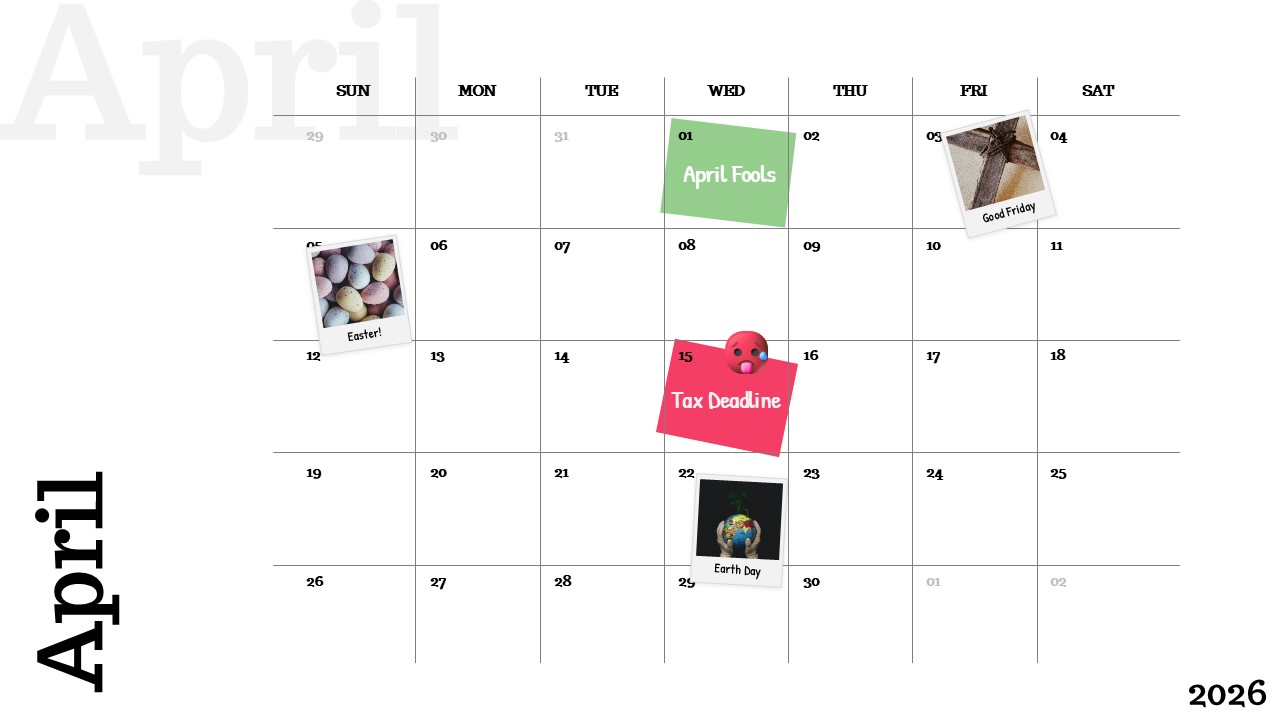
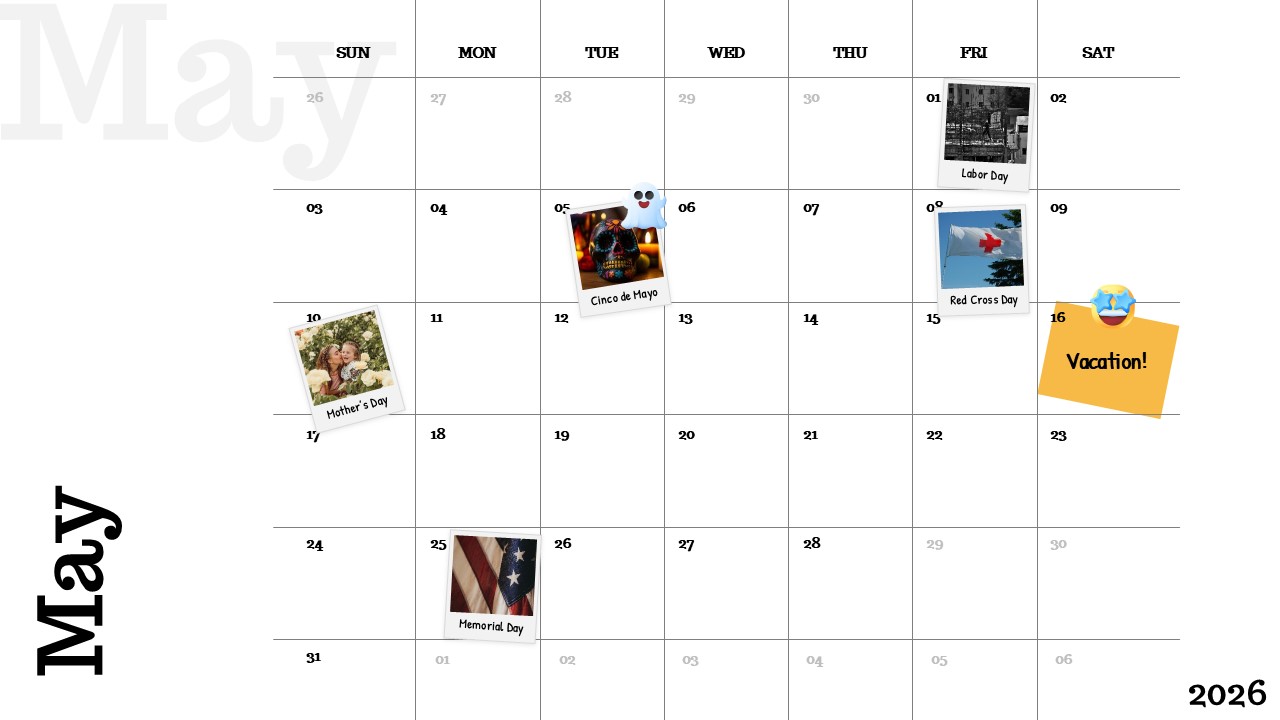
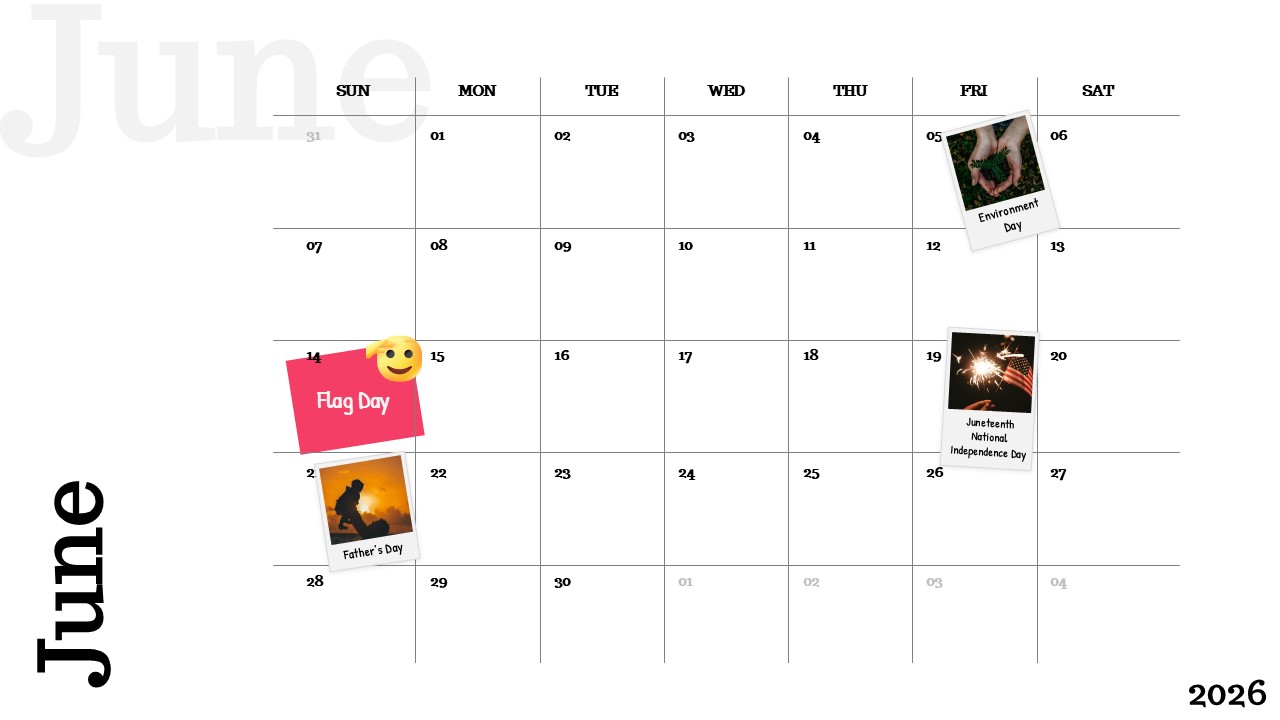
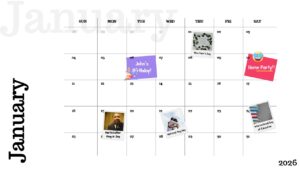
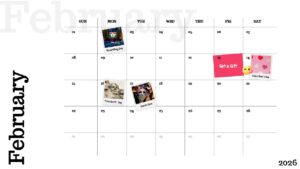
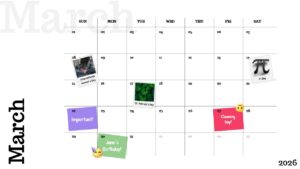
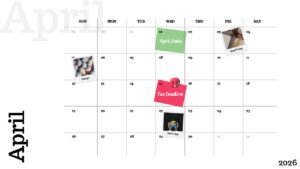
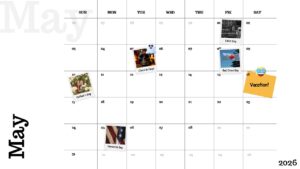

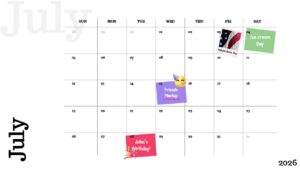
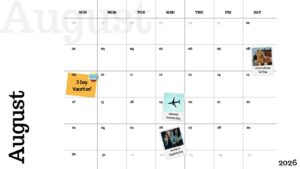

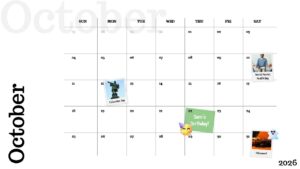


2026 Clean Monthly Calendar Presentation Template
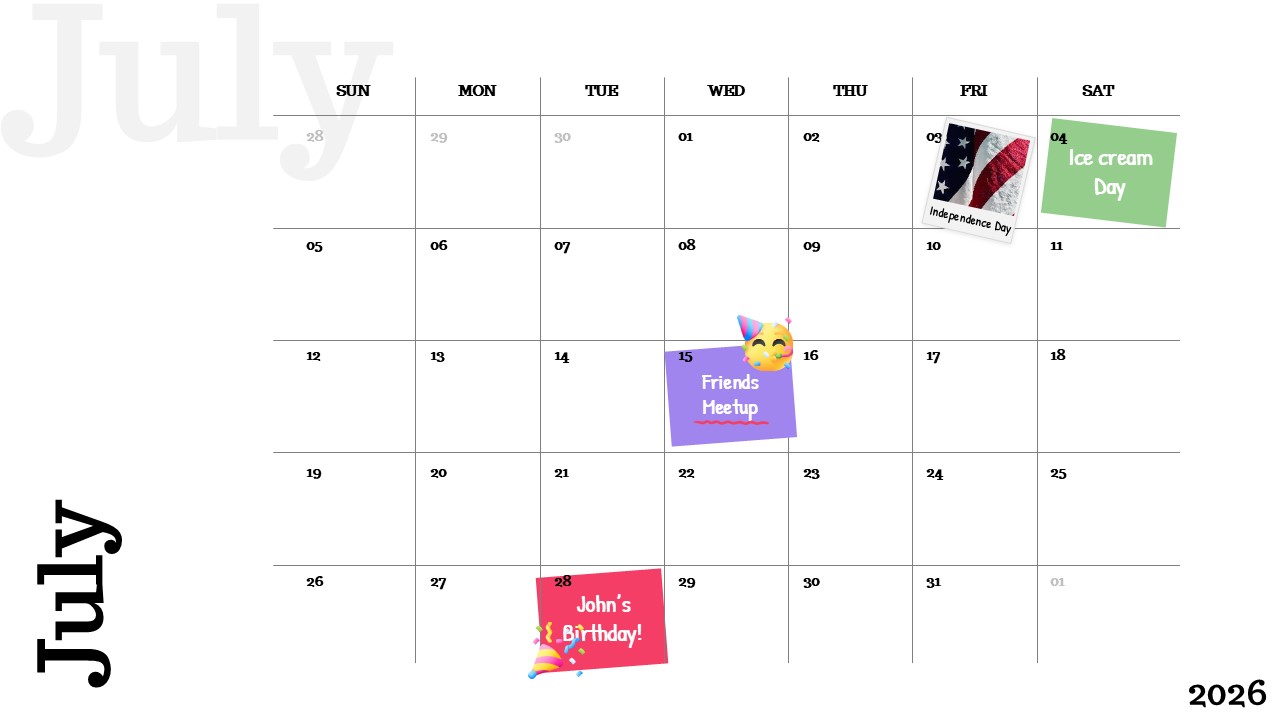
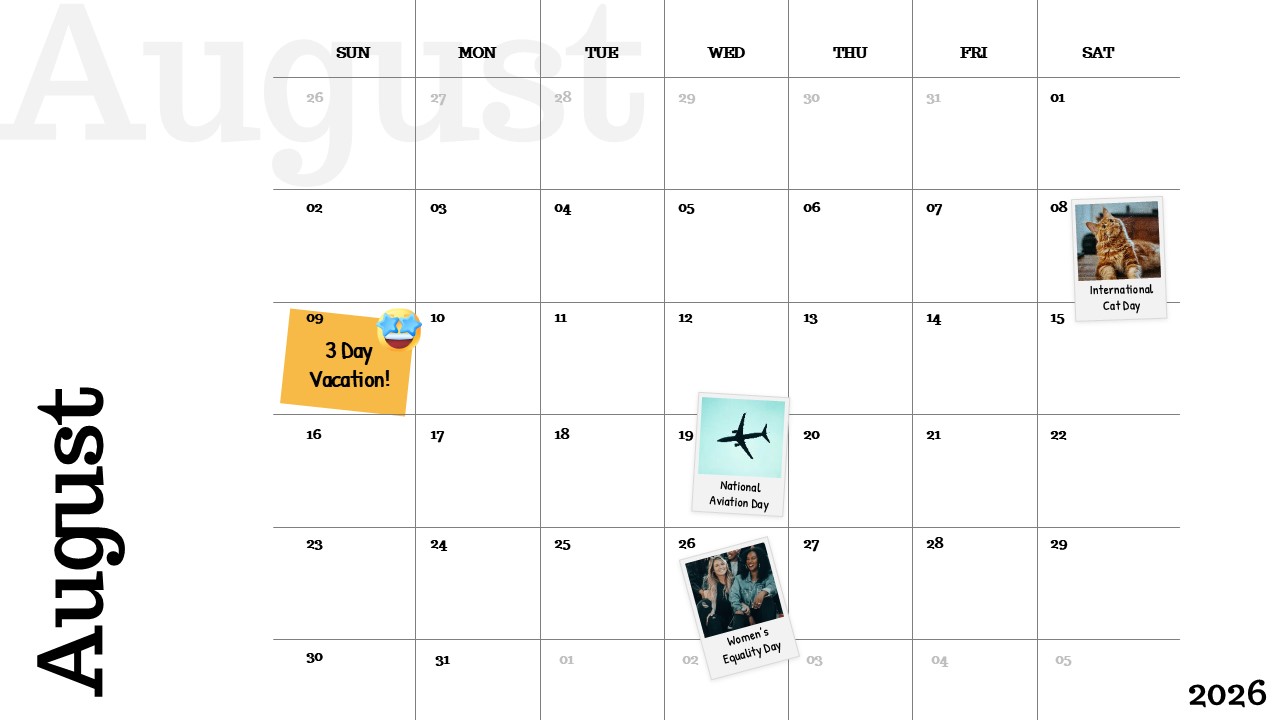
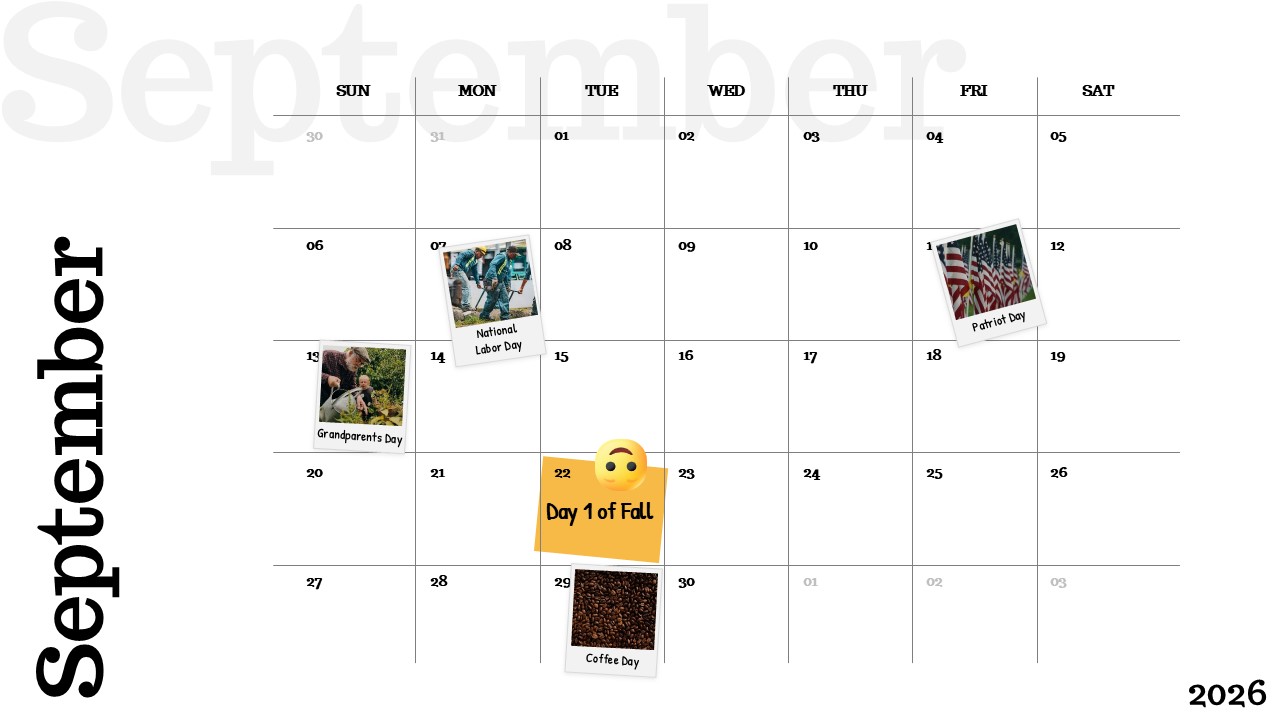
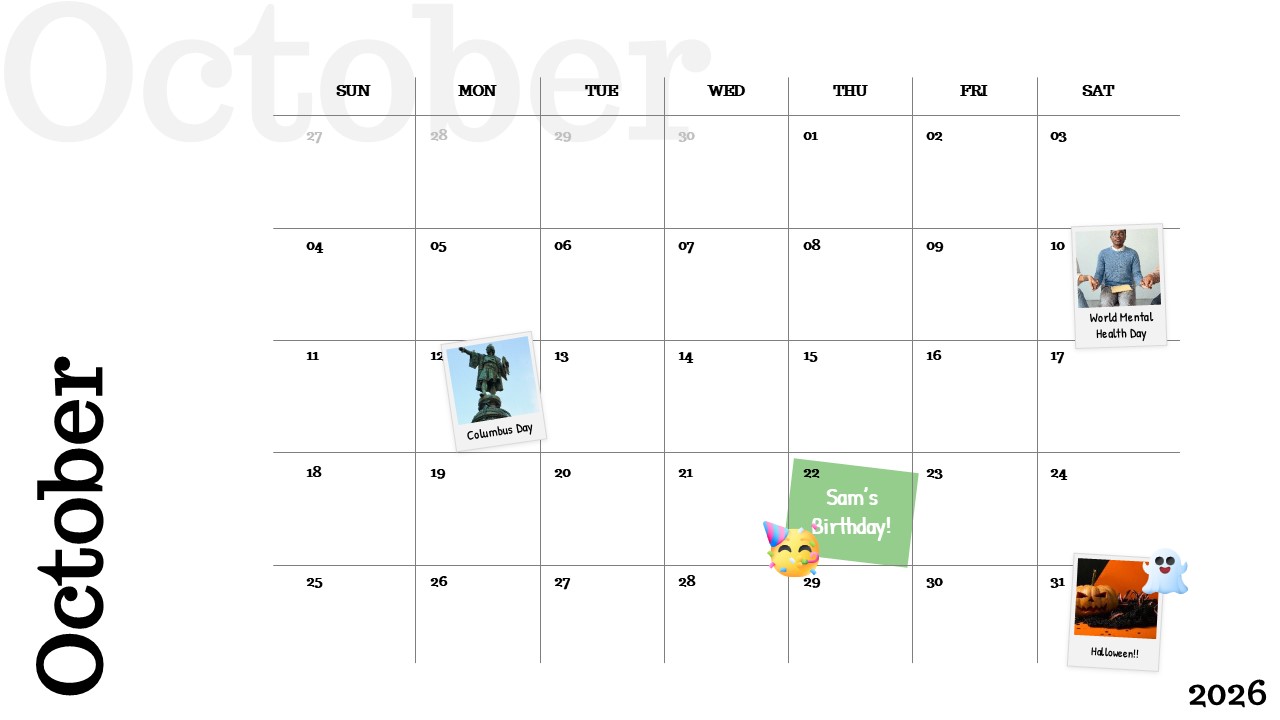
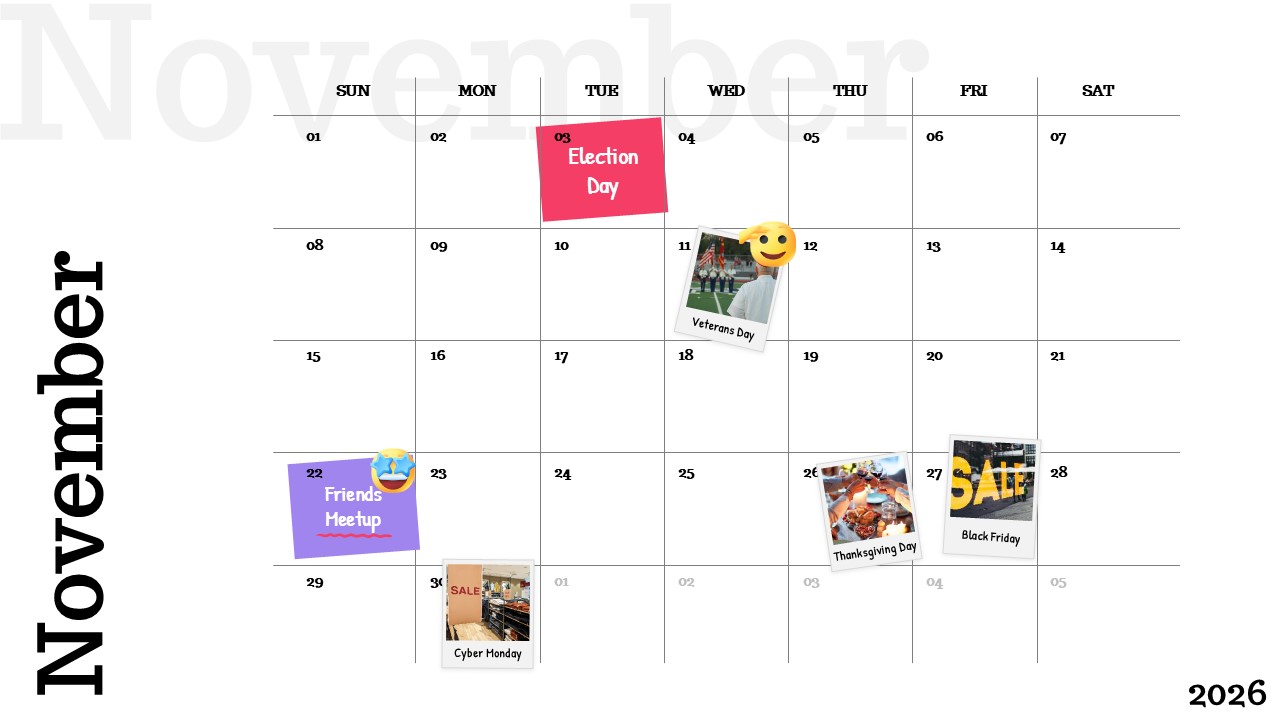
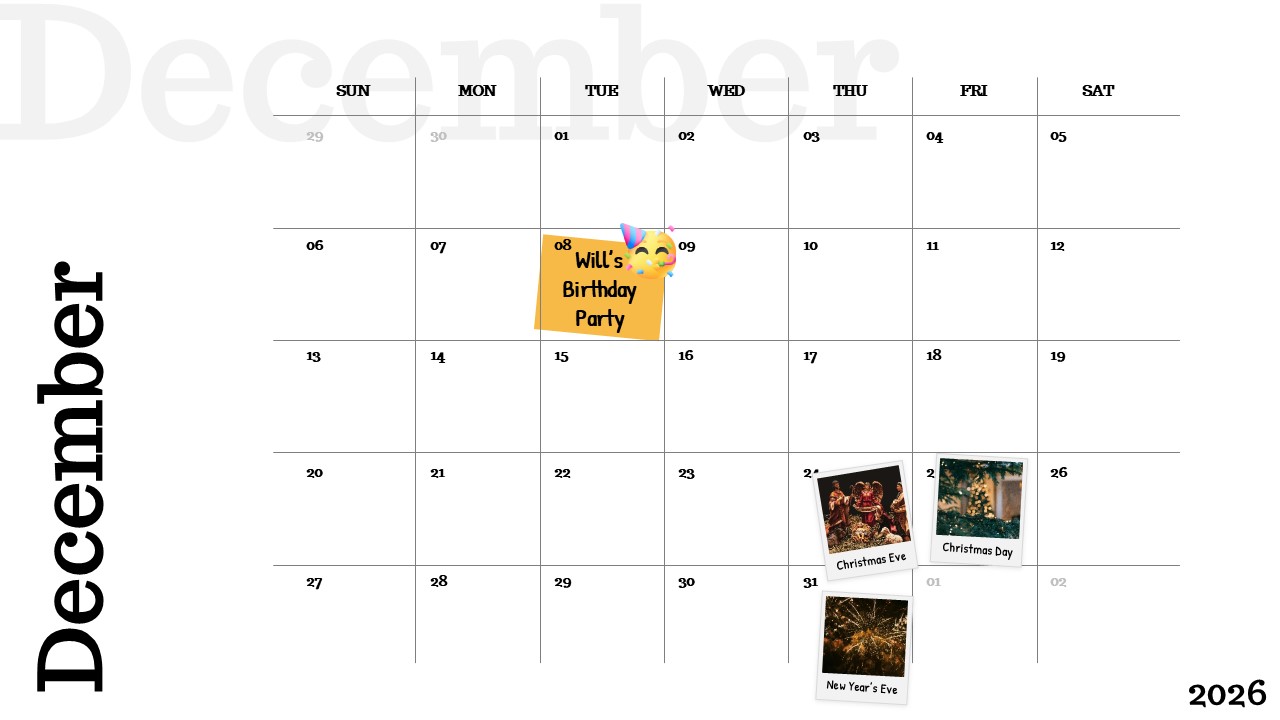
Most planning tools keep your schedule locked inside an app. This template brings it into the room. The 2026 minimal calendar deck is a complete 13-slide presentation a year cover plus a full, dedicated calendar slide for every month built for teams and individuals who need to present their annual schedule clearly, not just store it somewhere.
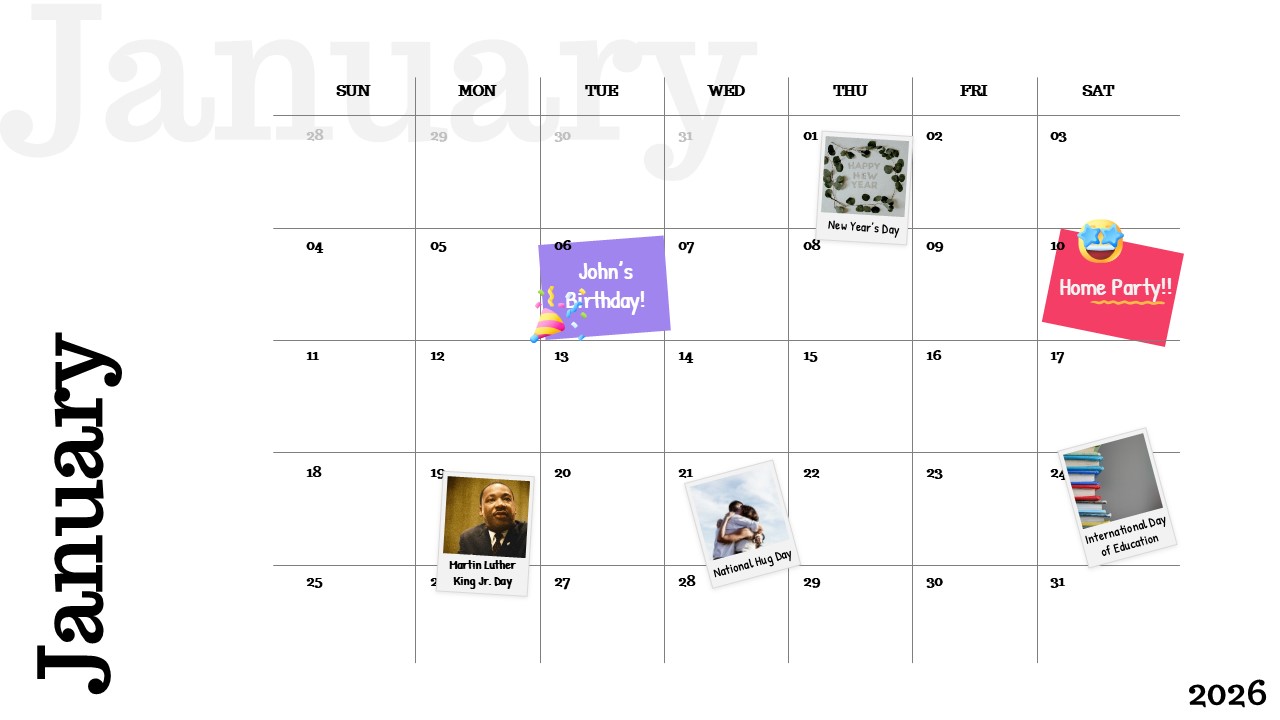
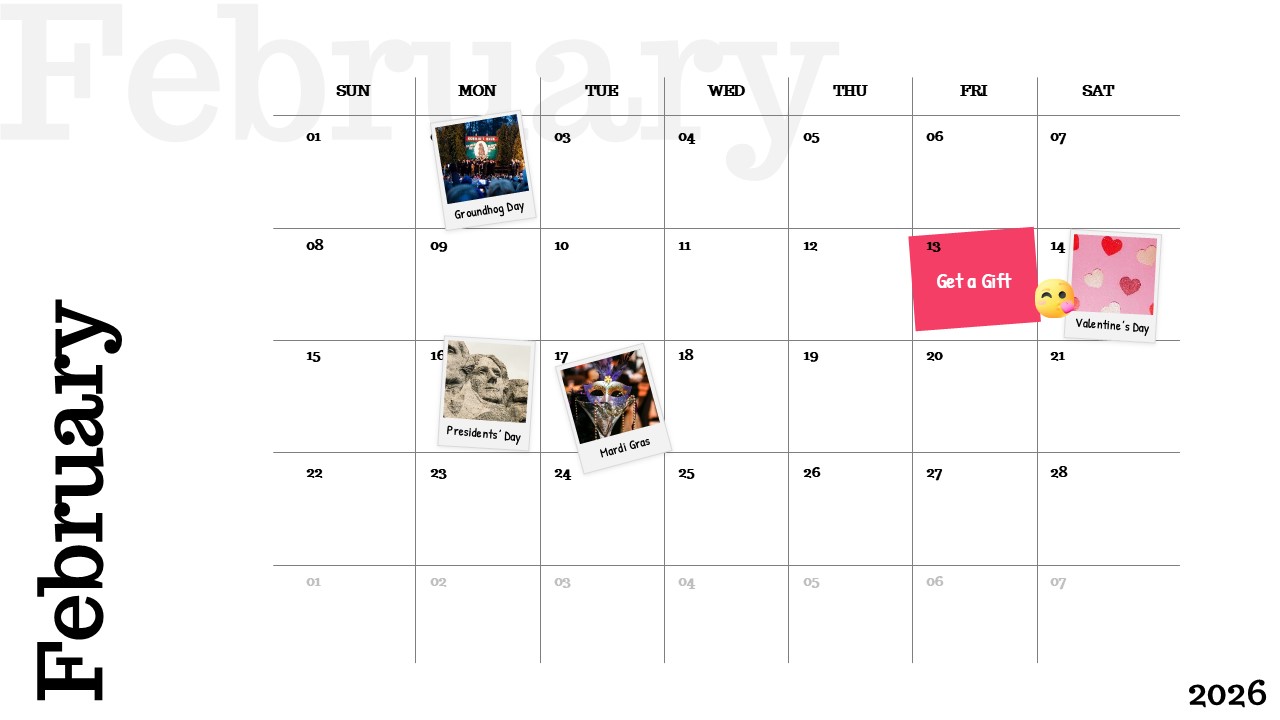
Each monthly slide is its own self-contained calendar. Clean grid layout, labeled weekday columns, and open date cells give you a ready-made structure for marking deadlines, campaigns, events, holidays, and milestones. Nothing needs to be built from scratch open the deck, fill in your dates, and it’s presentation-ready.
Thirteen Slides. Twelve Months. One Cohesive Deck.
This isn’t a single overview slide you squeeze a year into. Each month gets the full slide treatment room to breathe, room to annotate, and room to present without asking your audience to squint. The consistent layout across all 12 monthly slides means the deck flows naturally from January through December, with no visual inconsistency breaking the rhythm.
That consistency matters in a live presentation. When every month looks and behaves the same way, your audience learns the layout once and reads every subsequent slide instantly. The cognitive work shifts from decoding the design to engaging with the content.
Presentation Tips
When presenting the full deck in a planning session, don’t walk through every month sequentially from the start. Lead with the months that carry the heaviest activity or the biggest decisions. Use the calendar structure to anchor discussion — not to narrate dates, but to spark conversation around them.
What’s in the Deck
13 slides total — year cover + one dedicated calendar slide per month
Individual monthly grid layouts with weekday headers and full date structure
Date cells built for event labels, deadline markers, and milestone highlights
Fully editable in PowerPoint and Google Slides
Consistent minimal design across all 12 months
Neutral white palette — integrates into any brand deck without clashing
Widescreen 16:9 format, optimized for screen presentation
Login to download this file


Related Templates


July 2026 Calendar Template
Graphics


