




Project Planning Timeline Infographic Template for PowerPoint & Google Slides
Project Planning Roadmap Timeline Presentation Template
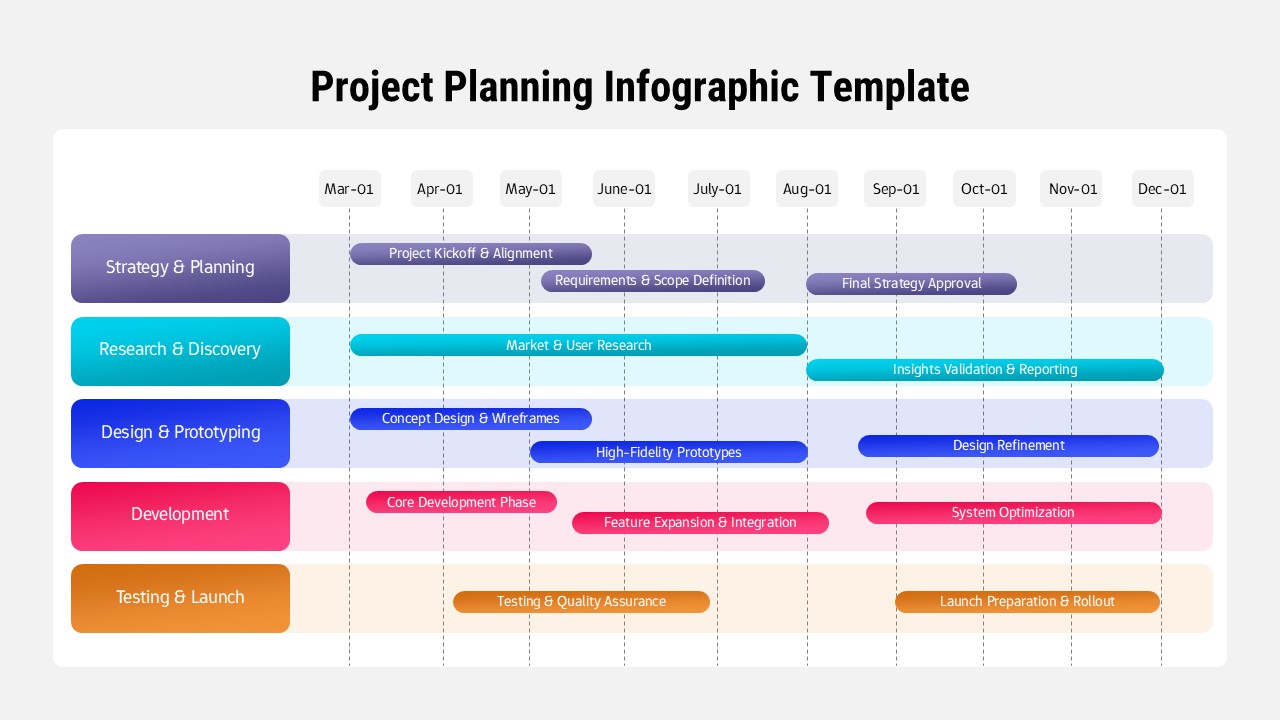
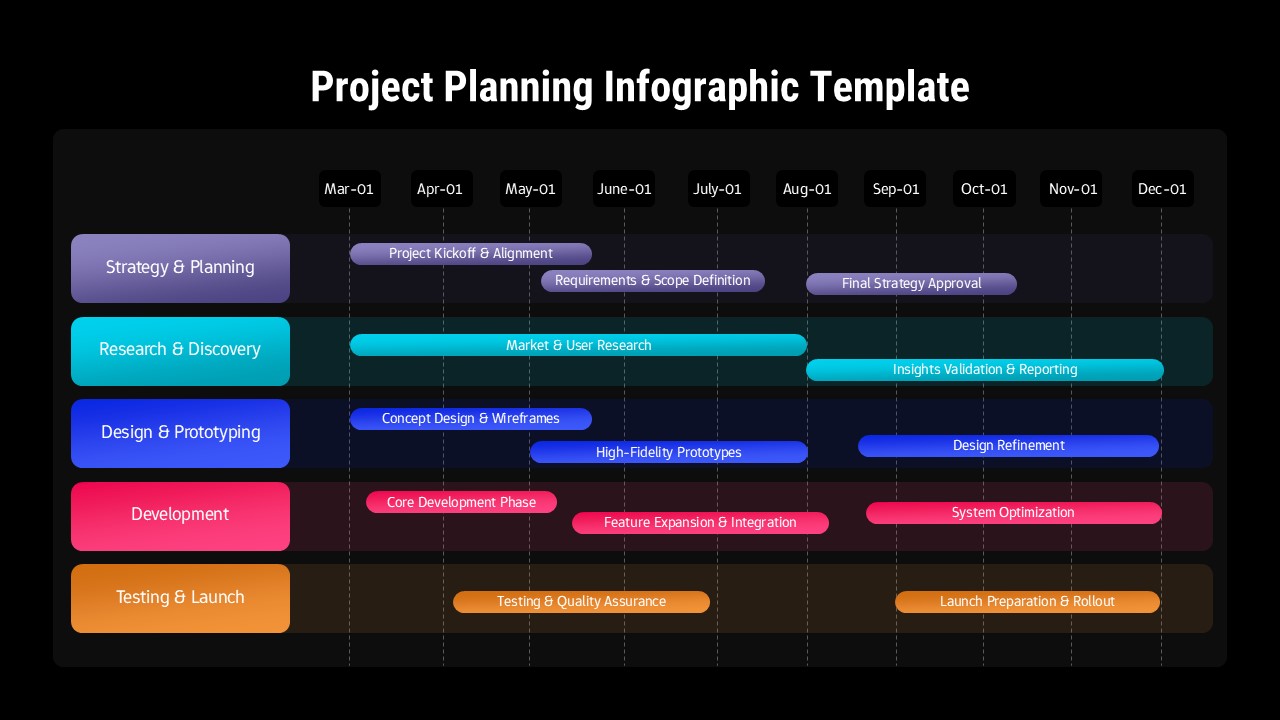
This project planning timeline infographic template is designed to help teams visualize complex initiatives across clearly defined phases and timeframes. The slide presents a horizontal, month-by-month timeline spanning March to December, aligned with structured workstreams such as Strategy & Planning, Research & Discovery, Design & Prototyping, Development, and Testing & Launch. Each phase is represented by distinct colored lanes and rounded progress bars, making the project planning timeline easy to scan, interpret, and explain during meetings or reviews. The clean layout balances clarity and detail, allowing audiences to immediately understand sequencing, overlaps, and dependencies between activities.
Built for professional presentations, this project planning timeline infographic template supports strategic communication without overwhelming viewers. Labels, milestones, and phase durations are neatly organized, enabling presenters to highlight kickoff moments, research periods, design cycles, development phases, and launch preparation at a glance. The visual hierarchy guides attention from left to right, reinforcing logical project flow while maintaining a modern, polished aesthetic suitable for executive or client-facing decks.
Highly flexible and fully editable, this project planning timeline infographic template adapts to a wide range of industries and project types. Users can easily adjust dates, rename phases, recolor sections to match brand guidelines, or extend the timeline for longer initiatives. Optimized for both PowerPoint and Google Slides, it ensures consistent formatting and smooth collaboration across platforms. Whether used as a single overview slide or as part of a larger deck, it transforms detailed project plans into a clear, engaging visual narrative.
Features of this Project Planning Timeline template
• Horizontal timeline layout with monthly markers for clear project duration tracking.
• Color-coded phase rows that visually separate strategy, research, design, development, and launch activities.
• Rounded progress bars with text placeholders for milestones, tasks, or deliverables.
• Fully editable text, colors, and dates in PowerPoint and Google Slides.
Why use this template
• Communicates complex project plans quickly and clearly to stakeholders.
• Improves alignment by showing phase overlaps and dependencies at a glance.
• Saves time compared to building custom timelines from scratch.
• Enhances professionalism and consistency across planning presentations.
Who is it for
Project managers, product managers, consultants, startup founders, and business teams presenting roadmaps, delivery plans, or multi-phase initiatives. It is also ideal for agencies, corporate teams, and educators explaining structured project workflows.
Login to download this file


