Quarterly Project Timeline with Milestones Template for PowerPoint & Google Slides
This template is part of a deck featuring multiple slides. To check out all slides.
See AllProduct Description
Quarter-Based Project Timeline and Milestone Planning Presentation Template
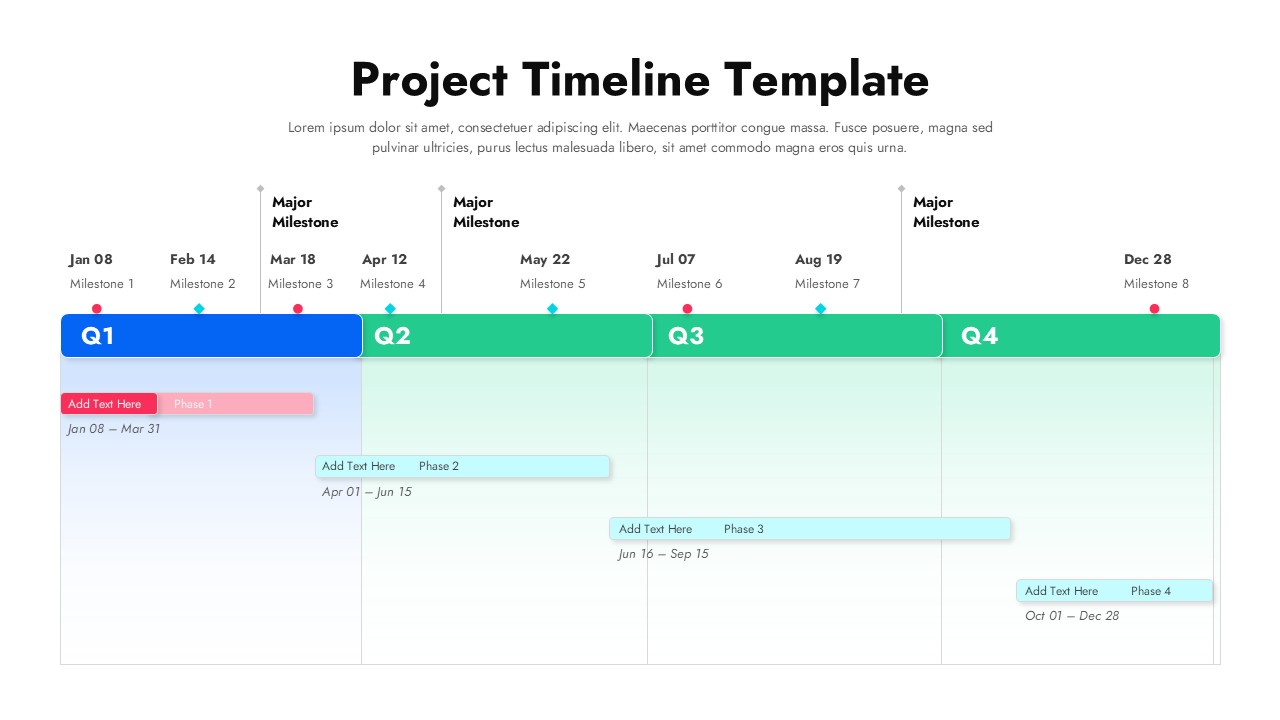
This quarterly project timeline slide is designed to help teams plan, track, and communicate progress across an entire year with clarity and structure. The layout divides the timeline into four clearly labeled quarters—Q1 through Q4 mapped horizontally to reflect a natural project flow. Each quarter contains editable phase bars with start and end dates, allowing users to visualize workload distribution, dependencies, and duration at a glance. Above the timeline, milestone markers with specific dates highlight major checkpoints, ensuring critical deliverables are never overlooked.
Built for strategic planning and execution, this project timeline template balances visual clarity with detailed scheduling. Color-coded phase bars differentiate stages of work, while milestone indicators align key events with the broader quarterly roadmap. The clean spacing, subtle gradients, and consistent typography make complex project data easy to understand for both internal teams and external stakeholders. Fully compatible with PowerPoint and Google Slides, this timeline template supports seamless editing, quick updates, and consistent formatting across platforms.
Whether you are outlining a new initiative or reporting on progress, this project timeline template helps transform abstract plans into a clear, actionable visual. By combining milestones, phases, and quarters in a single view, it enables better alignment, improved accountability, and more confident decision-making throughout the project lifecycle.
Features of this template
• Horizontal quarterly timeline divided into Q1, Q2, Q3, and Q4 for year-round planning.
• Editable phase bars with date ranges to represent project stages clearly.
• Milestone markers positioned above the timeline to emphasize major events.
• Clean, modern layout optimized for PowerPoint and Google Slides editing.
Why use this template
• Visualizes complex project schedules in one easy-to-read slide.
• Helps teams track milestones, phases, and deadlines simultaneously.
• Improves stakeholder communication with a clear quarterly roadmap.
• Saves time compared to building custom timelines from scratch.
Who is it for
Project managers, team leads, consultants, and operations professionals planning multi-month initiatives. It is also ideal for executives presenting roadmaps, product teams outlining development phases, and agencies sharing timelines with clients.
Login to download this file






