Circle Business Process 8-Step Diagram Template for PowerPoint & Google Slides
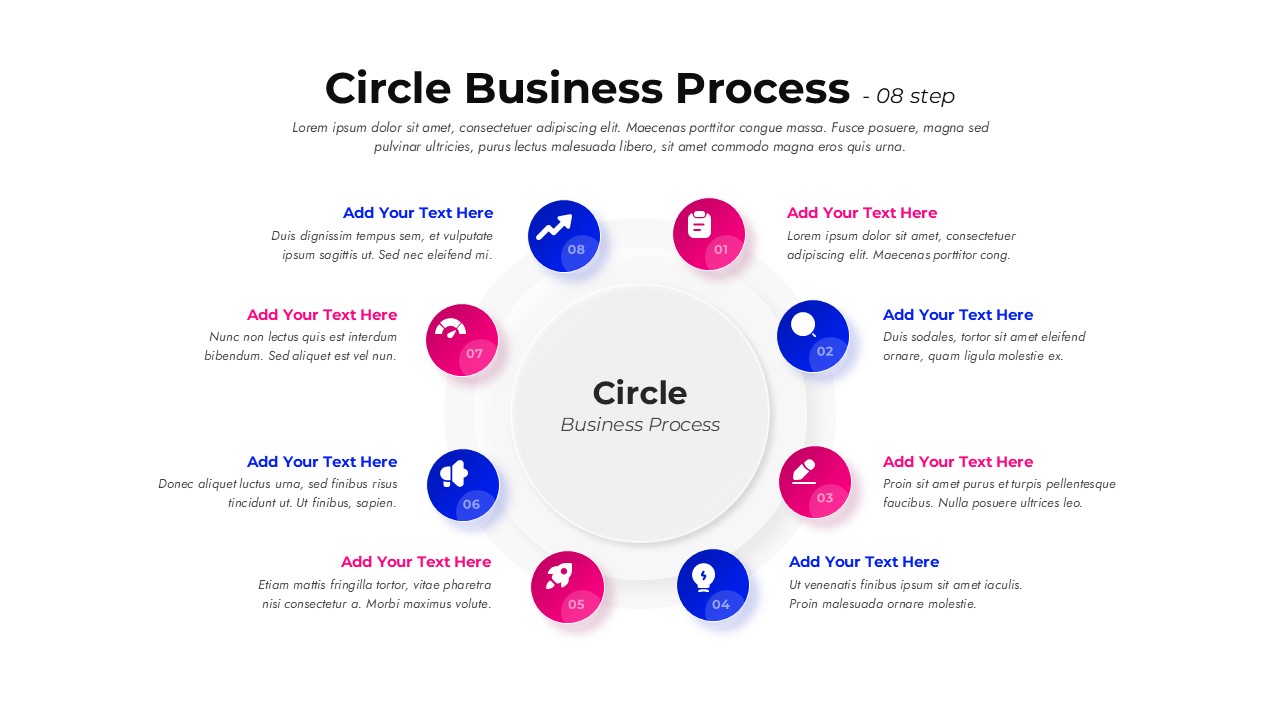
Eight-step circle business process slide with central hub and numbered circular icons arranged around a clean, modern layout.

This template is part of a deck featuring multiple slides. To check out all slides.

See All

Product Description

8-Step Circular Business Process Flow Presentation Template

This Circle Business Process slide is designed to visualize workflows that move through clear, repeatable stages in a continuous loop. Built around an eight-step circular structure, the layout places a central concept in the middle and surrounds it with evenly spaced nodes, each marked with numbers, icons, and short text areas. This structure makes the Circle Business Process easy to follow, helping audiences understand how each phase connects logically to the next. Clean typography, soft shadows, and balanced spacing ensure that complex operations are communicated with clarity and visual consistency.

The slide is fully editable and optimized for both PowerPoint and Google Slides, allowing you to adapt colors, icons, and labels to your brand or project context. The Circle Business Process framework works especially well for operational cycles, customer journeys, strategic loops, or system-based explanations where no single step is a true beginning or end. The numbered markers reinforce sequence, while the circular flow emphasizes continuity, improvement, and iteration across stages.

Whether used as a standalone infographic or as part of a larger deck, this Circle Business Process design supports professional storytelling. You can duplicate steps, replace icons, or adjust text density without breaking alignment. The result is a versatile visual that helps teams explain processes, align stakeholders, and present structured thinking in a polished, presentation-ready format that remains clear on any screen size.

Features of this Circle Business Process template

• Eight-step circular diagram with numbered nodes arranged around a central concept.
• Clear icon placeholders for fast visual recognition of each process stage.
• Balanced layout with consistent spacing for easy scanning and comprehension.
• Fully editable text, colors, and icons in PowerPoint and Google Slides.

Why use this template

• Explains recurring or cyclical processes in a simple, visual format.
• Improves audience understanding of step-by-step business workflows.
• Saves time compared to building complex circular diagrams from scratch.
• Maintains a clean, modern look suitable for professional presentations.

Who is it for

Business analysts, consultants, project managers, operations teams, and educators who need to present cyclical workflows, process models, or continuous improvement frameworks. It is also ideal for startups, corporate teams, and trainers explaining systems, methodologies, or recurring business activities.

Login to download this file

What do you think about this template? Give a rating




