Black Animated Flowchart Process Diagram Template for PowerPoint & Google Slides
This template is part of a deck featuring multiple slides. To check out all slides.
See All
Product Description
Interactive Decision Flowchart Presentation Template for PowerPoint & Google Slides
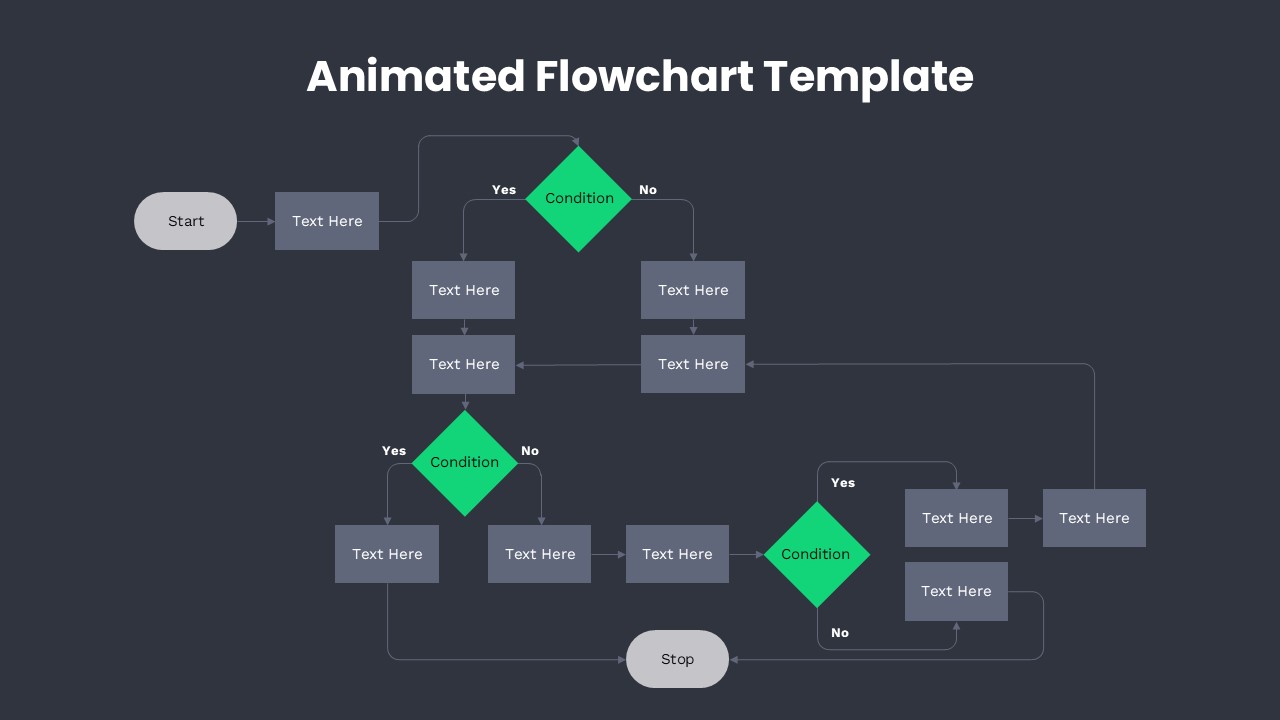
Present complex workflows with clarity using this Animated Flowchart https://slidesdepot.com/templates/flowchart/Process Diagram Template for PowerPoint & Google Slides. Designed to visualize step-by-step logic, this animated flowchart template combines process boxes, directional arrows, and diamond-shaped decision nodes to guide audiences through structured pathways. The layout begins with a rounded “Start” element, progresses through sequential text blocks, and branches into multiple condition-based outcomes labeled “Yes” and “No,” ensuring logical continuity across the slide.
This animated flowchart template emphasizes readability with a clean light background, contrasting grey process boxes, and bold green decision diamonds. The connectors and curved lines illustrate forward movement and feedback loops, making it ideal for mapping approvals, operational procedures, troubleshooting steps, or project workflows. Carefully aligned spacing and consistent typography enhance professional presentation standards while keeping content easy to scan during meetings.
Fully editable in both PowerPoint and Google Slides, the structure allows you to duplicate steps, adjust branches, and customize text placeholders without disrupting alignment. Use animations to reveal each stage progressively, reinforcing storytelling and maintaining audience focus. Whether outlining a business process, IT workflow, or customer journey, this Animated Flowchart Process Diagram Template for PowerPoint & Google Slides helps transform complex decision trees into streamlined visual narratives.
Features of this template
• Structured flowchart layout with start/end nodes, process boxes, and decision diamonds.
• Clear “Yes/No” branching paths for logical decision mapping.
• Balanced spacing with curved connectors and directional arrows.
• Fully editable text placeholders, shapes, and colors.
• Compatible with PowerPoint and Google Slides with animation support.
Why use this template
• Simplifies complex workflows into easy-to-follow visual steps.
• Enhances audience understanding during process explanations.
• Supports dynamic storytelling with progressive animations.
• Saves time designing structured diagrams from scratch.
Who is it for
Project managers, business analysts, operations teams, IT professionals, and consultants who need to present workflows, approval processes, or decision trees clearly. It is also ideal for educators explaining logical sequences, startups outlining user journeys, and corporate teams documenting standard operating procedures.
Login to download this file






