Vertical Pros and Cons Arrow Comparison Slide Layout
This template is part of a deck featuring multiple slides. To check out all slides.
See AllProduct Description
Pros and Cons Up and Down Arrow Presentation Template
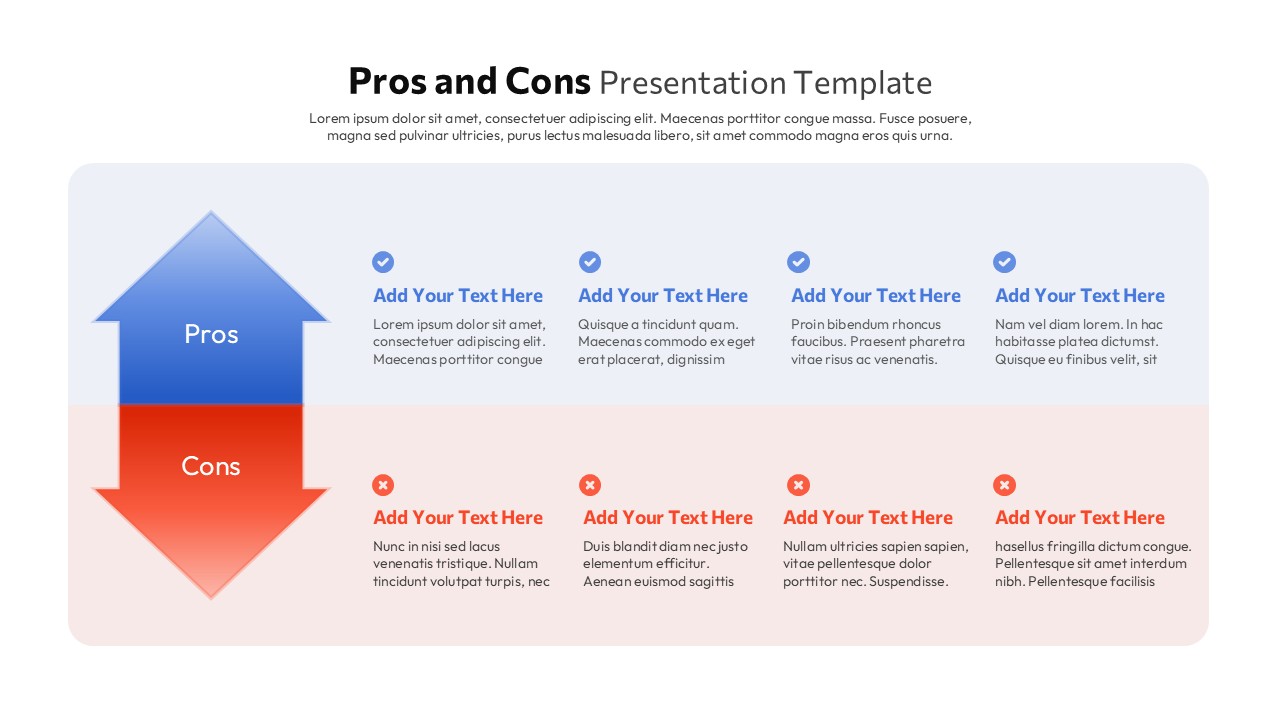
Present balanced arguments with clarity using this Pros and Cons Arrow Comparison Slide Template for PowerPoint & Google Slides. Designed with a bold vertical arrow layout, this pros and cons slide visually separates advantages and disadvantages into two clearly defined sections. The upper blue arrow highlights the “Pros,” while the lower red arrow emphasizes the “Cons,” creating a strong visual contrast that instantly communicates opposing viewpoints. On the right side, structured text placeholders with check and cross icons allow you to list key points in an organized, easy-to-scan format.
This pros and cons slide is ideal for decision-making meetings, product evaluations, strategic discussions, and classroom debates. The clean typography, soft rounded background container, and balanced spacing contribute to a professional and modern appearance. Fully editable in both PowerPoint and Google Slides, you can customize colors, icons, and text to match your brand identity or presentation theme. The pros and cons framework ensures your audience can quickly compare benefits and drawbacks, making complex choices easier to understand and discuss.
Whether you are assessing a new business initiative, comparing service options, or reviewing project risks, this pros and cons layout helps you communicate insights logically and persuasively. By combining a strong directional arrow graphic with concise bullet-style content blocks, the slide enhances visual storytelling while maintaining a structured comparison format.
Features of this template
• Large vertical up and down arrow graphic to represent pros and cons clearly.
• Color-coded sections (blue for pros, red for cons) for instant differentiation.
• Multiple text placeholders with icon markers for structured comparison points.
• Clean, rounded background panel with modern typography.
• Fully editable elements in PowerPoint and Google Slides.
Why use this template
• Simplifies complex decisions by organizing advantages and disadvantages visually.
• Encourages balanced discussions in meetings, workshops, and classrooms.
• Enhances audience engagement with strong visual hierarchy.
• Saves time with a ready-to-use, professional comparison layout.
Who is it for
Business professionals, project managers, consultants, educators, and students who need to present balanced evaluations or compare options effectively. It is especially useful for strategy sessions, product analysis, risk assessments, investment discussions, classroom debates, and team decision-making workshops.
Login to download this file






