




Colorful Event Timeline Agenda Layout Design for PowerPoint & Google Slides
Modern Event Timeline Presentation Template
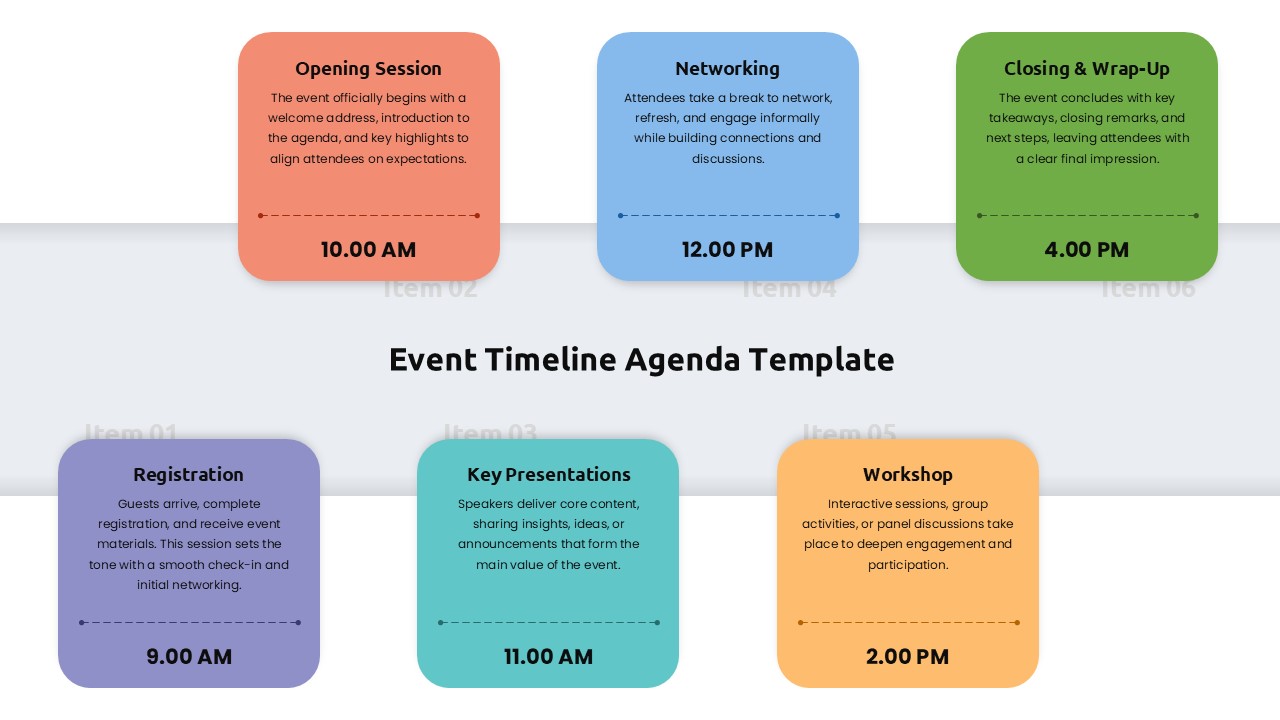
Keeping track of a busy event schedule can be a headache, but this Modern Event Timeline Presentation Template for PowerPoint and Google Slides makes it much easier. Instead of showing a dry list of times, it uses six colorful cards to walk your audience through the day’s activities in a way that actually makes sense. Each segment is connected by dashed arrows that show exactly how the event flows from one session to the next.
Tailored for Professional Agendas
Vibrant Visual Cues: Uses a professional palette of coral, sky blue, forest green, purple, teal, and orange to help people distinguish between different parts of the day at a glance.
Time-Stamped Clarity: Features a dedicated layout for specific timing, which is perfect for mapping out everything from morning registration to the final closing wrap-up.
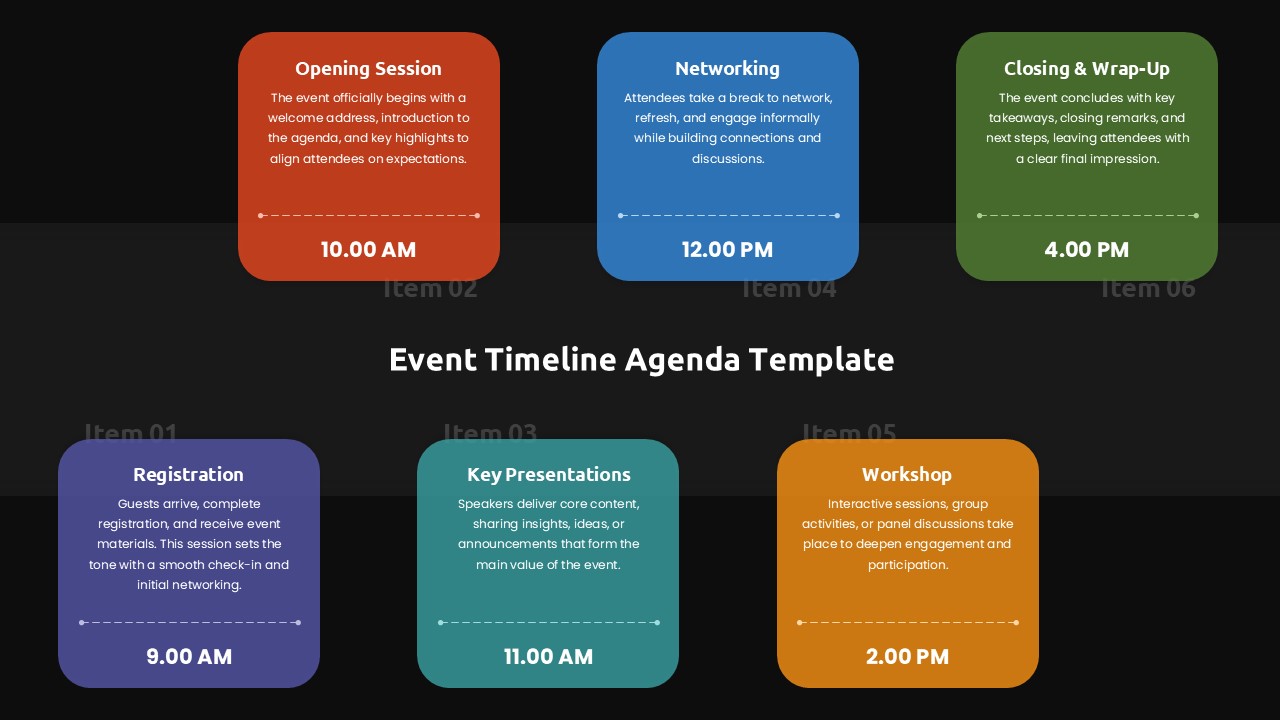
Flexible Themes: Comes with both light and dark background versions, so you can pick the one that looks best on your conference screen or in your virtual meeting.
Full Customization: You can easily swap out the colors, change the text, or adjust the time slots to fit your team’s specific brand or meeting needs.
Ready-to-Use Structure: Designed to save you hours of formatting time by providing a polished, six-segment framework that is ready for your content right away.
This Modern Event Timeline Presentation Template is a great tool for event planners, project managers, or anyone leading a corporate workshop. It takes the guesswork out of event coordination by giving your stakeholders a clear, visual map of the entire schedule. Whether you’re organizing a product launch or a team training session, this layout helps keep everyone on the same page and ensures the day runs smoothly.
Login to download this file


Related Templates

Affiliate Marketing Diagram Templates
Marketing
Supply Chain Management Templates
Strategy


