




Concave Heptagon PowerPoint & Google Slides Templates
Concave Heptagon Diagram Template
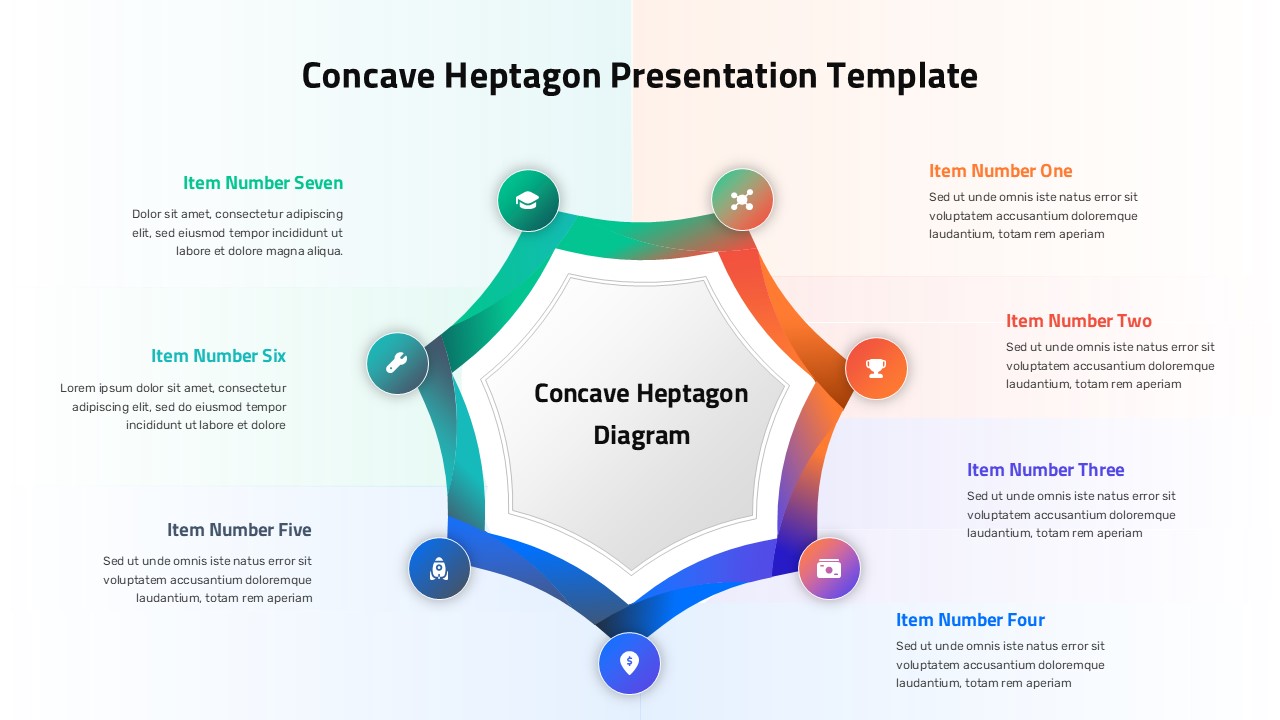
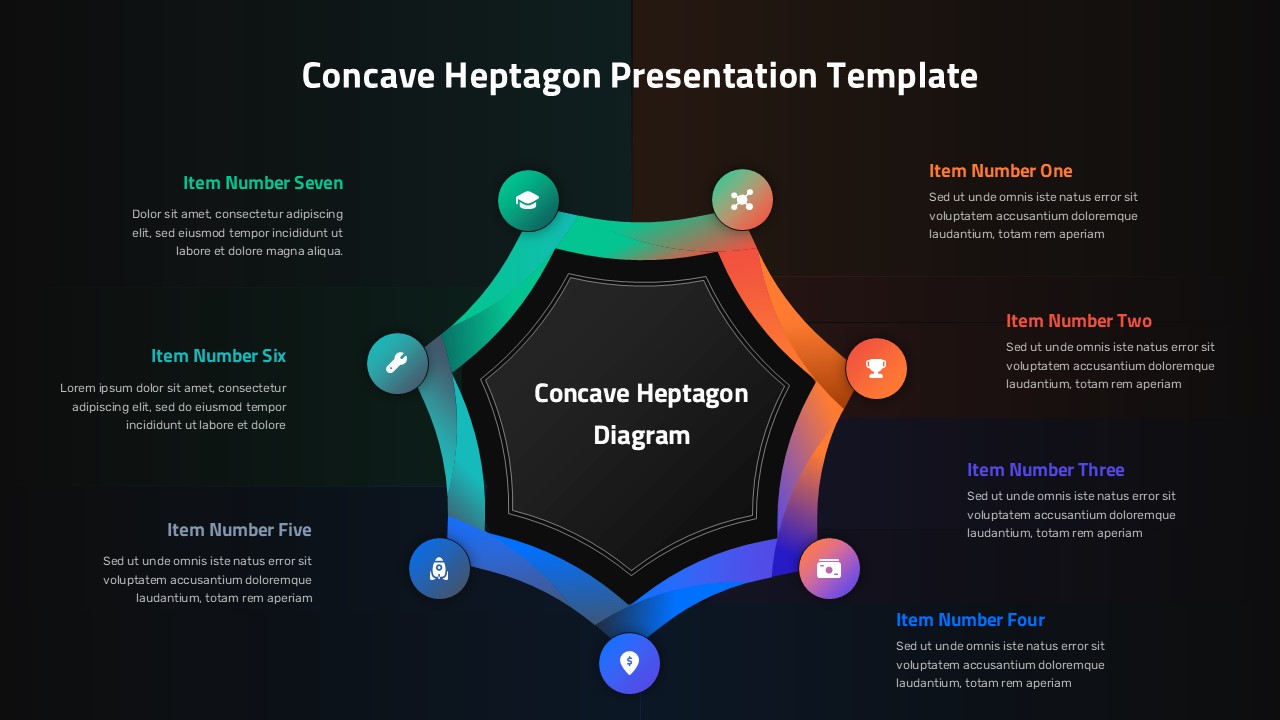
Seven components, one clean diagram this template solves the problem most presenters hit when they need to explain something with seven moving parts without losing their audience halfway through. The concave heptagon sits at the center with each arm curving outward in a smooth gradient from teal to orange to blue, with a labeled icon circle at every point and a description block alongside it. The result is a slide that feels designed, not assembled the kind your audience actually reads instead of half-listening through. It’s sharp enough for a client-facing deck, structured enough for a strategy meeting, and clear enough for a classroom. Both slides are fully editable in PowerPoint and Google Slides swap the icons, rewrite the labels, change the colors to match your brand, and it’s yours.
What You Get
Central heptagon shape with 7 curved arms radiating outward – clean, symmetrical, and instantly readable
Smooth teal-to-blue gradient color flow across the full diagram – looks custom-designed out of the box
Circular icon badge at each of the 7 points – replace with any icon that fits your content
Individual title and description text block for every section – structured and easy to fill in
Light background with subtle two-tone panel split – works well for both presentations and printed handouts
Fully editable shapes, colors, icons, and text in PowerPoint and Google Slides
No design skills needed – open, edit, and present
2 slides included – light and dark variants ready to use
Login to download this file
Template Variations


