




Interior Design Trends PowerPoint & Google Slides Templates
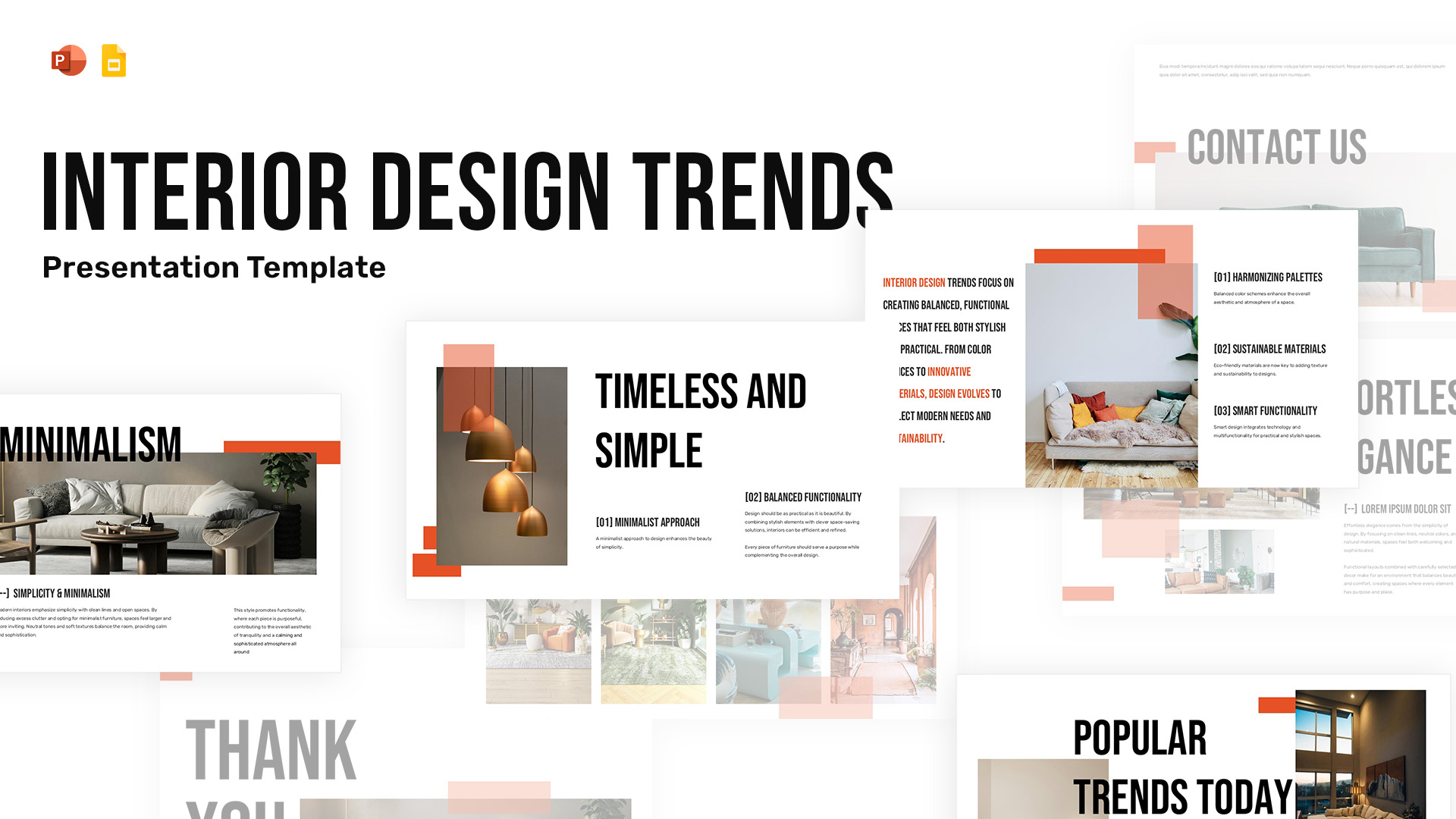
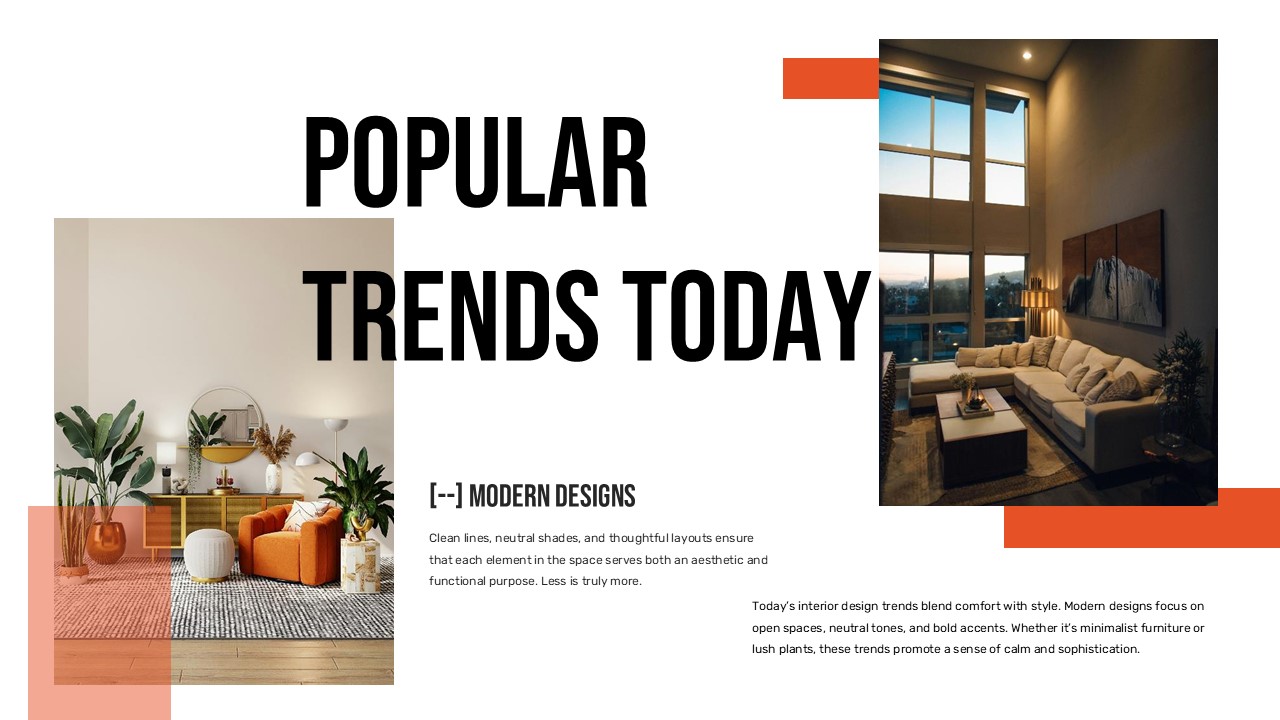
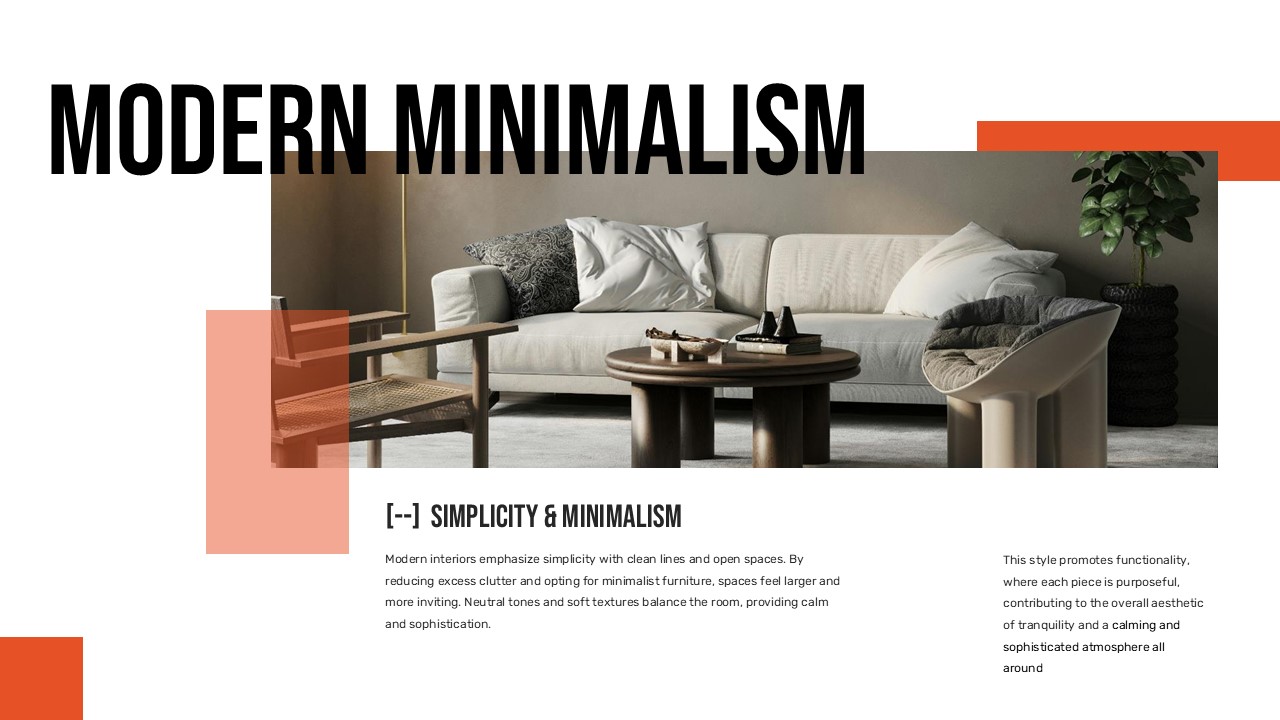
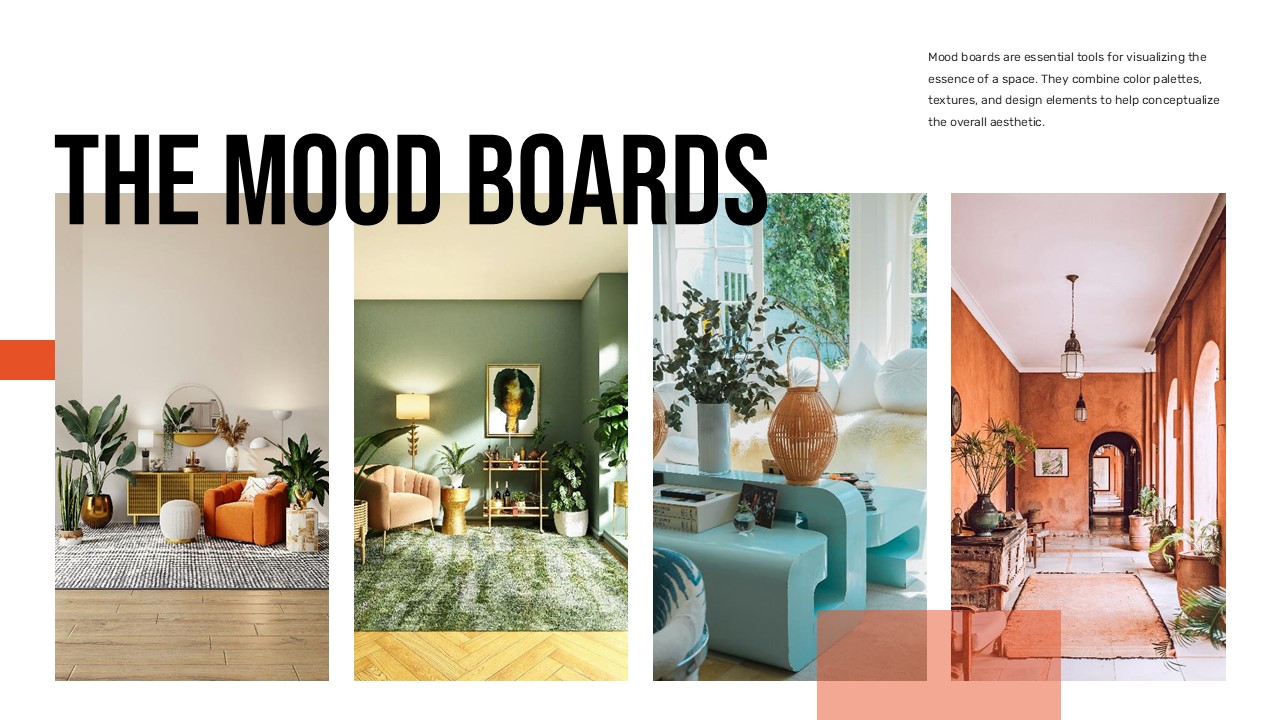
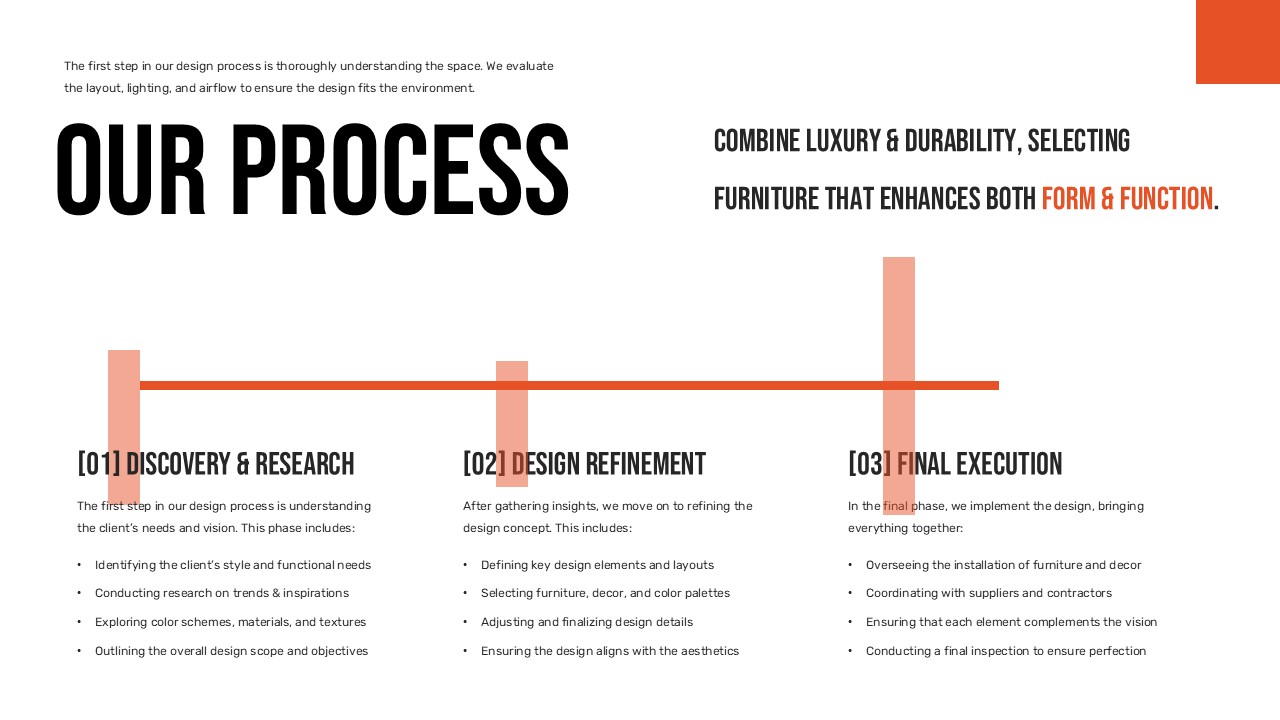


The Interior Design Trends Template Built for Design Professionals
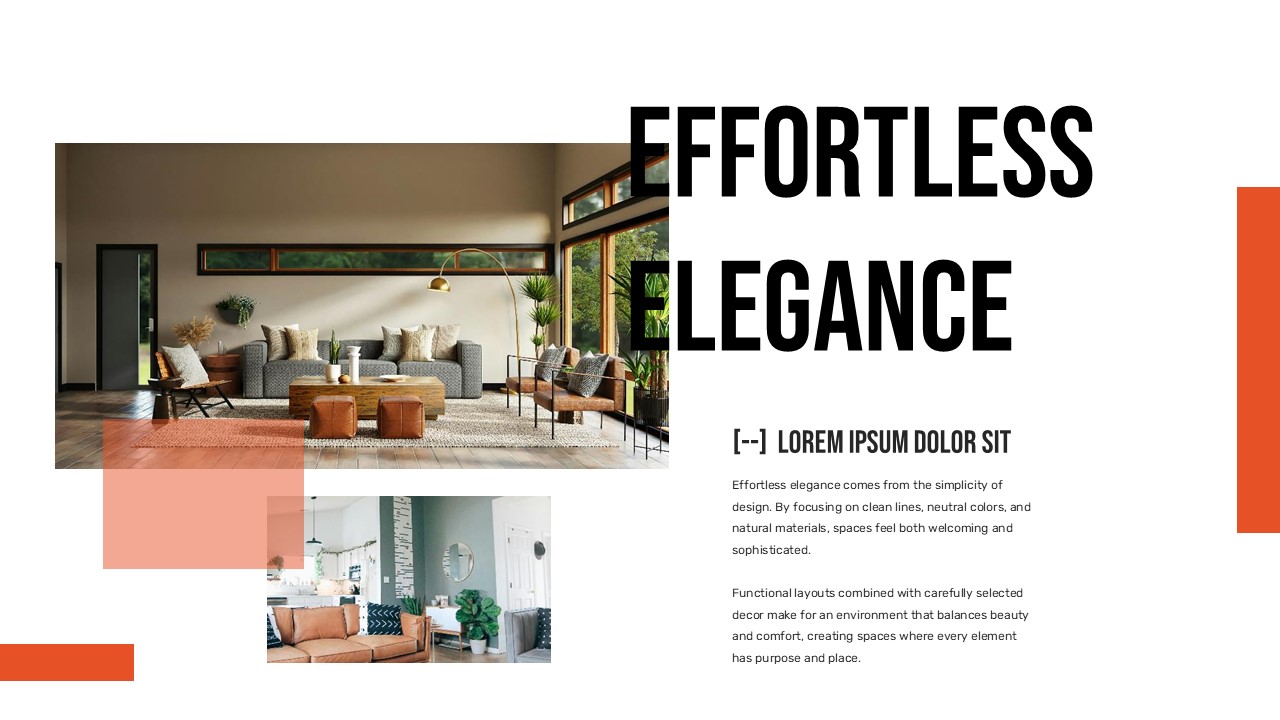
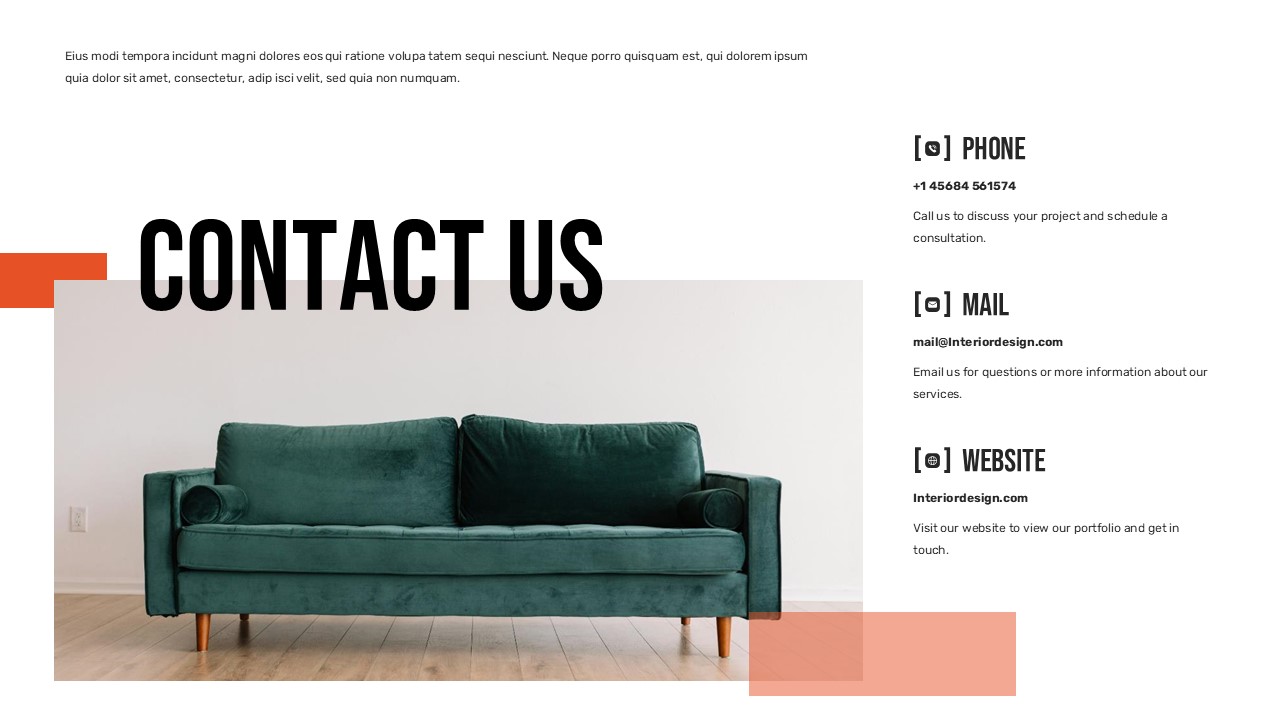
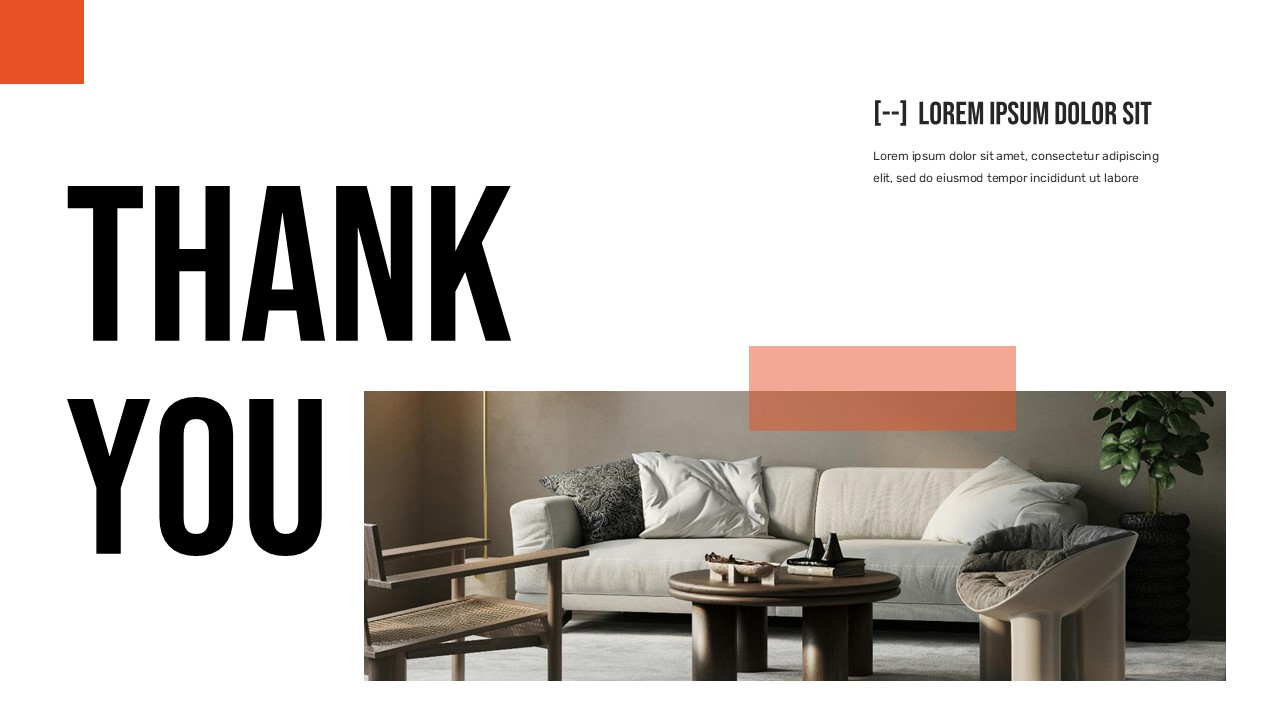
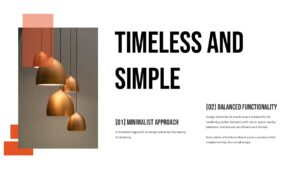
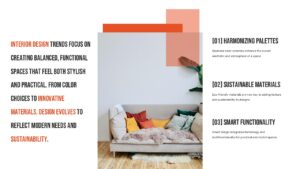
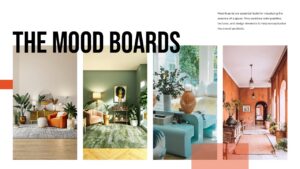
There’s a certain satisfaction in opening a presentation template that just gets it where the layout feels considered, the typography has personality, and the whole thing looks like a design studio put it together. The Interior Design Trends presentation template from SlidesDepot is exactly that kind of find. Whether you’re pitching a renovation concept, walking a client through a mood board, or presenting a trend report for a design publication, this deck gives you a polished visual foundation without spending hours building one from scratch.
Where to Use This Template
This template fits naturally wherever design sensibility matters. Think interior architects presenting concept proposals, design students preparing studio critiques, real estate developers showcasing residential project aesthetics, or lifestyle brands running trend briefings for their creative teams. It also works well for content creators producing educational slide decks around home décor and contemporary living spaces.
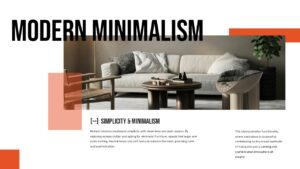
Because the layout balances editorial imagery with structured text blocks, it handles both visual-heavy storytelling and more detail-oriented content with equal ease.
Why the Design Works
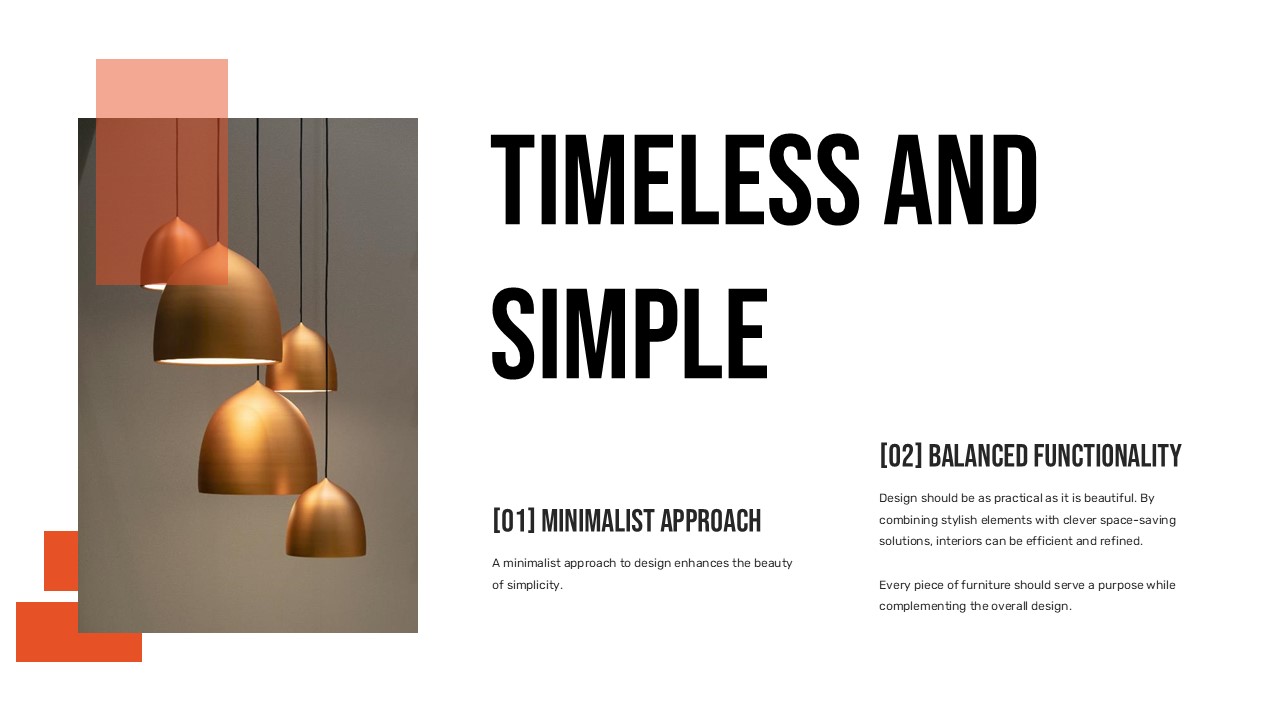
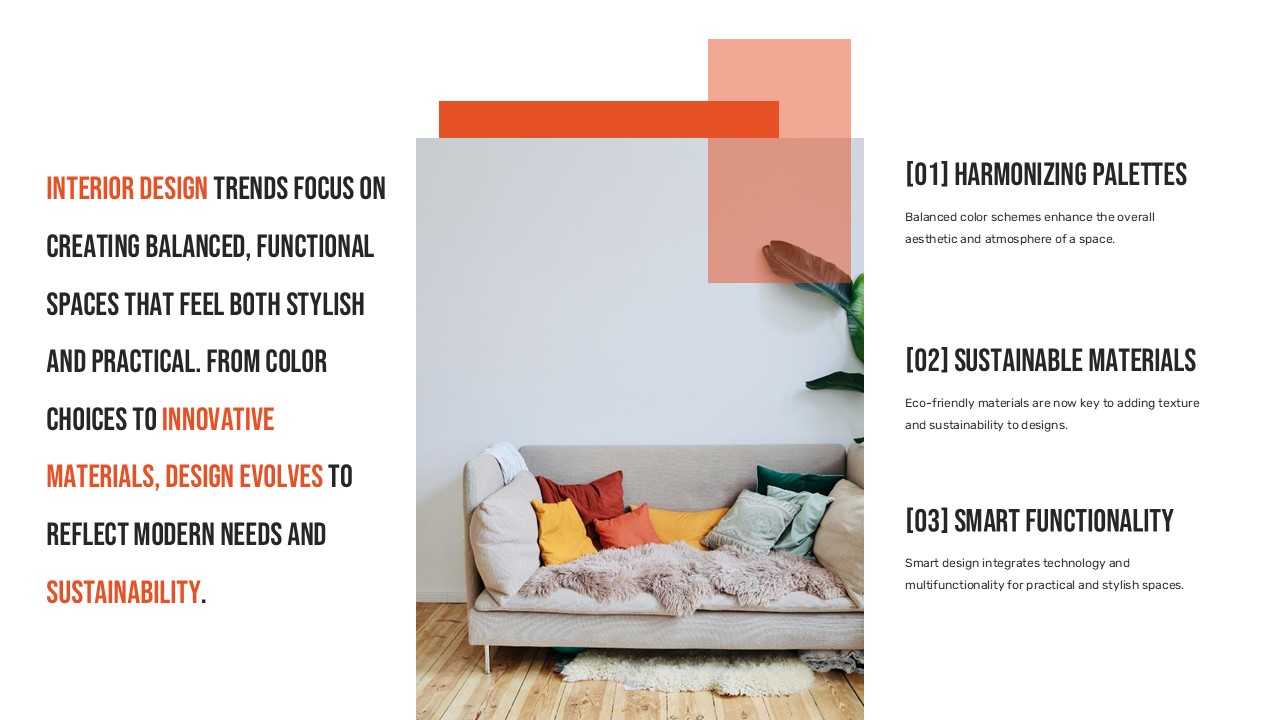
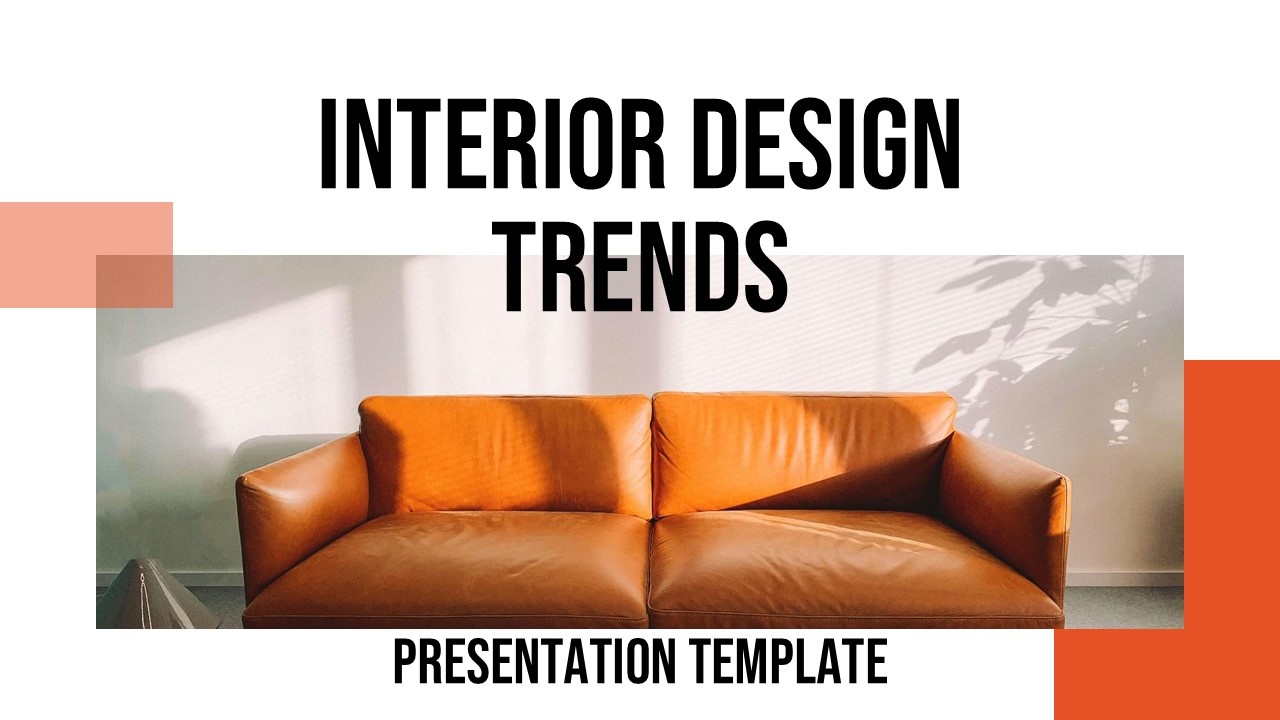
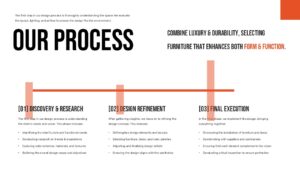
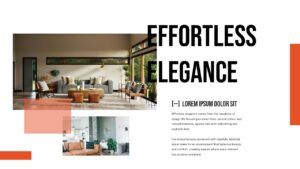
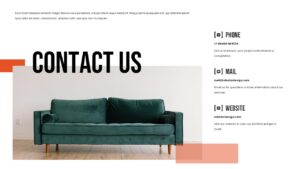
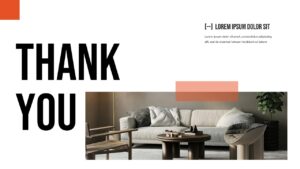
The color palette warm neutrals punctuated by terracotta orange accents mirrors the actual language of contemporary interior design. It’s not a coincidence; it signals credibility the moment your audience opens the first slide. The bold, condensed display font creates confident section headers, while the body text stays clean and readable without fighting for attention.
The geometric accent shapes (those small orange rectangles scattered across the layout) do a lot of quiet work. They create visual rhythm and guide the eye a technique straight out of editorial magazine design. Nothing feels accidental here.
Editing & Customization
Both the PowerPoint template and Google Slides template versions are fully editable. Swap in your own photography, update the brand colors, or replace placeholder text with your project specifics. The slide organization is logical intro, concept section, trend breakdowns, supporting detail slides, and a closing — so you can reorder or remove slides without the deck losing coherence.
For presentations with strict brand guidelines, replacing the orange accent color globally takes about thirty seconds.
Presentation Advice
Keep image choices consistent in tone and temperature warm, natural light photography reads far better here than cold, high-contrast stock photos. When presenting live, let the full-bleed image slides breathe; resist the urge to fill every slide with text. Your audience will retain more when each slide carries one clear idea.
Key Features
- Clean, magazine-style slide layouts
- Editable in PowerPoint and Google Slides
- Warm, contemporary color palette with orange accents
- Image placeholder frames for easy photo swapping
- Organized slide flow: intro → concept → trends → closing
- Suitable for both client presentations and internal team decks
Login to download this file


Related Templates


Two Truths and a Lie PowerPoint Template
Education
AI Tech Deck Pitch PowerPoint Templates
Technology


