




Data Strategy Roadmap PowerPoint & Google Slides Templates
Data Strategy Roadmap
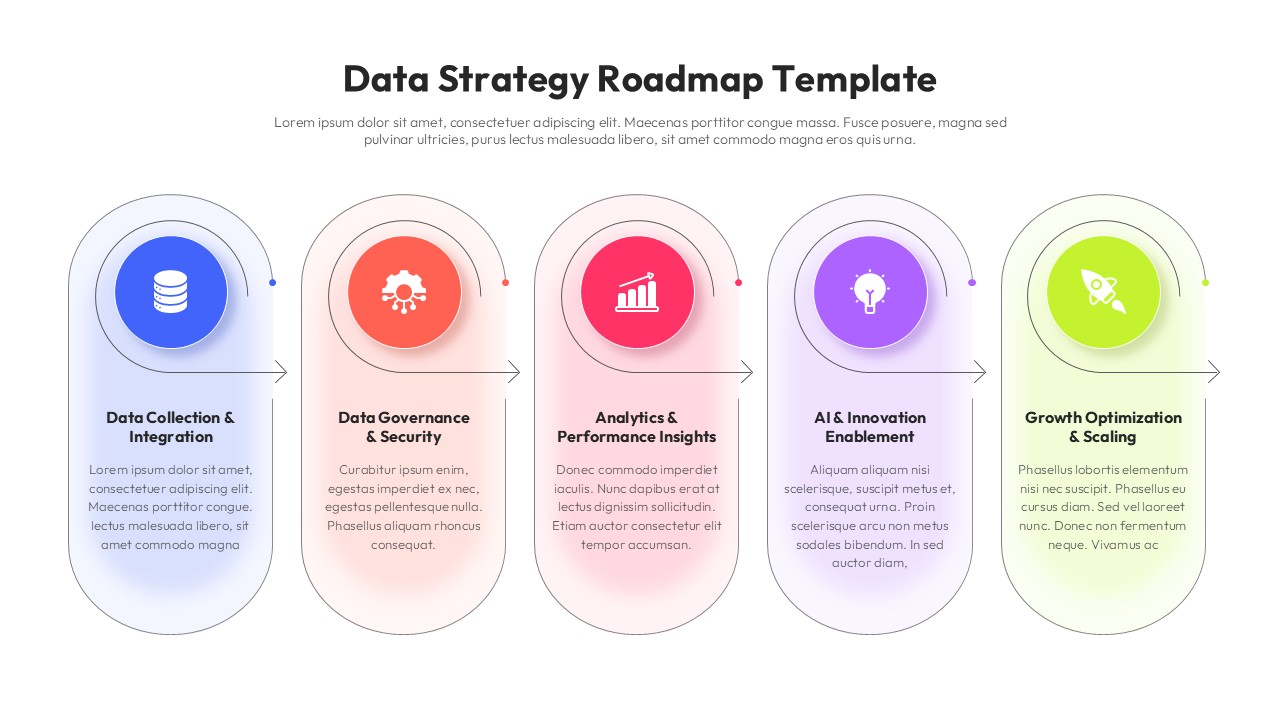
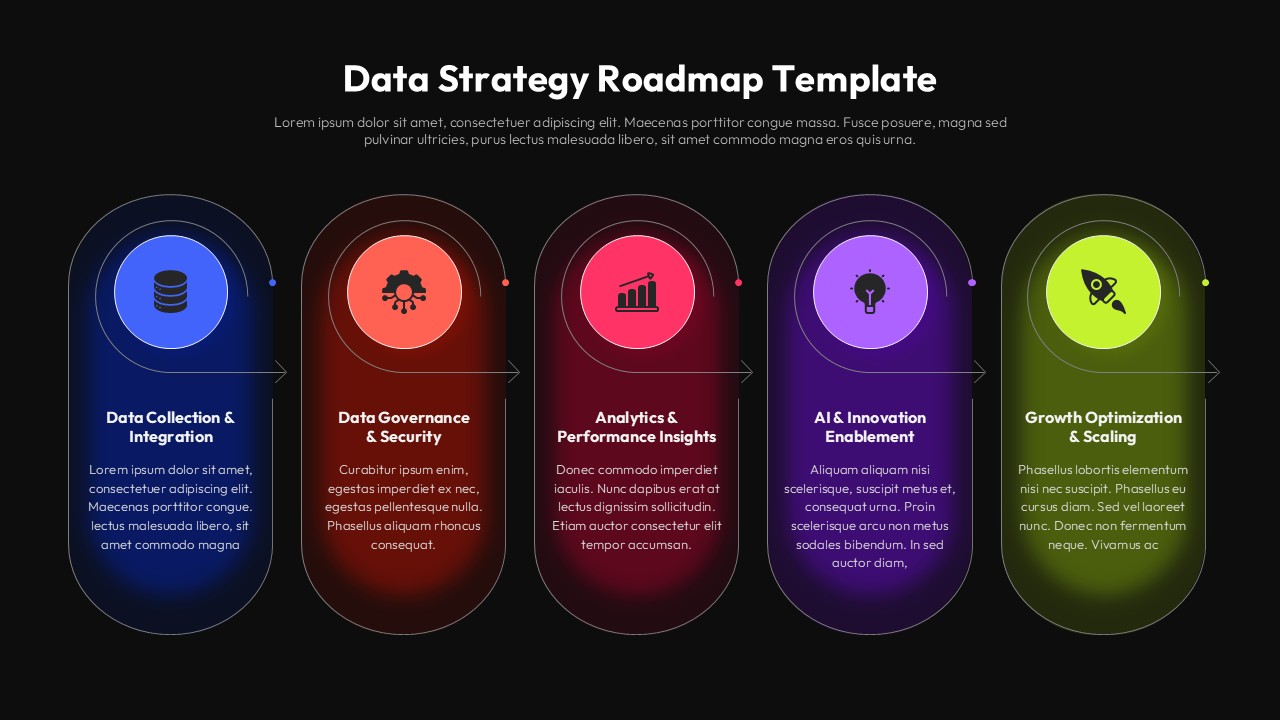
Turning data goals into a coherent plan is one of the harder things any organization tries to do. Numbers, initiatives, and stakeholders often pull in different directions—and that’s exactly where a well-structured visual framework pays off. The Data Strategy Roadmap Template from SlidesDepot gives teams a clean, five-stage layout to communicate priorities, sequence efforts, and align decision-makers without burying them in spreadsheets.
Who Uses This Template and Why
This isn’t just a slide for data teams. Product managers, CIOs, business analysts, and consultants regularly rely on roadmap formats to pitch transformation plans, align cross-functional departments, and document phased execution. The five-column structure maps naturally to real strategic phases: data collection, governance, analytics, AI enablement, and scaling—making it immediately applicable rather than generic.
Startups presenting to investors, enterprises running digital transformation programs, and agencies building client-facing strategies all find something useful here.
Design That Works Out of the Box
Each stage uses a distinct color and icon combination, which speeds up comprehension in live presentations. The soft gradient backgrounds inside each rounded card reduce visual noise while still keeping sections visually separated. Arrow connectors between columns reinforce the sequential, phase-by-phase logic of a roadmap without cluttering the slide.
The layout holds up at a distance—an important consideration when presenting in larger meeting rooms or on projected screens where fine detail disappears fast.
Full Editing Flexibility
Every element in this editable slides package is unlocked. As a PowerPoint presentation file, you can swap icons, rewrite stage titles, change accent colors to your brand palette, or reorder sections entirely. The same template is available as a Google Slides template, so remote and collaborative teams can edit in-browser without version conflict headaches.
Text boxes, shapes, and icons are all independently selectable—no need to ungroup complex objects or fight with locked layers.
Presentation Insights
Roadmaps work best when they’re tied to outcomes, not just activities. When customizing this template, replace the placeholder body text with one specific outcome per stage rather than a list of tasks. That shift—from “what we’ll do” to “what success looks like”—lands more effectively with executive audiences and keeps discussion focused.
Pairing this slide with a KPI dashboard or a timeline view creates a strong narrative arc for data-strategy presentations.
Template Features at a Glance
- Five-stage horizontal roadmap layout
- Distinct icon and color coding per phase
- Fully editable text, icons, and color scheme
- Compatible with PowerPoint and Google Slides
- Widescreen (16:9) format
- Clean, minimal aesthetic suitable for corporate and executive audiences
- Instant download from SlidesDepot
Login to download this file


Related Templates

Cloud Adoption Roadmap Templates
Process
Supply Chain Management Templates
Strategy


