




Affinity Diagram PowerPoint & Google Slides Templates
Affinity Diagram Slide Template
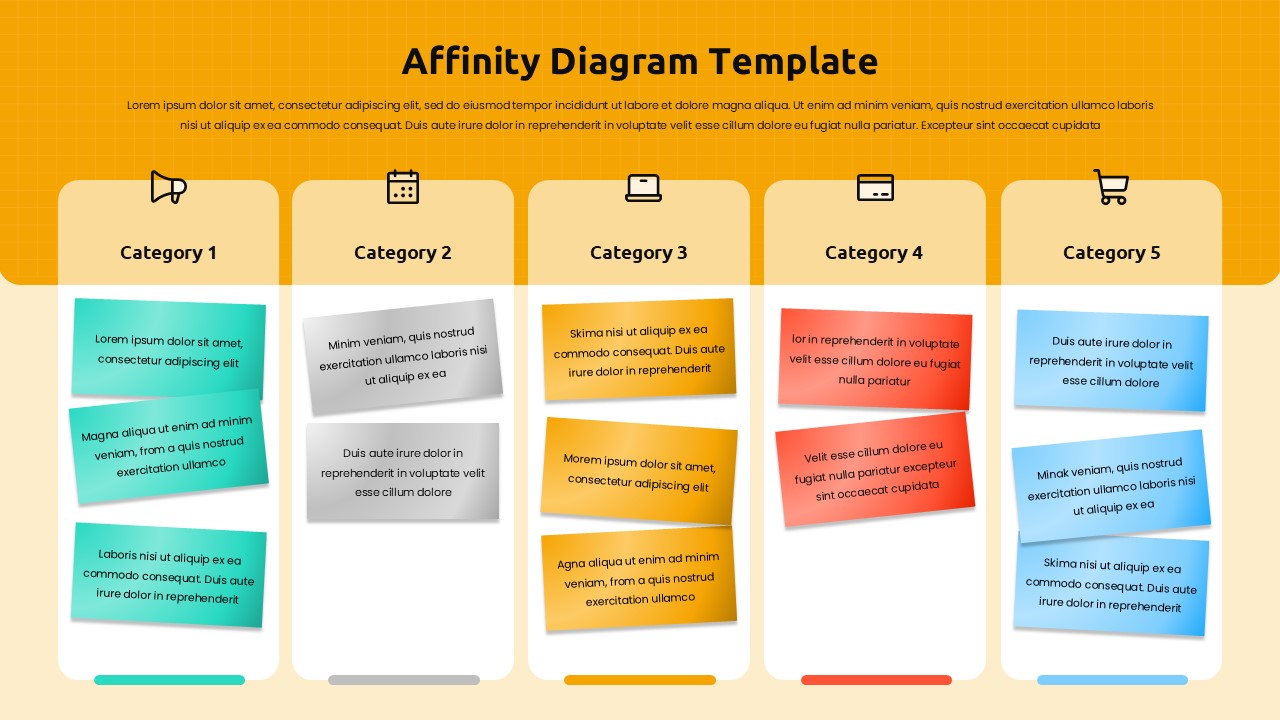
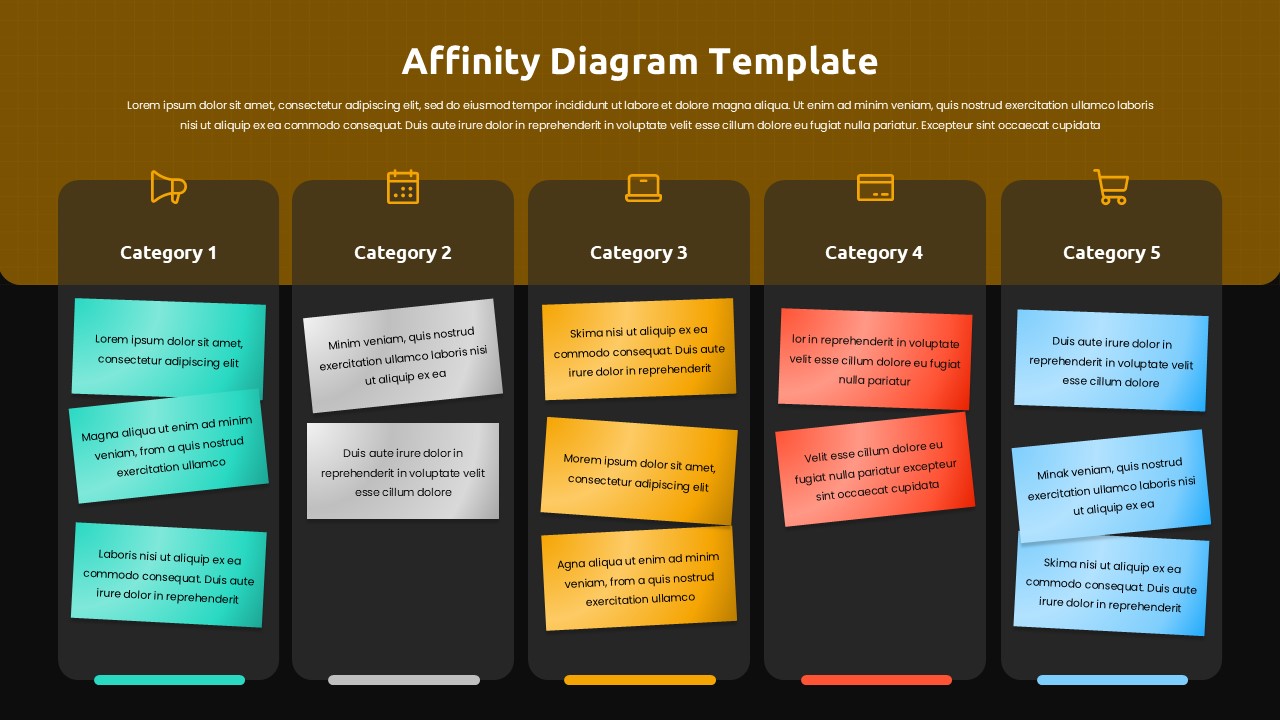
The Affinity Diagram Template for PowerPoint & Google Slides is a powerful visual tool designed to help teams organize large volumes of ideas, observations, and data into clearly defined categories. Built around a clean five-column layout, this template makes it easy to group related concepts, surface meaningful patterns, and transform unstructured thinking into actionable insights. Each column features a distinct category header with supporting icons, color-coded content blocks in varying sizes, and horizontal identification bars that keep information visually separated and easy to scan. Both a light and a dark theme are included, with warm gradient backgrounds that create a professional yet approachable aesthetic suited for workshops, research sessions, and collaborative planning activities.
Whether you are leading a team brainstorm, synthesizing user research findings, or working through a complex problem, this template gives your group a shared visual structure that makes collaboration faster and more productive. The intuitive layout reduces the cognitive load of organizing ideas in real time, letting participants focus on thinking rather than formatting.
Features of this Template
- Five-column categorization layout with customizable headers and supporting icons
- Color-coded content blocks in multiple sizes for flexible idea grouping
- Horizontal identification bars for clear visual separation between categories
- Light and dark theme variations included for different presentation contexts
- Warm gradient backgrounds with a modern flat design aesthetic
- Fully editable text, colors, icons, and layout structure
- Compatible with both PowerPoint and Google Slides
Why Use This Template
- Simplifies the process of organizing and categorizing large sets of ideas
- Provides a shared visual framework that keeps team collaboration focused
- Helps identify patterns, themes, and priorities hidden within complex data
- Saves setup time so teams can spend more energy on actual problem-solving
- Adaptable to any industry, project type, or workshop format
Who Is It For
This template is ideal for project managers running team workshops, UX researchers synthesizing user interviews and feedback, business analysts organizing requirements and findings, consultants facilitating strategic planning or process improvement sessions, team leaders driving collaborative problem-solving activities, and educators teaching structured thinking and group analysis techniques. If your work involves making sense of many ideas at once, this affinity diagram gives your team the visual clarity to move from chaos to conclusions with confidence.
Login to download this file


Related Templates

Cloud Adoption Roadmap Templates
Process
Supply Chain Management Templates
Strategy


