




Students Presentation PowerPoint & Google Slides Templates

Students Presentation
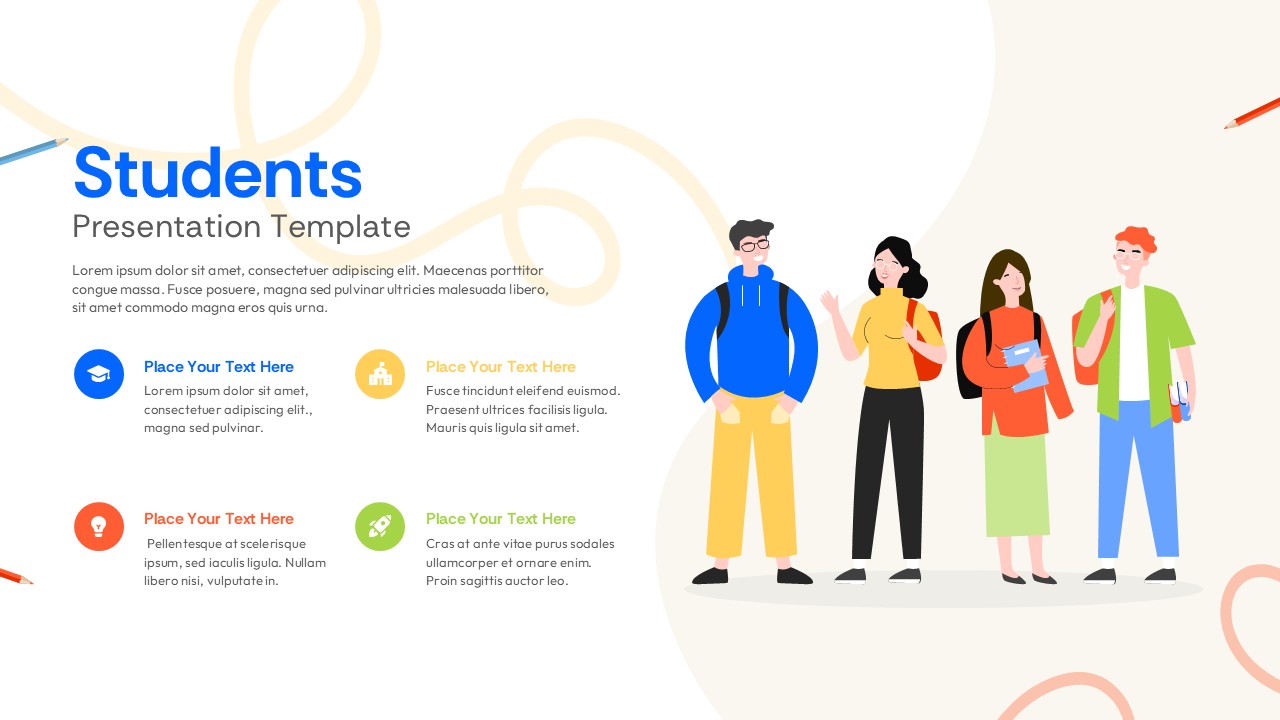
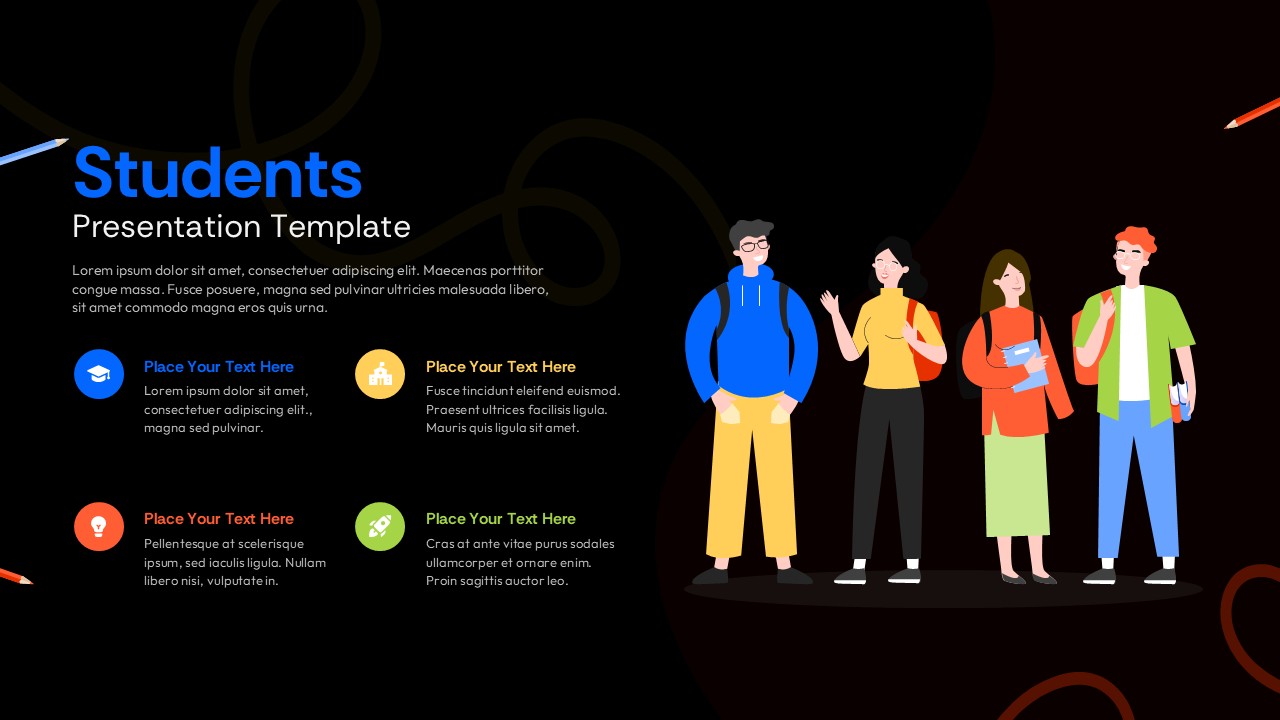
This students presentation template solves the usual problem with academic slide decks, either thrown together at the last minute or over-designed in a way that distracts from the content, by giving you an asymmetric two-column layout where illustrated students sit on one side and structured, easy-to-scan text sits on the other. A 2×2 icon grid runs through the deck, pairing a graduation cap, school building, lightbulb, and rocket with blue, yellow, orange, and green accents, so every major point in your students presentation gets a clear visual anchor instead of getting lost in a wall of text. The template ships in two themes: a warm cream light mode suited to classroom projectors and daytime settings, and a deep black dark mode built for digital sharing, evening presentations, or online course platforms, and both use the same typography, layout logic, and flat-design doodle illustrations, so switching between them doesn’t mean rebuilding your students presentation from scratch. This format fits a wide range of academic situations, including class projects, research presentations, portfolio showcases, course introductions, e-learning overviews, and student club pitches, and it works just as well for teachers and professors building lesson materials as it does for students preparing coursework. Every element in this students presentation, text, icons, colors, and illustration sizing, is fully editable directly inside PowerPoint or Google Slides, with no design software required and no cost to download, so once your content is in place, you’re ready to present without spending extra time on formatting.
Login to download this file


