




3 Components Wheel Diagram Templates
3 Components Wheel Diagram
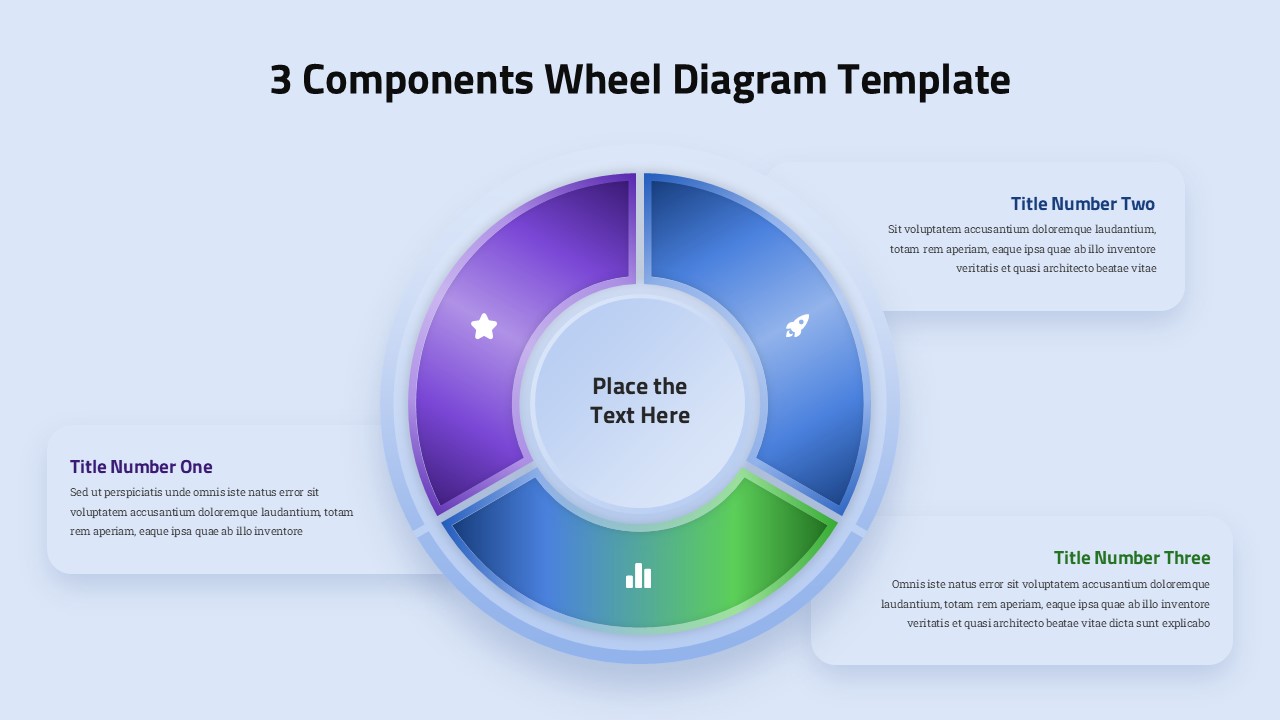
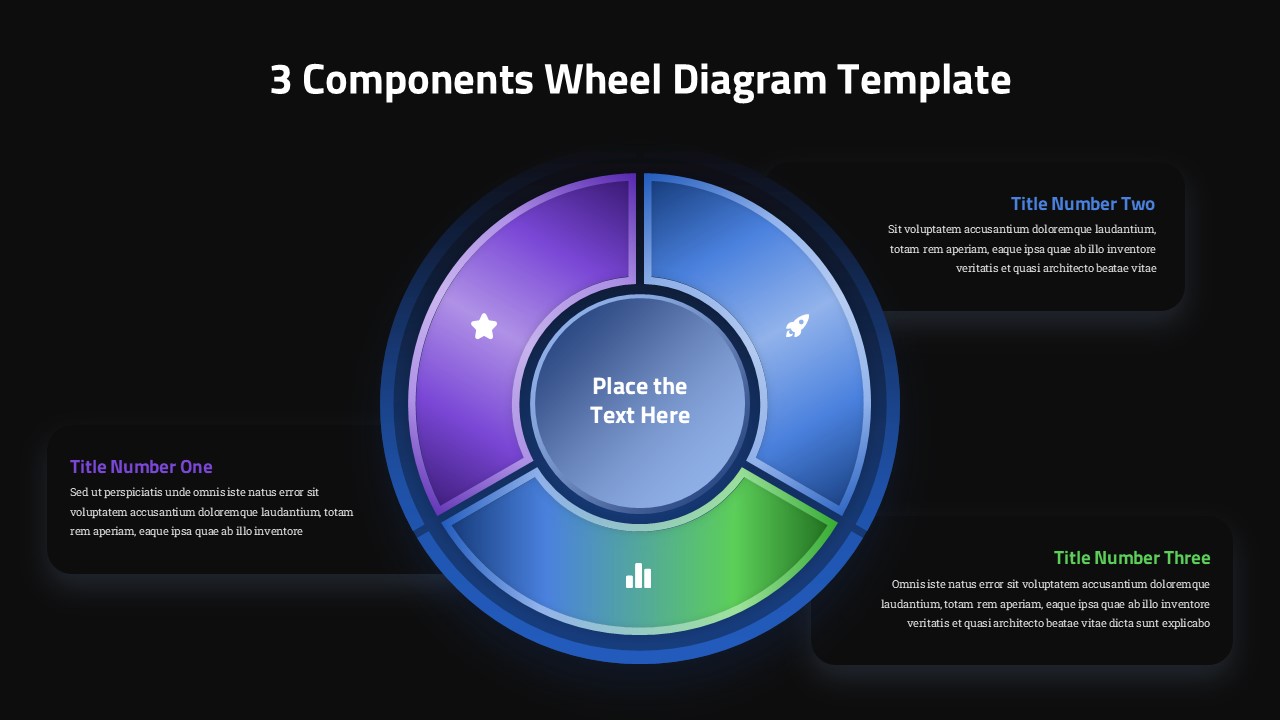
Three curved segments wrap around a central hub to form this 3 Components Wheel Diagram Template, a circular layout built for presenting related ideas without forcing them into a straight list. The wheel format naturally suits anything with three interconnected parts, whether that’s a business process, a leadership framework, or a set of product features that all support one central concept.
The center of the wheel holds an open circle currently marked “Place the Text Here,” reserved for the core theme that ties the surrounding pieces together, a company name, project title, or main takeaway. Around it, three segments each carry a distinct gradient (purple, blue, and green) and a white icon placeholder at their midpoint, so the diagram reads clearly even at a glance across a room.
Supporting text lives outside the wheel itself, in three rounded callout boxes positioned around the diagram. Each box pairs a bold, color-matched heading with two to three lines of descriptive copy, giving enough space to explain a component without cluttering the circular graphic. This separation between visual and text keeps both elements easy to scan.
Everything in this diagram, the ring segments, icons, gradients, and callout text, is built from standard PowerPoint shapes, so nothing requires outside software to edit. Recolor a segment, drag an icon in from PowerPoint’s built-in library, or rewrite any heading and paragraph directly on the slide. The file also comes with a matching Google Slides version for teams that collaborate in the browser.
This template suits three-step workflows, pillar-based strategy slides, comparison overviews, and any circular diagram where three components need to sit around a shared center point.
Login to download this file


