




Diamond Shape PowerPoint Templates
Diamond Shape Presentation Template
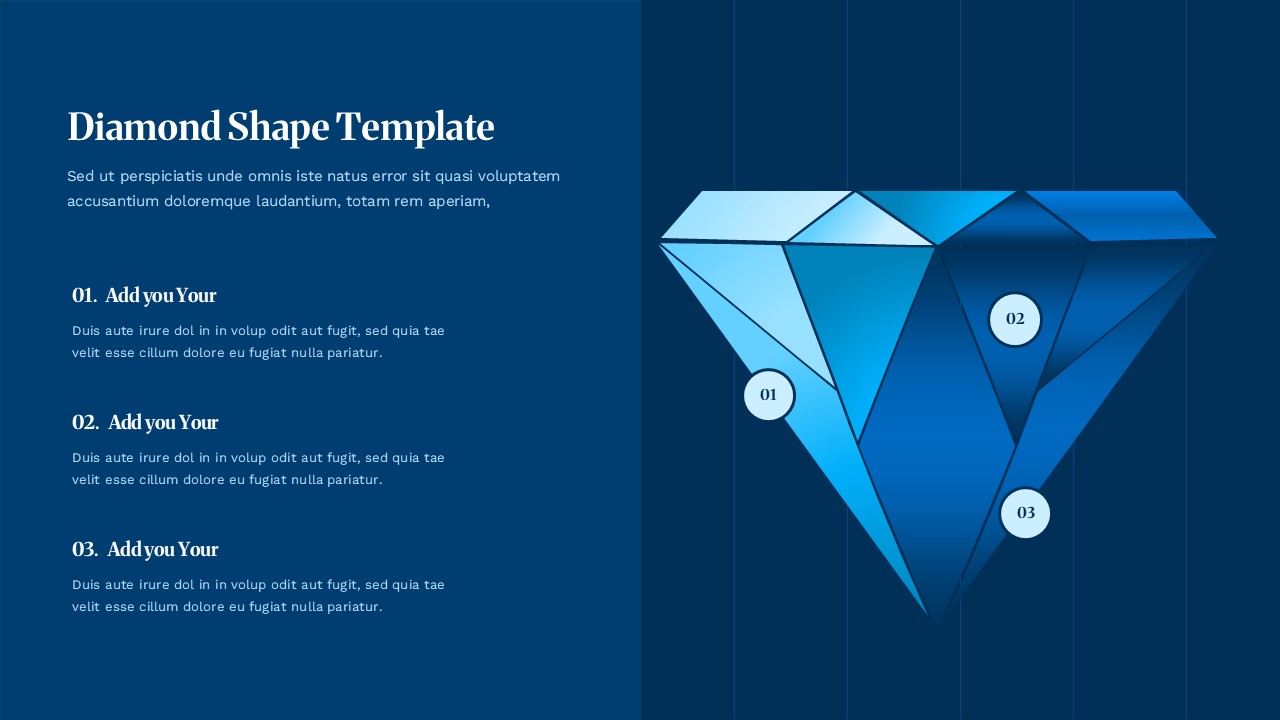
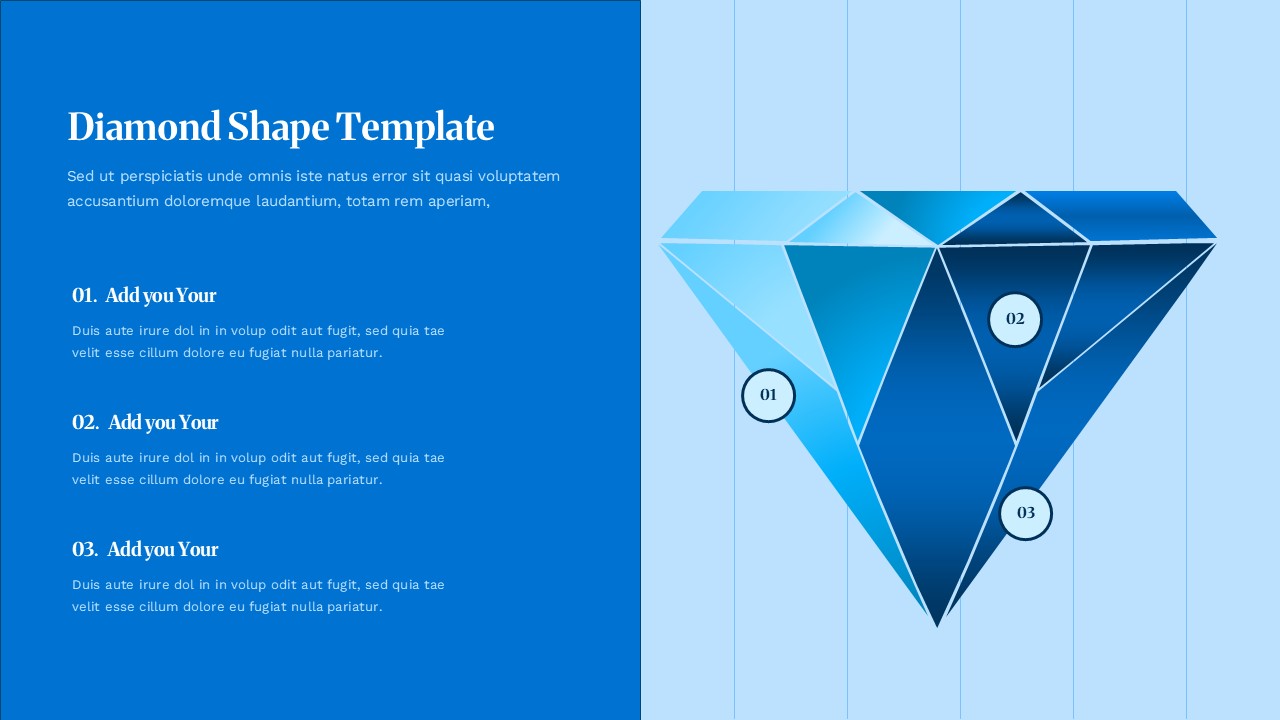
Some slides need a shape that does more than fill space, they need one that reinforces the message before the audience reads a single word. This diamond shape template does that by putting a large, richly rendered 3D diamond at the center of the design, its faceted surface catching light and shadow in a way that instantly reads as premium. Three numbered points sit directly on the diamond, each tied to a heading and short description positioned on the left side of the slide.
What makes the layout effective is how directly it connects the visual to the content. Rather than placing three generic icons next to three text blocks, the numbered markers actually live on the diamond’s surface, so the shape itself becomes part of the explanation rather than just a backdrop. The dark navy background keeps the focus entirely on the diamond’s blue gradient tones, avoiding any competing colors that might pull attention away from the main graphic.
This kind of visual naturally suits topics where value and precision are part of the message. A wealth management firm outlining its investment philosophy, a luxury goods brand presenting its brand pillars, or a consulting team laying out client differentiators would all find this diamond shape template a stronger fit than a plain bullet slide. It also works simply as a more memorable way to present any three-part breakdown when the content deserves a bit more visual weight than a standard layout provides.
Customizing the template is simple. Each of the three text sections can be edited independently, the diamond’s gradient can be changed to fit different brand colors, and the title and intro paragraph at the top can be rewritten for any subject. Additional points can be added if needed, though because the diamond’s facet lines are designed around three markers, placing extra ones cleanly will take some manual adjustment. Built on a standard 16:9 widescreen canvas, the template fits directly into an existing PowerPoint or Google Slides presentation without requiring any resizing.
Login to download this file


Related Templates

Two Truths and a Lie PowerPoint Template
Education

Story Mountain Templates
Infographics
Story Arc PowerPoint & Google Slides Templates
Illustration
Hiroshima Day Template
Creative
Summer Sale Template
Creative


