




Hub and Spoke Diagram PowerPoint Templates


Hub and Spoke Diagram Template
Center First, Details Second
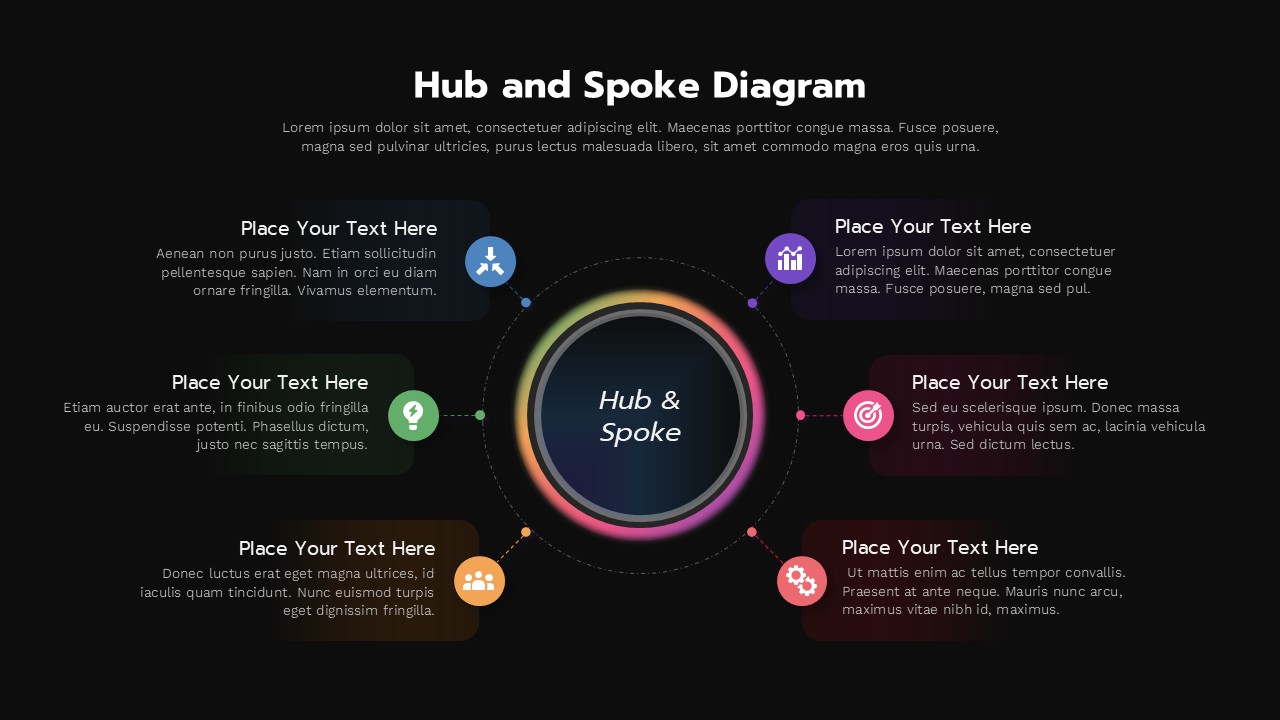
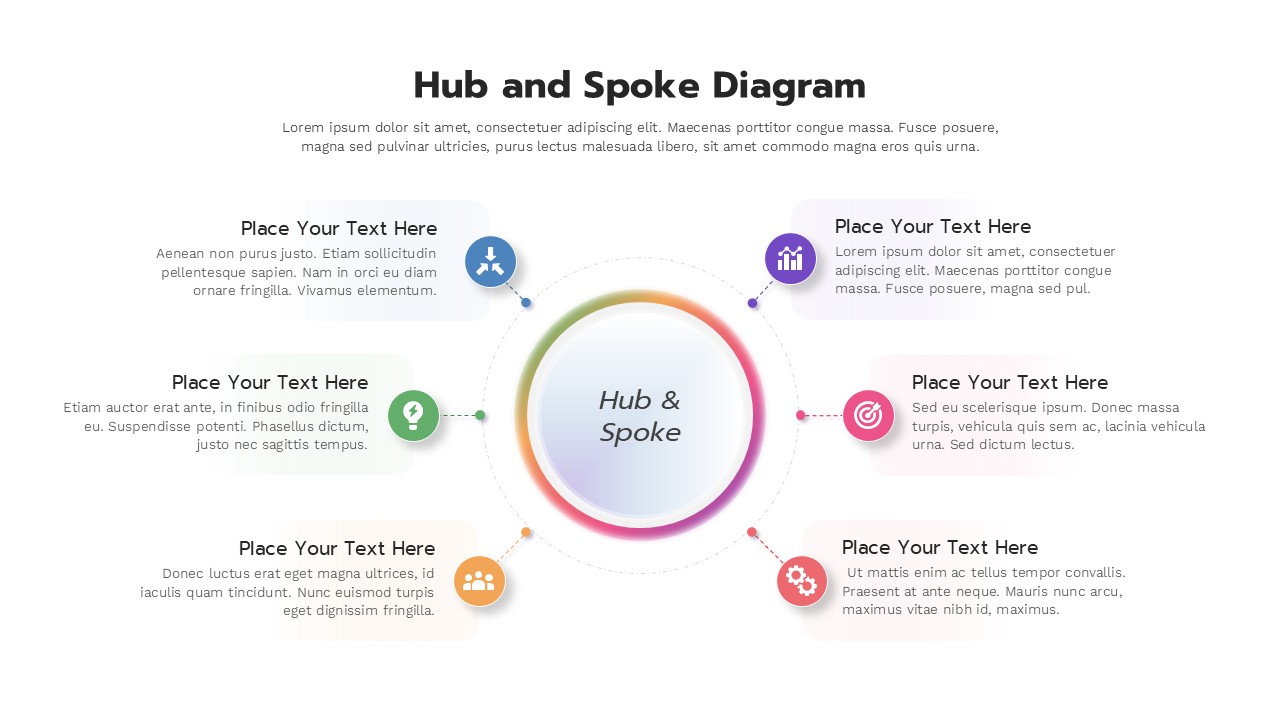
Most diagrams ask an audience to read left to right, top to bottom. This one asks them to look at the middle first. The hub and spoke diagram template puts a single glowing circle at the heart of the slide and lets six supporting points orbit around it, connected by thin dashed lines. It’s a layout built for ideas that genuinely have a center, a headquarters, a flagship product, a core value, a lead decision-maker, something everything else in the slide relates back to.
Inside the Design
- One central hub circle with a soft rainbow gradient ring
- Six radiating connector lines, evenly spaced
- Six icon badges, each in its own accent color
- Matching tinted text panels with heading and description space
- Balanced circular composition that reads equally well from any angle
Where It Fits Naturally
Think of any situation where one thing sits in the middle of several others: a parent company with regional offices, a core service with add-on packages, a lead researcher with a supporting team, a flagship app with connected integrations. Anywhere that relationship exists, this diagram gives it visual shape instead of leaving it implied in a paragraph.
Making Changes
Nothing here is locked in place. Recolor the hub, change the icon set, rewrite each panel’s heading and body copy, or relabel the center entirely. The main thing to watch is spacing, since the layout depends on even distances between spoke points to keep its circular balance. Built on a 16:9 widescreen slide, it opens without adjustment in both PowerPoint and Google Slides.
Quick Facts
- 6 spoke points around 1 central hub
- Fully editable icons, colors, and text
- 16:9 widescreen format
- Works in PowerPoint and Google Slides
Login to download this file


