




Free ChatGPT- 6 PowerPoint Template
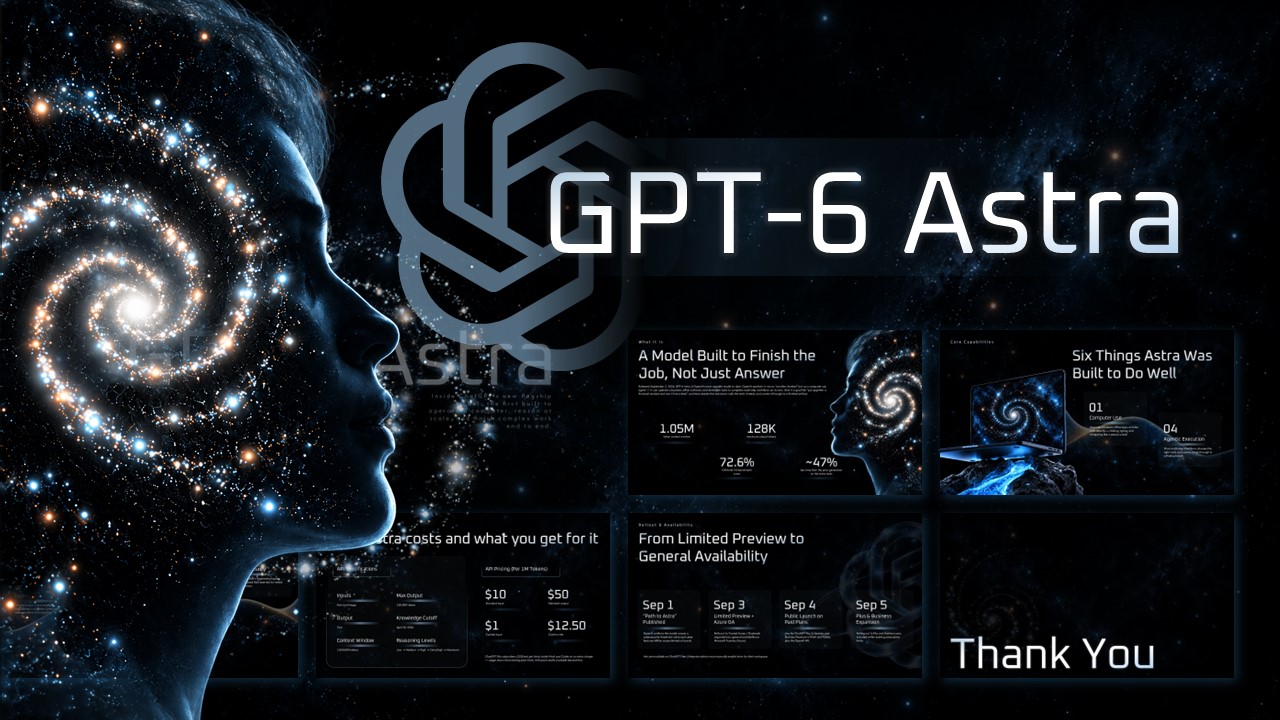




Editable Chat GPT – 6 Astra Presentation Template
Presenting a new AI model release usually means turning dense technical details into something a room full of non-technical people can actually follow, and doing it fast. Free ChatGPT Template is built for exactly that. It’s a complete, ready-to-edit PowerPoint deck styled around a dark, cosmic visual theme, from a galaxy-portrait cover slide through to a closing “Thank You” screen, so the whole presentation feels like one cohesive story instead of a patchwork of mismatched slides.
The structure follows how most chat gpt and gpt chat product briefings are actually organized: what the model is, what it’s capable of, how it’s priced, and when different plans get access. That order does a lot of the thinking for you. Instead of staring at a blank deck deciding whether pricing should come before or after capabilities, you’re filling placeholder text with your own numbers, screenshots, and talking points, and the deck already reads in a logical sequence.
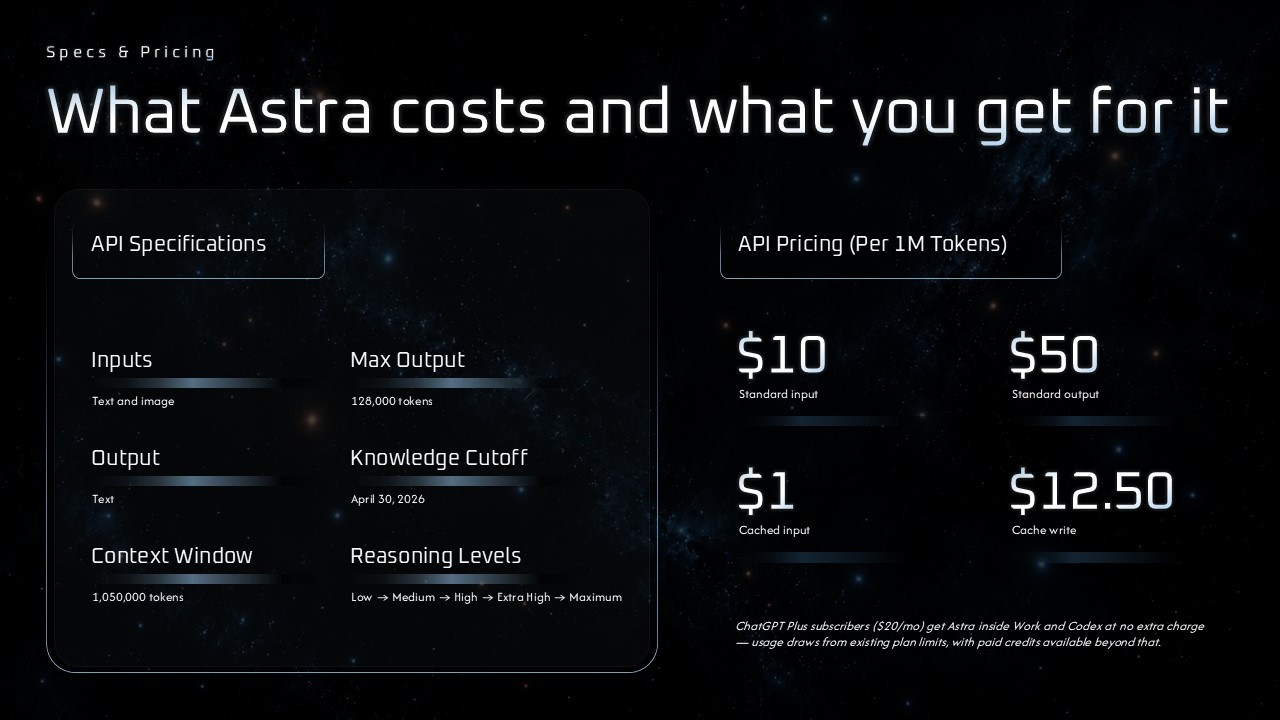
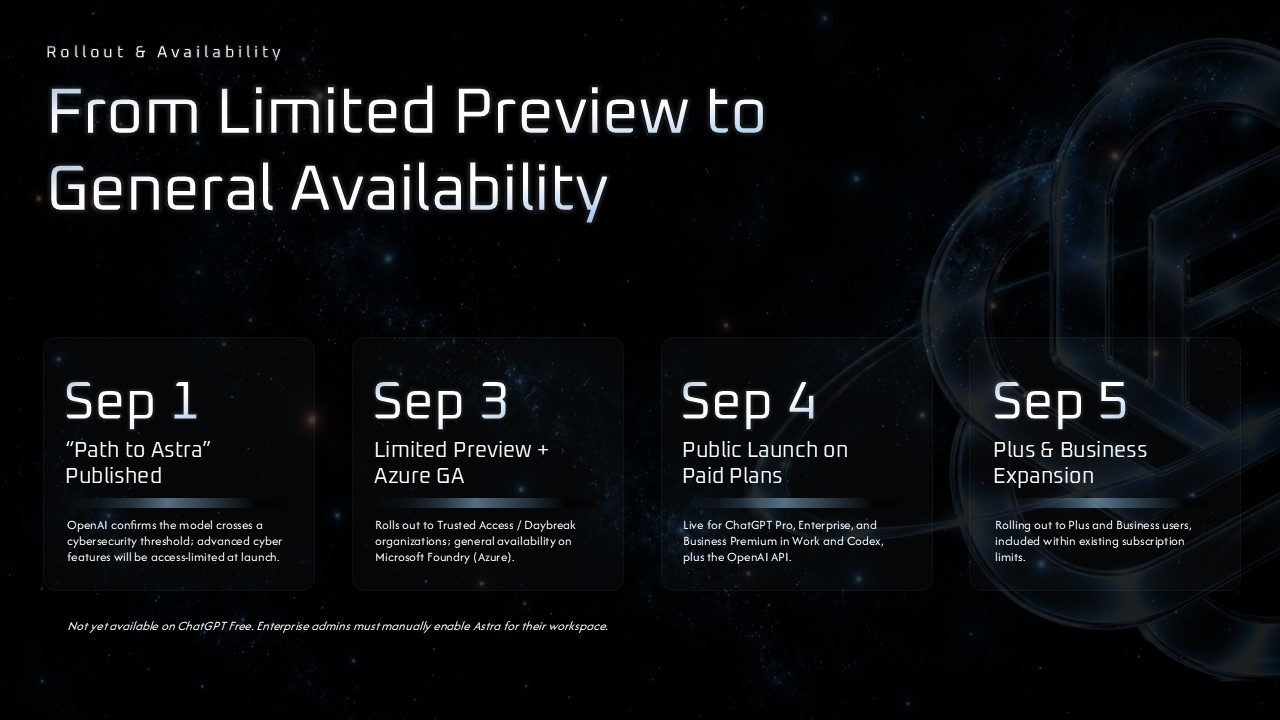
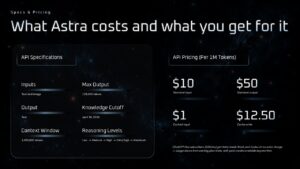
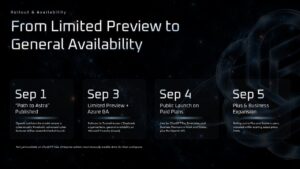
Two slides carry most of the weight and are worth knowing about before you start editing. The Specs & Pricing slide lays out technical details on one side and a per-tier pricing table on the other, which works for any AI tool or software product with tiered costs, not just a chat gpt-branded release. The Rollout & Availability slide breaks a launch into four stages with a short headline and description each, useful for anything from a phased feature rollout to a staged regional launch. Both are set up so relabeling a headline or swapping a number takes seconds, not a redesign.
Every element stays inside standard PowerPoint tools, so there’s nothing to install and nothing that breaks if you open it on a different machine. Stat callouts, timeline dates, and capability descriptions are all live text boxes, and the starfield and galaxy graphics scale cleanly if you need to add or remove a slide. If your presentation covers a different AI model entirely, the underlying layout still holds up. Overview, capabilities, pricing, and rollout is a pattern that fits most product launches, whether you’re introducing a new gpt-based tool, an internal AI feature, or a chatgpt 5-style update to an existing product.
Included slide layouts:
- Cover slide with galaxy portrait and title placeholder
- Title slide introducing the model with a short tagline
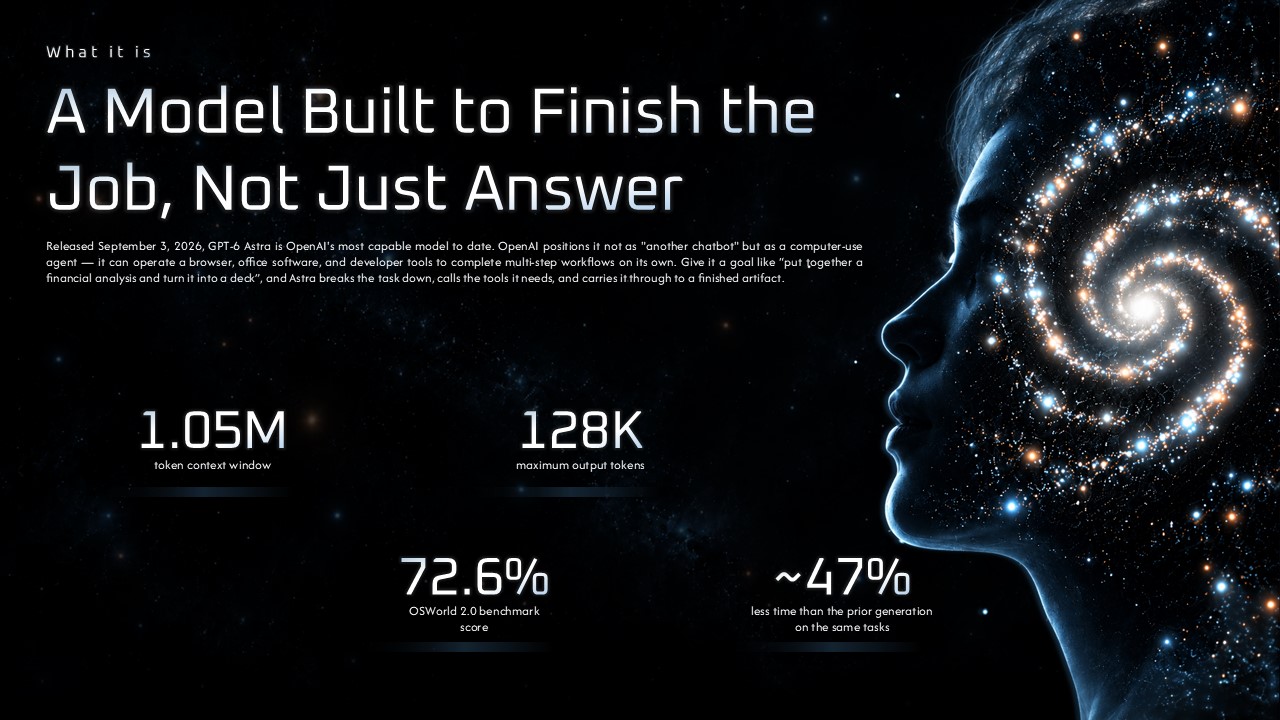
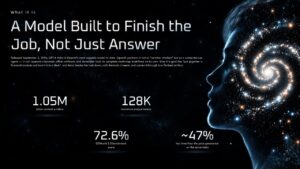
- “What It Is” overview slide with key stat callouts
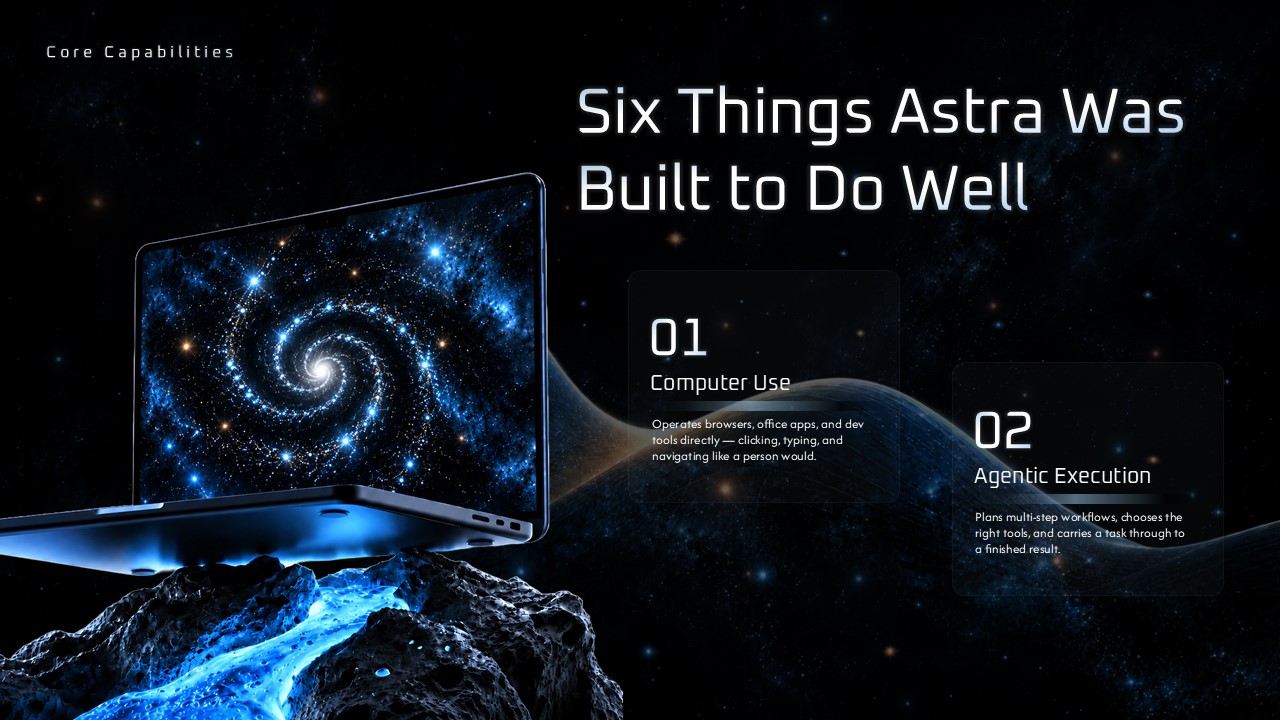
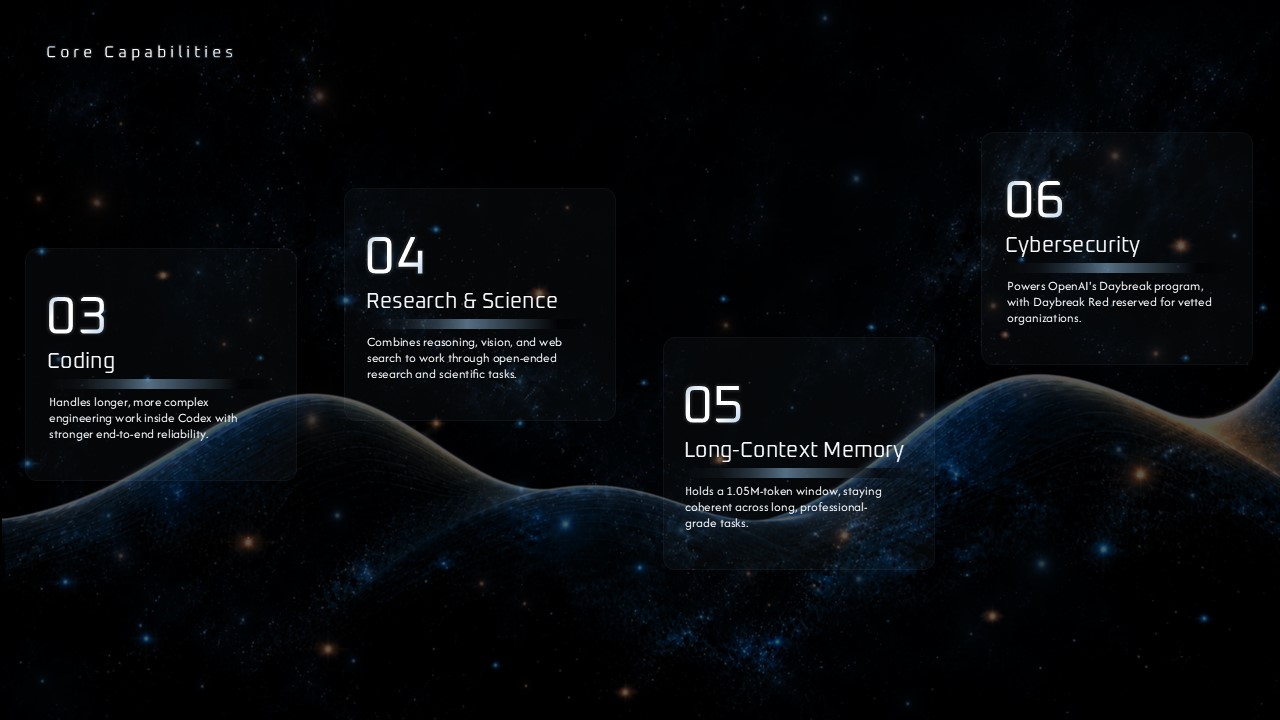
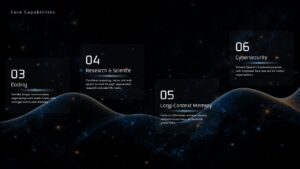
- Core Capabilities slide covering primary functions
- Second Core Capabilities slide for additional features
- Specs & Pricing slide with an API specs table and tiered pricing breakdown
- Rollout & Availability timeline across four launch stages
- Closing “Thank You” slide
The deck is sized for a standard 16:9 screen and holds its layout whether you’re presenting on a projector, sharing a recorded walkthrough, or exporting to PDF for a written update. Because everything is placeholder-driven, a first pass through the deck, swapping in your own product name, stats, and dates, usually takes less time than building even two or three slides from scratch would.
It’s a solid starting point whether this is your first AI launch presentation or your fifth. Teams covering a chatgpt-adjacent product, students putting together coursework on AI tools, and anyone who needs to explain a gpt chat feature update to a non-technical audience will all find the layout does most of the structural work already.
Free to download, fully editable, and ready to present the same day you open it.
Login to download this file


Related Templates


Two Truths and a Lie PowerPoint Template
Education


