




FAQ List Overview Template for PowerPoint & Google Slides
FAQ Question & Answer Slide Presentation Template
There’s always that moment in a presentation. You’ve just finished your main pitch, someone raises their hand, and suddenly you’re back-and-forthing through a wall of text on a slide that was never really designed for this. Questions deserve their own space. They don’t usually get it. This FAQ Presentation Template started from that exact frustration
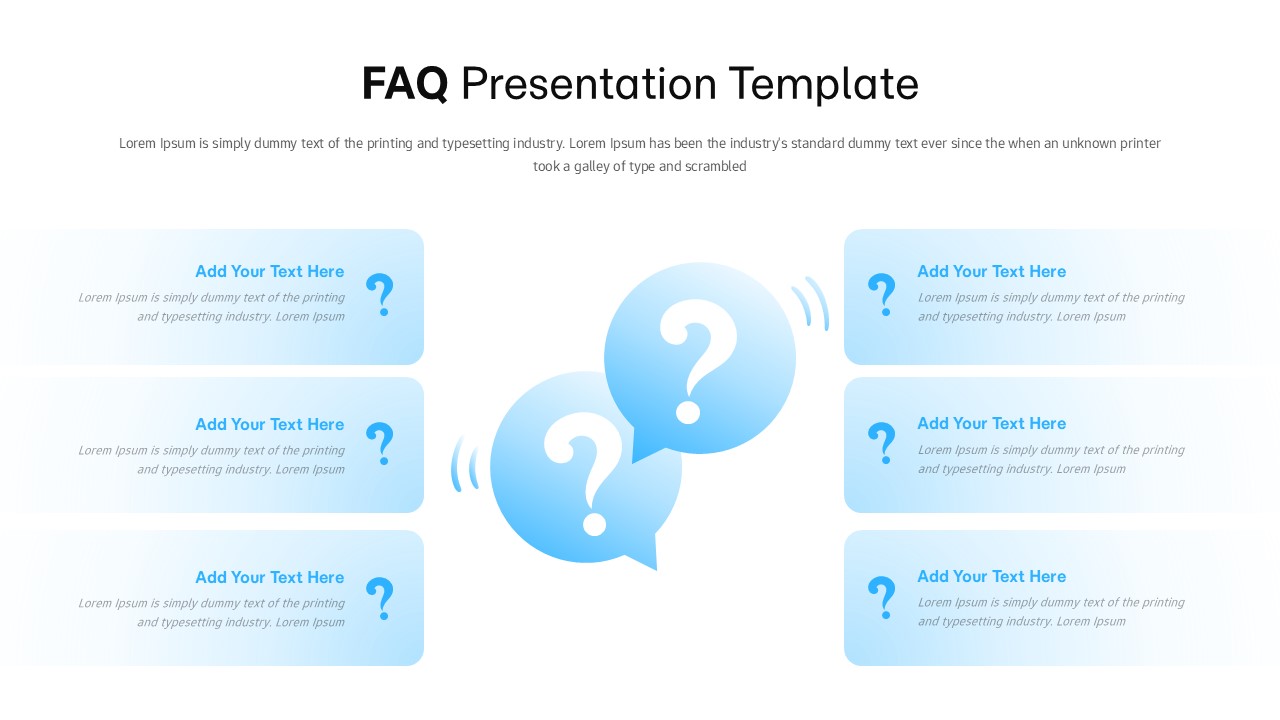
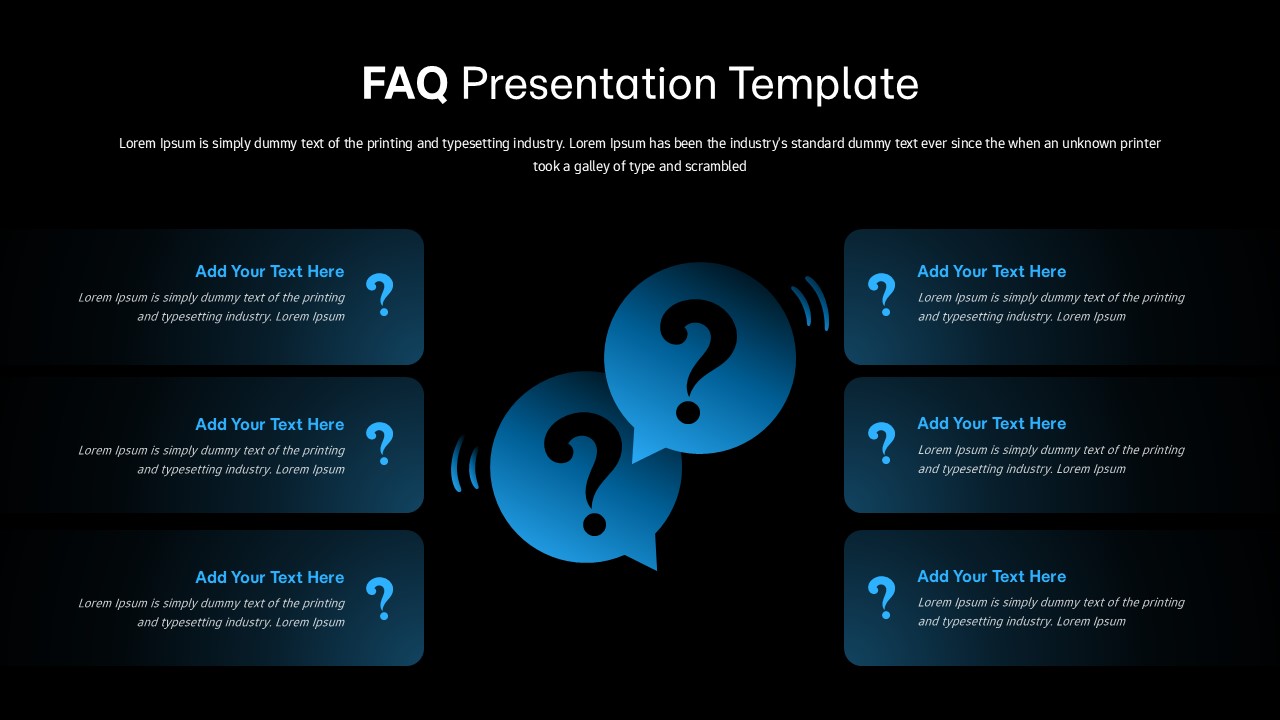
What it gives you is six cards laid out cleanly, each one holding a question and a short answer without any of them fighting for attention. The layout is deliberately balanced – not in a rigid, corporate grid way, but in a way where your audience can actually breathe and read. There are two speech-bubble icons sitting in the middle and the whole thing has this soft blue palette that feels approachable rather than Important Official Document.
The thing I kept thinking about while building this was onboarding. Because onboarding decks are where FAQ Presentation Template slides go to die. Too much text, too little structure, and everyone leaves with the same three questions anyway. The card format forces you to be concise – one question, one short answer, no room to ramble – which is honestly a feature, not a limitation.
It’s fully editable, so the colors and fonts will take on your branding without much fuss. Works in PowerPoint and Google Slides.
It’s not for every deck. If you’ve got complex, layered answers that need real explanation, six cards won’t cut it. But for product demos, training sessions, customer support overviews, or anything where you’re guiding people through the obvious-but-important stuff – this one earns its place in the deck.
Login to download this file


