




Free 3D SWOT Analysis Template for PowerPoint & Google Slides
Free 3D SWOT Analysis Presentation Template
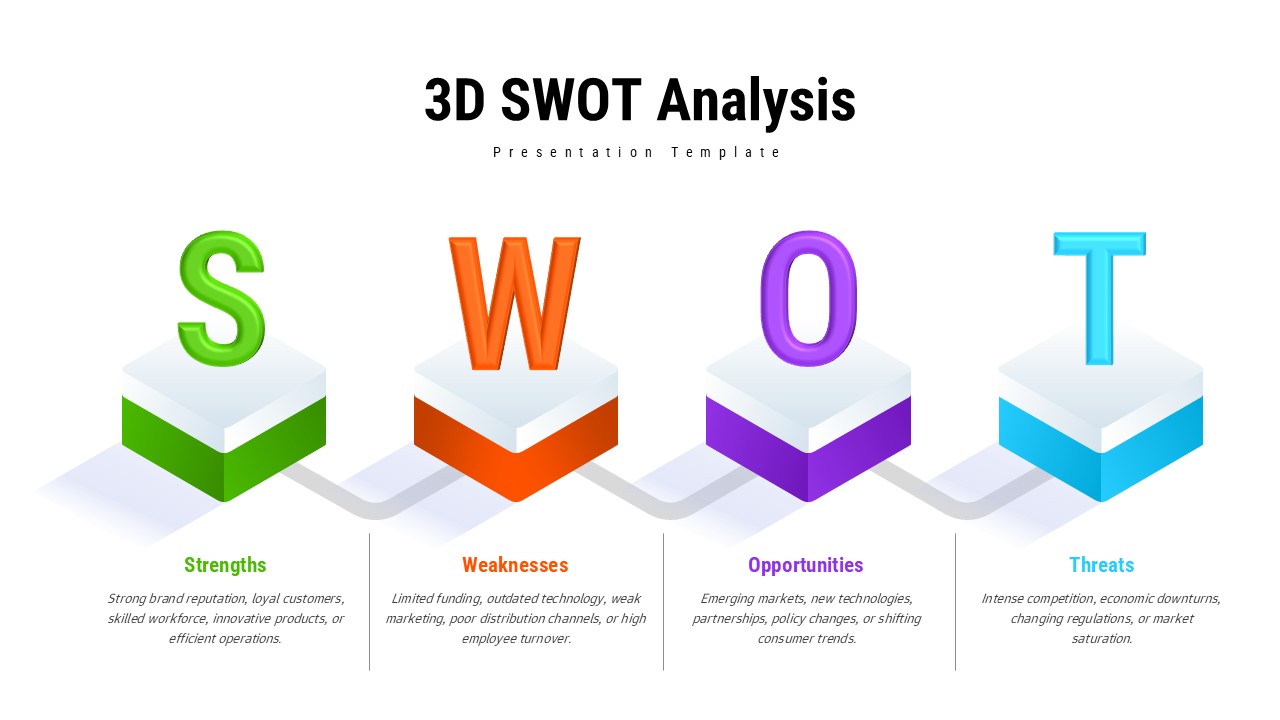
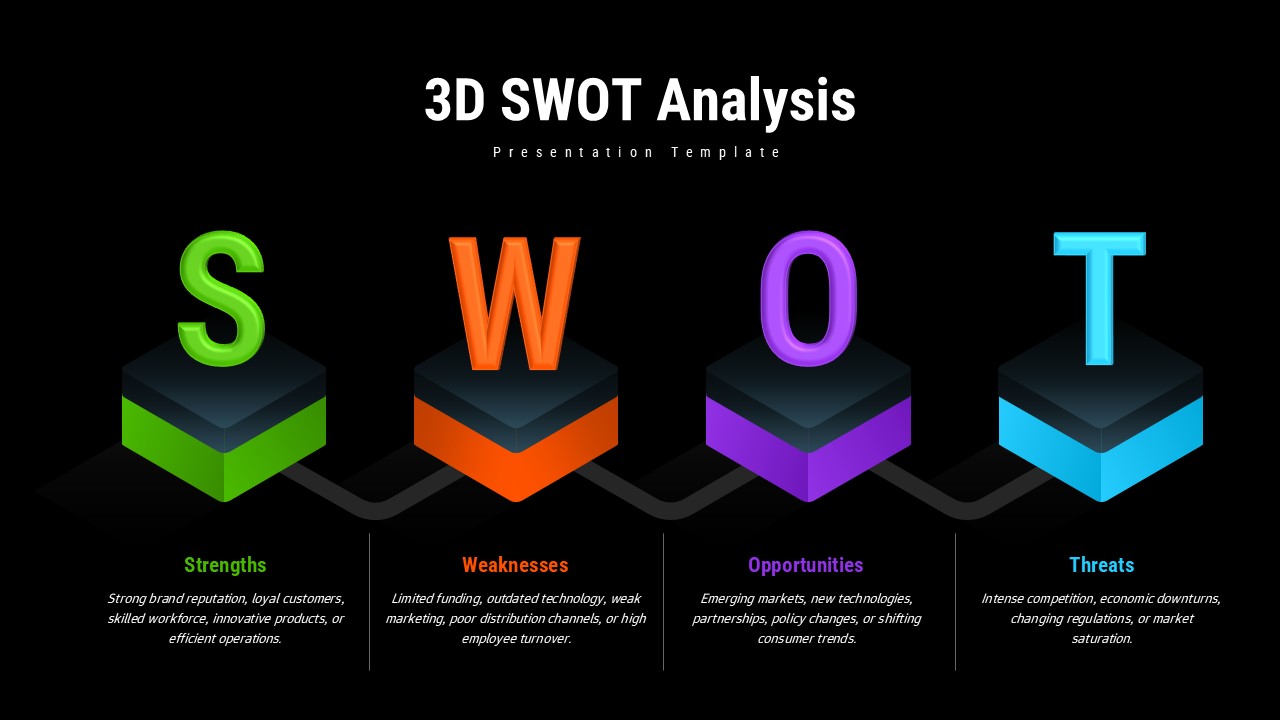
This Free 3D SWOT Analysis built for the moment when you need to present a SWOT and you don’t want it to look like every other SWOT slide anyone has ever sat through – you know, the one with four equal boxes and Times New Roman. The core idea here is simple: each of the four SWOT categories gets a bold 3D letter sitting on a colored block. S, W, O, T. It’s immediately obvious what goes where, which matters more than it sounds when you’re walking a room through a dense strategic review and people start losing the thread.
What’s actually in the Free 3D SWOT Analysis:
• Four 3D letter blocks, one per SWOT category, color-coded so the sections don’t blur together
• Editable text areas under each – write a sentence, write five bullet points, whatever fits your content
• Works in both PowerPoint and Google Slides, so you’re not stuck reformatting because your client runs a different stack
• Fonts, colors, sizing and the best part, all of it is adjustable
Honest caveat: the 3D effect is baked into the visual style, so if your brand uses very flat, minimal design, this might feel slightly off. It’s not a dealbreaker, but it’s worth knowing before you spend time customizing it. It’s genuinely useful for corporate strategy reviews, project kick-offs, competitive assessments, or any meeting where you’re trying to get people aligned on what’s working and what isn’t. Educators and consultants use it too – basically anyone who runs a SWOT more than twice a year.
It won’t turn a half-baked analysis into a sharp one. But if your thinking is already solid, the Free 3D SWOT Analysis gives it a layout that doesn’t get in the way.
Login to download this file


Related Templates

Free Pros and Cons Comparison Template
Comparison


