




Before & After Process Change PowerPoint & Google Slides Templates
Before & After Process Change Template
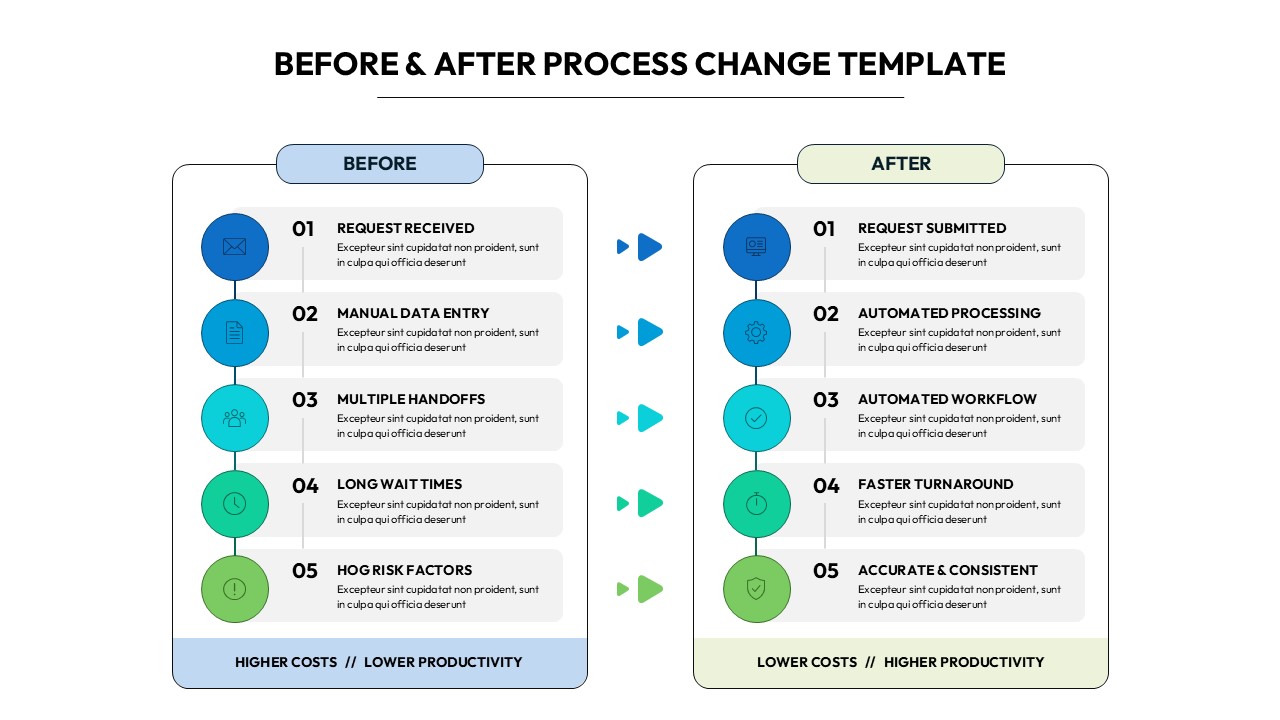
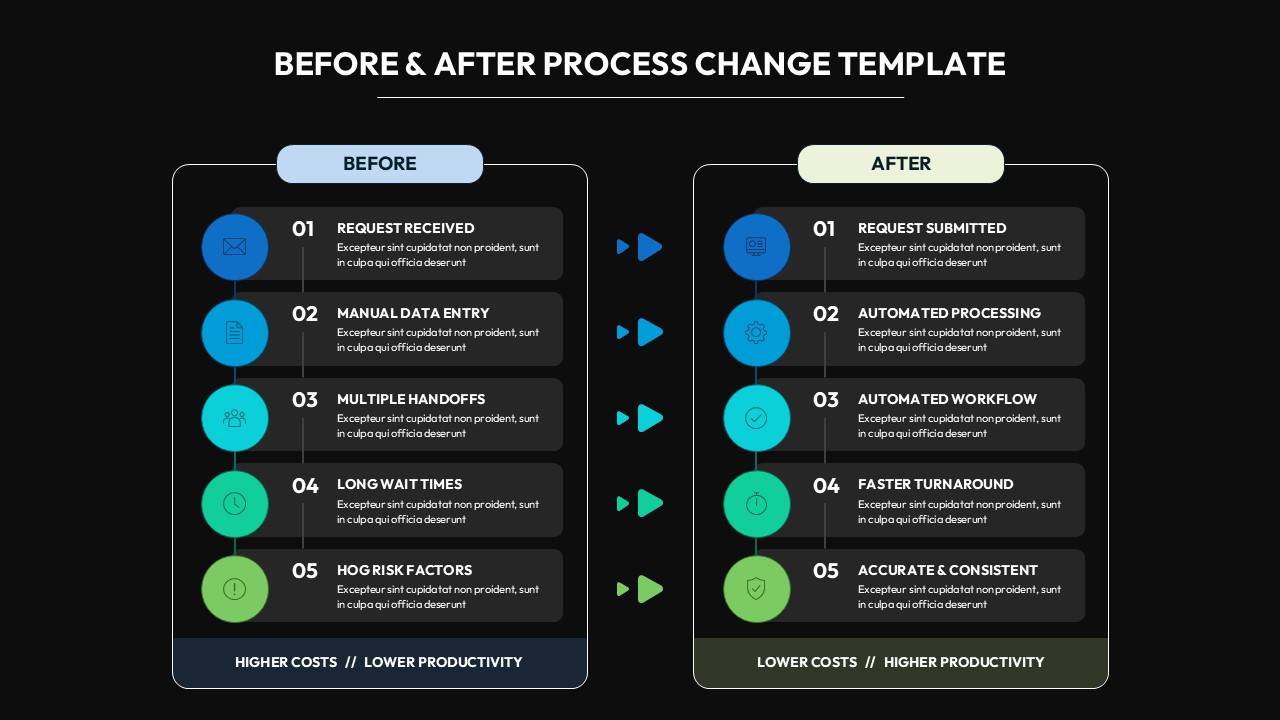
This Before & After Process Change Template for PowerPoint & Google Slides provides a dual-panel, side-by-side comparison layout that contrasts old and new workflows across five sequential steps. Each panel features numbered circular icon badges, bold step headlines, and two-line text placeholders connected by a vertical timeline. A central double-arrow connector links corresponding steps, while footer bars summarize outcomes — “Higher Costs // Lower Productivity” versus “Lower Costs // Higher Productivity.” Available in both a clean white and a sleek dark-mode black variant, the design uses a blue-to-green gradient progression to signal improvement.
This Before & After Process Change Template for PowerPoint & Google Slides is ideal for professionals who need to communicate operational or organizational transformation clearly and persuasively. Business analysts, operations managers, consultants, and IT teams can use it to present workflow optimization initiatives, digital transformation proposals, process automation rollouts, or change management plans. It is equally suited for SaaS product pitches demonstrating old versus new user workflows, efficiency audits, and consulting deliverables where visual contrast between current and improved states drives executive decision-making.
Every element of this template is fully editable in both PowerPoint and Google Slides. Swap icons, update step headlines, adjust placeholder text, and recolor panels to align with your brand identity. The two ready-made color themes — light and dark — eliminate design setup time so you can focus on crafting a compelling narrative. Download once and reuse across multiple projects for consistent, professional-quality presentations.
Login to download this file


Related Templates

Supply Chain Management Templates
Strategy


