




Modern Business Flowchart Diagram Presentation Template for PowerPoint & Google Slides
Professional Process Flowchart Diagram Template for PowerPoint & Google Slides
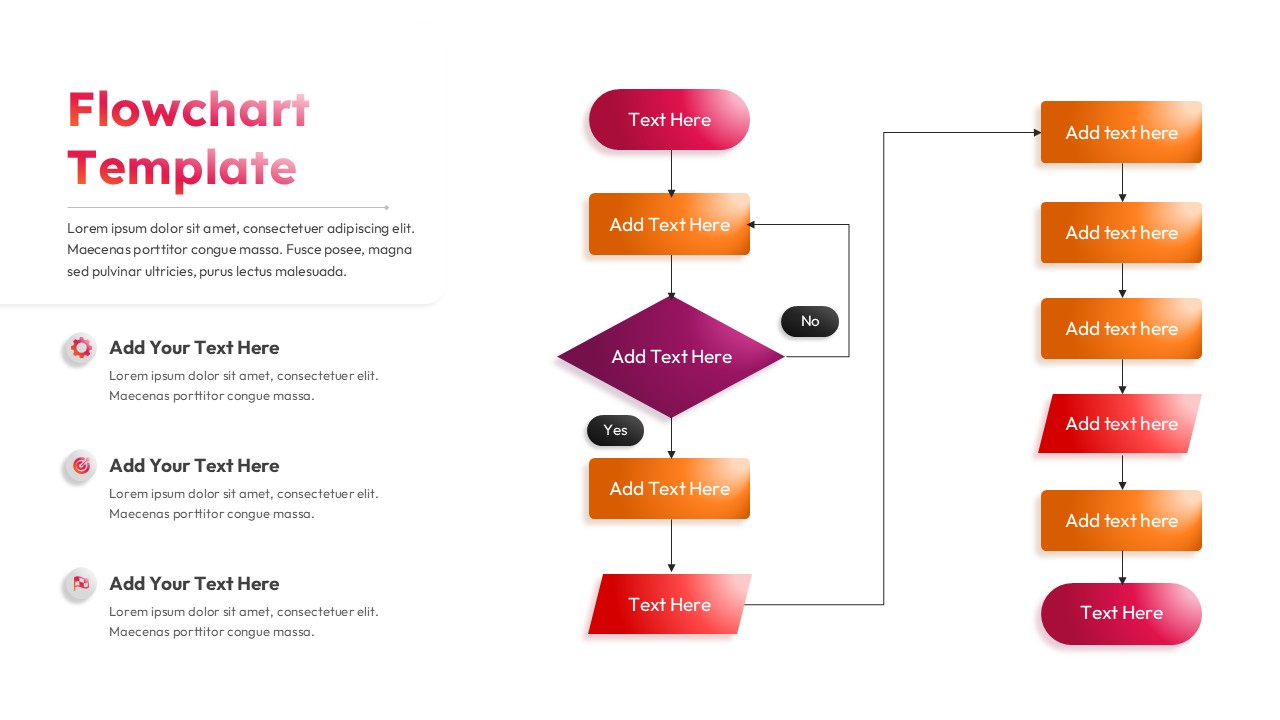
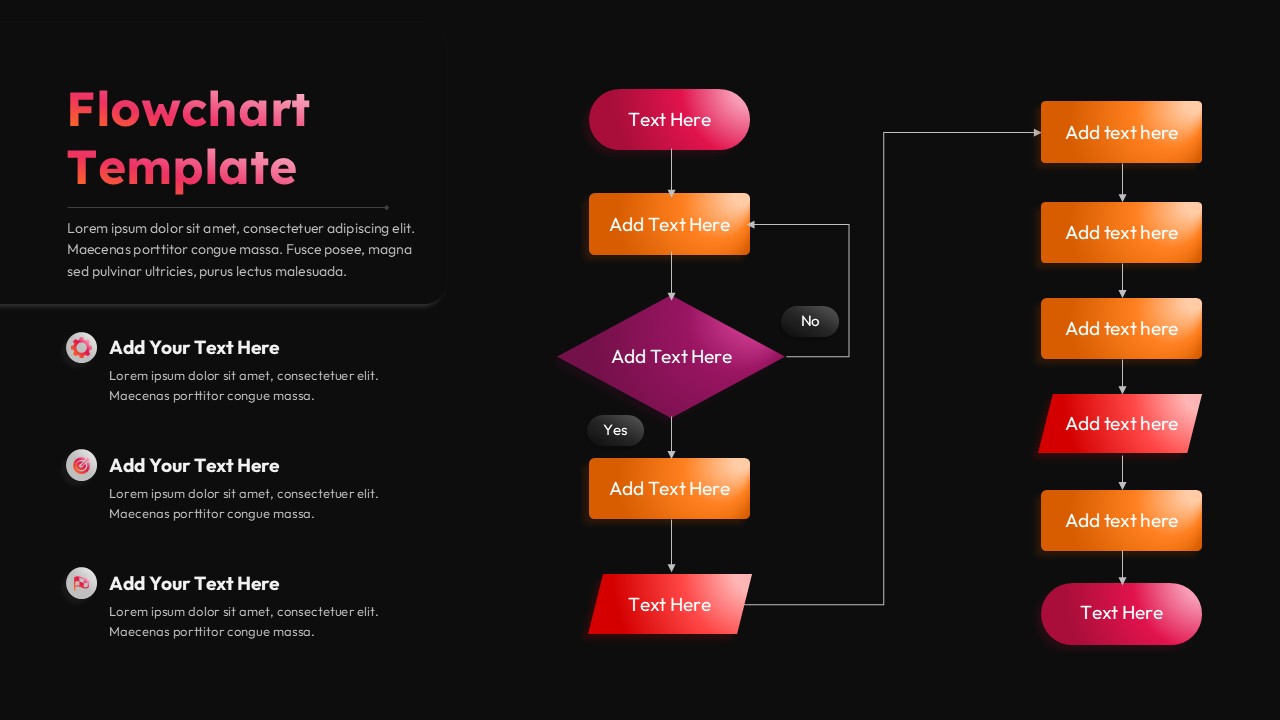
This Flowchart Diagram presentation is designed to visually explain processes, decisions, and step-by-step workflows with clarity and structure. The slide features a clean white background combined with rounded rectangles, diamond decision nodes, and directional arrows that guide the viewer logically from start to finish. Warm gradient accents in orange, red, and pink highlight key stages, while subtle shadows add depth without overwhelming the layout. This Flowchart Diagram helps transform complex procedures into easy-to-follow visuals suitable for professional presentations.
The layout includes a central vertical flow with a decision point branching into alternative paths, making it ideal for demonstrating conditional logic, approvals, or multi-step operations. Supporting text areas on the left allow presenters to add explanations, notes, or key takeaways alongside the visual flow. Each shape is clearly separated and evenly spaced, ensuring readability even when detailed content is added. The design maintains a balance between visual appeal and functional communication, making it adaptable across industries and use cases.
Optimized for PowerPoint and Google Slides, this Flowchart Diagram is fully editable and easy to customize. You can change text, colors, and shapes to match branding or specific workflow requirements without disrupting alignment. Whether used for business processes, project planning, training materials, or system overviews, this slide enables presenters to communicate logic, decisions, and outcomes efficiently. It is a reliable tool for teams that need to explain processes quickly and professionally.
Features of this Flowchart Diagram template
• Structured flowchart layout with process, decision, and connector shapes
• Clear arrows and branching paths for logical process visualization
• Editable text boxes and color elements in PowerPoint and Google Slides
• Clean, professional design suitable for business and educational use
Why use this Flowchart Diagram template
• Simplifies complex workflows into easy-to-understand visuals
• Improves audience comprehension during presentations and meetings
• Saves time compared to building flowcharts from scratch
• Adaptable for different industries, teams, and process types
Who is it for
Business analysts, project managers, consultants, educators, trainers, and students explaining workflows, decisions, or procedures. Also suitable for operations teams, process documentation, and internal training presentations.
Login to download this file


