




Business Flowchart Diagram Template for PowerPoint & Google Slides Black
This template is part of a deck featuring multiple slides. To check out all slides.
See All
Product Description
Professional Business Process Flowchart Presentation Template
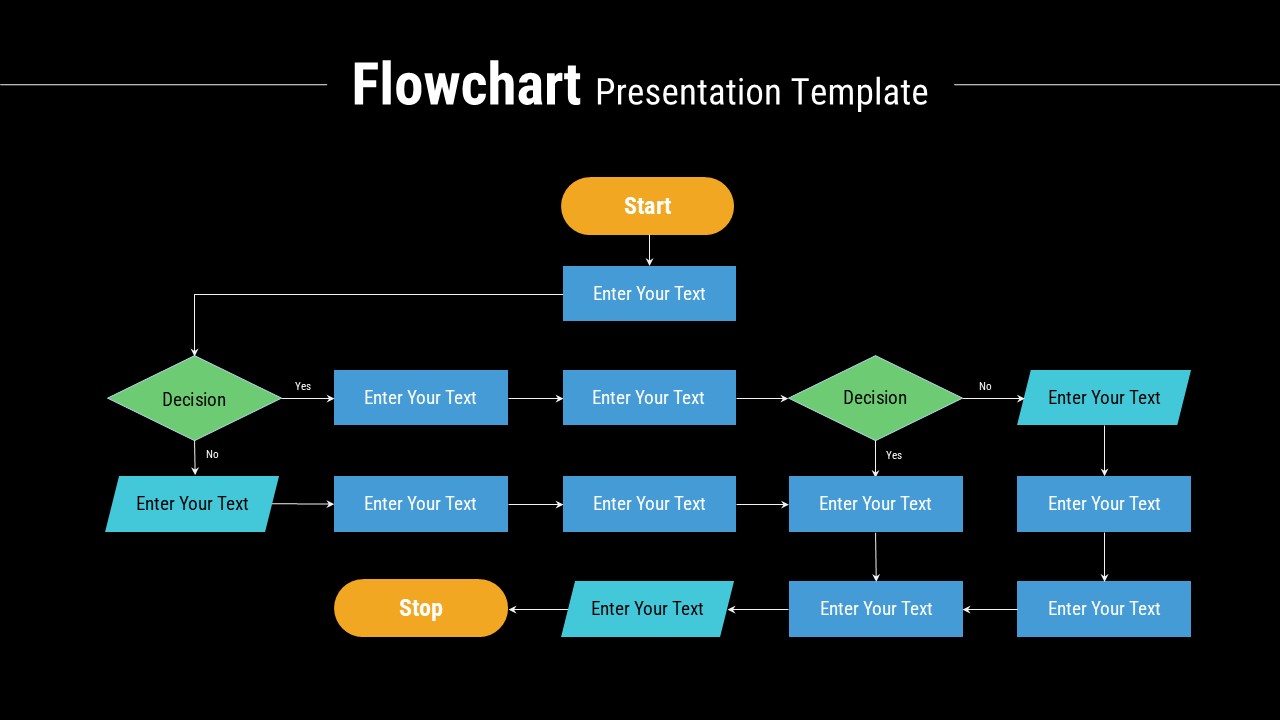
This professional business flowchart diagram presentation template is designed to help you clearly visualize processes, workflows, and decision paths in a structured and logical format. Featuring a clean horizontal layout, the slide guides viewers from a defined start point through multiple process steps and decision nodes, ending with a clear conclusion. Rounded start and stop shapes, rectangular process boxes, and diamond-shaped decision elements are connected with precise arrows, making complex logic easy to follow at a glance. The balanced use of color highlights key stages without overwhelming the content, ensuring clarity and visual harmony throughout the slide.
Built for flexibility, this business flowchart presentation template allows you to map operational procedures, system logic, approval workflows, or customer journeys with ease. Each placeholder is fully editable, enabling quick text updates, shape rearrangement, or color adjustments to align with your branding. Compatible with both PowerPoint and Google Slides, the layout retains perfect alignment and readability across devices and screen sizes. Whether used as a standalone diagram or part of a larger deck, this flowchart slide supports clear communication and structured thinking.
Features of this Business Flowchart Diagram template
• Clear start-to-finish flow with standardized flowchart symbols for professional clarity
• Editable shapes, arrows, and text placeholders for fast customization
• Balanced horizontal layout that supports complex branching decisions
• Consistent color accents to differentiate steps, decisions, and outcomes
Why use this Business Flowchart Diagram template
• Simplifies complex processes into an easy-to-understand visual format
• Saves time when documenting workflows or explaining systems
• Enhances audience comprehension during meetings and presentations
• Works seamlessly in PowerPoint and Google Slides without layout issues
Who is it for
Business analysts, project managers, operations teams, consultants, educators, and students who need to present workflows, decision logic, or procedural steps clearly. It is also ideal for IT documentation, training sessions, and process improvement presentations.
Login to download this file