




concept-map-diagram-central-hub-powerpoint-google-slides
This template is part of a deck featuring multiple slides. To check out all slides.
See AllProduct Description
Central Hub Concept Map Diagram Presentation Template
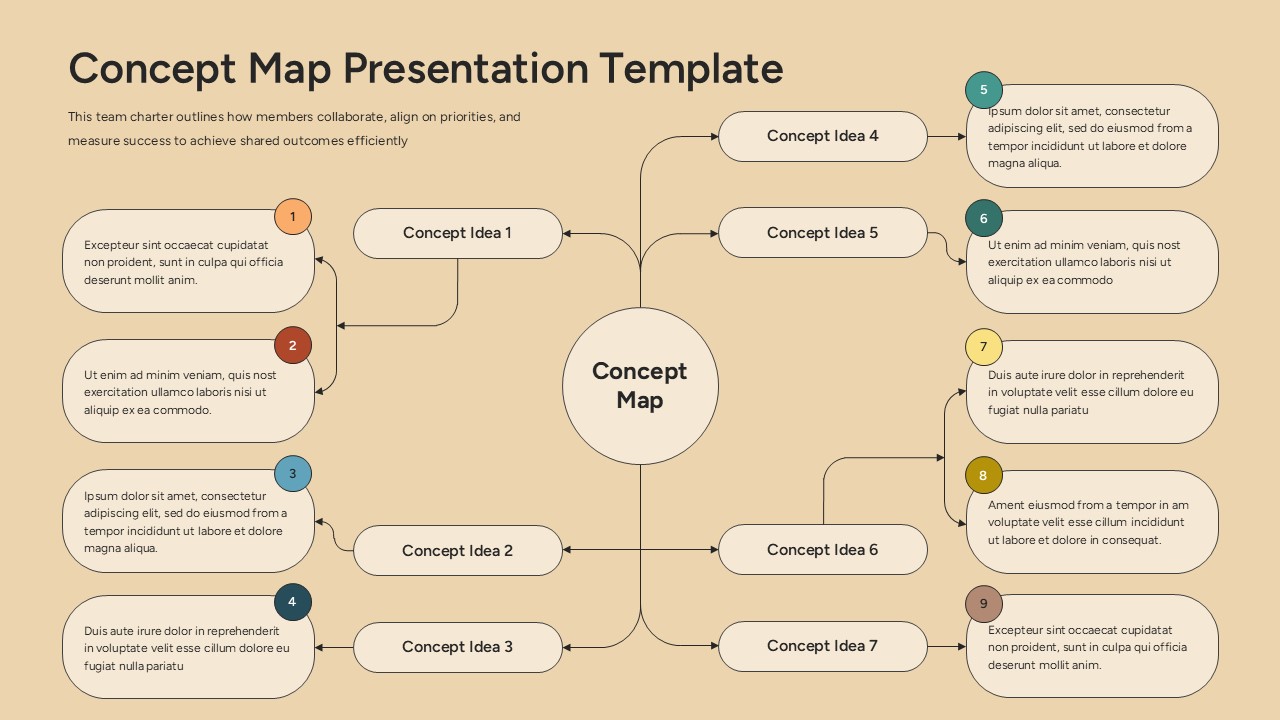
This concept map diagram presentation template helps you structure complex information around a central idea while clearly showing how supporting concepts connect and interact. The slide features a prominent central hub labeled as the core concept, with multiple branching concept ideas arranged symmetrically on both sides. Each idea is linked using curved connectors and supported by descriptive text cards, making it easy for audiences to follow relationships and logical flow. The warm background and soft, rounded shapes create a calm, professional visual that keeps attention focused on content rather than clutter.
Designed for clarity and flexibility, this concept map diagram presentation template supports strategic thinking, educational explanations, and collaborative planning sessions. Numbered markers guide viewers through each concept in sequence, helping presenters tell a clear, linear story even when explaining multi-directional ideas. All elements are fully editable, allowing you to adjust text length, rename concepts, or rearrange branches without disrupting the overall layout.
This concept map diagram presentation template is suitable for breaking down processes, explaining frameworks, or mapping ideas during workshops and meetings. It enables teams and audiences to understand how individual components contribute to a bigger picture. Fully compatible with PowerPoint and Google Slides, the slide preserves layout consistency and readability across platforms and screen sizes.
Features of this template
• Central circular hub connected to multiple concept idea branches.
• Rounded text boxes with numbered markers for guided explanation.
• Clean, symmetrical layout that enhances readability.
• Fully editable text, shapes, colors, and connectors.
Why use this template
• Visualizes relationships between ideas clearly and effectively.
• Improves audience understanding of complex structures.
• Reduces time spent designing concept maps manually.
• Maintains a polished, professional presentation style.
Who is it for
This template is ideal for educators, consultants, business professionals, students, and project teams who need to explain interconnected ideas. It works well for strategy sessions, learning modules, brainstorming workshops, and structured presentations that require clarity and logical flow.
Login to download this file