




Circular Flywheel Process Diagram Template for PowerPoint & Google Slides
This template is part of a deck featuring multiple slides. To check out all slides.
See AllProduct Description
Strategic Circular Flywheel Diagram Presentation Template
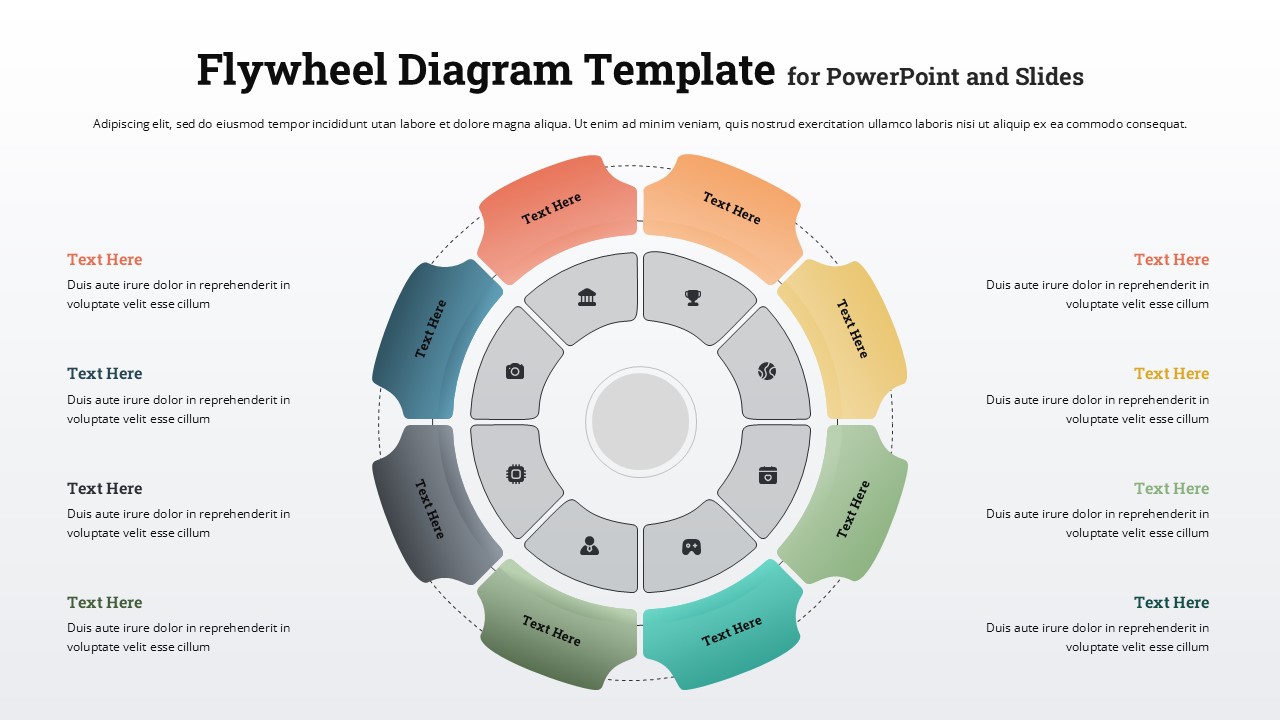
Visualize continuous growth and momentum with this Circular Flywheel Process Diagram Template for PowerPoint & Google Slides. Designed around an eight-step circular structure, this flywheel diagram template illustrates how interconnected activities drive sustainable performance and long-term value creation. Each colored outer segment represents a key phase, while the inner ring features icon-based blocks to highlight core capabilities, departments, or functions that power the overall system.
The circular flywheel process diagram template uses a balanced radial layout that keeps your message structured and easy to follow. With distinct color-coded segments arranged around a central hub, audiences can instantly grasp the cyclical relationship between strategy, execution, and results. The clean typography and subtle shadows enhance clarity without distracting from your content, making it suitable for executive briefings, business strategy sessions, or operational reviews.
Fully editable in PowerPoint and Google Slides, this circular flywheel process diagram template allows you to customize text, icons, and colors to align with your branding. Duplicate segments, relabel stages, or adapt the diagram to represent marketing funnels, product development cycles, customer journeys, or continuous improvement frameworks. Whether you’re explaining a growth engine, innovation loop, or performance ecosystem, this flywheel diagram ensures your presentation remains visually compelling and strategically focused.
Features of this template
• Eight segmented circular flywheel layout with a central hub for core message emphasis.
• Color-coded outer blocks for clear differentiation of stages or functions.
• Inner icon placeholders to represent departments, tools, or capabilities.
• Fully editable text, colors, and icons in PowerPoint and Google Slides.
• Clean radial alignment for structured, easy-to-follow storytelling.
Why use this template
• Communicate continuous processes and growth loops with clarity.
• Show how interconnected activities drive momentum and results.
• Keep complex strategic frameworks visually organized.
• Save time with a ready-to-use, professional circular diagram design.
Who is it for
Business strategists, consultants, product managers, and marketing teams presenting growth engines, customer lifecycle models, or operational workflows. It’s also ideal for executives explaining long-term value creation, startup founders pitching scalable business models, and educators teaching systems thinking or continuous improvement concepts.
Login to download this file