




Free Color-Coded Project Gantt Chart Template for PowerPoint & Google Slides
Free Project Timeline & Gantt Chart Overview Presentation Template
Project planning doesn’t have to look like a spreadsheet nightmare.
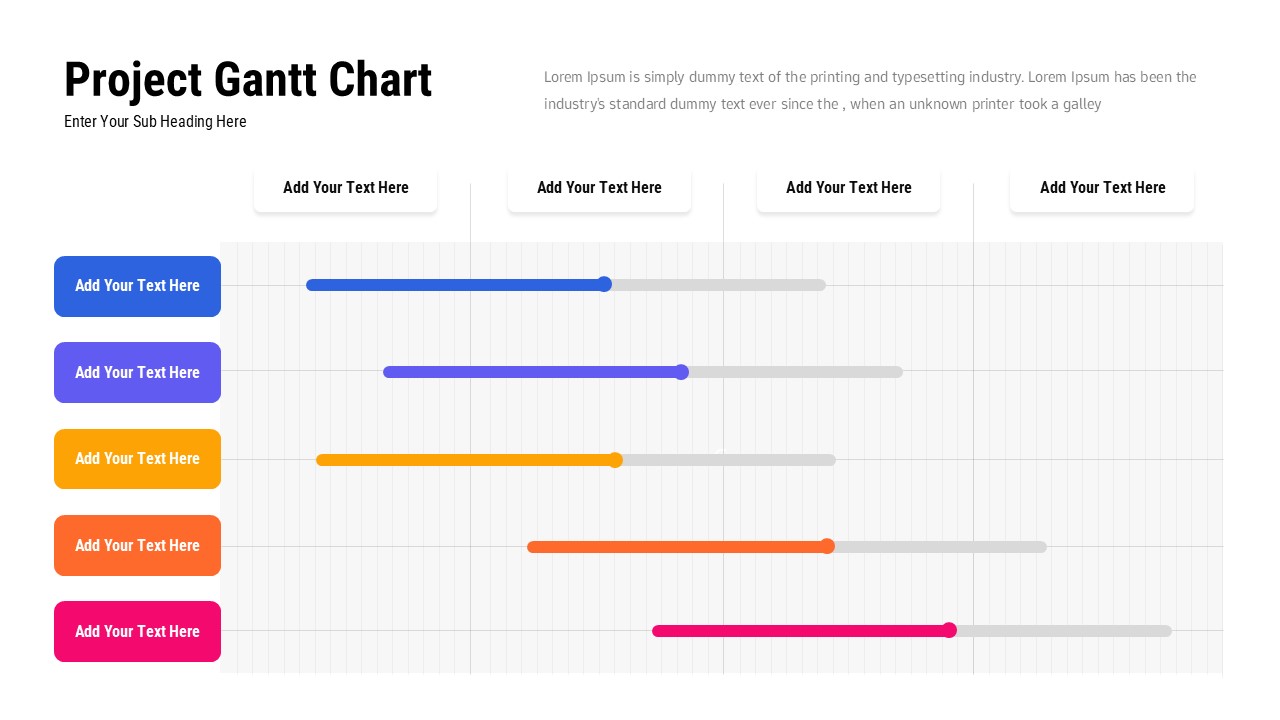
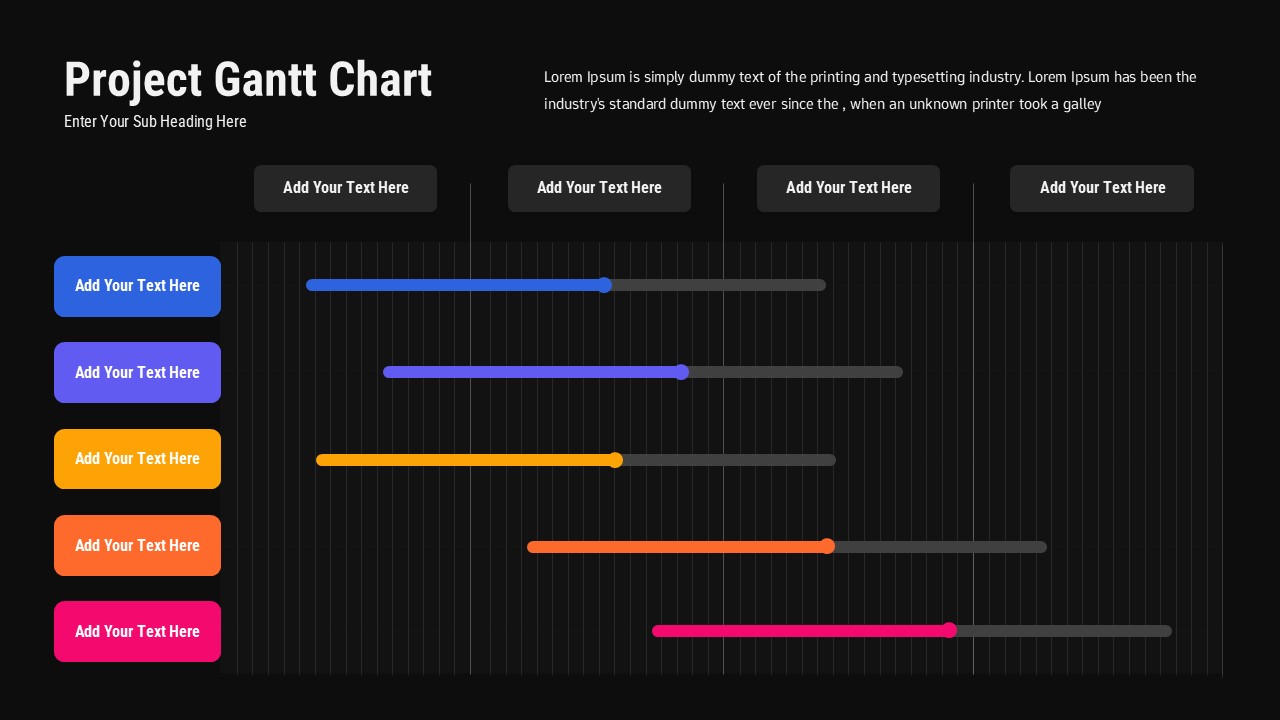
This Free Project Gantt Chart template for PowerPoint and Google Slides gives your project timeline the visual clarity it deserves – without hours of formatting work. Color-coded task bars in blue, purple, yellow, orange, and pink make it easy to separate activities, phases, and workstreams at a glance. A light grid background keeps everything readable and precise, while bold label sections let your task names stand out where they need to.
The layout is spacious by design. The chart stretches broadly across the slide so you have real room to map out long-term projects, overlapping tasks, and complex workflows without things feeling cramped or cluttered. Clean header blocks give you space to call out milestones, define project phases, and set timeline expectations before diving into the detail.
Here is what Free Project Gantt Chart brings to your planning:
• Color-coded task rows that make visual distinctions instant and intuitive
• A large Gantt chart area with grid background for precise, clean alignment
• Editable text blocks for milestones, phases, and key headings
• Fully customizable bars, labels, and colors to match your project or brand
• A polished, professional design that works across any project type
Whether you are presenting to leadership, syncing with your team, or drafting a plan from scratch, this Free Project Gantt Chart cuts through the noise. It works just as well for agile sprints as it does for waterfall timelines or hybrid workflows – you adapt it, it does not force you into a box.
Project managers, team leads, PMOs, consultants, and planners all find a home here. If your job involves keeping people aligned on what is happening and when, this gives you a tool that communicates that clearly – and looks great doing it.
Login to download this file


