




Colorful Any Questions Slide with Bold Question Mark Template for PowerPoint & Google Slides
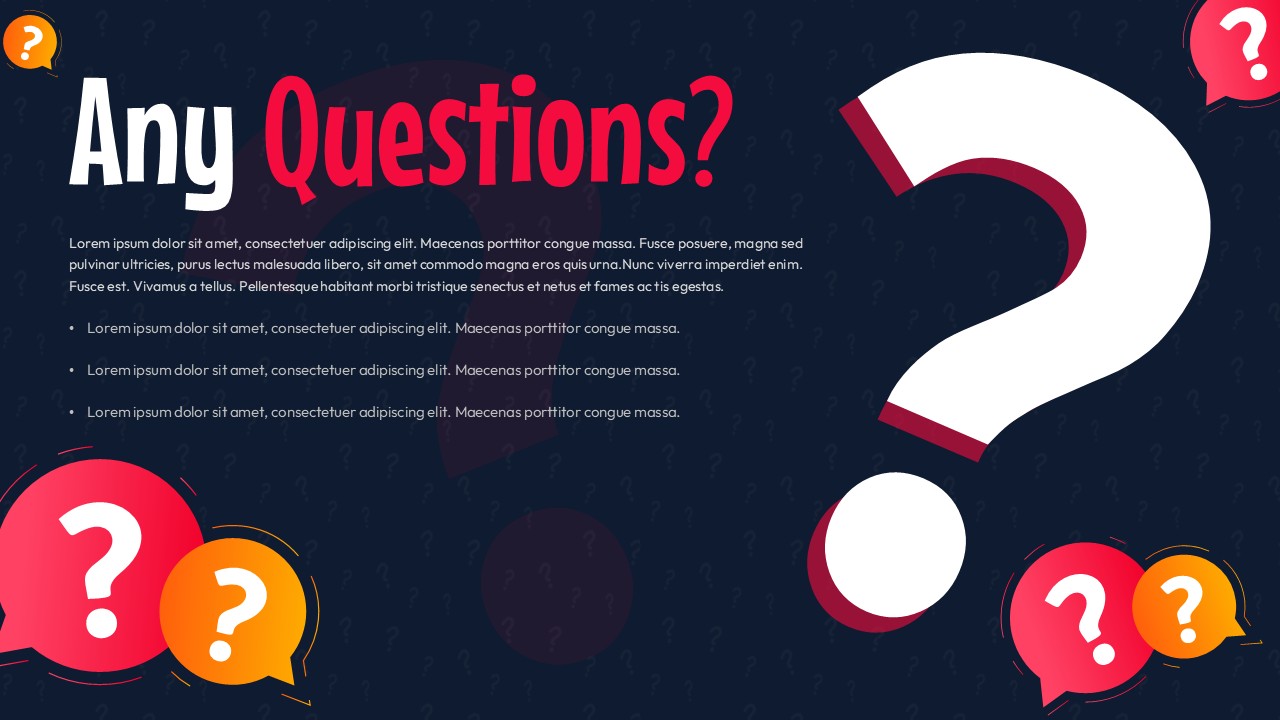
Vibrant Any Questions Slide Design with Large Question Mark Presentation Template
The last slide matters. Most presenters treat it like a formality; something to click past while the room empties. But the Any Questions slide is actually the only slide your audience stares at for an extended, unscripted stretch of time. It should earn that attention.
This template does the basic job well. A deep navy background, oversized central question mark outlined in red, speech-bubble icons scattered in red, orange, and yellow. It’s lively without being chaotic; the dark background does the heavy lifting on contrast so your text doesn’t drown in visual noise. The patterned question marks in the background are subtle enough to read as texture rather than clutter.
Here’s the catch: most “Any Questions?” slides are either sterile white boxes or overdesigned disasters that pull focus. This Any Questions Slide lands somewhere reasonable in the middle. The bold headline hits hard in large rooms; the colorful icons signal approachability without looking like a birthday invitation.
It’s fully editable, which is the actual selling point. Swap colors to match your brand, adjust the fonts, drop in closing instructions or a follow-up email address. The composition is balanced enough that customization doesn’t break it. And yet it works straight out of the box if you’re presenting in an hour and don’t have time to tinker.
Educators, trainers, corporate presenters, workshop leaders – it fits all of them, not because it’s generic, but because the visual logic is simple enough to adapt without losing its energy. Virtual or in-person, the contrast holds up.
It won’t rescue a bad presentation. But it will close a good one cleanly.
Login to download this file


Related Templates

Breaking News PowerPoint & Google Slides Templates
Illustration
Pros And Cons List Slides & PPT Templates
Comparison
World Emoji Day Presentation
Creative


