




Creative Comparison Table Template for PowerPoint & Google Slides
This template is part of a deck featuring multiple slides. To check out all slides.
See All
Product Description
Modern Creative Comparison Table Presentation Template
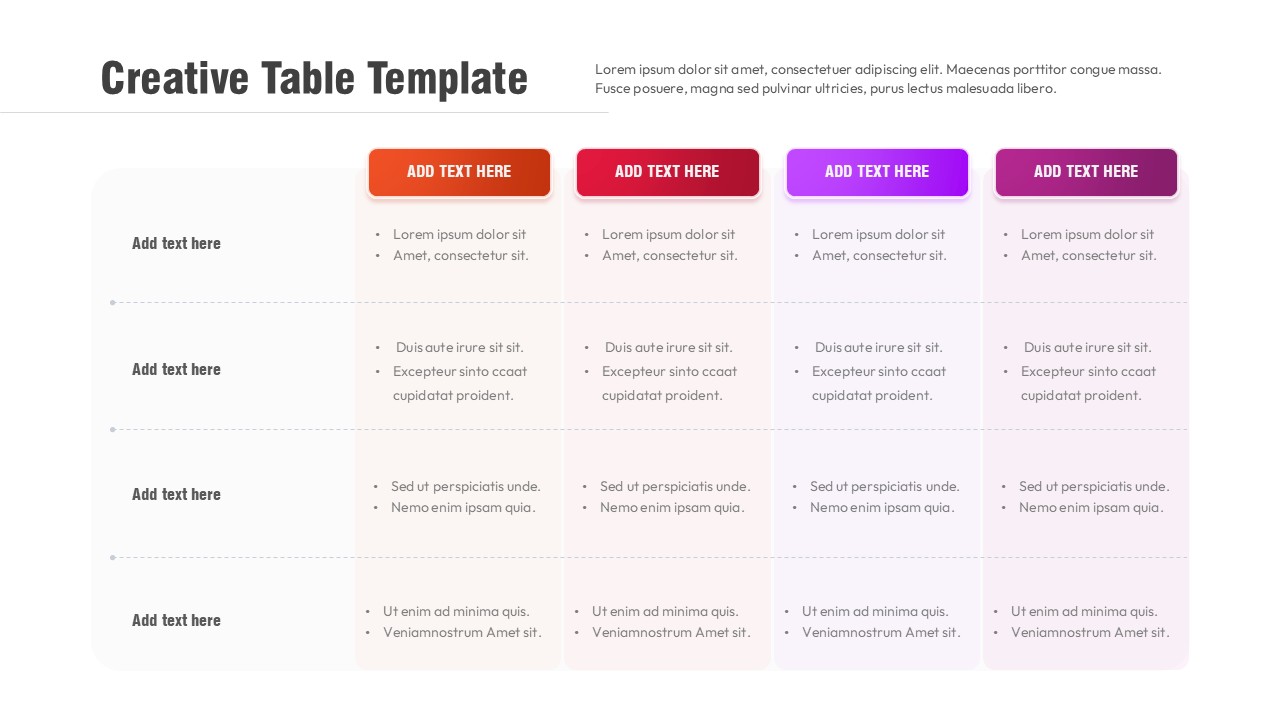
This creative comparison table layout template is built to help you organize, compare, and communicate structured information in a clean and visually engaging way. The slide presents a multi-column table with clearly separated rows and color-accented column headers, making it easy for audiences to scan and understand key differences at a glance. Each column header is highlighted with a bold rounded label, while the rows maintain consistent spacing and alignment to support readability across large datasets or feature lists. This structured layout ensures your message remains clear even when presenting complex comparisons.
Designed with flexibility in mind, this creative comparison table layout template is suitable for a wide range of professional use cases. You can use it to compare products, services, plans, performance metrics, or strategic options without overwhelming your audience. Subtle background shading across rows improves visual flow and helps guide the viewer’s eye horizontally across the table. The balanced grid structure keeps content organized while still allowing enough white space to prevent visual fatigue during presentations.
Fully editable in PowerPoint and Google Slides, this presentation template allows you to quickly customize text, colors, and column titles to match your brand or presentation theme. Whether you are preparing a business report, proposal, or internal review, this table slide supports consistent formatting and professional delivery. With its modern styling and practical layout, this creative comparison table layout template transforms standard tables into polished visual assets that enhance clarity, credibility, and engagement throughout your presentation.
Features of this Creative Comparison Table template
• Multi-column table layout with bold, color-coded column headers.
• Clearly separated rows for structured comparisons and lists.
• Balanced spacing and subtle row backgrounds for improved readability.
• Fully editable text, colors, and layout in PowerPoint and Google Slides.
Why use this Creative Comparison Table template
• Makes comparisons easy to understand and visually appealing.
• Keeps complex information organized and presentation-ready.
• Saves time with a ready-to-use, professionally designed table.
• Enhances clarity and consistency across business presentations.
Who is it for
This template is ideal for business professionals, consultants, analysts, and marketers who need to present structured comparisons. It is also suitable for educators, students, and project teams preparing reports, evaluations, feature matrices, or decision-making documents.
Login to download this file