




Email Etiquette Templates For PowerPoint & Google Slides
Professional Email Etiquette 5 Step Presentation Template
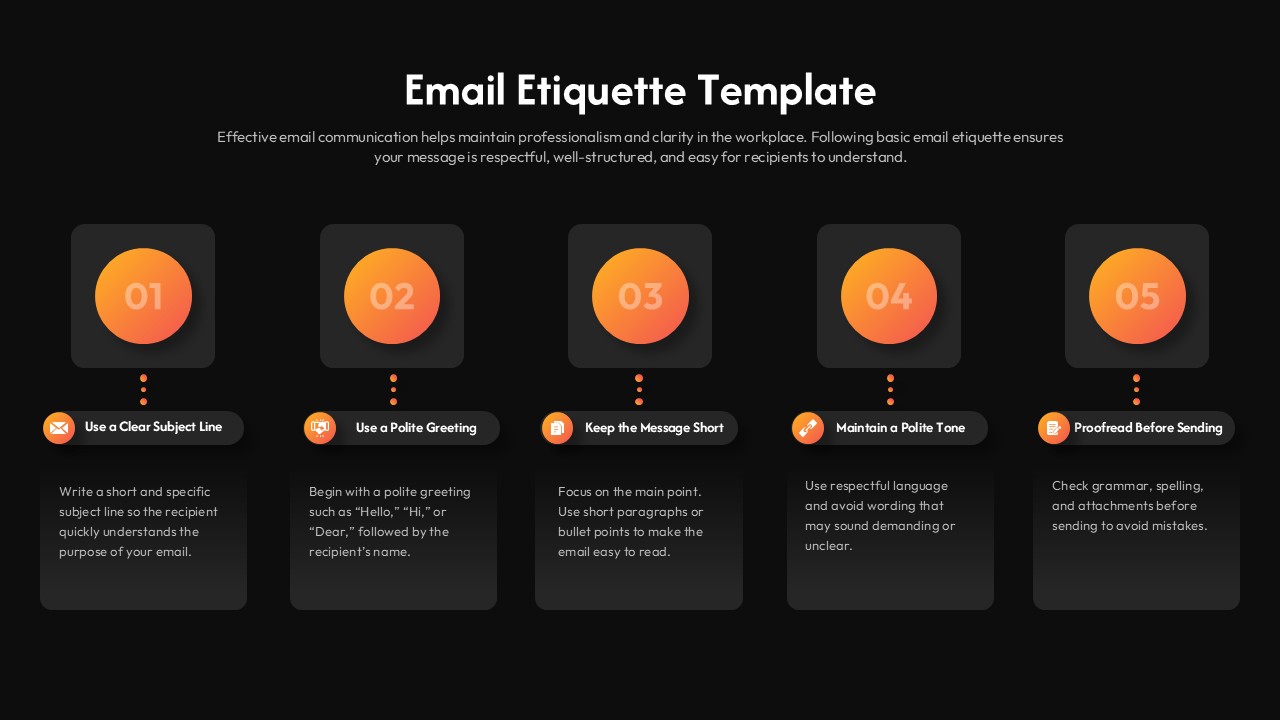
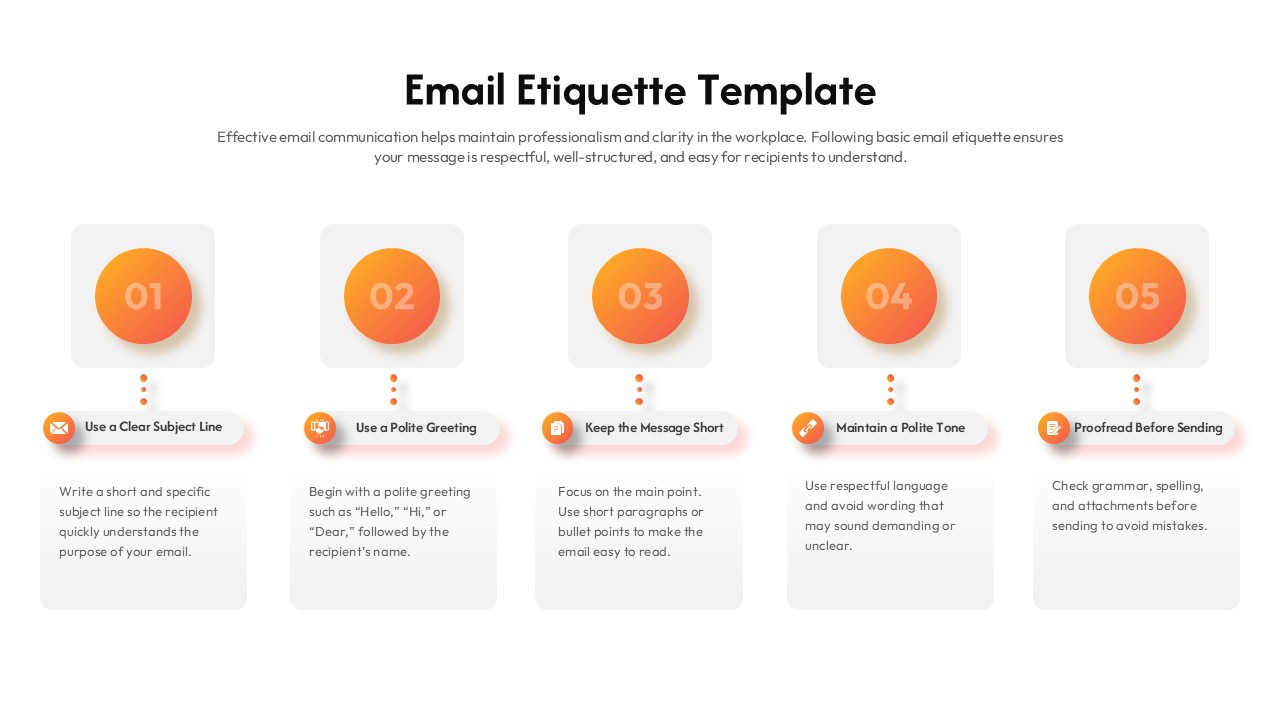
Strong digital communication is the foundation of a productive workplace, and this Email Etiquette Template for PowerPoint & Google Slides helps your team master it. The layout features a vibrant five-step horizontal process flow, using numbered orange gradient circles and intuitive icons to break down complex communication standards into manageable steps. The design guides users through essential practices from crafting clear subject lines to final proofreading ensuring every message sent is polished, professional, and effective.
Key Training Highlights
Five-Step Strategic Flow: A logical progression covering subject lines, greetings, concise messaging, professional tone, and proofreading.
High-Impact Visuals: Includes professional orange gradient elements and relevant icons that enhance retention during training sessions.
Full Customization: Easily adjust colors, fonts, and content to align with your organization’s specific branding and communication policies.
Versatile Presentation: Comes with both light and dark theme variations to suit any corporate or academic environment.
This resource is a practical asset for HR professionals and corporate trainers looking to reduce workplace miscommunication and elevate employee professionalism. By providing a structured visual framework, it transforms standard onboarding or communication workshops into actionable learning experiences. Whether you are a team manager or an educational consultant, this template saves significant preparation time while delivering a high-standard guide that employees can implement in their daily correspondence immediately.
Login to download this file


Related Templates

Supply Chain Management Templates
Strategy


