




Flashcard Slides PowerPoint & Google Slides Templates
Six-Step Flashcard Grid for Clear Concept Delivery
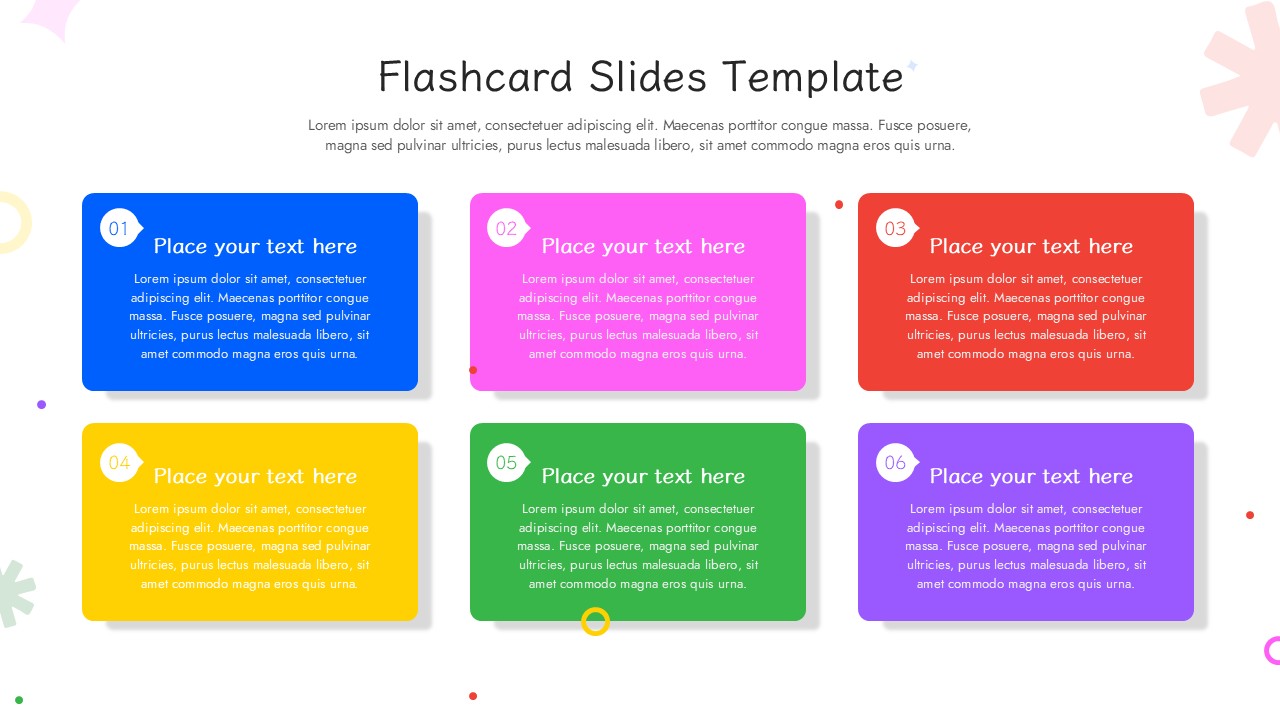
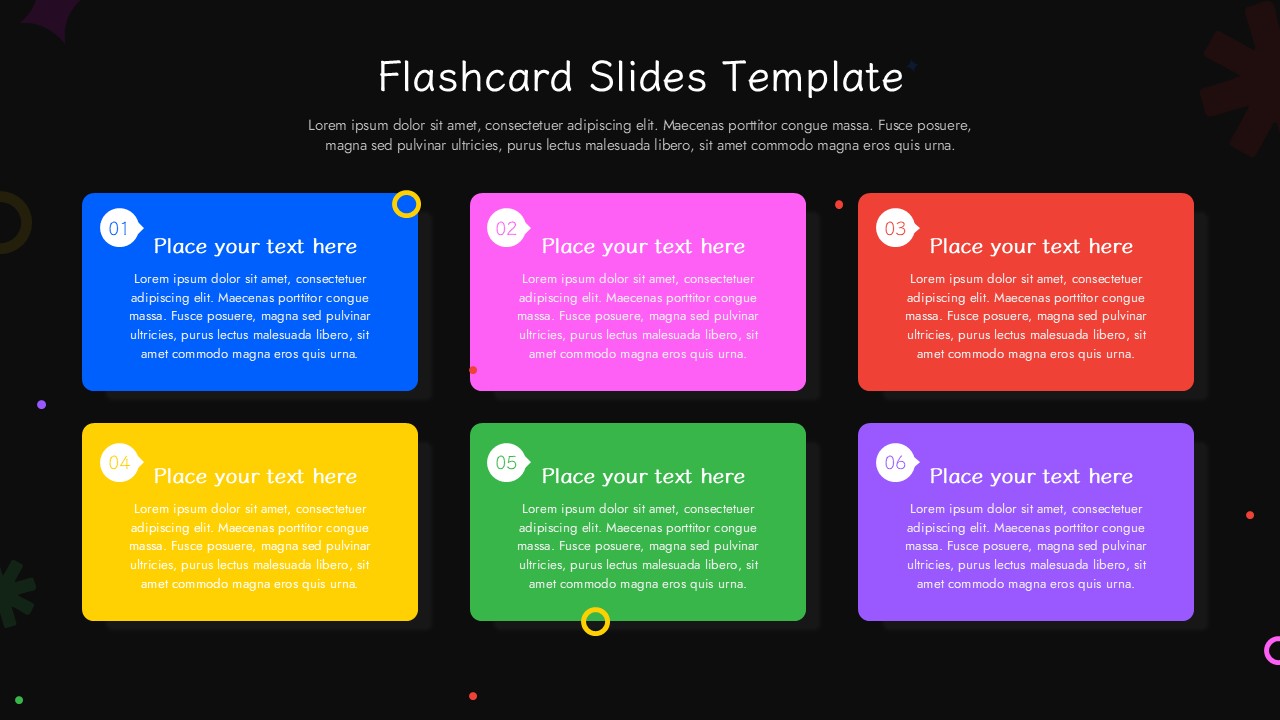
At the top of the layout you have a clear title area and a secondary text block for a high level summary. The middle section contains six large colorful boxes arranged in two rows and three columns. Each box acts as an individual flashcard with its own number bubble and text zone. You will find a distinct color for every box including blue, pink, red, yellow, green, and purple. This flashcard slides template keeps your information separated so your audience can focus on one module at a time. Small geometric accents sit behind the main layers to add a bit of personality to the white background.
How to Edit It
Open the file and click on any of the text blocks to type over the placeholder content. You can easily recolour the rectangular containers by selecting the shape and choosing a new fill color from the toolbar. If you only need four points instead of six you can just select and delete the extra boxes. Drag the elements around to change the sequence or resize the number bubbles if you want them to stand out more. To make this flashcard slides template match your brand just swap out the background shapes for your own company assets. Everything is grouped logically so you can move an entire card with one click.
When to Pull It Out
You should grab this slide for a team onboarding session when you need to explain six core company values. It also works well for a project wrap up meeting to highlight the main wins from the last quarter. You might pull it out during a training workshop to define new technical terms for your staff. Another great moment is a client discovery call when you want to show six specific service offerings in a clean way.
What’s Inside
- Numbered bubbles: These help you guide the viewer through a specific order of operations.
- Six color coded containers: Use these to group related ideas or different categories of information.
- Top title block: This lets you set the context for the entire page immediately.
- Floating background vectors: These add a layer of visual interest without distracting from your text.
Why It Actually Works
- The grid layout forces you to keep your descriptions short and punchy.
- Vibrant colors create a natural separation between different topics on the same page.
- Pre numbered elements save you the time of aligning small labels manually.
- The 16 by 9 aspect ratio fills the screen perfectly for modern remote presentations.
Who Reaches for This
Corporate trainers often use this to break down complex procedures into six manageable steps. Product managers reach for this when they need to compare different features of a new release for the sales team. Marketing leads also find it helpful for showing different customer personas during a campaign strategy meeting. It is a go to choice for anyone who needs to present a lot of data without making the slide look cluttered.
Login to download this file


