




Free Tier List Ranking Slide Template for PowerPoint & Google Slides
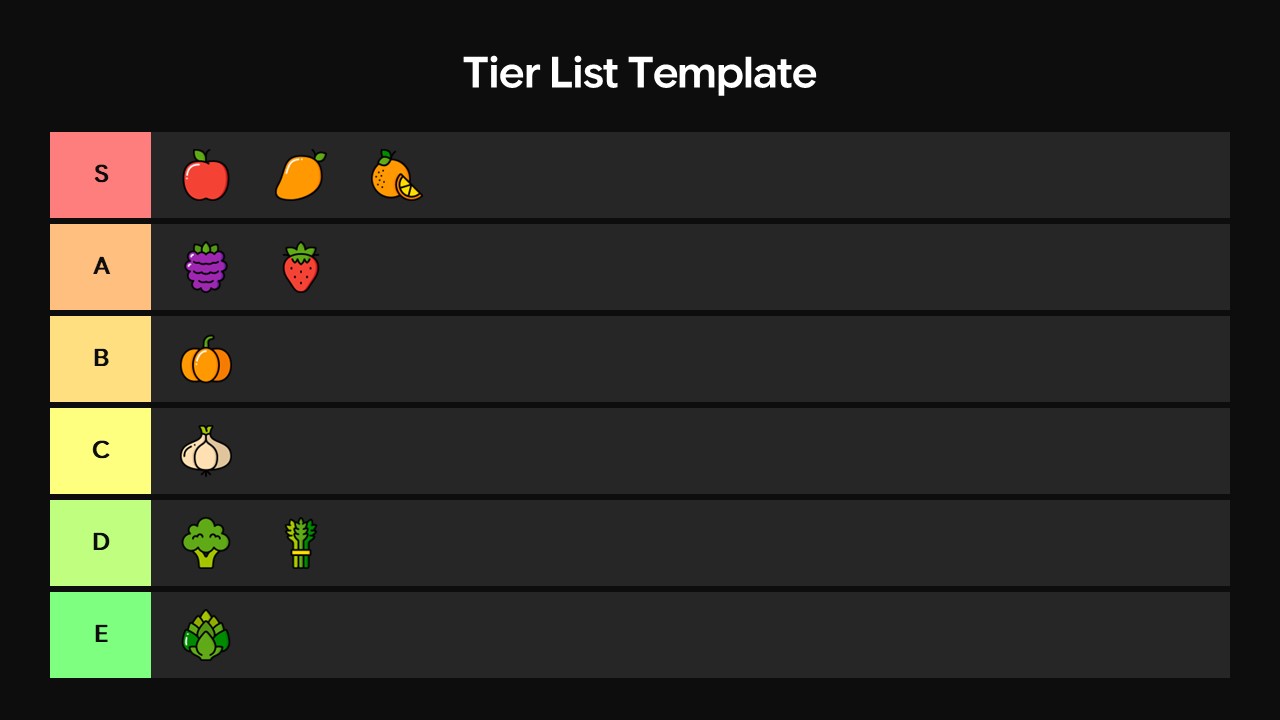
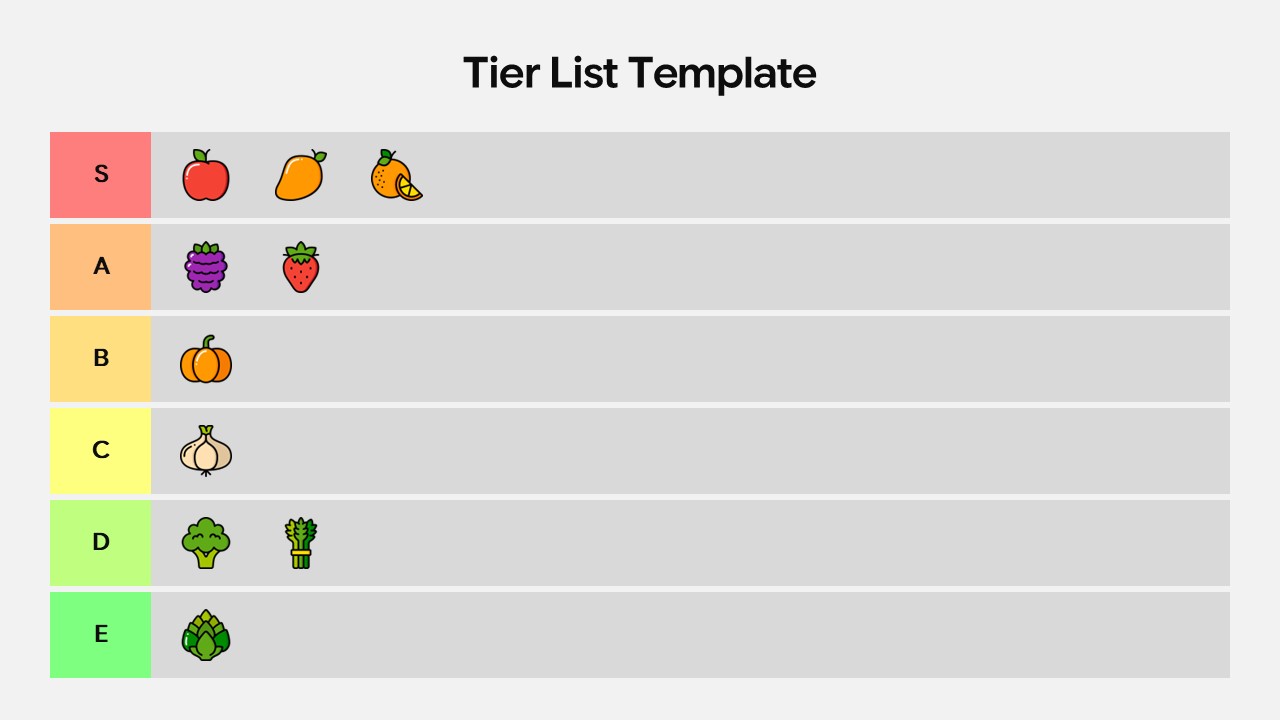
S – E Ranking Free Tier List Presentation Template for Comparison
If you’ve ever struggled to communicate rankings or comparisons in a presentation, this free Tier List Template is exactly what you need. Available for both PowerPoint and Google Slides, it gives you a clean, color-coded visual layout that makes any ranking instantly clear to your audience no complicated charts, no confusing tables.
The template comes with six horizontal tiers labeled S through E, each highlighted in a distinct color so viewers can immediately tell what’s top-tier and what falls lower on the scale. The dark background makes every row pop, giving your slide a bold, professional look that holds attention. Whether you’re ranking product features, comparing strategies, scoring team performance, or just having fun ranking your favorites, this Tier List Template does the heavy lifting for you.
Using it is simple. Just drop your icons, images, or text into the rows that match their rank, and your slide is ready. You don’t need any design skills everything is pre-built and aligned. If you want to rename the tiers, change the colors, or add more rows, the template is fully editable and responds well to customization in both PowerPoint and Google Slides.
This Tier List Template works great in team meetings, training workshops, classroom sessions, product reviews, and brainstorming exercises. It turns what would normally be a long discussion into a single, easy-to-read slide that everyone in the room can engage with. Teachers use it to grade concepts, marketers use it to compare competitors, product teams use it to prioritize features, and facilitators use it to run live group ranking activities.
Best of all, it’s completely free to download and ready to use right away no design experience required, no extra tools needed.
Login to download this file


Related Templates

Free Pros and Cons Comparison Template
Comparison


