




Kanban Board PowerPoint Template
Kanban Board Presentation Template
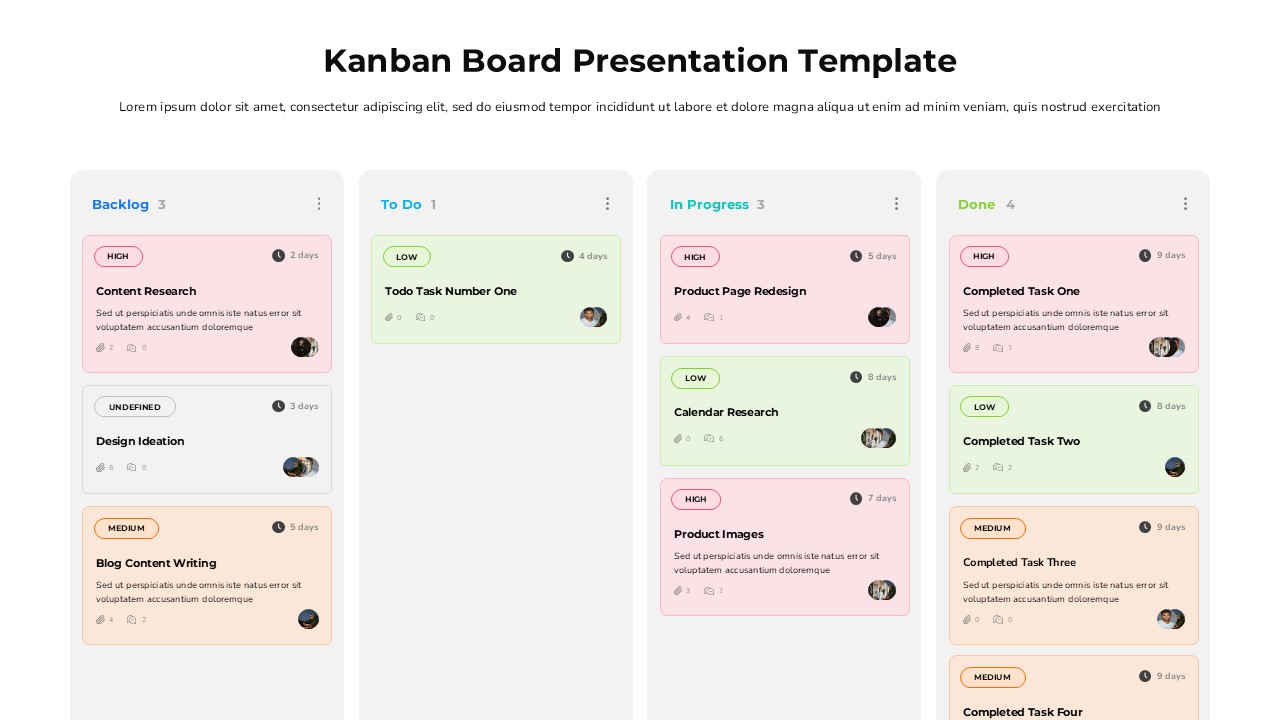
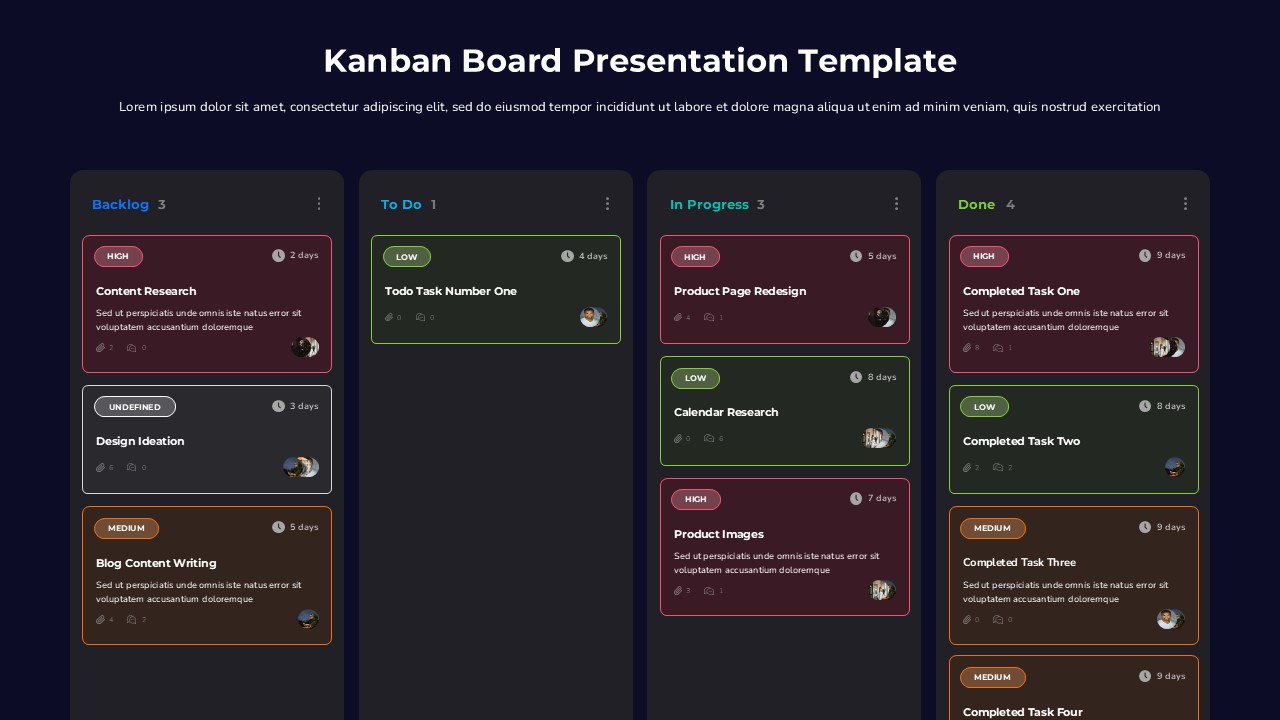
Turn abstract project status updates into a visual story with this Kanban Board PowerPoint template, built around a familiar four-column workflow: Backlog, To Do, In Progress, and Done. The dark, modern color scheme paired with bright accent tags gives every slide a polished, tech-forward feel that instantly reads as organized and professional.
Every card on the board carries the details your audience actually needs. Priority labels in high, medium, low, and undefined variants let viewers triage at a glance, while due-date timers, attachment counts, comment counts, and assignee avatars round out each task with real context. Column headers tally live task counts, so shifting workloads between stages are obvious without extra explanation.
Teams running agile sprints, product launches, content calendars, or client deliverables will find this Kanban Board PowerPoint template a natural fit for sprint reviews, standup recaps, roadmap check-ins, and stakeholder presentations. It also doubles well as a planning tool for internal workshops where teams sort tasks live during the session.
The layout includes a clean title slide with a subtitle placeholder for context, fully color-coded priority system, and expandable card columns that hold anywhere from one to several tasks without breaking the design. Everything is built to edit quickly, so updating task names, dates, and avatars between meetings takes minutes, not hours.
Compatible with both PowerPoint and Google Slides, this template ships in 16:9 widescreen and is ready to drop into your next project review deck.
Login to download this file


