




Dark Questions Session Illustration Presentation Slide
This template is part of a deck featuring multiple slides. To check out all slides.
See All
Product Description
Q&A Questions Session Presentation Template for Meetings
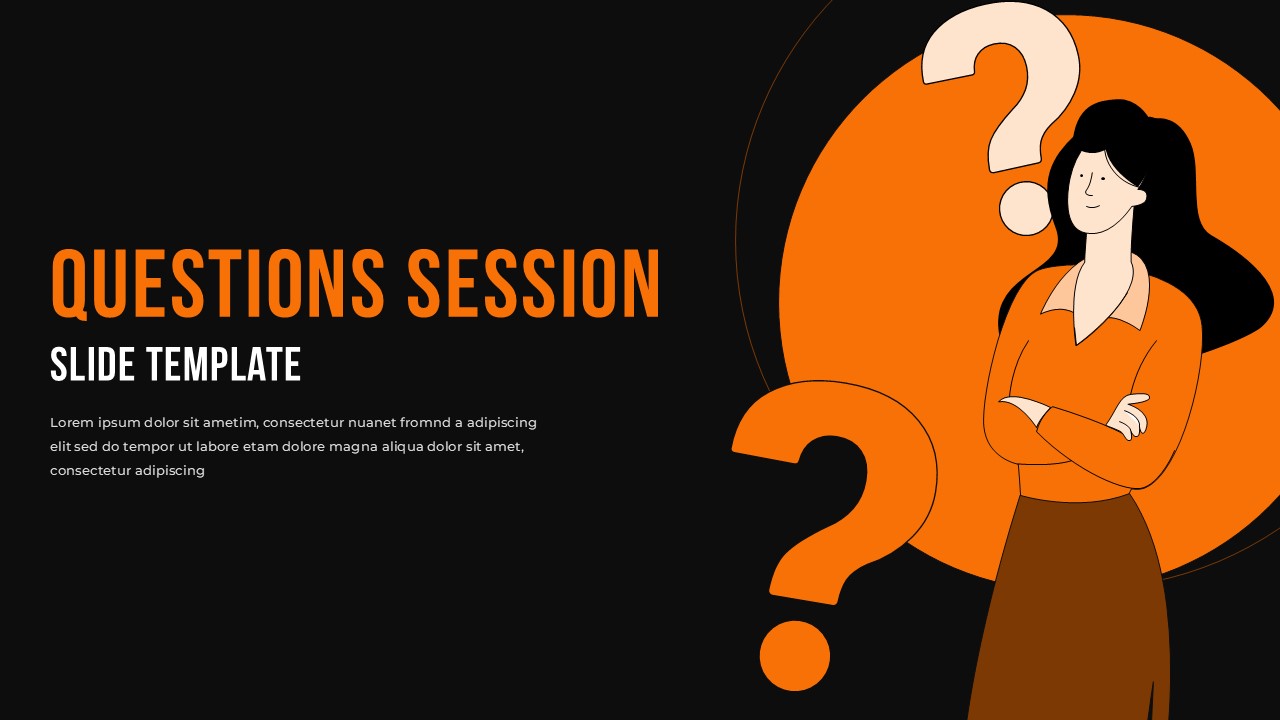
Deliver engaging and organized Q&A moments with this Questions Session Illustration Slide Template for PowerPoint & Google Slides. Designed to highlight audience interaction and open discussion, this questions session slide template features a clean layout with bold typography on the left and a large illustrated character with oversized question marks on the right. The visual balance between text and graphics ensures your key message stands out while maintaining a modern and approachable tone.
The warm orange and beige color palette creates an inviting atmosphere, making it ideal for workshops, webinars, town halls, and classroom discussions. The central circular background element frames the illustration, reinforcing the theme of inquiry and curiosity. This questions session slide template allows you to clearly introduce a Q&A segment, collect audience queries, or summarize discussion points at the end of a presentation.
Fully editable in both PowerPoint and Google Slides, the layout includes customizable title text, subtitle placeholders, and body copy areas. You can easily adapt fonts, colors, and illustration size to match your brand guidelines. Whether used as a standalone slide or integrated into a larger deck, this questions session slide template enhances audience engagement and ensures a smooth transition into interactive dialogue.
Features of this Questions Session Slide template
• Bold headline area for clear “Questions Session” announcements.
• Modern flat illustration with large question mark graphics.
• Balanced left-text and right-visual layout for strong visual hierarchy.
• Fully editable fonts, colors, and text placeholders.
Why use this template
• Encourages audience participation during presentations.
• Creates a professional yet approachable Q&A atmosphere.
• Enhances visual appeal without overwhelming content.
• Saves time with a ready-to-use, structured slide design.
Who is it for
Business professionals hosting meetings, trainers leading workshops, educators conducting classroom sessions, and speakers wrapping up conferences or webinars. It is also suitable for startup founders, consultants, and project managers who want a polished way to transition into Q&A discussions and engage their audience effectively.
Login to download this file