




6-Piece Puzzle Diagram Overview Template for PowerPoint & Google Slides
6-Piece Puzzle Diagram Presentation Template
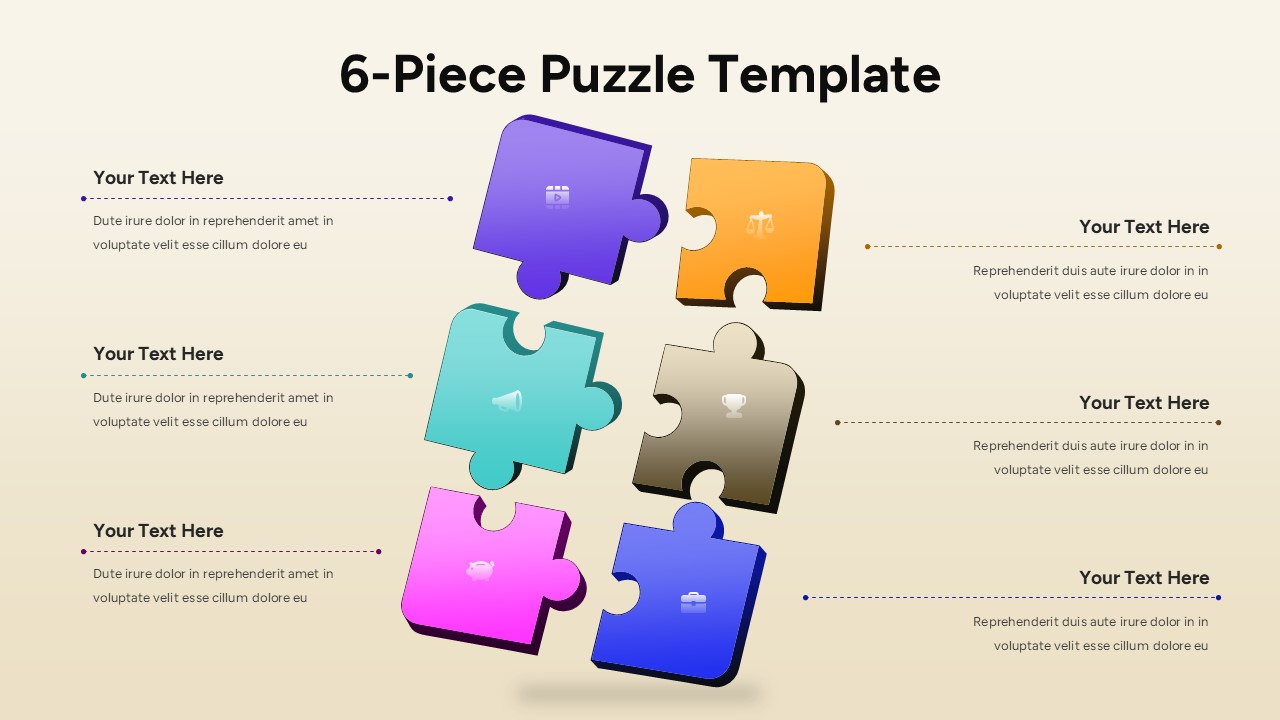
This 6-piece puzzle template is designed to help presenters visualize how multiple ideas, steps, or responsibilities connect to form a complete concept. Featuring six interlocking puzzle blocks arranged in a balanced vertical layout, the slide clearly communicates structure, interdependence, and logical flow. Each puzzle piece is paired with a dedicated text callout area, allowing you to explain individual components without overcrowding the central visual. Subtle depth effects, soft shadows, and rounded edges add clarity while keeping the focus on content. The multi-color design ensures each element stands out while remaining visually cohesive across the slide.
Built for seamless editing in PowerPoint & Google Slides, this 6-piece puzzle template uses fully editable shapes, icons, and text placeholders. You can easily relabel sections, adjust colors to match brand guidelines, or reuse the layout across multiple slides to expand a story. The puzzle metaphor makes complex processes easier to understand, helping audiences quickly grasp how separate elements contribute to a shared objective. Whether printed or presented on screen, the clean composition maintains strong readability and professional polish.
Beyond traditional process explanations, this slide works equally well for strategy breakdowns, frameworks, product features, or team responsibilities. Duplicate the slide to show progression, comparison, or alternative scenarios, or animate the pieces to guide attention during live presentations. By combining clarity, flexibility, and visual appeal, this 6-piece puzzle template for PowerPoint & Google Slides turns abstract ideas into structured, memorable narratives that support confident decision-making.
Features of this 6-piece puzzle template
• Six interlocking puzzle pieces symbolizing connected steps, ideas, or components.
• Individual text callouts on both sides for clear explanations without clutter.
• Fully editable shapes, icons, colors, and text in PowerPoint & Google Slides.
• Balanced vertical layout with subtle shadows for depth and hierarchy.
Why use this 6-piece puzzle template
• Clearly shows how multiple elements combine into one complete solution.
• Improves audience understanding of processes, frameworks, or strategies.
• Saves time with a ready-to-use visual structure that is easy to customize.
• Enhances presentations with a modern, engaging puzzle metaphor.
Who is it for
Consultants, business analysts, educators, project managers, marketers, and startup teams explaining processes, models, or multi-part concepts. Ideal for strategy sessions, training materials, planning meetings, and executive presentations.
Login to download this file
Template Variations


