




12 Month Linear Timeline Template for PowerPoint & Google Slides
12-Month Annual Timeline Planning Presentation Template
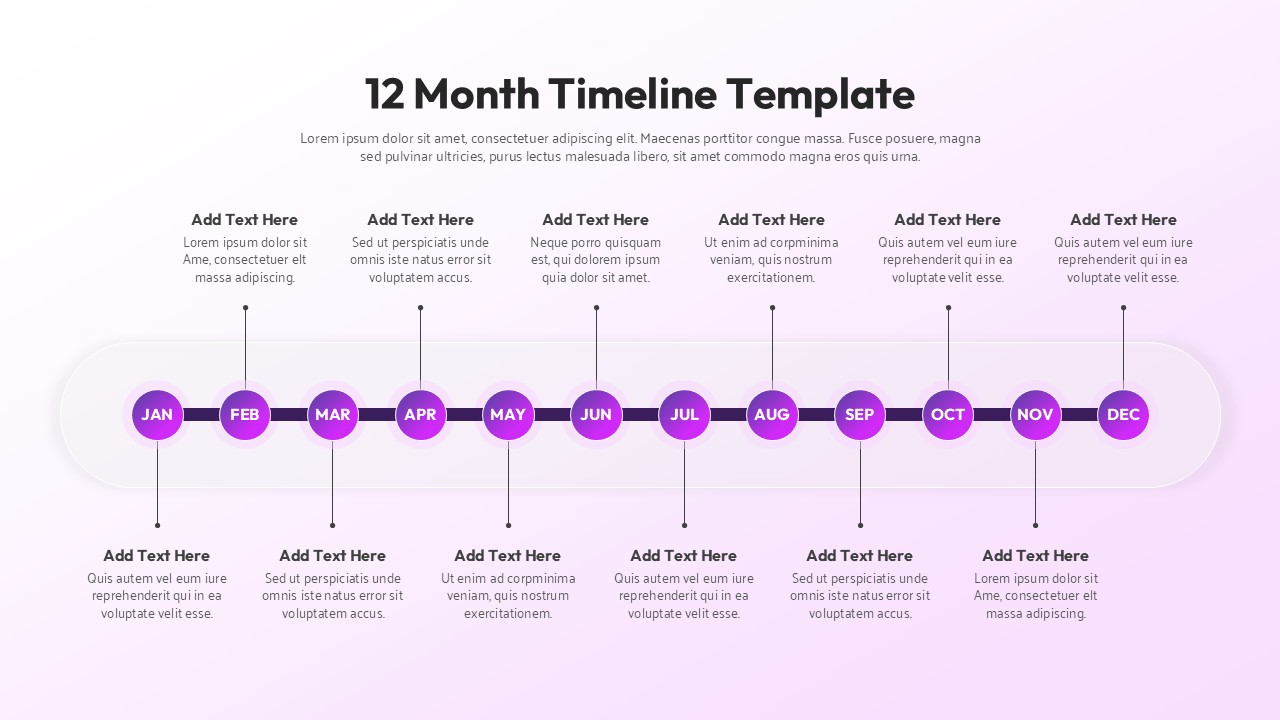
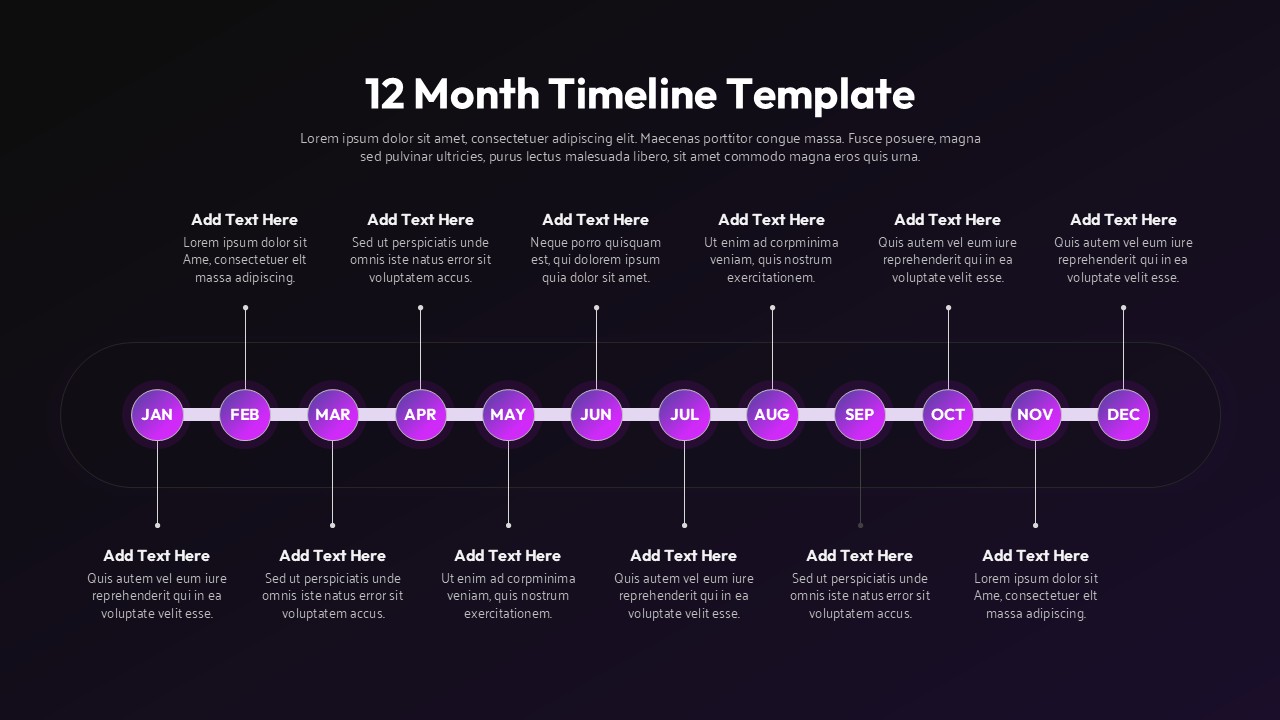
The 12 Month Timeline template exists because annual planning deserves better than a table with tiny text and color-coded cells that only you can decode. It’s a horizontal timeline – January through December – with each month sitting on its own circular marker, laid out in a clean line that your audience can actually follow in real time. Not just read later. Follow. In the room. While you’re talking.
The part that took the most fiddling (and honestly, the part I’m most happy with) is how the callouts work – there’s space above and below the timeline for annotations, so you can layer two streams of information without anything feeling cramped. Goals up top, deliverables below. Launches on one side, dependencies on the other. However, your brain organizes a year, there’s room for it here.
The gradient on the month markers, purple into pink, sounds like a small thing, but it does a lot of work against the soft background. Your eye knows exactly where to land. No squinting, no “wait, which month are we on.”
The 12 Month Timeline is fully editable, so if your brand is strictly navy-and-white, that’s fine. Swap it out. The structure holds regardless of what colors you put in it.
Honestly, it’s not for every presentation – if you’re showing a two-week sprint or a five-year vision, the 12-month framing won’t quite fit. But for annual plans, product calendars, hiring schedules, academic cycles? It’s the kind of slide that makes people nod along instead of lean over to whisper “can you send me a copy of this after?”
Login to download this file


