




Visual Checklist Slide Layout Template for PowerPoint & Google Slides
Modern Visual Checklist Presentation Template for Task Tracking
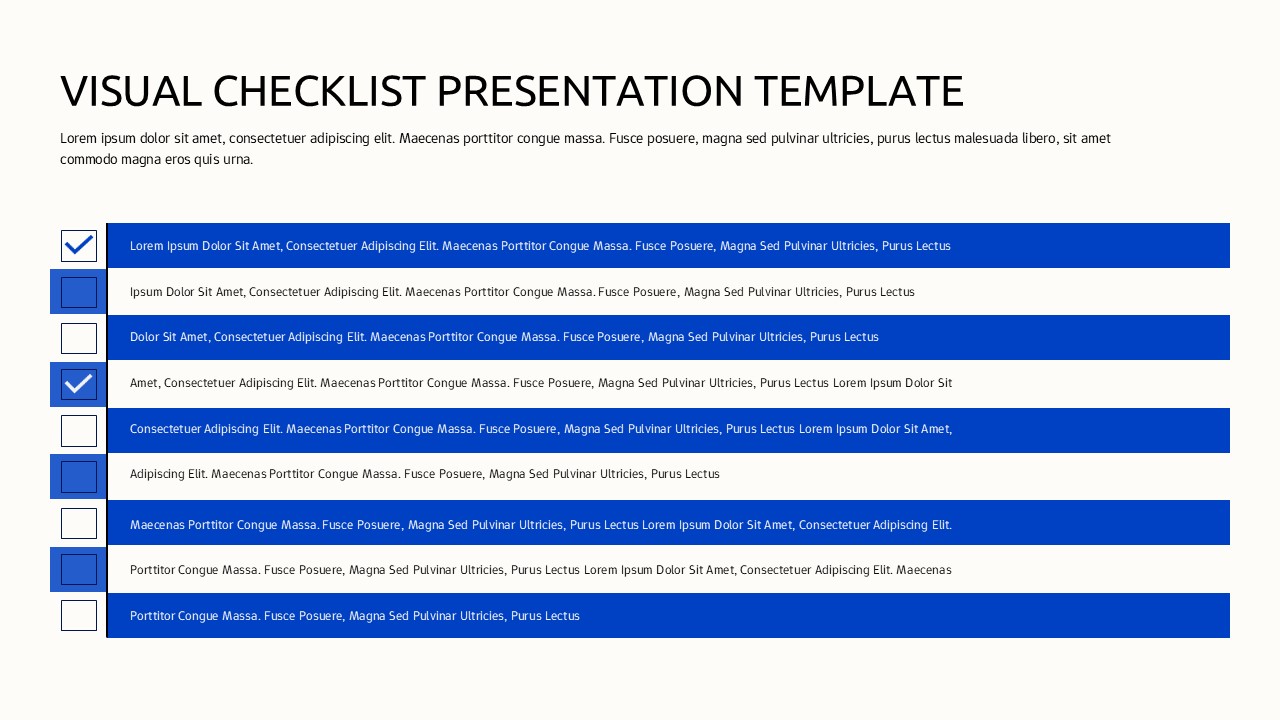
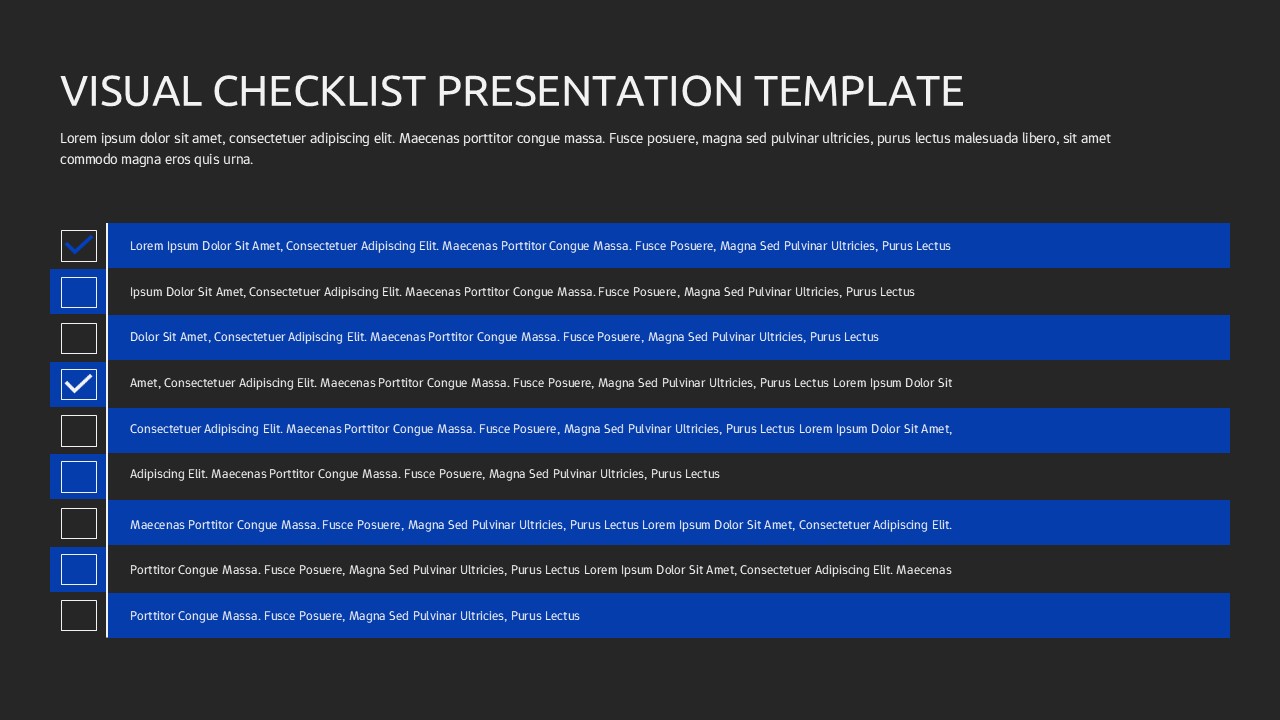
Streamline your task management and reporting with this Visual Checklist Slide Layout Template for PowerPoint & Google Slides. Designed with bold horizontal bars and clearly defined checkbox icons on the left, this visual checklist slide transforms routine task lists into structured, engaging content. Each checklist row features a strong blue highlight bar paired with a square checkbox indicator, allowing you to distinguish completed, pending, or priority items at a glance. The clean alignment and generous spacing ensure readability, while the contrast between white and blue elements keeps attention focused on key action points.
This visual checklist slide is ideal for presenting step-by-step plans, operational tasks, compliance requirements, or project milestones in a professional format. The repetitive horizontal structure reinforces clarity and consistency, making it easy for audiences to follow progress updates or status reports. Fully editable in both PowerPoint and Google Slides, the Visual Checklist Slide Layout Template enables you to customize text, duplicate rows, adjust colors, and adapt the design to your branding needs without disrupting the layout. Whether used as a standalone slide or integrated into a larger deck, this visual checklist layout helps you communicate priorities with precision and visual impact.
Features of this template
• Multiple horizontal checklist rows with bold blue highlight bars for clear task separation.
• Square checkbox icons to visually indicate status, completion, or priority.
• Clean, left-aligned structure for easy scanning during presentations.
• Fully editable text placeholders, colors, and shapes in PowerPoint & Google Slides.
Why use this template
• Present tasks, action plans, or requirements in a structured and professional way.
• Improve audience focus with strong visual hierarchy and consistent alignment.
• Simplify project updates and status reporting with an intuitive checklist format.
• Save preparation time with a ready-to-use, adaptable slide layout.
Who is it for
Project managers, team leaders, consultants, and operations professionals who need to present task lists, progress updates, or implementation plans. It is also suitable for educators outlining lesson steps, HR teams presenting onboarding checklists, and executives summarizing action items in strategic meetings. This slide works effectively in business reports, workshops, training sessions, and performance reviews where clarity and accountability are essential.
Login to download this file


