




Pyramid Hierarchy Infographic PowerPoint & Google Slides Templates
Editable Pyramid Hierarchy Template
Building a multi-level organizational chart or reporting structure from scratch is one of those tasks that eats a full afternoon without warning. You start with good intentions, and two hours later you’re still adjusting circle sizes and chasing misaligned connector lines. The pyramid hierarchy infographic format should communicate complexity clearly, but getting there manually rarely does. Most people either give up on the visual entirely or ship something that looks half-finished.
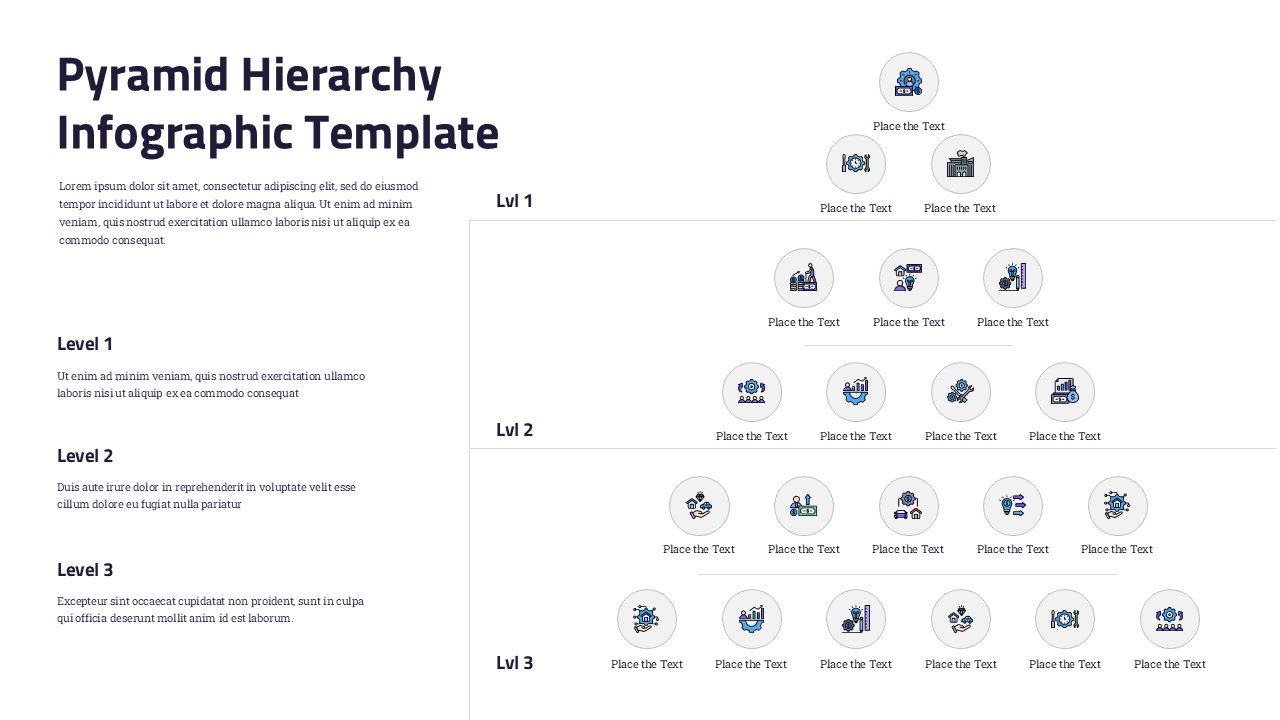
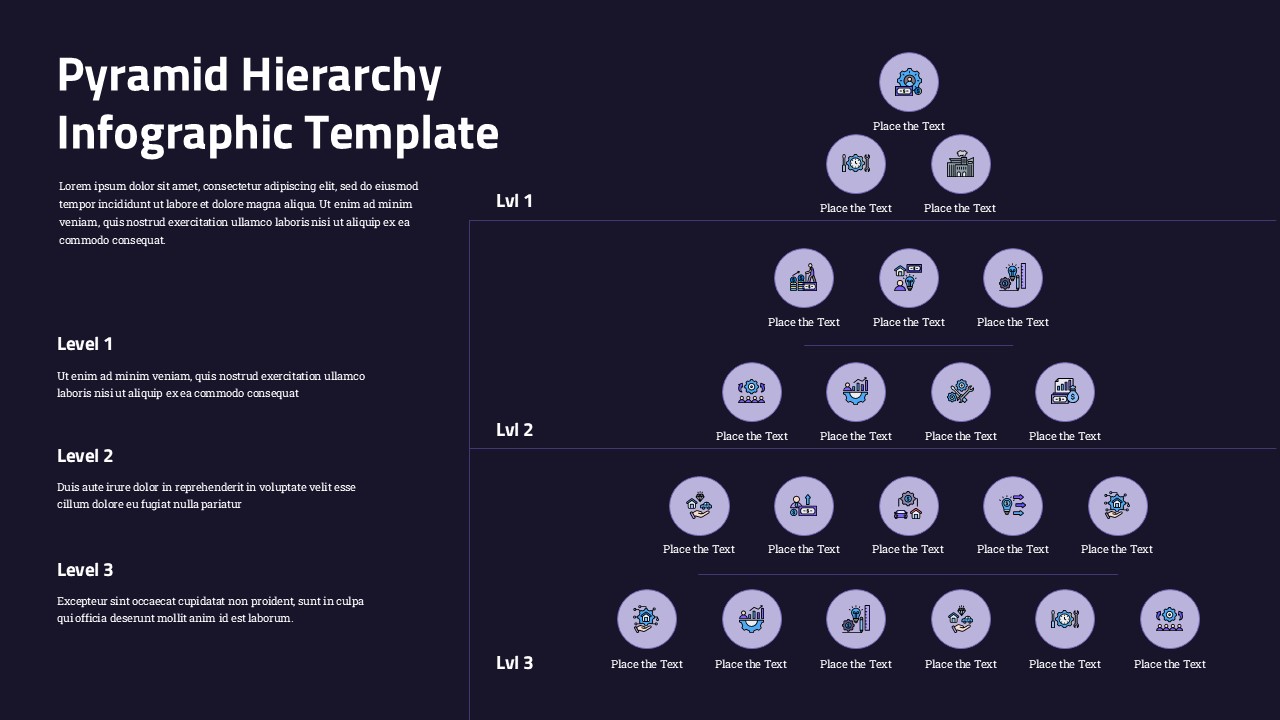
This template hands you the hard part already done. Open it in PowerPoint and you’re customizing content, not building structure. The three-tier node layout, icon circles, and level labels are all pre-positioned and ready to edit. The pyramid hierarchy holds its shape whether you’re swapping icons or rewriting labels. With a clean slide layout and a pre-built infographic slide structure, there’s no guesswork about spacing or alignment — every element sits exactly where it should.
The same file works just as well in Google Slides, where your team can jump in simultaneously and make edits without emailing versions back and forth. Whether you’re building a corporate presentation for a leadership offsite or adapting the structure for a product line breakdown, the editable slides give you a professional slides foundation that transfers across contexts. You walk away with a fully built visual that’s ready for the room.
Features of this template
- Three-tier branching node system — The layout expands from one node at the top to six at the base, structurally mirroring how real hierarchies branch without requiring manual spacing adjustments.
- Consistent icon-circle placeholders — Every level uses uniform circular icon containers, so replacing icons preserves the visual grid and keeps the diagram balanced across all tiers.
- Dedicated level-annotation column — A left-side text panel pairs written context with each tier, letting you explain each level without crowding the diagram itself.
- Horizontal separator lines per level — Built-in dividers between tiers give the eye a clear resting point, making it easier for audiences to scan the hierarchy top to bottom.
Why use this template
- Eliminates hours of manual layout work, so you spend time on content, not construction.
- Makes hierarchy instantly readable; the top-down pyramid structure conveys reporting relationships the moment the slide appears.
- Adapts across industries and use cases by swapping icons and labels to shift from an org chart to a product taxonomy or service tier breakdown.
- Holds attention during complex content by using visual grouping per tier to keep audiences oriented.
Who is it for
Operations managers, HR directors, business analysts, and strategy leads will reach for this template regularly. It fits naturally into a quarterly business review when showing team structures, an executive briefing that maps organizational change, or a client onboarding deck that breaks down service tiers, anywhere a clear top-down structure needs to land quickly and look considered.
Login to download this file


