How to Structure a Persuasive Speech People Actually Remember



A persuasive speech lives or dies in the first thirty seconds. You can have the strongest argument in the room, but if your opening doesn’t earn attention, the rest of your points are wasted breath. Most speakers spend weeks polishing their words and almost no time thinking about how those words are supported visually, which is usually where persuasion quietly falls apart.
This isn’t just about talking points. It’s about structure, pacing, and the slides that carry your message when your voice can’t do all the work alone.
What Is a Persuasive Speech?
A persuasive speech is a presentation designed to influence an audience’s beliefs, opinions, or actions. Rather than simply sharing information, it encourages listeners to agree with a particular viewpoint or take a specific step. Whether you’re pitching an idea, presenting a business proposal, or speaking in a classroom, the goal is the same: guide your audience toward a decision through clear reasoning, credible evidence, and effective delivery.
What Makes a Persuasive Speech Different From Any Other Talk
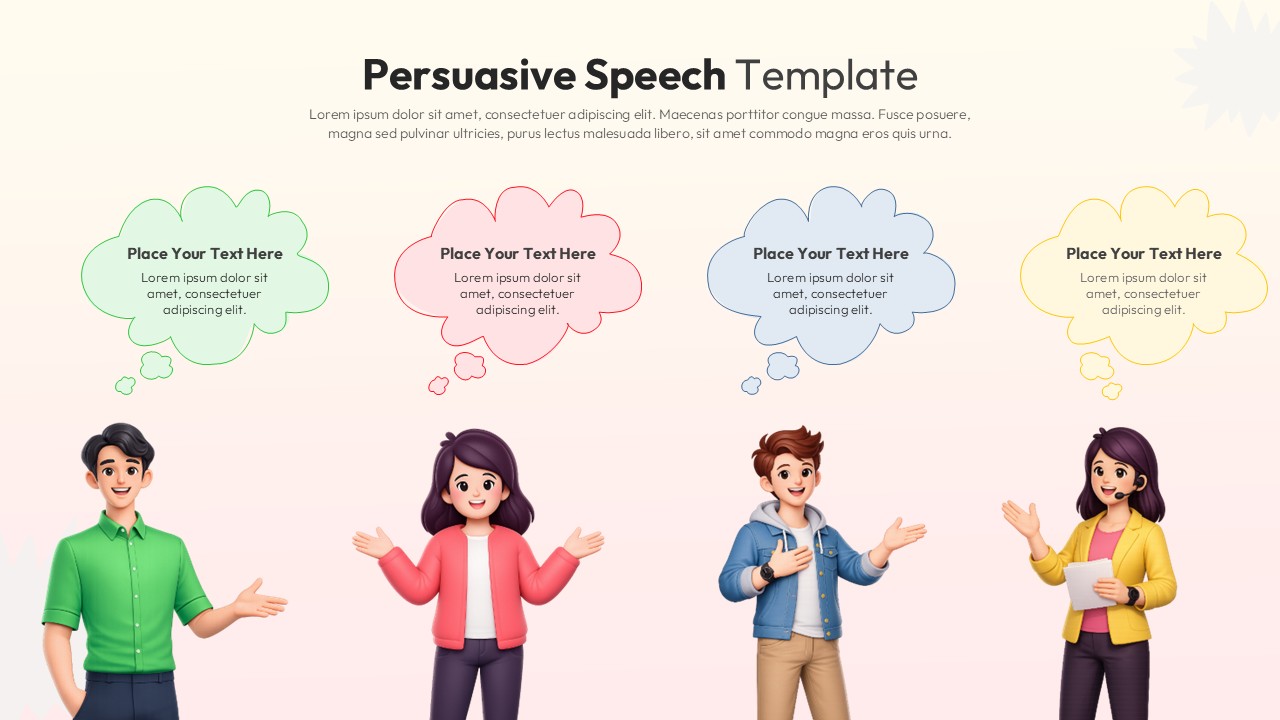
An informative talk shares facts. A persuasive speech asks for something: a vote, a purchase, a shift in opinion, a yes. That single difference changes everything about how you build it. Every section needs to move the listener one step closer to agreement, not just hand them information and hope they connect the dots themselves.
The classic structure still holds up: a hook that creates tension, a clear position, supporting evidence organized by strength, a counterargument you address before anyone else can raise it, and a close that asks for action. Skip any one of these and the speech tends to feel incomplete, even if listeners can’t quite name why.
Building the Opening Hook
The opening of a persuasive speech has one job: make the audience care before you’ve made your case. A surprising statistic, a short story, or a direct question aimed at the room all work better than a generic introduction of yourself and your topic. Save the credentials for later. Open with the stakes.
If you’re presenting this speech alongside slides, the opening slide should mirror that tension rather than restate your title. A bold one-line statement or a striking visual does more in those first seconds than a bullet-pointed agenda ever will.
Organizing Your Evidence So It Builds, Not Repeats
Weak persuasive speeches present every point with equal weight, which flattens the impact of the strongest argument. Order your evidence from solid to strongest, saving your best point for just before the close. This builds momentum instead of letting energy plateau halfway through.
Visual aids matter enormously here. A dense slide full of text competing with your spoken argument actually works against you. The audience splits attention between reading and listening, and neither gets full focus. A clean comparison chart, a simple timeline, or a single striking statistic on screen reinforces your point without stealing the spotlight from your voice.
This is where having access to ready-made, designer-built slides saves real time. Instead of building a comparison table or data visual from scratch the night before a talk, you can pull a polished PowerPoint and Google Slides template that already fits the structure of a persuasive presentation.
Addressing the Counterargument Before It’s Raised
One detail separates an average persuasive speech from a genuinely convincing one: acknowledging the opposing view before someone else brings it up. Ignoring the counterargument makes an audience suspicious you haven’t thought it through. Naming it directly, then explaining why your position still holds, builds trust faster than almost anything else in the speech.
This section doesn’t need to be long. A sentence or two recognizing the objection, followed by your rebuttal, is usually enough. On slides, this is a natural place for a simple two-column layout, “the concern” against “the response,” giving the audience a visual anchor for a moment that’s easy to lose in spoken-only delivery.
Closing With a Clear, Specific Ask
Too many persuasive speeches end with a summary instead of a request. Summarizing what you said is passive. Asking for something specific, such as signing the petition, approving the budget, switching vendors, or changing the policy, is active, and active is what persuasion requires.
The final slide should match that energy. Not a “thank you” slide with no content, but a clear statement of the ask, possibly paired with a next step or a way to follow up. If your persuasive presentation is part of a larger pitch or proposal, this is also where a closing slide built for calls to action earns its place, something with enough visual weight to feel like a conclusion, not an afterthought.
Why the Slides Matter as Much as the Script
A persuasive speech delivered with a cluttered, mismatched, or last-minute slide deck loses credibility regardless of how strong the writing is. Audiences read visuals as a signal of how seriously a speaker has prepared. Clean, consistent design tells them you’ve thought this through; sloppy slides suggest the opposite, even if your argument is airtight.
This is where most people lose time they don’t have. Building a full deck from a blank canvas, matching fonts and colors across twenty slides, and getting the layout right for both PowerPoint and Google Slides can eat an entire afternoon that should have gone toward rehearsing the talk itself.
SlidesDepot exists for exactly this gap. The library includes both single infographic slides and complete decks, all hand-crafted by designers rather than auto-generated, so a persuasive speech can be paired with visuals that actually look intentional. Whether you need one striking comparison slide or a full pitch deck structure, templates work across both PowerPoint and Google Slides with no conversion headaches, and the library is refreshed weekly so the options don’t go stale. A free plan is also available, so polished visuals aren’t locked behind a paywall for anyone putting together their first talk.
Rehearsing With the Structure, Not Just the Script
Once the speech and the slides are built, rehearse against the structure rather than memorizing word for word. Run through the hook, check that each evidence point lands harder than the last, confirm the counterargument section feels natural rather than defensive, and make sure the closing ask is unmistakable. If a section feels weak out loud, it’s almost always a structural problem, not a delivery problem, and that’s something a script edit alone won’t fix.
A persuasive speech succeeds when structure, evidence, and visuals all pull in the same direction. Get the order right, support each point with the right kind of slide, and close with a request instead of a recap, and the speech does the one thing it’s actually meant to do: change someone’s mind.
If you’re preparing your next talk, browse the SlidesDepot template library for decks and single slides built specifically to support persuasive presentations, designed once and ready whenever you need them.


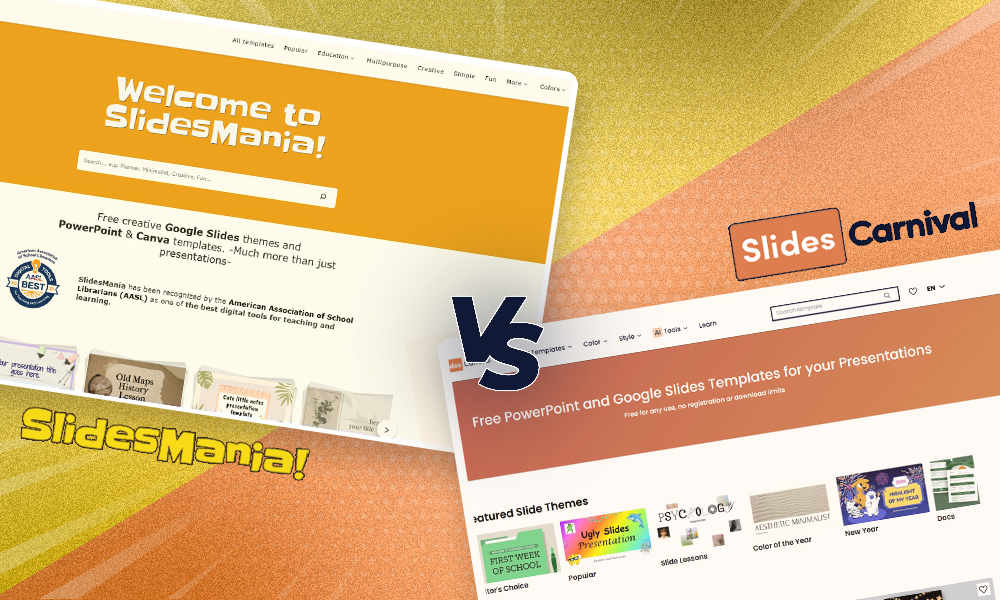
SlidesCarnival vs SlidesMania: A Complete Guide to Choosing the Best Google Slides Templates for Your Needs
When searching for high-quality Google Slides templates, two platforms consistently stand out: SlidesCarnival and SlidesMania. Both offer free, well-designed presentation themes. Both are widely used. But they serve different audiences and presentation goals. Instead of asking which platform is better, This guide will help you understand their strengths, differences, and ideal use cases so you can confidently choose the option…

What are Speaker Notes? How to Add Notes to PowerPoint Like a Pro
Most people treat speaker notes as an afterthought. They finish building their slides, type a few lines into the notes panel, and never think about them again. That approach misses the point entirely. Speaker notes, when written and used well, are what separate a presenter who reads from their slides from one who commands the…
10 Effective Presentation Skills Every Professional Should Master
In today’s competitive professional landscape, knowing how to give a good presentation is no longer optional. Whether you are pitching to investors, leading a team meeting, or delivering a conference talk, your ability to communicate with clarity and confidence can define how others perceive your expertise and credibility. The good news is that effective presentation…