




Traffic Light Templates
Traffic Light Presentation Template Slide
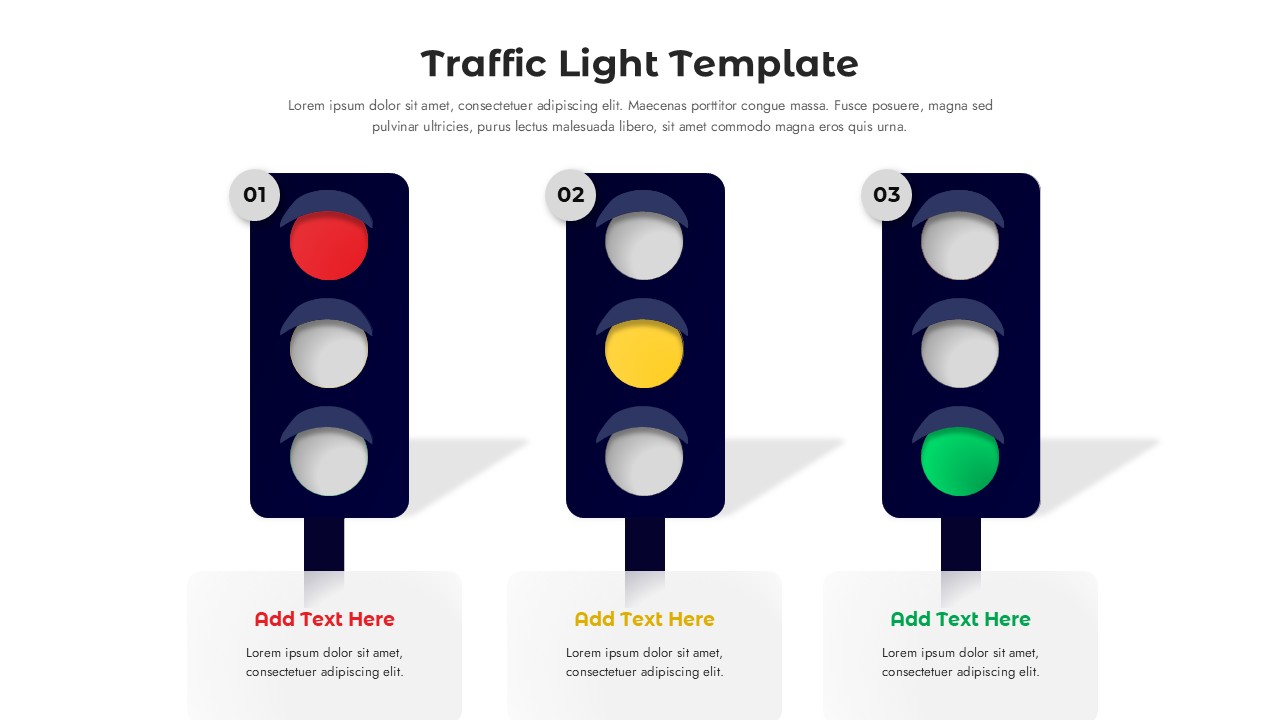
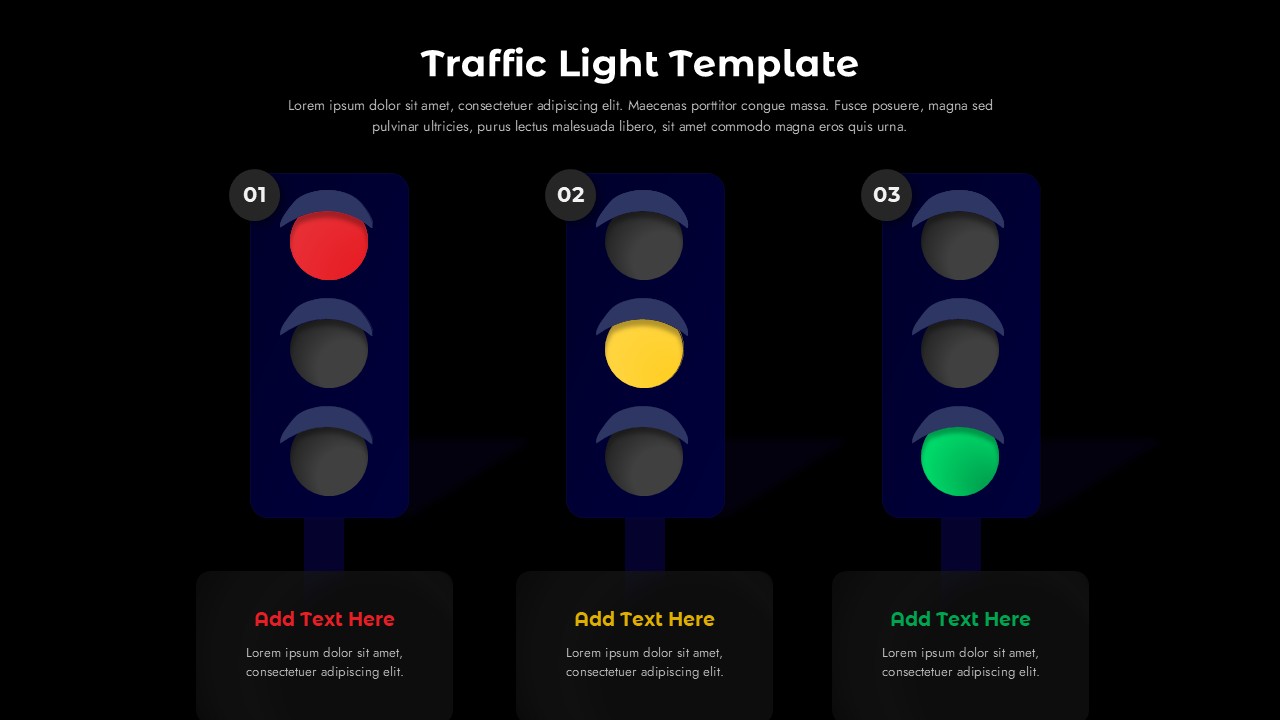
Show project health, risk levels, and decision outcomes in seconds with this Traffic Light Template for PowerPoint & Google Slides. The traffic light diagram places three vertical signals side by side in deep navy housings, each with a single active red, yellow, or green light and a numbered badge (01, 02, 03) that guides viewers through the sequence. Beneath every signal, a color-coded title and text card holds your key message. The template includes two 16:9 widescreen slides, one with a clean white background and one with a bold black background, both finished with flat design graphics and subtle 3D shadows for a modern, professional look.
As a RAG status template, this design makes red, amber, green reporting simple and visual. Project managers can use the traffic light PowerPoint template to flag tasks that are blocked, at risk, or on track, while business analysts can present risk assessments ranked from high to low. Executives can rely on the stop light format to lead go/no-go decision reviews, phase-gate approvals, and readiness checks. The layout also works well for project status reports, KPI scorecards, performance dashboards, quarterly business reviews, and any three-stage process where clarity matters more than detail.
This traffic light Google Slides template is just as easy to edit as the PowerPoint version. Change signal colors, update titles and descriptions, resize the traffic light illustrations, or switch between the light and dark themes to match your brand and presentation setting. No design skills are required, and the ready-made structure can be reused for weekly status meetings, steering committee updates, client check-ins, and team stand-ups.
Whether you are a project manager tracking milestones, a consultant building client dashboards, a marketing team mapping campaign stages, or an HR lead reporting on initiative progress, this traffic light presentation template gives you a clear, universally understood way to communicate stop, caution, and go in every presentation.
Login to download this file


Related Templates

Story Arc PowerPoint & Google Slides Templates
Illustration
Story Mountain Templates
Infographics
Kanban Board PowerPoint Template
Dashboard


