5 Digital Marketing PPT Templates by SlidesDepot



Digital marketing moves fast, and so do the meetings that come with it. Strategy reviews, client pitches, quarterly reports, and campaign kickoffs all need visuals that explain complex plans quickly. The problem is that building those visuals from scratch takes hours. Digital marketing PPT templates solve this by giving you professionally designed layouts that you only need to fill with your own content. SlidesDepot offers a growing library of editable infographic slides for PowerPoint and Google Slides, built around real marketing workflows. In this detailed guide, we break down five of the most useful ones, explain what each slide includes, who it suits, what to put in it, and how to customize it for maximum impact.
What Is a Digital Marketing PPT Template?
A digital marketing PPT template is a pre-designed slide layout created to present marketing information such as strategies, channel plans, timelines, campaign schedules, and performance summaries. Instead of starting with a blank slide, you get ready-made structures like roadmaps, Gantt charts, and circular diagrams with editable text placeholders.
The templates in this guide are single infographic slides. That means each one focuses on one idea and can be added to any existing presentation, report, or proposal without changing your overall design.
Why Marketers Use Digital Marketing PPT Templates
They save preparation time. Shapes, spacing, and colors are already balanced, so your effort goes into the message rather than the layout.
They improve understanding. Visual structures like timelines and hub diagrams help audiences grasp relationships and sequences far faster than bullet lists.
They create consistency. Using a set of well-designed slides keeps your reports looking professional and recognizable quarter after quarter.
They make approvals easier. When leadership or clients can see the whole plan on one slide, decisions happen faster.
5 Digital Marketing PPT Templates by SlidesDepot: Detailed Breakdown
1. Content Marketing Strategy Roadmap Template
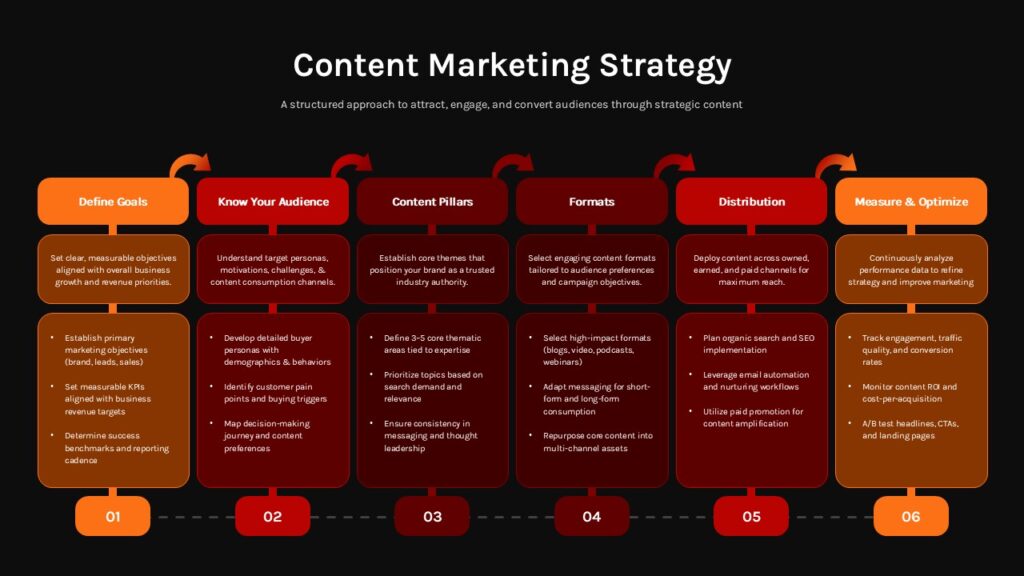
View the Content Marketing Strategy Roadmap Template
Layout overview: This slide presents a horizontal six-step roadmap with numbered stages from 01 to 06. Each stage sits in a rounded card with a bold heading and bullet placeholders, and directional arrows connect the cards from left to right. The color palette transitions smoothly from orange to deep red, and a dark background version is also included.
The six stages:
- Define Goals
- Know Your Audience
- Content Pillars
- Formats
- Distribution
- Measure & Optimize
Best for: Marketing managers, content strategists, startups building their first content plan, and agencies outlining client strategies.
What to add to each card:
- Define Goals: One or two measurable targets, such as “Grow organic traffic by 30% in six months”
- Know Your Audience: Key buyer personas and their main pain points
- Content Pillars: Three to five core themes your brand will own
- Formats: Blog posts, videos, case studies, newsletters, or social carousels
- Distribution: Owned, earned, and paid channels you will use
- Measure & Optimize: KPIs like traffic, engagement, conversions, and review frequency
Customization tip: Keep each card to three short bullet points. If you need more detail, add a supporting slide after the roadmap rather than crowding it.
2. SEO Roadmap Timeline Strategy Template
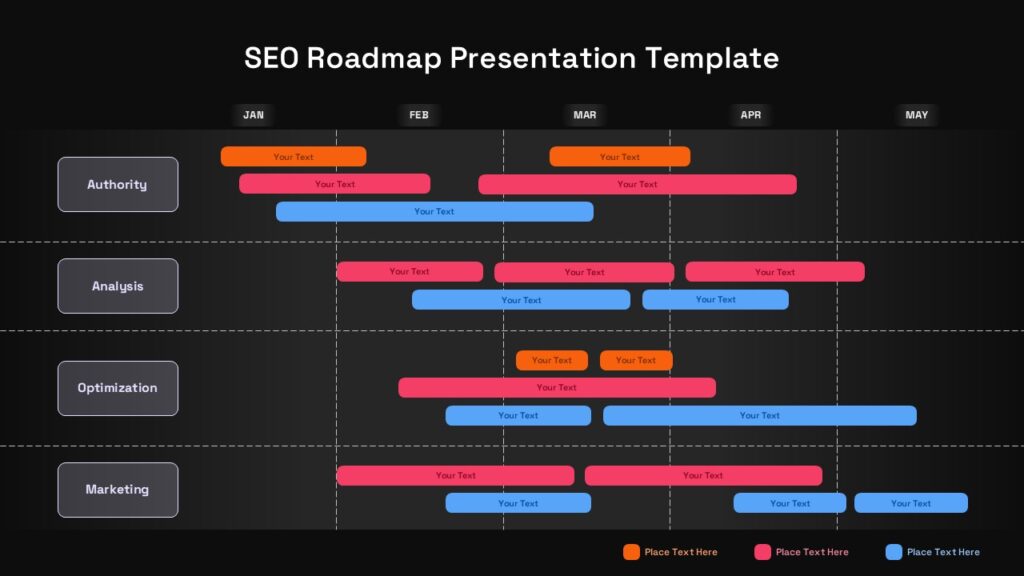
View the SEO Roadmap Timeline Strategy Template
Layout overview: A clean grid timeline runs month by month from January to May. Work is organized into four horizontal lanes, each with color-coded task bars that span specific months. Rounded labels and subtle dividers keep the structure easy to scan.
The four lanes:
- Authority: Link building, digital PR, and brand mentions
- Analysis: Technical audits, keyword research, and competitor reviews
- Optimization: On-page updates, site speed, and internal linking
- Marketing: Content promotion and outreach
Best for: SEO managers, agencies reporting to clients, growth teams, and consultants running strategy workshops.
Why it works: SEO is often misunderstood as a quick fix. This timeline shows clearly that results come from layered, overlapping work across several months, which helps set realistic expectations from day one.
Customization tip: Rename the months to match your project start date, and duplicate a lane if you need extra workstreams such as local SEO or content refreshes.
3. 6 Month Marketing Calendar Template
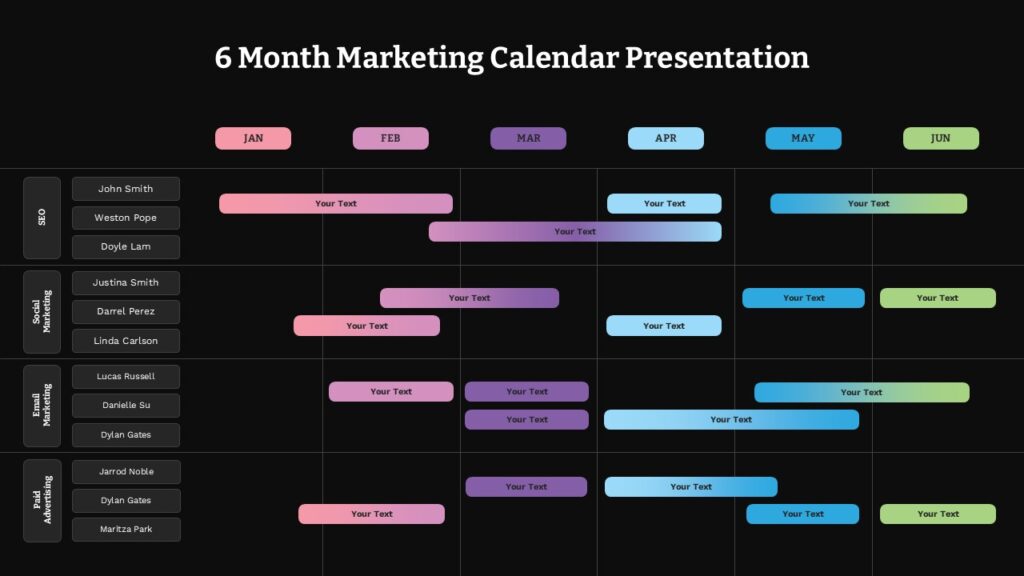
View the 6 Month Marketing Calendar Template
Layout overview: This is a Gantt-style planning table covering January through June. Rows are organized by department and team member, while each month has its own color theme. Gradient timeline bars show when each project starts and ends. Light and dark versions are both available.
Teams covered:
- SEO
- Social Marketing
- Email Marketing
- Paid Advertising
Best for: Marketing directors, project coordinators, campaign planners, and agencies managing several channels at once.
How to use it effectively:
- Map every major campaign before the quarter begins
- Check for overlapping launches that could compete for audience attention
- Assign a clear owner to each bar to improve accountability
- Use it in weekly meetings and adjust bars as timelines shift
Customization tip: Match each team row color to your internal department colors so the calendar feels familiar to everyone who uses it.
4. Hub and Spoke Presentation Template
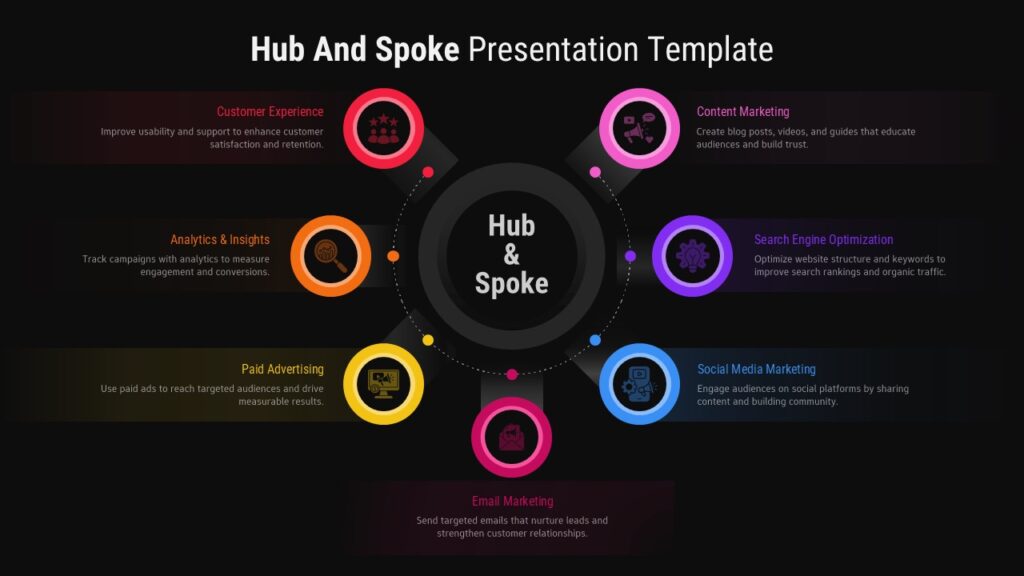
View the Hub and Spoke Presentation Template
Layout overview: A central hub connects to six surrounding elements through dotted lines. Each element is color-coded in red, pink, orange, purple, yellow, or blue and includes space for an icon, a title, and a short description. The flat, modern design comes in light and dark themes.
Best for: Strategy teams, consultants, and marketers who need to show how multiple channels or activities support one central goal.
Example setup for integrated marketing:
- Hub: Increase qualified leads
- Spoke 1: SEO for long-term organic visibility
- Spoke 2: Content marketing to educate and attract
- Spoke 3: Social media for reach and engagement
- Spoke 4: Email marketing to nurture prospects
- Spoke 5: Paid ads for fast, targeted traffic
- Spoke 6: Analytics to measure and improve
Customization tip: Always place a business outcome in the hub rather than a channel name. It keeps the conversation focused on results instead of tactics.
5. Multimedia Presentation Template
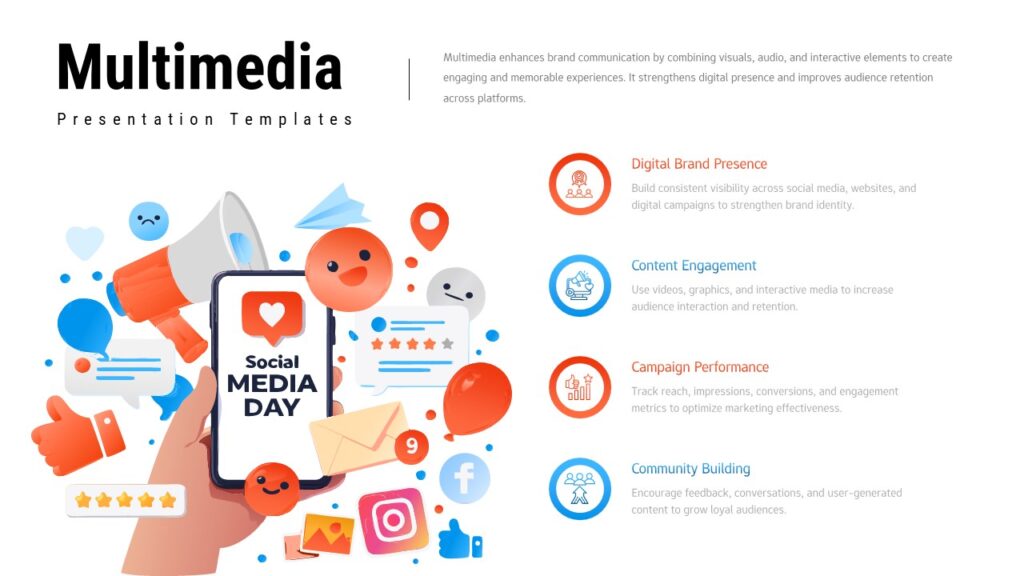
View the Multimedia Presentation Template
Layout overview: A two-column design pairs a vibrant social media illustration with four feature sections. Each section has its own icon and description area. The palette uses orange, blue, and white, with both light and dark variants included.
Suggested sections:
- Digital brand presence
- Content engagement
- Performance metrics
- Community building
Best for: Digital agencies, freelancers, social media managers, and brand strategists presenting their services or campaign overviews.
Customization tip: Lead each section with a result your client cares about. “35% higher engagement” is far more persuasive than “regular social posting.”
How to Build a Complete Marketing Presentation with These Templates
Since each template is a single slide, you can arrange them to tell a complete story. Here is a simple flow that works for strategy meetings and client pitches:
- Multimedia Presentation: Introduce your services or marketing focus areas
- Hub and Spoke: Show how every channel supports one business goal
- Content Marketing Strategy Roadmap: Explain your content approach step by step
- SEO Roadmap Timeline: Outline search priorities across months
- 6 Month Marketing Calendar: Show exactly when each team delivers
This order moves your audience from the big picture down to execution, which makes the plan easier to approve.
Design Best Practices for Digital Marketing Presentations
Keep one idea per slide. Infographic slides work best when they focus on a single message.
Use brand colors consistently. Update template colors to match your logo and brand palette before presenting.
Write short, specific labels. Replace generic placeholders with clear phrases and real numbers wherever possible.
Choose light or dark wisely. Dark themes look great on large screens and in dim rooms, while light themes print better and suit shared documents.
Update regularly. Timelines and calendars lose value quickly if they are not refreshed as plans change.
Common Mistakes to Avoid
- Filling every placeholder with long paragraphs
- Leaving default text or sample icons in the final version
- Mixing too many fonts and color styles across slides
- Presenting a timeline without marking current progress
- Using a strategy slide without linking it to measurable goals
Conclusion
Clear visuals turn good marketing ideas into plans people understand and support. These five digital marketing PPT templates by SlidesDepot cover the full planning journey, from content strategy and channel mapping to SEO timelines, campaign calendars, and service presentations. Each slide is fully editable, works in PowerPoint and Google Slides, and fits neatly into any presentation you are already building. Download the templates that suit your next meeting, or choose the SlidesDepot Day Plan to unlock 1000+ premium templates for a one-time payment of $3.90. For more ideas, explore the full SlidesDepot marketing collection.


How to Duplicate a PowerPoint File on Windows and Mac
How to Duplicate a PowerPoint File on Windows and Mac Anyone who works with slide decks eventually needs a backup copy, a second version for a client, or a fresh file to edit without touching the original. If you have been searching for how to make a copy of a PowerPoint file, the good news…

SlidesDepot vs Slidesgo: Which Template Library Fits Your Next Presentation?
If you’ve ever searched “free PowerPoint templates,” you know the real challenge isn’t finding a template. It is finding the right one without wasting time. Slidesgo and SlidesDepot both show up often in those searches, and both offer solid, editable templates for PowerPoint and Google Slides. They just approach templates in different ways. Slidesgo is…
Build a PowerPoint Bubble Chart in Minutes
A bubble chart in PowerPoint is one of the most effective ways to show three variables in a single visual without cluttering your slide. At SlidesDepot, we build a lot of data driven templates, and bubble charts consistently come up as a request from users who need to compare performance, market position, or scale across…