Presentation Techniques to Engage Your Audience



Creating engaging PowerPoint presentations is a challenge many professionals face. Often, presentations fail not because the ideas are weak, but because slides are cluttered, visually inconsistent, or difficult to follow. This is where strong presentation techniques make a real difference.
By combining clear structure, thoughtful visual design, and audience-focused delivery, you can create engaging PowerPoint presentations that communicate ideas clearly and confidently.
This guide explores practical presentation techniques that help you design better slides, improve storytelling, and keep your audience engaged while showing how SlidesDepot PowerPoint templates and Google Slides templates make these techniques easier to apply in real-world presentations.
Start With a Clear Slide Structure and Flow
One of the most important presentation techniques is building a clear structure before designing slides. Every presentation should guide the audience from introduction to conclusion in a logical sequence. When slides follow a natural flow, audiences understand how ideas connect and are less likely to lose focus.
A strong structure usually begins with context, moves into key points or insights, and ends with conclusions or next steps. Each slide should focus on one main idea rather than multiple messages at once. This approach improves clarity and prevents information overload. Many professionals rely on business presentation templates and pitch deck templates because these layouts are already structured to support clear communication and logical progression.
Apply Visual Hierarchy for Better Understanding
Visual hierarchy is a core element of effective PowerPoint slide design. When a slide appears, the audience should immediately know what to look at first. Headings, supporting text, visuals, and spacing all work together to guide attention.
Clear headings communicate the main idea, while concise supporting content reinforces it. White space plays an essential role by reducing clutter and making slides easier to read. These PowerPoint slide design tips help ensure that slides support the speaker instead of competing for attention. Professionally designed presentation templates apply visual hierarchy consistently, helping presenters maintain clarity across the entire deck.
Use Colors and Fonts with Intention
Color and typography strongly influence how professional and readable a presentation feels. Consistent color palettes help maintain visual harmony and reinforce branding, while excessive or random colors can distract the audience. Choosing colors with enough contrast also ensures slides remain readable in different environments, such as large meeting rooms or online presentations.
Fonts should be clean, simple, and used consistently. Limiting font choices and clearly distinguishing headings from body text improves readability and comprehension. Using professionally designed PowerPoint templates and Google Slides templates removes much of the guesswork, as colors and fonts are already optimized for presentation use.
Build Engagement Through Storytelling
Storytelling is one of the most effective presentation techniques for audience engagement. Instead of presenting disconnected facts, storytelling connects ideas into a narrative that explains what is happening, why it matters, and what comes next.
A strong storytelling flow keeps audiences emotionally and intellectually engaged. This approach is especially effective in strategy, business, and marketing presentations. Timeline slides and roadmap layouts are commonly used to support storytelling by visually showing progress, phases, or future plans. When audiences can see the story unfold visually, they are more likely to stay focused and remember key points.
How to Make a Presentation Interactive
Understanding how to make a presentation interactive is essential for maintaining audience attention. Interactive presentations encourage participation rather than one-way communication. Even simple forms of interaction can significantly improve engagement.
Techniques such as asking questions, revealing content step by step, or visually comparing options help keep the audience involved. Slides that guide viewers through decisions, processes, or comparisons feel more dynamic and engaging. Infographic presentation templates and structured comparison slides support interactivity by making information easier to explore and discuss.
Simplify Complex Ideas With Images and Charts
Complex information can quickly overwhelm an audience if it is not presented clearly. One of the most valuable presentation techniques is simplifying content through visuals. Images, charts, diagrams, and infographics communicate ideas faster than text alone.
Data-heavy presentations benefit especially from visual structure. Charts highlight trends and comparisons, while infographics break down processes or concepts into digestible pieces. Infographic PowerPoint templates and dashboard-style slides help audiences identify key insights without feeling overloaded, making them ideal for reports, strategy reviews, and executive briefings.
Use Animation to Support, Not Distract
Animation can enhance presentations when used with intention. Subtle transitions and step-by-step reveals help control pacing and guide attention, ensuring the audience focuses on the current point being discussed.
Effective presentation techniques use animation as a supporting tool rather than a distraction. Overuse of effects can reduce clarity and professionalism. Many professional presentation templates include animation-ready layouts that enhance engagement while maintaining a polished, professional look.
Applying Presentation Techniques with SlidesDepot Templates
Applying all these presentation techniques from scratch can be time-consuming. This is where SlidesDepot helps bridge the gap between theory and execution. SlidesDepot offers a wide range of PowerPoint templates and Google Slides templates designed around best practices in structure, visual hierarchy, storytelling, and data visualization.
From business presentation templates and pitch deck templates to timeline slides and infographic presentation templates, SlidesDepot makes it easier to apply professional presentation techniques quickly and consistently. These templates allow presenters to focus on refining their message and delivery rather than struggling with slide design.
Conclusion
Strong presentation techniques are essential for creating engaging PowerPoint presentations that communicate ideas clearly and effectively. Clear structure, thoughtful visual design, storytelling, interactivity, and simplified visuals work together to improve audience engagement and understanding.
By learning how to make a presentation interactive, following proven PowerPoint slide design tips, and using professional presentation templates from SlidesDepot, presenters can create slides that are not only visually appealing but also impactful. With the right techniques and tools, any presentation can become a confident, engaging experience from start to finish.


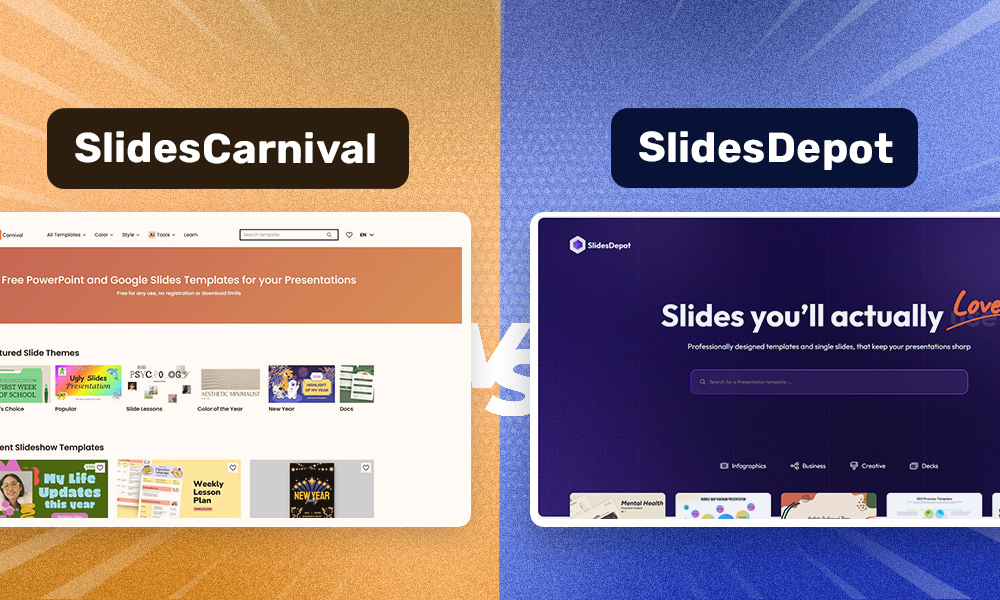
SlidesCarnival vs. SlidesDepot : Which Presentation Platform Is Right for You?
Discover Free PowerPoint Templates That Go Beyond SlidesCarnival SlidesCarnival is widely known for its free presentation designs for both PowerPoint and Google Slides. Many users search for SlidesCarnival PowerPoint templates or Google SlideCarnival themes because SlideCarnival offers simple, colorful, and easy-to-use layouts. These qualities make the brand especially popular among students, educators, and casual presenters who need quick, ready-made slides. As presentation needs become…