Presentation Guide

Google Classroom Guide: Using PowerPoint and Google Slides for Learning
Google Classroom has become one of the most widely used tools for running a classroom online, and presentations are at the centre of most of what happens inside it. This SlidesDepot guide covers what Google Classroom actually is, how it works day to day, and how PowerPoint and Google Slides each behave once a presentation…

How to Structure a Persuasive Speech People Actually Remember
A persuasive speech lives or dies in the first thirty seconds. You can have the strongest argument in the room, but if your opening doesn’t earn attention, the rest of your points are wasted breath. Most speakers spend weeks polishing their words and almost no time thinking about how those words are supported visually, which…

How To Lock an Image in Google Slides for Better Presentations
You’ve spent time arranging a polished slide layout in Google Slides, only to nudge an image by accident and throw everything off. If you’ve been there, you already know why learning how to lock an image in Google Slides is worth a few minutes of your time. SlidesDepot has seen this frustration come up again…
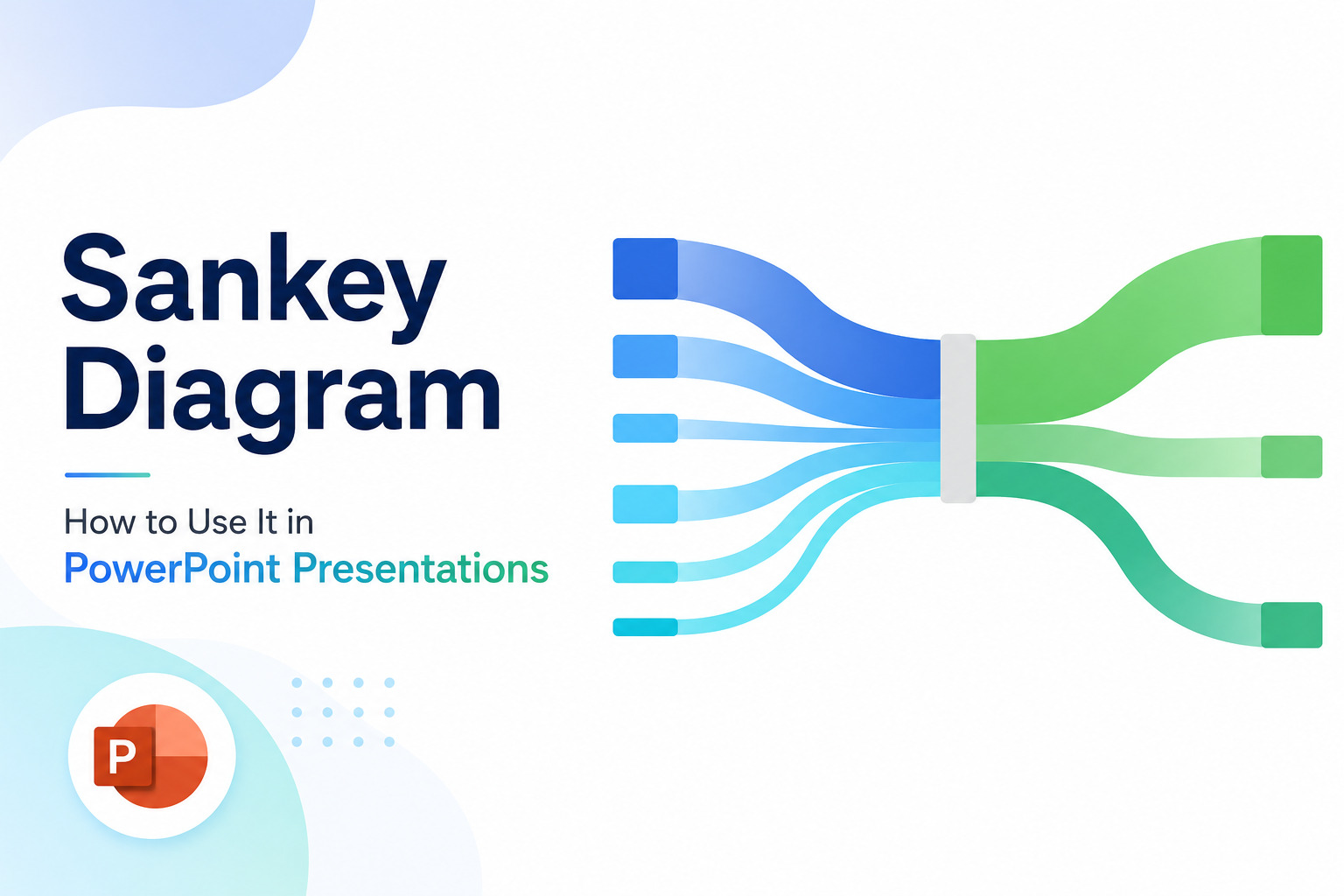
What Is a Sankey Diagram? How to Use It in PowerPoint Presentations
Some data tells a story the moment you see it. Flow data rarely does, not in a spreadsheet anyway. Numbers showing how budget moves across departments, how users drop off through a funnel, or how energy gets distributed through a system need a visual form before they start making sense. That is exactly what a…
Why Understanding Your Target Audience Matters
Picture this. You spend hours building a presentation. The slides look clean. The data is solid. You feel ready. Then you walk into the room and something is immediately off. The audience looks confused. Some look bored. A few are already on their phones. What went wrong? You had great content but built it for…
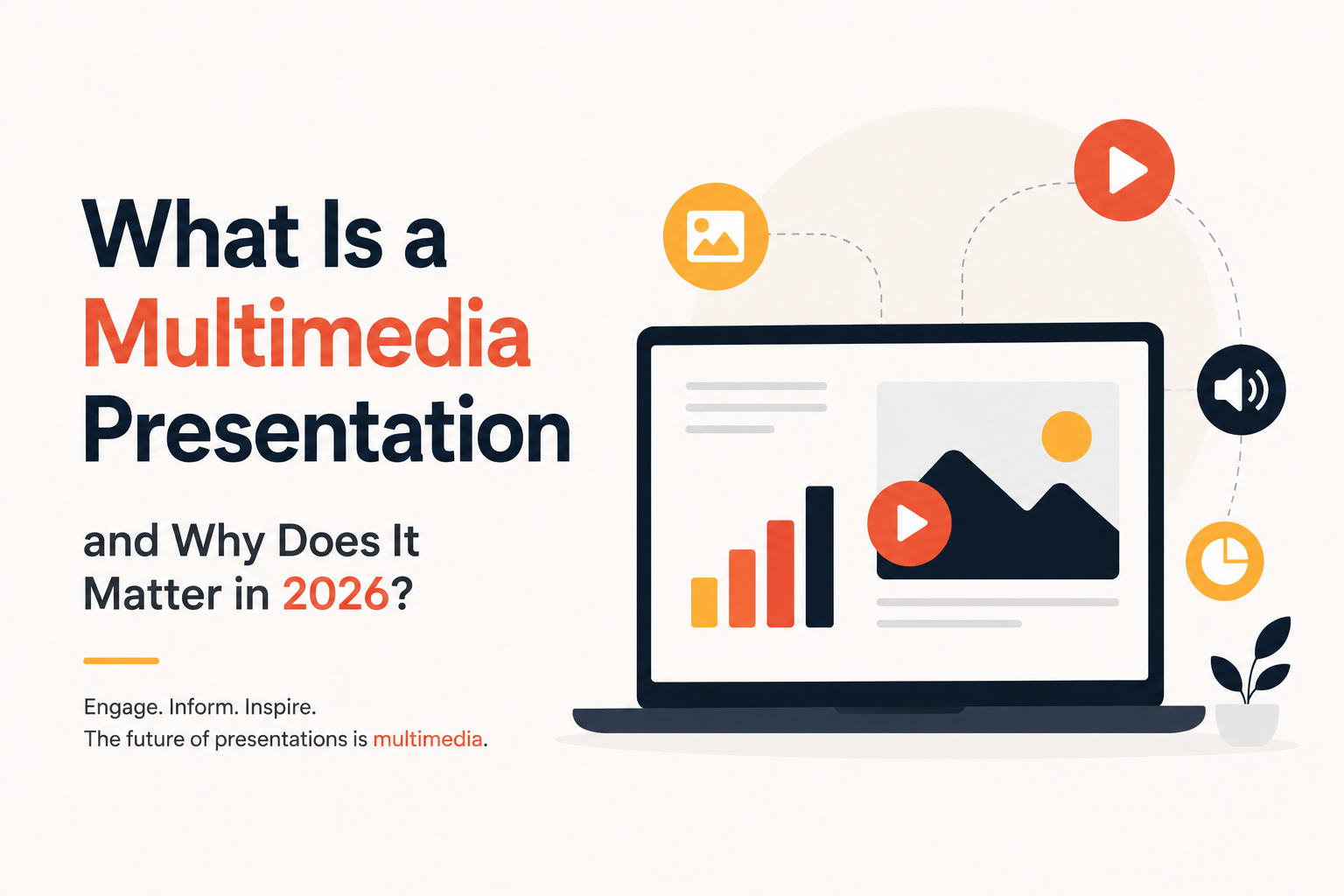
What Is a Multimedia Presentation and Why Does It Matter in 2026?
Picture two slide decks. One is plain text, slide after slide, in the same gray bullet format you’ve seen a hundred times. The other has a short product clip, a clean chart, and a quick voice note from a happy customer. The second one sticks with you days later, and the first one doesn’t. That…