Presentation Guide

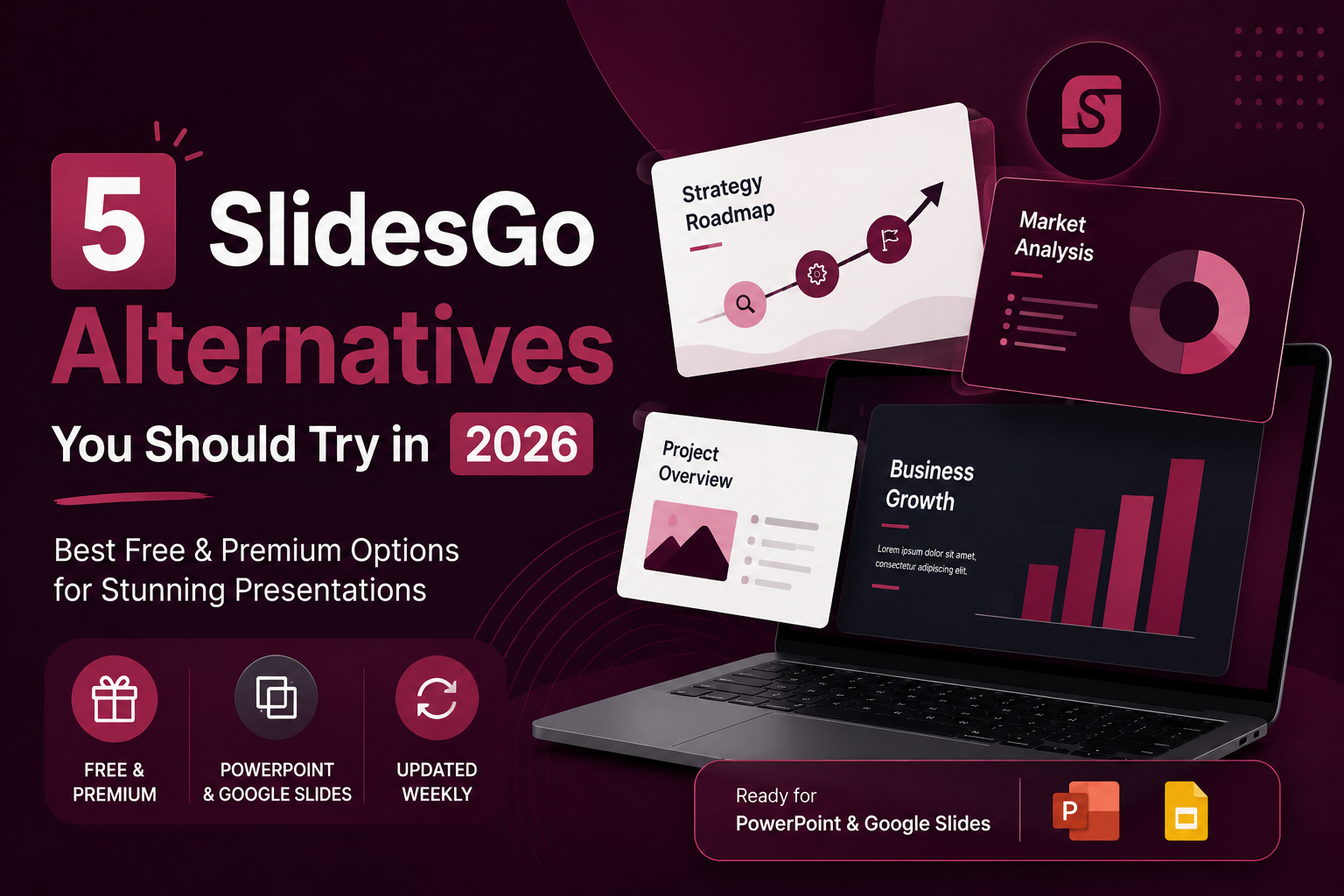
5 Free and Premium SlidesGo Alternatives You Should Try in 2026
SlidesGo is one of the most widely used presentation template platforms available today. It is free, easy to navigate, and covers an impressive range of topics and styles. Whether you need a business deck, an education presentation, or something creative, there is a good chance SlidesGo has something close to what you are looking for. …

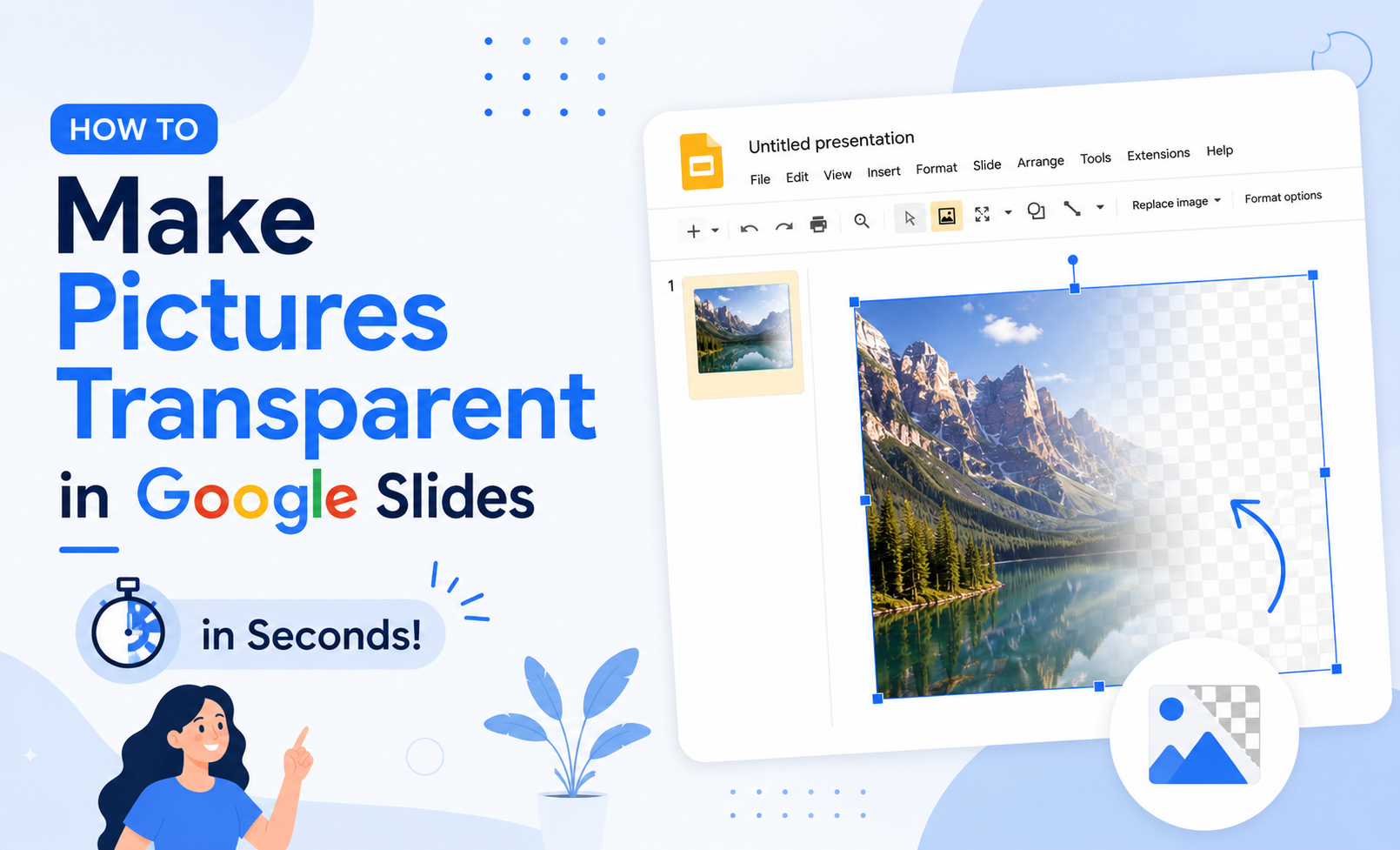
How to Make Pictures Transparent in Google Slides in Seconds
Knowing how to make an image transparent in Google Slides is one of those small skills that quietly upgrades every presentation you build. You don’t need Photoshop. You don’t need a third-party tool. The control is built right into Google Slides and it just takes a moment to find it. This guide walks you through…
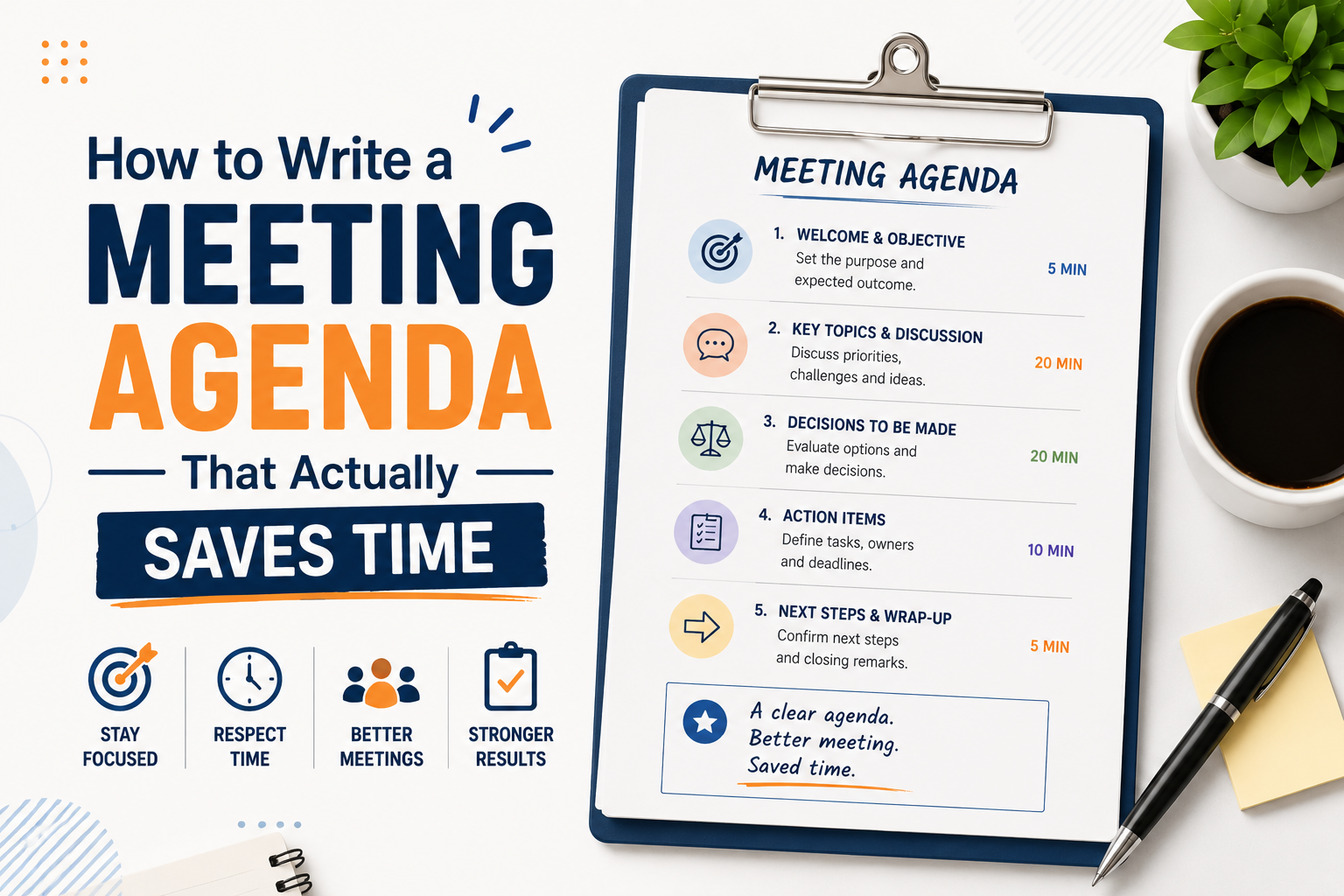
How to Write a Meeting Agenda That Actually Saves Time
Most meetings fail before they start. Not because of the wrong attendees or a bad time slot, but because there was no clear agenda, or the one that existed was too vague to be useful. Learning how to write a meeting agenda properly is one of the simplest things you can do to make your…
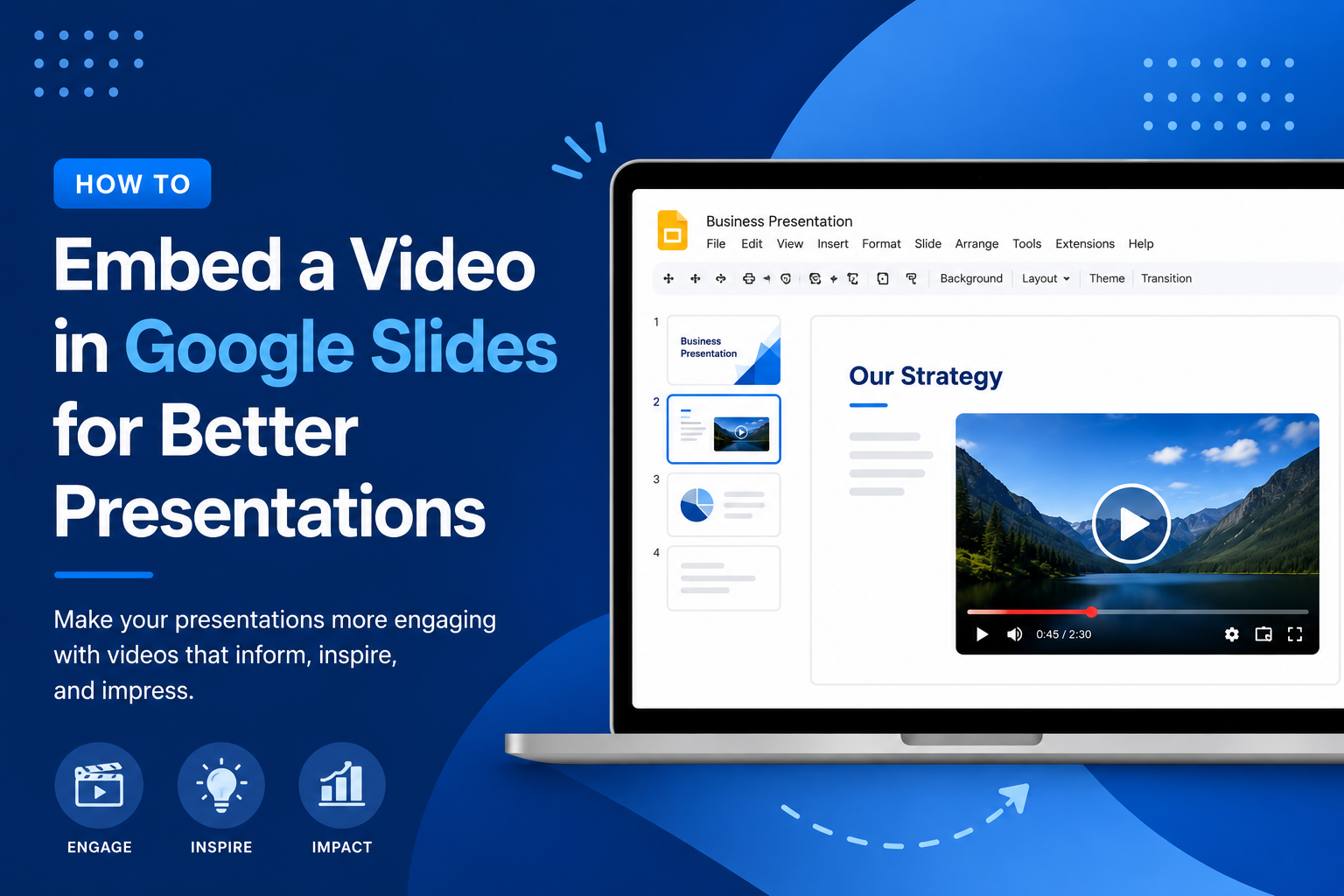
How to Embed a Video in Google Slides for Better Presentations
Video has a way of doing what bullet points simply cannot. It holds attention, adds context, and gives your audience something to lean into rather than tune out. If you have been building presentations that rely entirely on static slides, adding a video can change the entire feel of the room. This guide walks you…
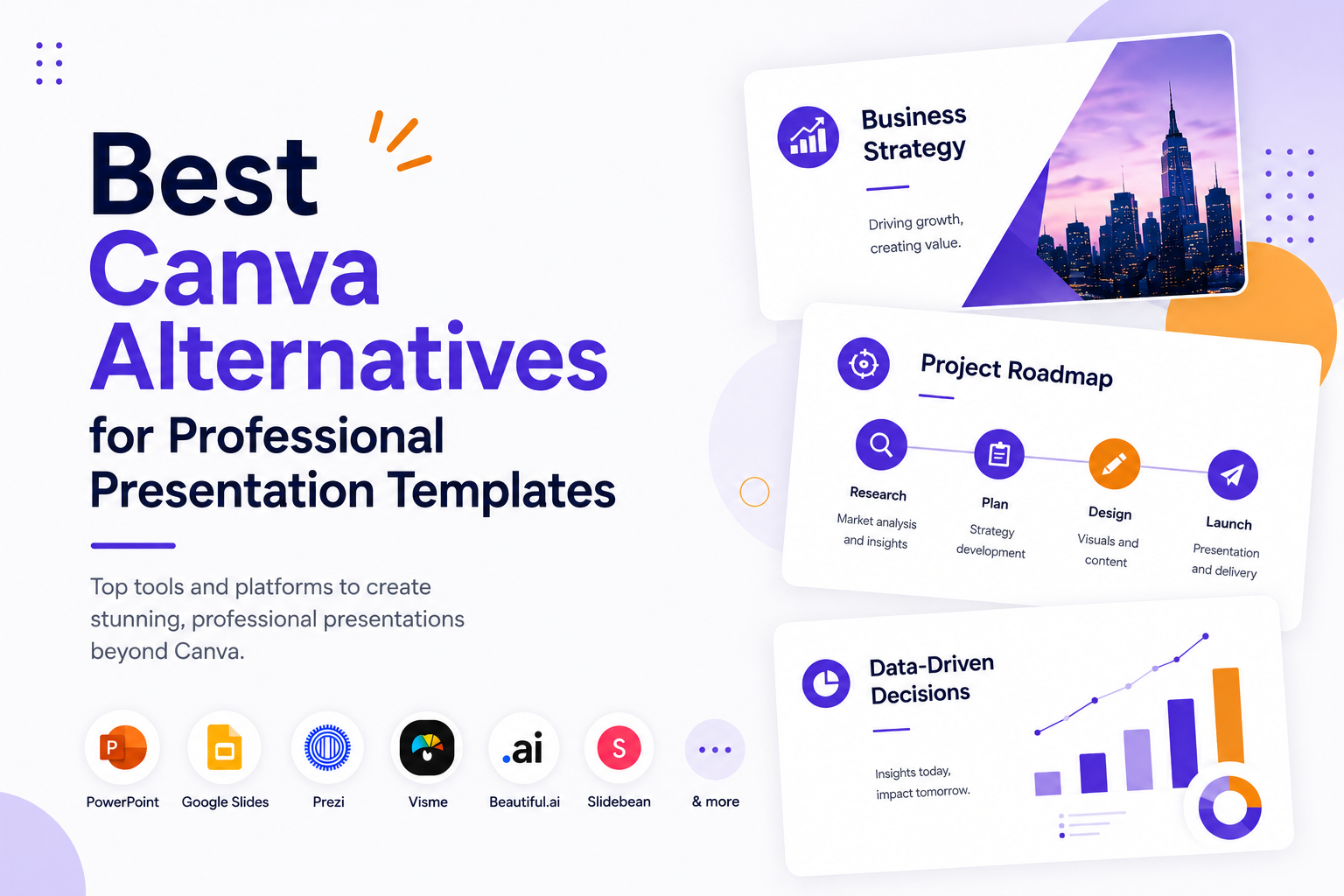
Best Canva Alternatives for Professional Presentation Templates
Canva is everywhere. It is the go-to design tool for millions of people, and for good reason. It is accessible, fast, and covers an enormous range of use cases. But when it comes to professional presentations, it starts to show its limits. The templates can feel generic, exporting to PowerPoint is notoriously messy, and the…
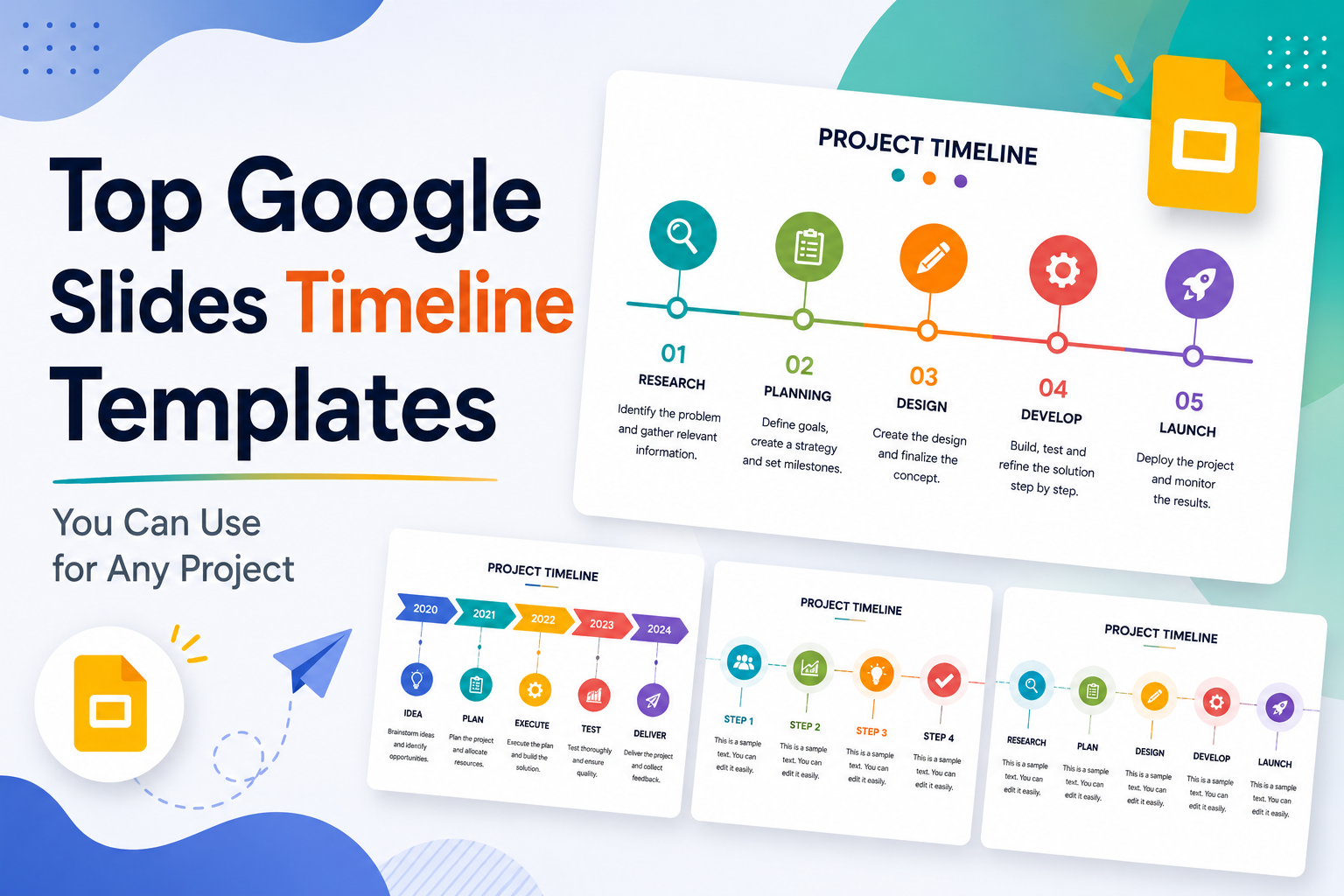
Top Google Slides Timeline Templates You Can Use for Any Project
Every project tells a story, and timelines are how you tell it visually. Whether you are pitching a product launch to stakeholders, walking students through a historical sequence, or mapping out a multi-phase marketing campaign, the right timeline slide can do more communicative work than three paragraphs of text ever could. The problem most people…