Presentation Guide

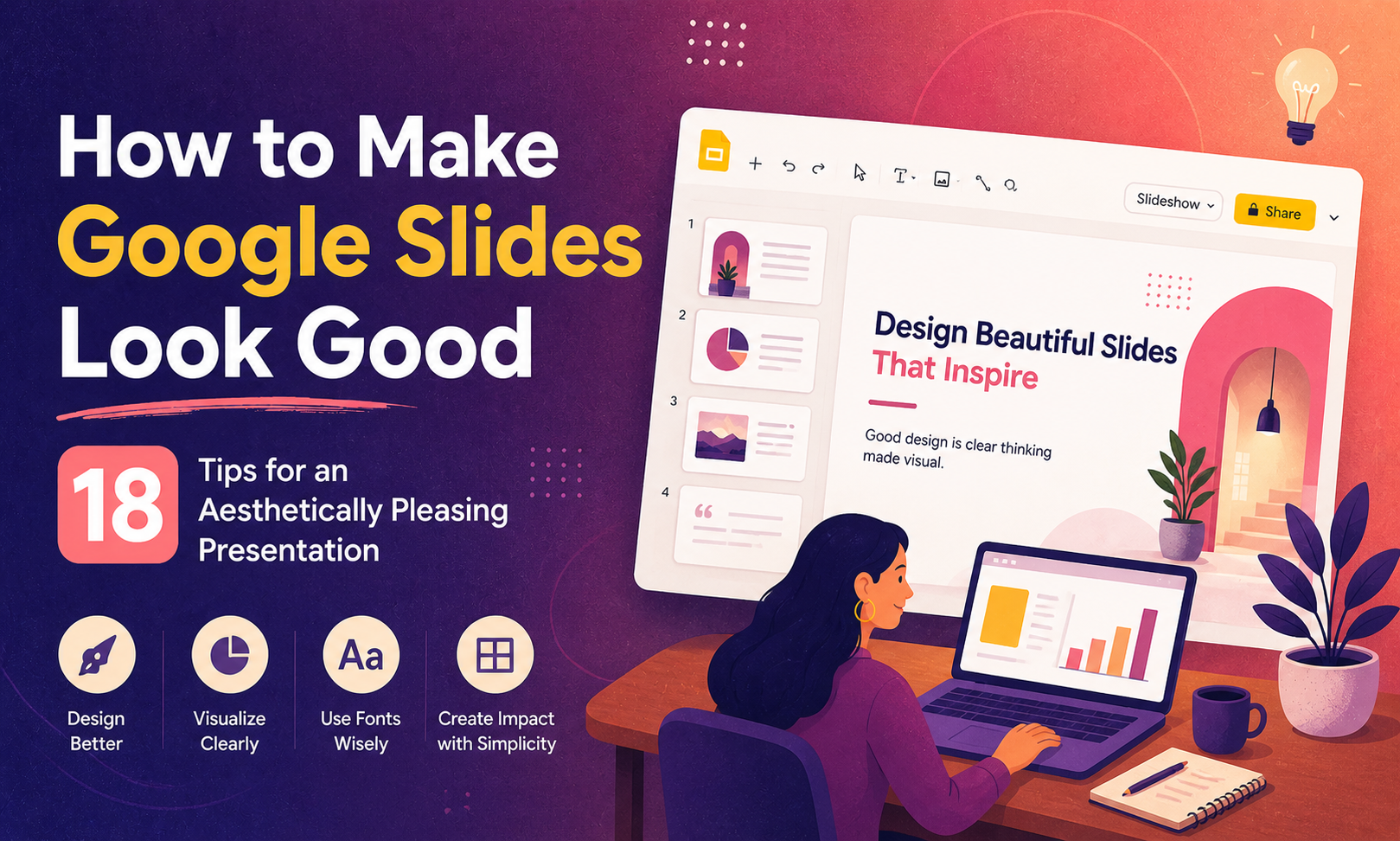
How to Make Google Slides Look Good: 18 Tips for an Aesthetically Pleasing Presentation
Most people open Google Slides, pick a random theme, and start typing. The result is a deck that looks like every other presentation in the room: mismatched fonts, crowded slides, and a colour palette that nobody consciously chose. Then they wonder why the audience checks their phones. Knowing How to Make Google Slides Look Good…

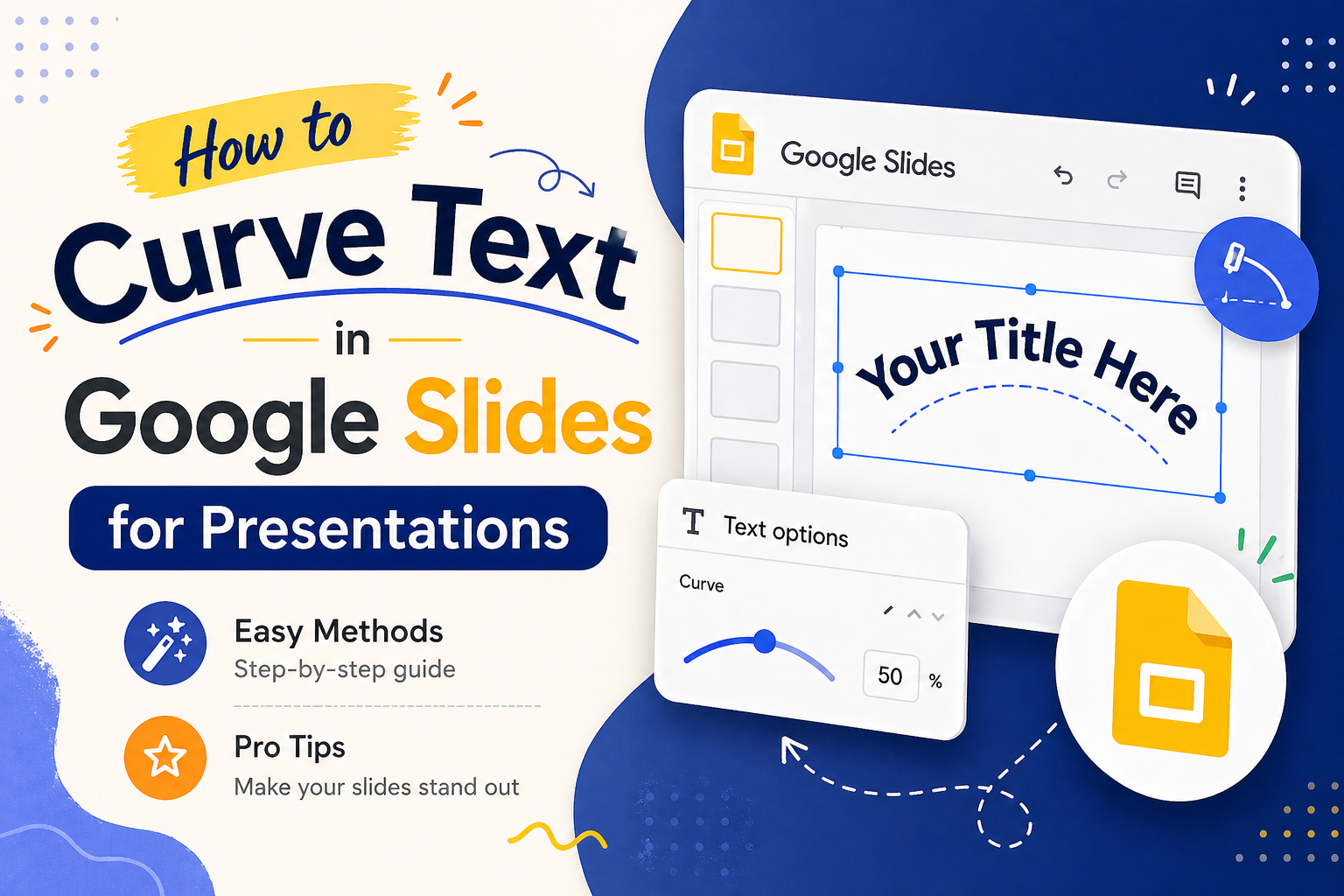
How to Curve Text in Google Slides for Presentations (Easy Methods + Pro Tips)
Presentation design is often about finding the right balance between information and visual flair. While Google Slides is a powerhouse for collaboration, it lacks a native, one-click curve text button. This leaves many presenters frustrated, especially when they want to wrap text around a circular logo, style a badge graphic, or add an elegant arc…
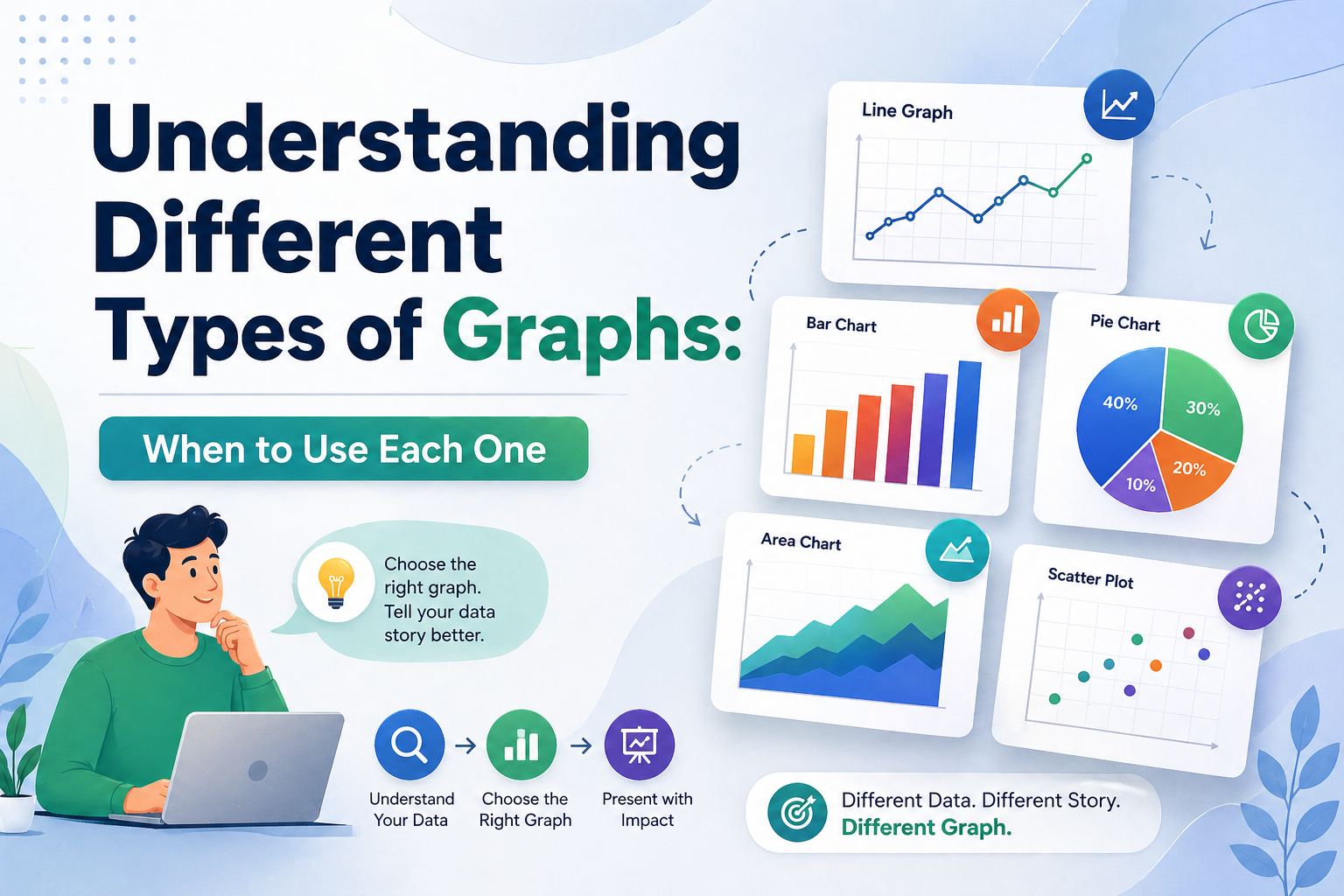
Understanding Different Types of Graphs: When to Use Each One
Data without the right visual is just noise. Whether you are a startup founder walking investors through growth projections or a project manager presenting a quarterly sprint review, the types of graphs you choose will determine whether your audience leans in or tunes out entirely. This guide breaks down every major chart and graph type, explains the…
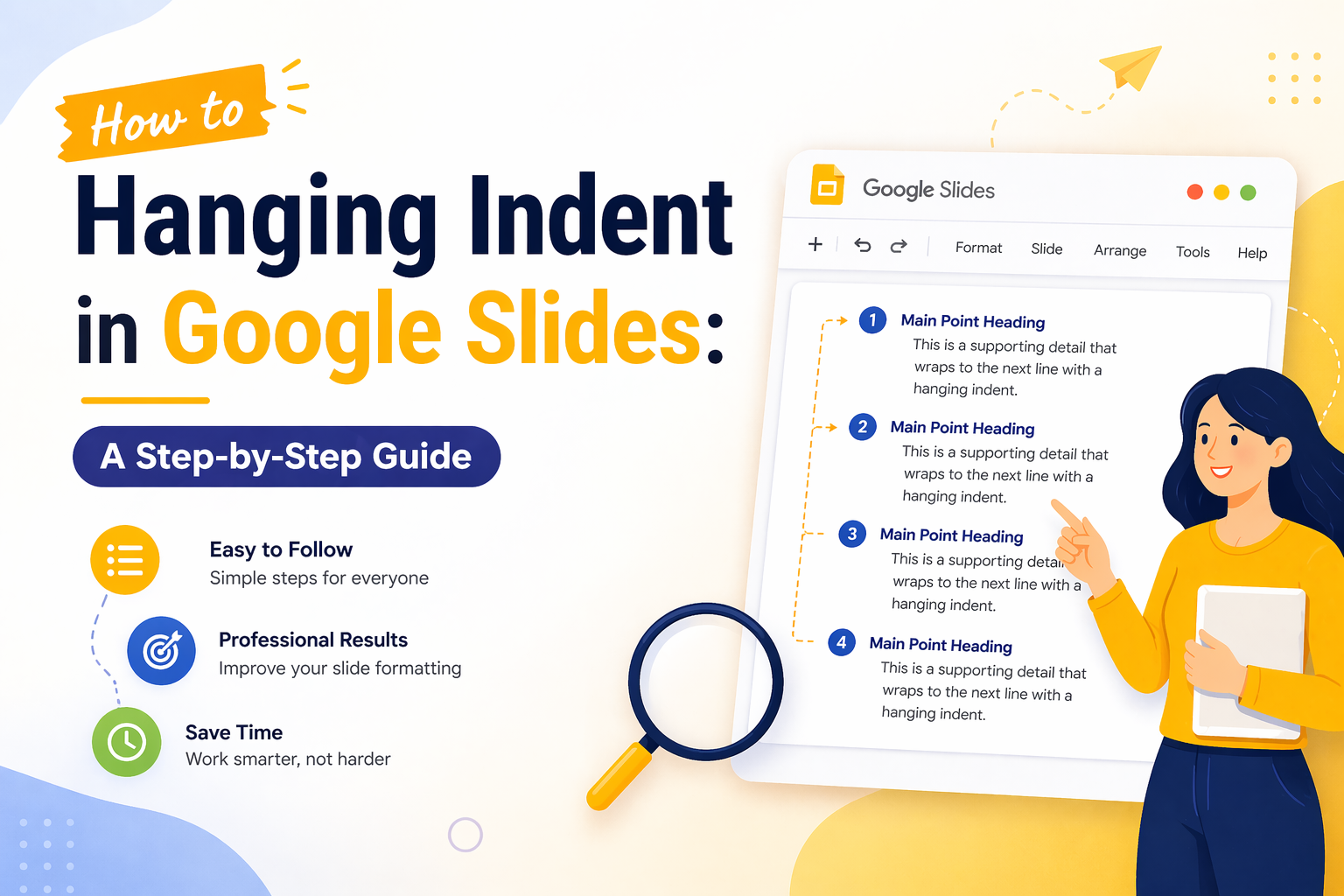
Hanging Indent in Google Slides: A Step-by-Step Guide
You have spent hours building a polished presentation. Your content is solid, your visuals are clean, and then you get to your references or bibliography slide and everything looks off. The text wraps awkwardly, lines run together, and the whole slide feels unfinished. This is one of the most common formatting frustrations in Google Slides,…
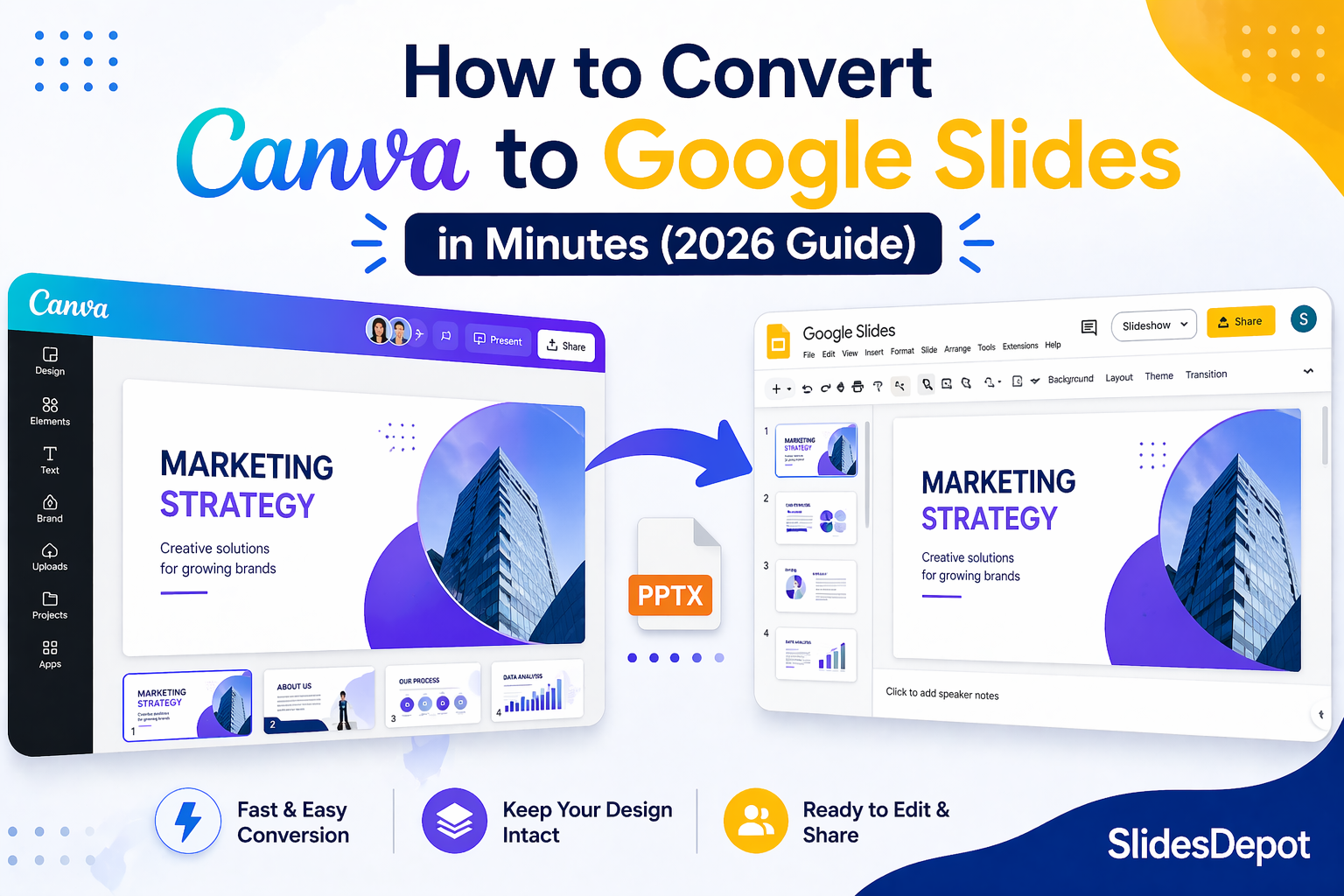
How to Convert Canva Presentations to Google Slides in Minutes (2026 Guide)
You spent hours building a beautiful presentation in Canva. The fonts are on point, the colors match your brand, and the layout looks exactly how you imagined it. Then someone asks for the file in Google Slides format, and suddenly the whole process feels far more complicated than it should be. This is a frustration…
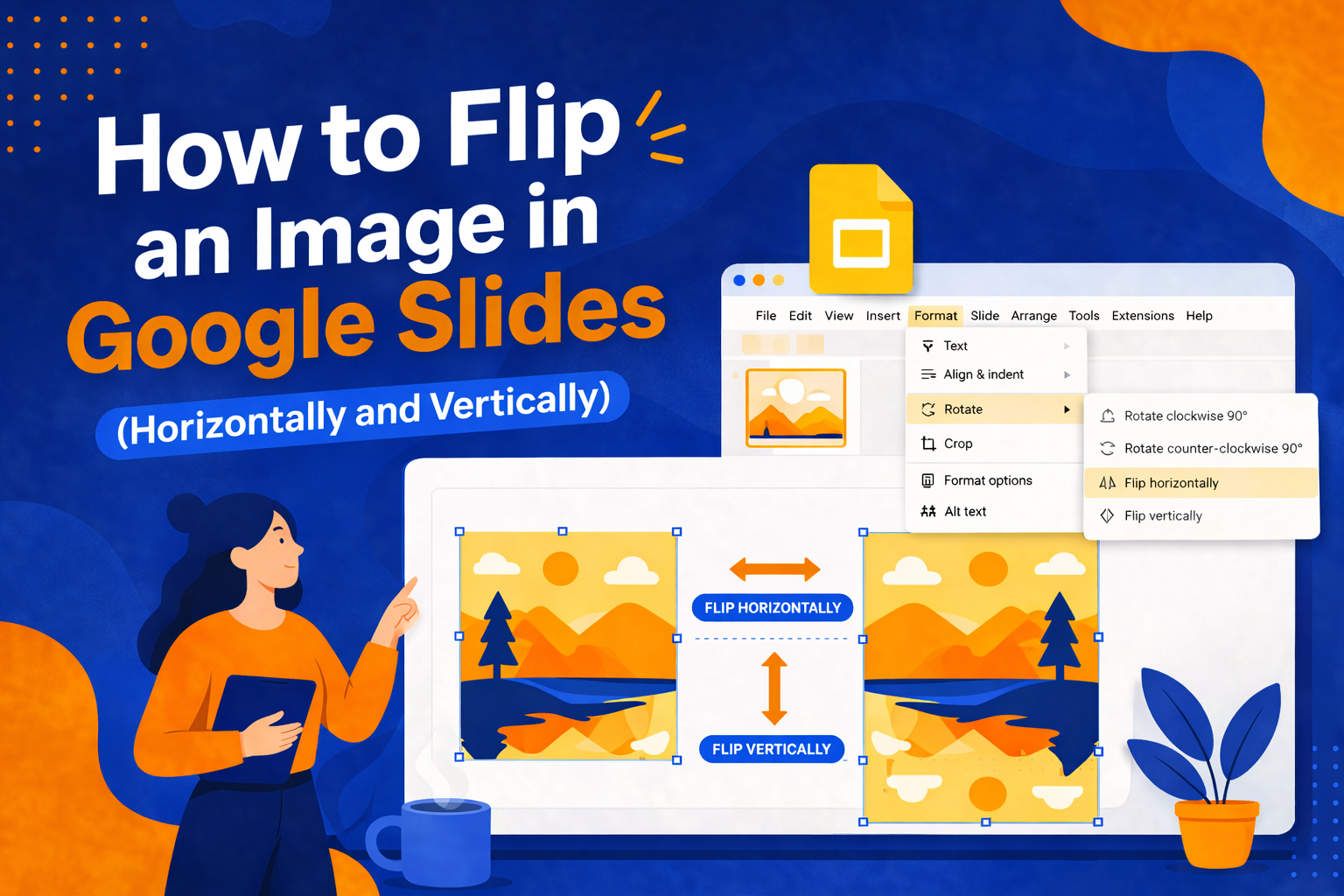
How to Flip an Image in Google Slides (Horizontally and Vertically)
Have you ever added an image to your Google Slides presentation, only to realize it’s facing the wrong direction or that the layout would look so much better if the image were mirrored? It’s a small problem, but it can throw off the entire visual balance of your slide. The good news: Google Slides makes…