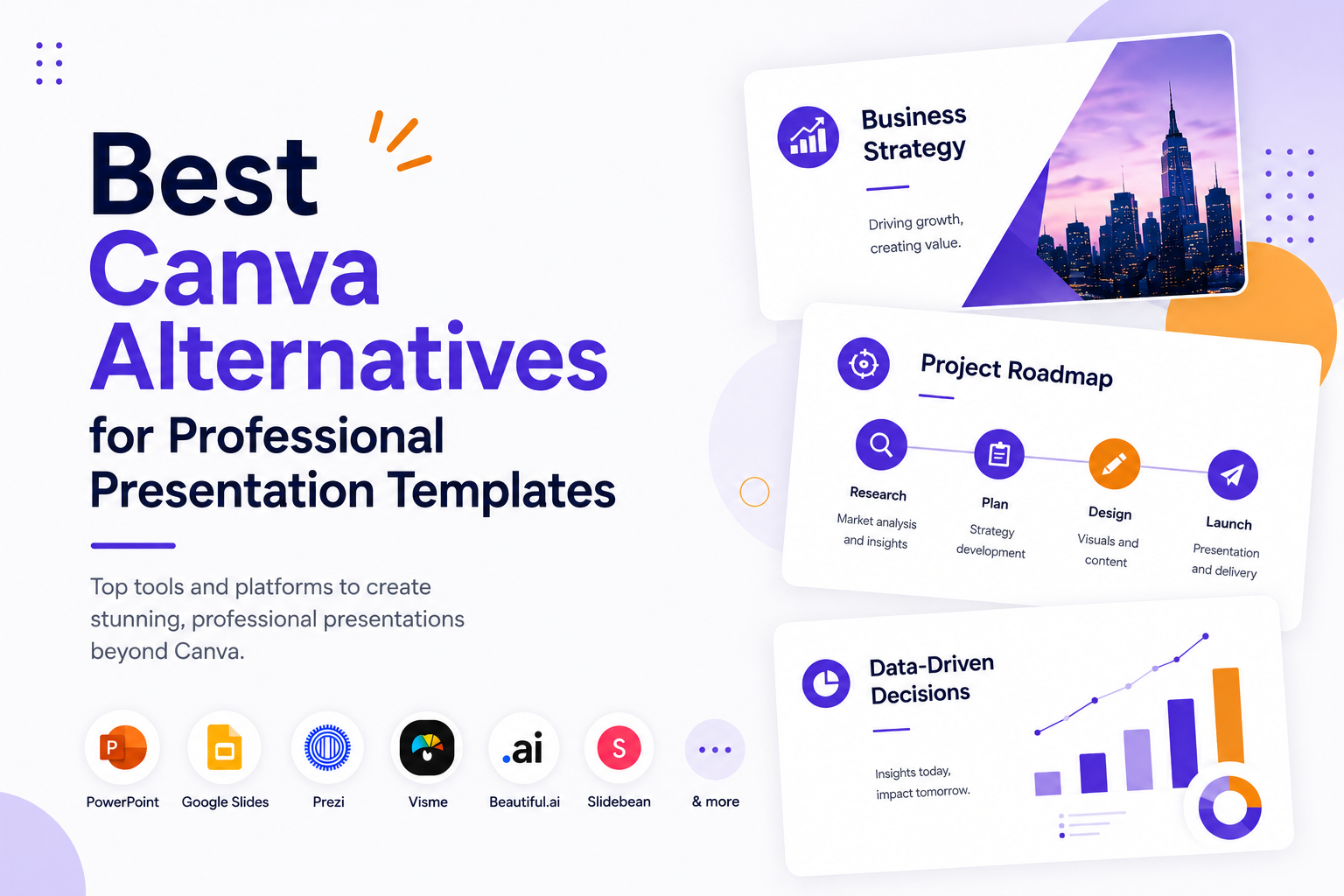
Best Canva Alternatives for Professional Presentation Templates


Canva is everywhere. It is the go-to design tool for millions of people, and for good reason. It is accessible, fast, and covers an enormous range of use cases. But when it comes to professional presentations, it starts to show its limits. The templates can feel generic, exporting to PowerPoint is notoriously messy, and the free plan disappears fast once you need anything polished. That is why so many business professionals, marketers, and educators are searching for a reliable canva alternative — something purpose-built for slides, not a Swiss Army knife that happens to include them.
This guide covers the ten best options available right now. Whether you need a full pitch deck, a single infographic slide, or a go-to library of business-ready templates, there is something here for every workflow and budget.
Why People Look for a Canva Alternative for Presentations
Canva’s strength is breadth. It handles social graphics, posters, video thumbnails, and hundreds of other formats. Presentations are just one of many things it does and that generalist approach has a cost.
The most common frustrations? Templates that do not translate cleanly to PowerPoint or Google Slides without manual fixes. A free plan that runs out quickly. And a design style that, frankly, many colleagues now recognise on sight. When you hand a slide deck to a client or walk into a boardroom, the last thing you want is for someone to say, “that looks like a Canva template.”
A presentation-first platform solves all of this. Templates are designed specifically for slides — the proportions are right, the typography is readable at scale, and the files open cleanly in whatever tool your audience uses.
The 10 Best Canva Alternatives for Presentations
The options below cover a range of approaches: dedicated template libraries, full design tools, and everything in between. A few are free. Most have paid plans that unlock far more. All of them are better suited to professional presentation work than Canva.
1. SlidesDepot — Best for Designer-Crafted PowerPoint & Google Slides Templates
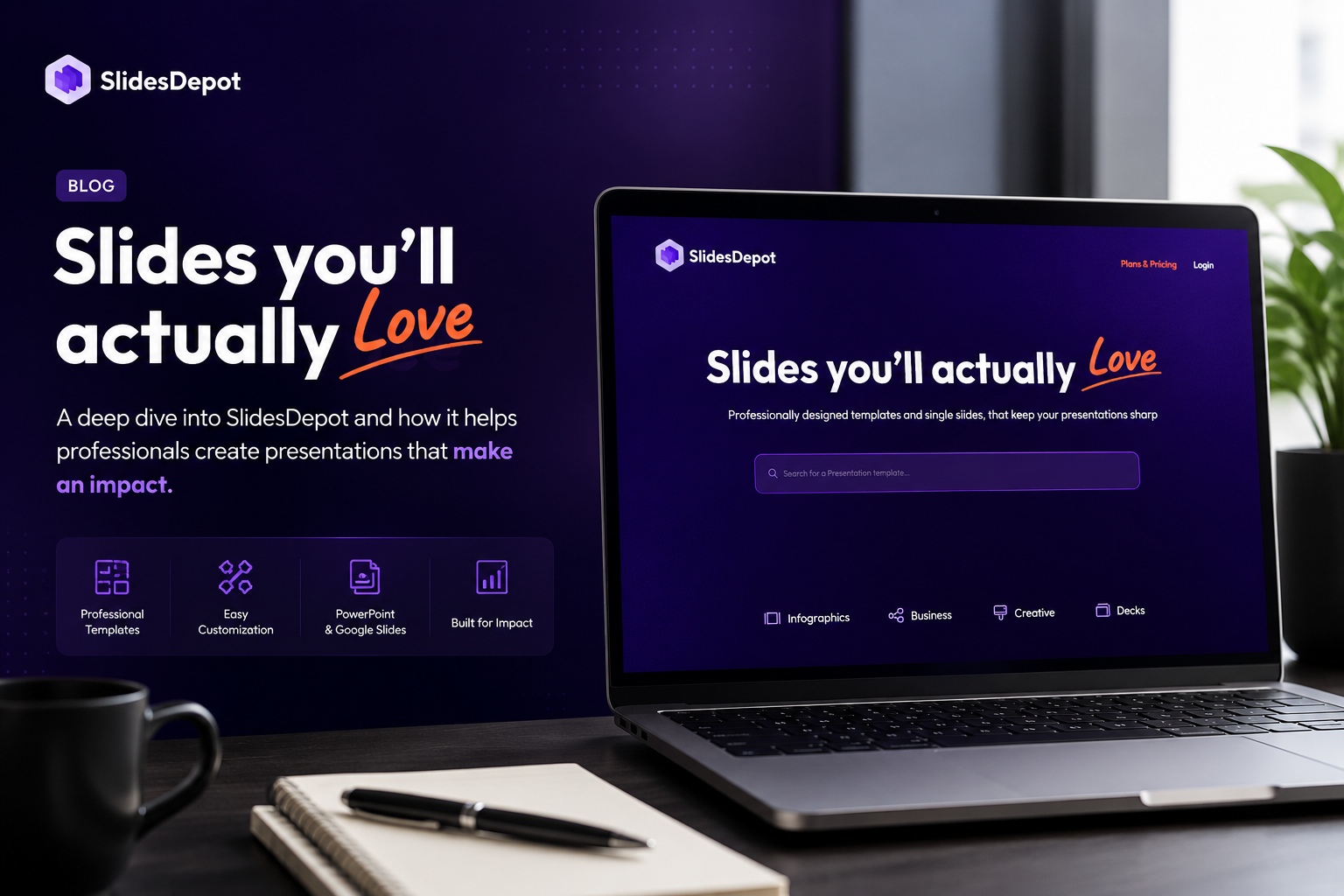
SlidesDepot is a presentation-first template library, and it shows. Every template in the library is hand-crafted by professional designers. No auto-generated filler, no recycled layouts. The library covers both single infographic slides (timelines, SWOT analyses, roadmaps, funnels, org charts, Venn diagrams, dashboards, and more) and complete decks across business, finance, healthcare, education, and technology.
What makes SlidesDepot stand out as a Canva alternative for presentations is the format flexibility. Every template works in both PowerPoint and Google Slides, no conversion, no reformatting, no surprises. Download the file, open it, and it works. The library is updated weekly, so there is always something fresh to use.
For teams and individuals who need professional presentation templates that work out of the box, SlidesDepot is the most focused option on this list.
Browse templates: slidesdepot
2. Slidesgo — Best Free Google Slides & PowerPoint Templates

Slidesgo offers a large free library of Google Slides and PowerPoint templates across business, education, and marketing categories. The designs are clean and contemporary. The free plan is genuinely usable not just a teaser. It is a solid starting point if budget is the primary constraint, though the library does not go as deep on business-specific formats as a dedicated platform.
3. SlideBazaar — Best for Volume and Variety
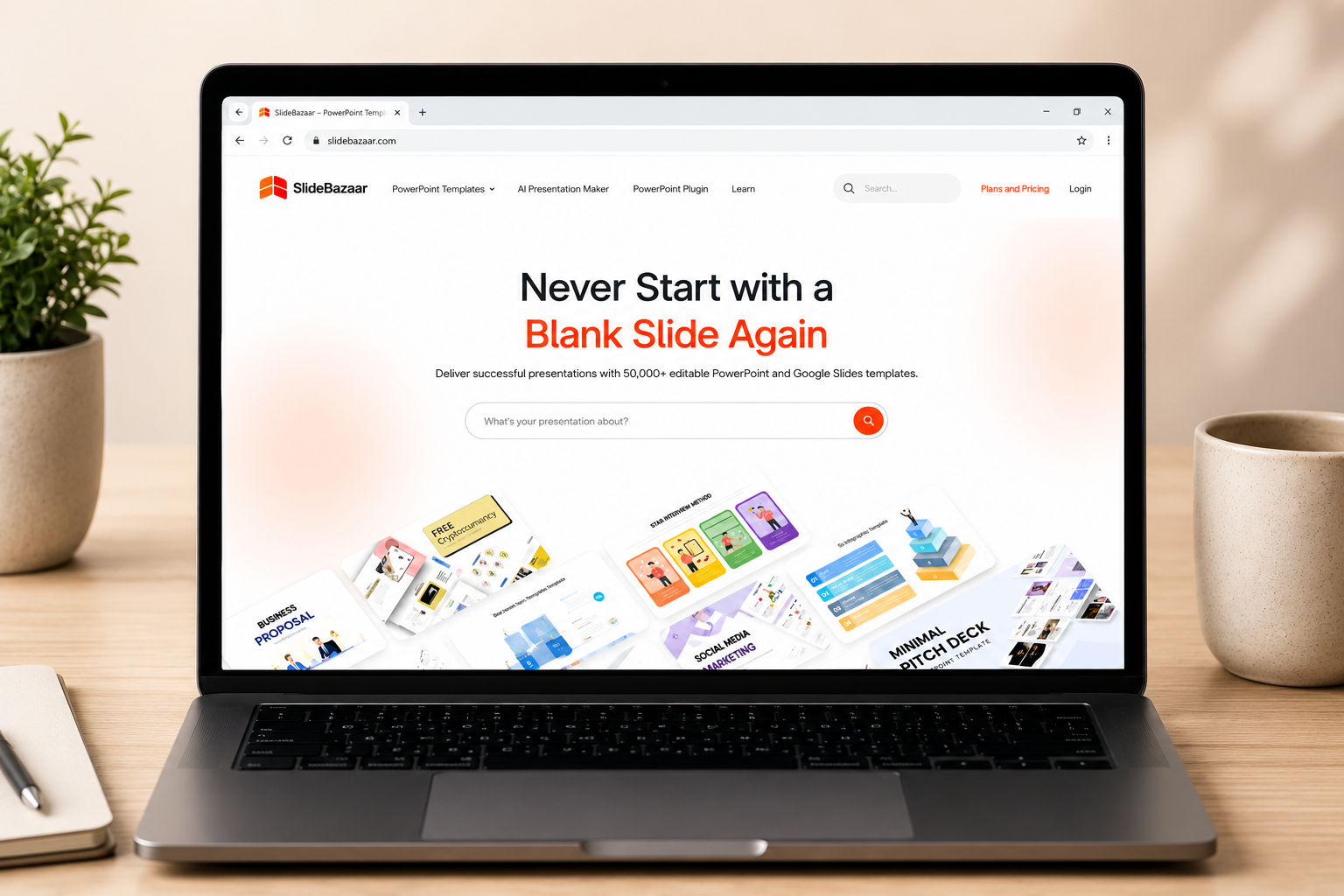
SlideBazaar hosts over 50,000 PowerPoint and Google Slides templates, which makes it one of the largest repositories available. There is a free tier and a subscription model for unlimited access. The sheer volume is useful for agencies or teams that cycle through many presentation styles. Quality can vary, so it rewards some browsing time to find the strongest designs.
4. SlideKit — Best for Google Workspace Users
SlideKit functions as both a template hub and a Google Slides add-on. It brings templates and visual kits directly into the slide editor, which cuts down on the back-and-forth of downloading and importing. If your team lives in Google Workspace, this integration is a meaningful time-saver.
5. SlidesCarnival — Best Completely Free PowerPoint Templates
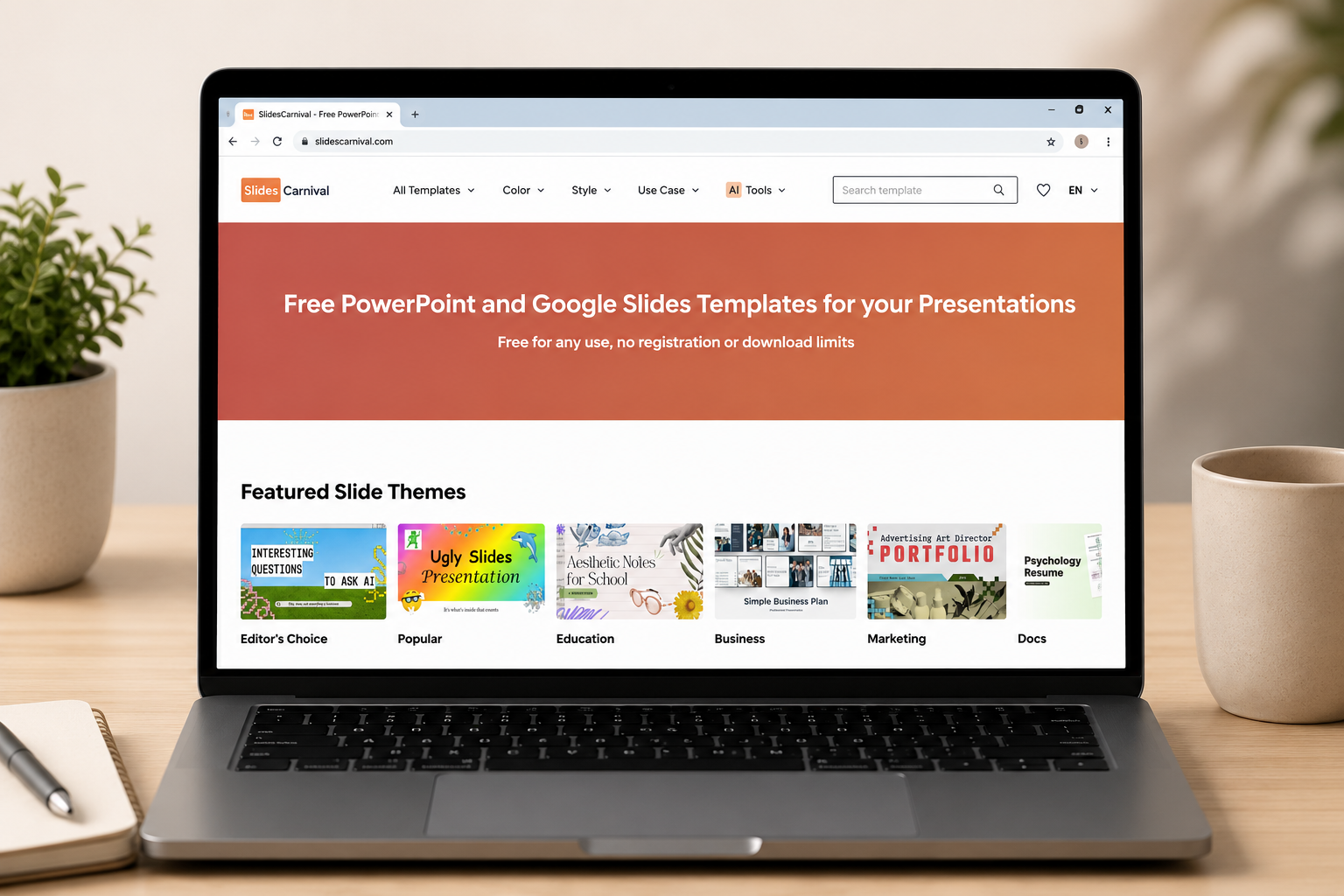
SlidesCarnival keeps things simple: a curated library of free PowerPoint templates, no sign-up, no download limits. The designs are professional and well-structured. It is not the largest library, but every template has been selected for quality. For occasional use, it is hard to beat.
6. Visme — Best Full-Featured Online Design Tool

Visme is the closest thing to a like-for-like canva replacement on this list. It is a full online design tool with a presentation builder, infographic creator, and data visualisation features. The templates are solid, and the editor gives you more control than Canva over data-driven visuals. It is better suited to complex documents than quick social graphics. Pricing is higher than most options here, but the feature set justifies it for power users.
7. PresentationGO — Best for Free Business Presentation Templates
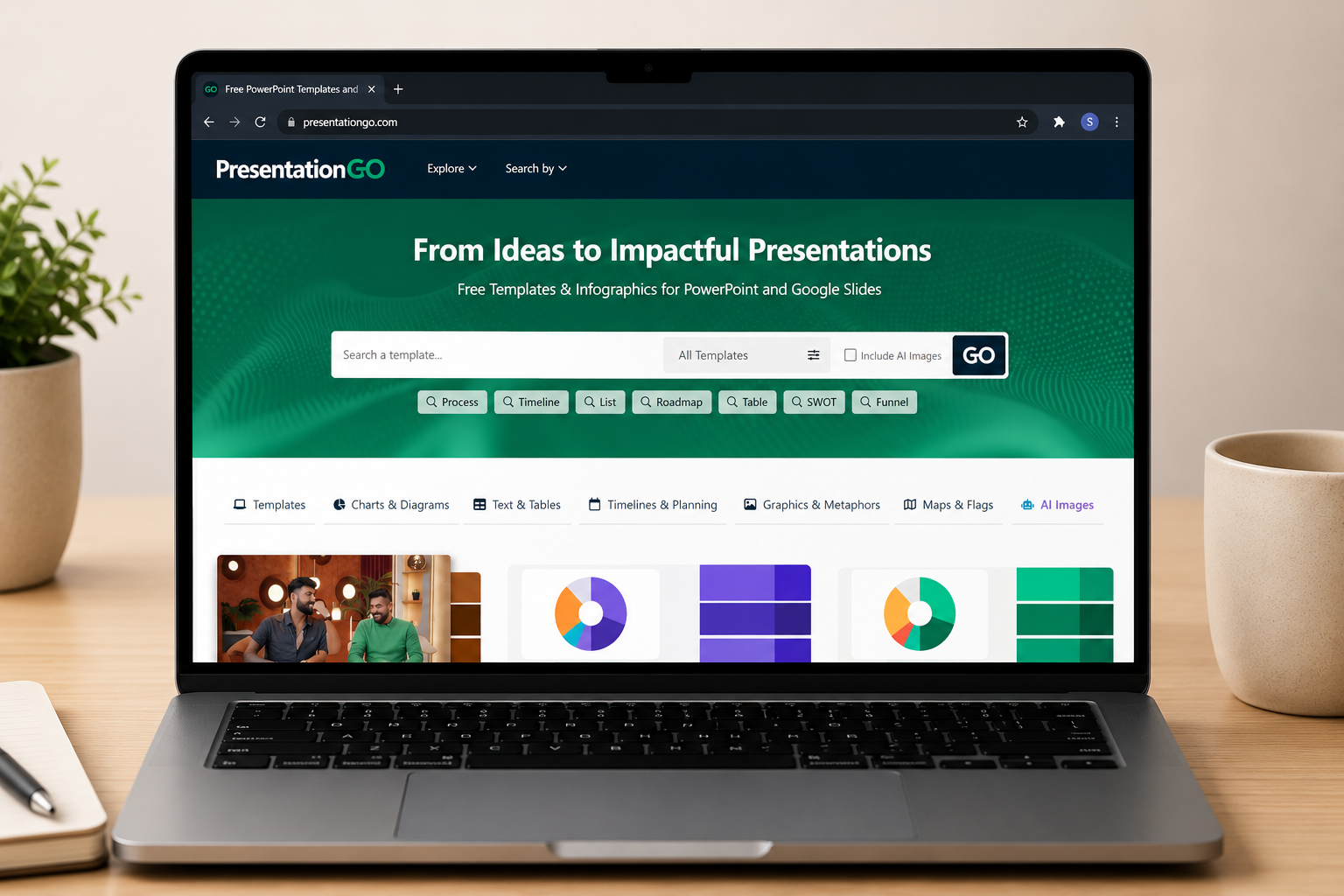
PresentationGO offers over 3,300 free PowerPoint and Google Slides templates, plus editable graphics and AI-generated images. The business template selection is strong clean, professional layouts for sales, reports, and strategy decks. A useful bookmark for anyone who needs a polished slide in a hurry.
8. SlidesMania — Best Free Alternative for Creative Templates
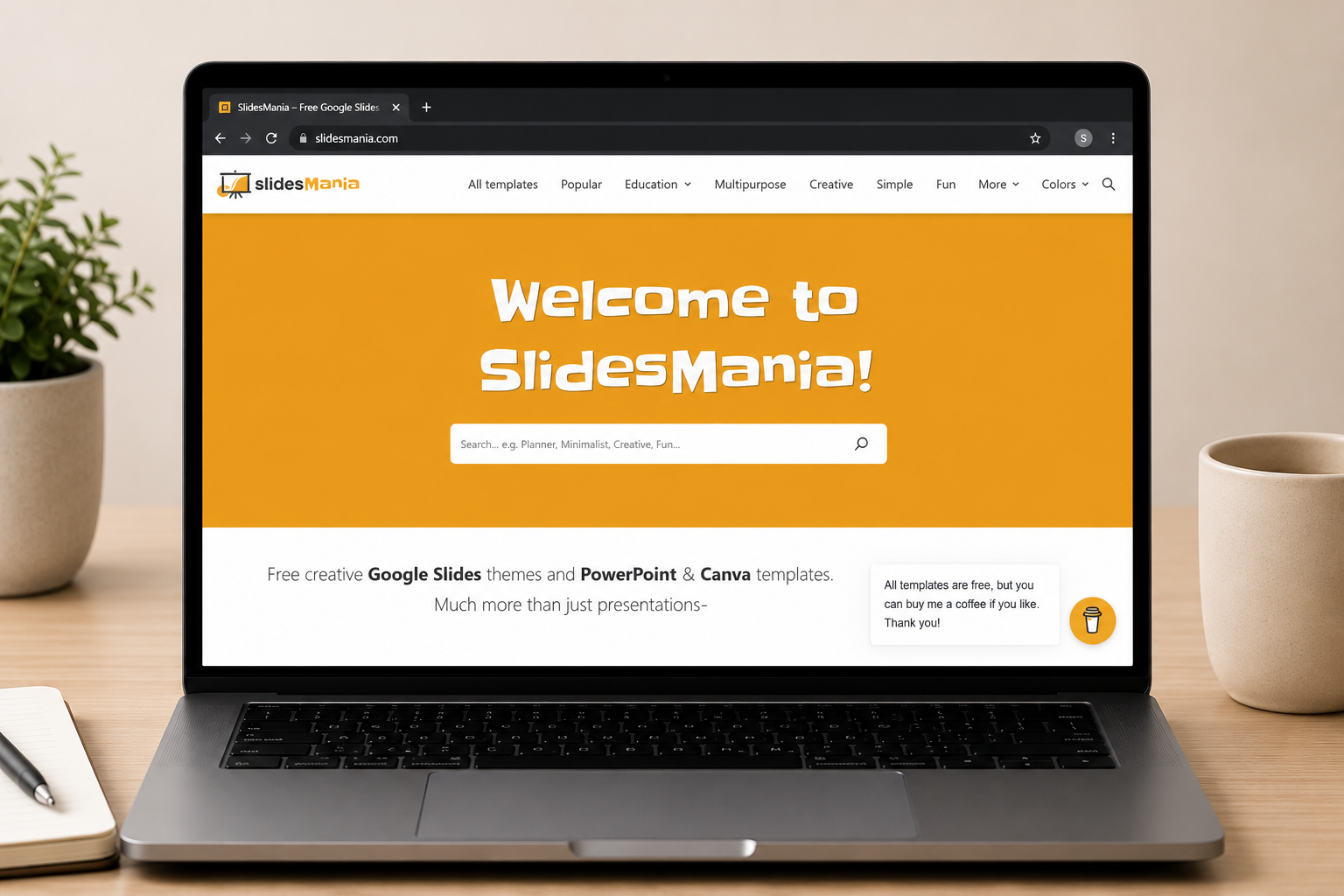
SlidesMania offers 100% free Google Slides themes and PowerPoint templates, with no sign-up required. The aesthetic leans more creative and playful than corporate, which makes it particularly popular with educators. Many templates also have Canva-compatible versions, which is a useful bridge for users transitioning away from that tool.
9. SlideChef — Best for Beginners and Quick-Start Templates
SlideChef keeps things beginner-friendly. The template library covers PowerPoint, Google Slides, and Keynote, with pre-made designs that require minimal editing. It does not have the depth of SlideBazaar or the craftsmanship of SlidesDepot, but for users who find design tools overwhelming, the simplicity is the point.
10. Envato Elements — Best Premium Subscription Template Library
Envato Elements is a subscription library covering far more than presentations fonts, stock photography, music, and video are all included. The PowerPoint and Google Slides template selection is extensive and consistently high quality. The subscription cost is higher than a presentation-specific platform, but if your team also needs other creative assets, the value stacks up well.
How to Choose the Right Canva Alternative for Your Needs
The right tool depends on how you actually use presentations not on feature lists alone. Here are a few questions worth asking before committing:
• Do you work in PowerPoint, Google Slides, or both? If format compatibility matters, choose a platform that natively supports your tool rather than one that requires conversion.
• How often do you need new templates? A static library gets stale. Weekly updates like those at SlidesDepot keep your options fresh without requiring you to search elsewhere.
• Do you need full decks, single slides, or both? Some platforms focus on complete presentations. Others, like SlidesDepot, cover both full decks and individual slides for specific layouts like timelines, roadmaps, and org charts.
• What is your budget? Free plans exist across most platforms on this list. If you present regularly, a low-cost subscription unlocks substantially more SlidesDepot’s paid plan.
• How important is design quality? Auto-generated and crowd-sourced templates vary wildly. If you are presenting to clients or executives, hand-crafted templates from a design-led platform make a visible difference.
For most business professionals and marketers, a platform like SlidesDepot hits the right balance: designer quality, format flexibility, and an accessible price point. If you are just getting started, the free plan gives you ten downloads a month more than enough to test whether the library fits your workflow.
SlidesDepot vs Canva: What’s the Difference?
A direct comparison is useful here, because Canva and SlidesDepot are solving different problems.
Canva is a generalist design tool. It handles everything from Instagram posts to menus to slide decks. Its templates are broad in scope and designed to be accessible to non-designers.
SlidesDepot is a presentation specialist. Every template from a single SWOT analysis slide to a complete pitch deck — is designed specifically for slides. Files open in PowerPoint and Google Slides without any conversion. The library is curated, updated weekly, and built by designers who understand how presentations are actually used in professional contexts.
If you use Canva primarily for social content and only occasionally need a slide deck, Canva probably still makes sense for those other use cases. But if presentations are a meaningful part of your work, a presentation-first platform will consistently produce better results with less friction.
“Presentation design, simplified.” That is the SlidesDepot promise. Not more features. Not more complexity. Just the right templates, ready to use.


Presentation Techniques to Engage Your Audience
Creating engaging PowerPoint presentations is a challenge many professionals face. Often, presentations fail not because the ideas are weak, but because slides are cluttered, visually inconsistent, or difficult to follow. This is where strong presentation techniques make a real difference. By combining clear structure, thoughtful visual design, and audience-focused delivery, you can create engaging PowerPoint…

Marketing Fundamentals: Core Concepts and Ready-to-Use Strategy Templates
In today’s highly competitive business environment, companies are constantly experimenting with new platforms, advertising channels, and digital tools. While innovation is important, long-term success rarely comes from tactics alone. Sustainable growth is built on a strong strategic base and that base is defined by Marketing Fundamentals. Marketing fundamentals provide the structure that guides every marketing decision. They shape…

How to Make Pictures Transparent in Google Slides in Seconds
Knowing how to make an image transparent in Google Slides is one of those small skills that quietly upgrades every presentation you build. You don’t need Photoshop. You don’t need a third-party tool. The control is built right into Google Slides and it just takes a moment to find it. This guide walks you through…