




Choice Board Templates For PowerPoint & Google Slides
Creative Sticky Notes Choice Board Presentation Template
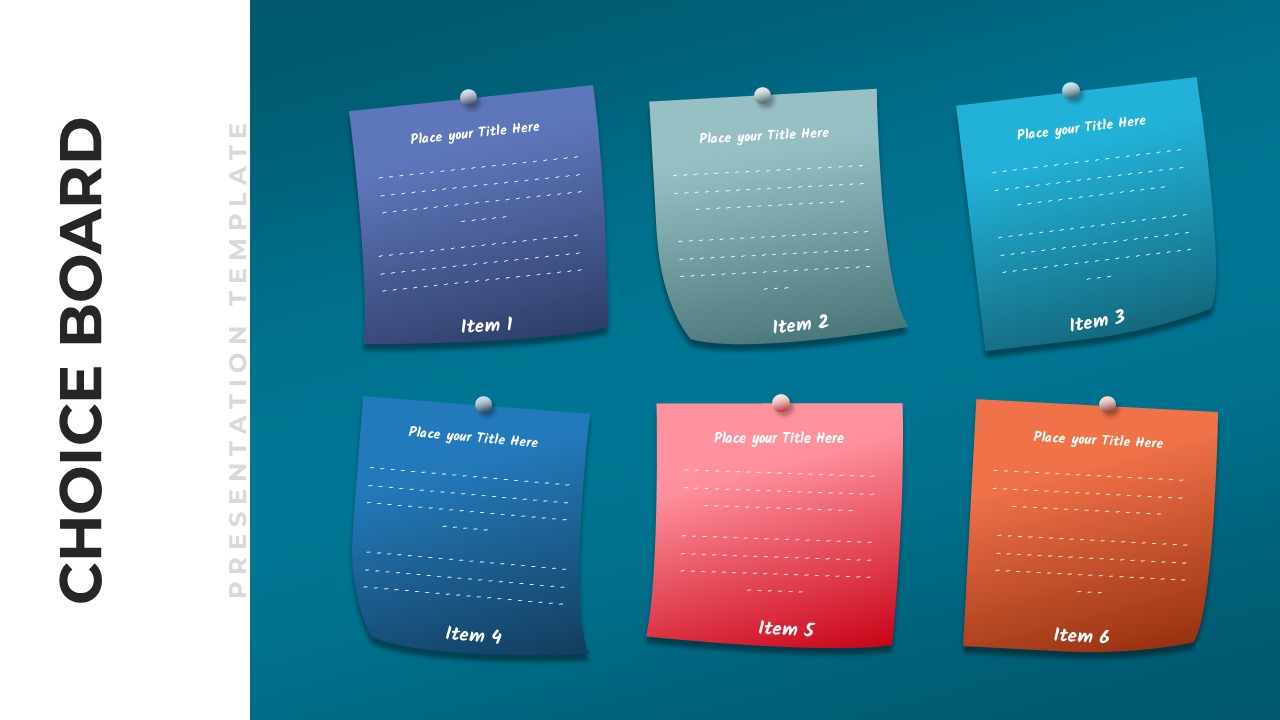
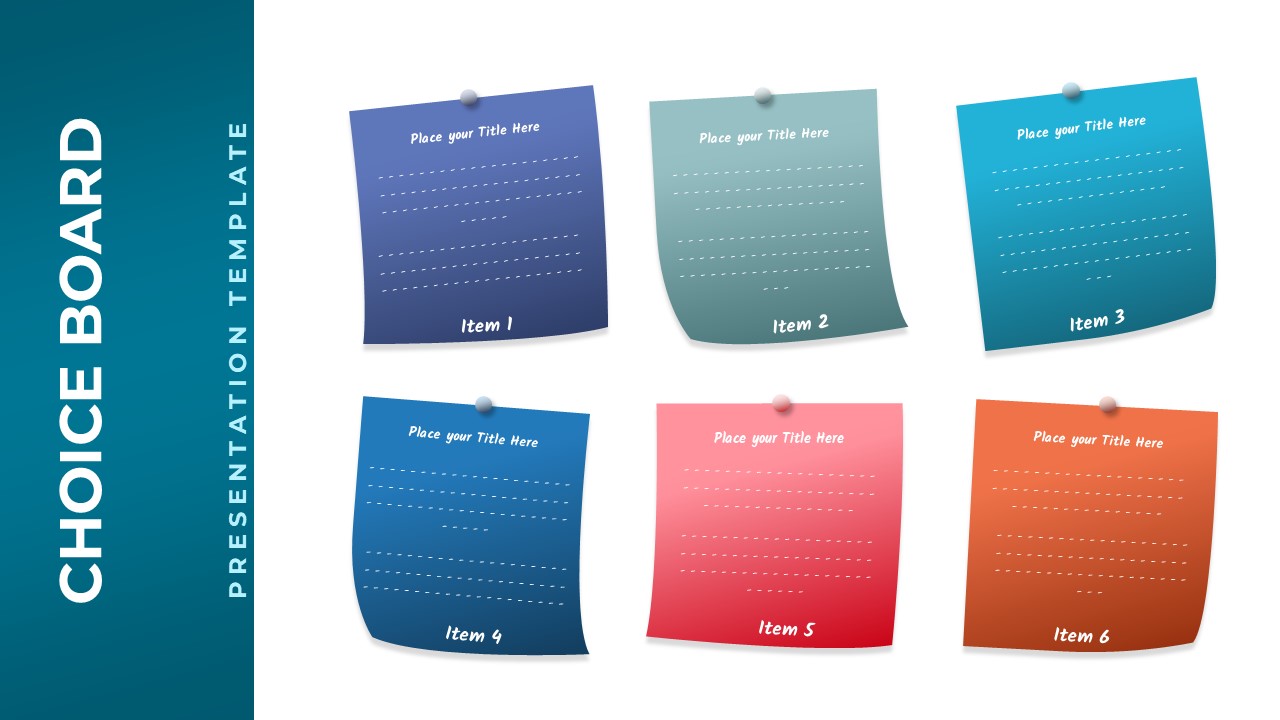
This Choice Board Template for PowerPoint & Google Slides provides a visually engaging 6-option grid layout with colorful sticky note elements. Each note features vibrant colors including purple-blue gradients, sage green, cyan, royal blue, coral pink, and orange against a professional teal background. The design includes realistic pushpin details, subtle shadows, and clean typography with numbered items for easy reference and organization.
This Choice Board Template is ideal for decision-making processes, brainstorming sessions, product comparisons, and educational choice activities. Business professionals, educators, project managers, and facilitators benefit from this interactive format when presenting multiple options, alternatives, or solutions. The template supports strategic planning meetings, workshop activities, curriculum design, and client presentations requiring visual option comparison.
The template offers complete customization of text, colors, and content while maintaining professional design consistency. Users can easily modify sticky note titles, descriptions, and color schemes to match brand guidelines or specific presentation needs. This flexibility ensures impactful presentations that engage audiences and facilitate effective decision-making processes.
Features of this Choice Board Templates template
• Six colorful sticky note elements arranged in professional grid layout
• Realistic pushpin and shadow effects for engaging visual appeal
• Numbered item system for easy reference and organization
• Placeholder text areas for titles and detailed descriptions
• Modern flat design with vibrant color palette and clean typography
Why use this template
• Simplifies complex decision-making with visual organization
• Enhances audience engagement through interactive design elements
• Saves time with pre-designed professional layout structure
• Supports multiple presentation scenarios from business to education
Who is it for
This template is perfect for business professionals, educators, project managers, consultants, trainers, and facilitators who need to present multiple options or choices in an organized, visually appealing format for decision-making, brainstorming, strategic planning, or educational activities.
Login to download this file


