




Creative Table PowerPoint & Google Slides Templates
Creative 5 Column Comparison Table 5 Template
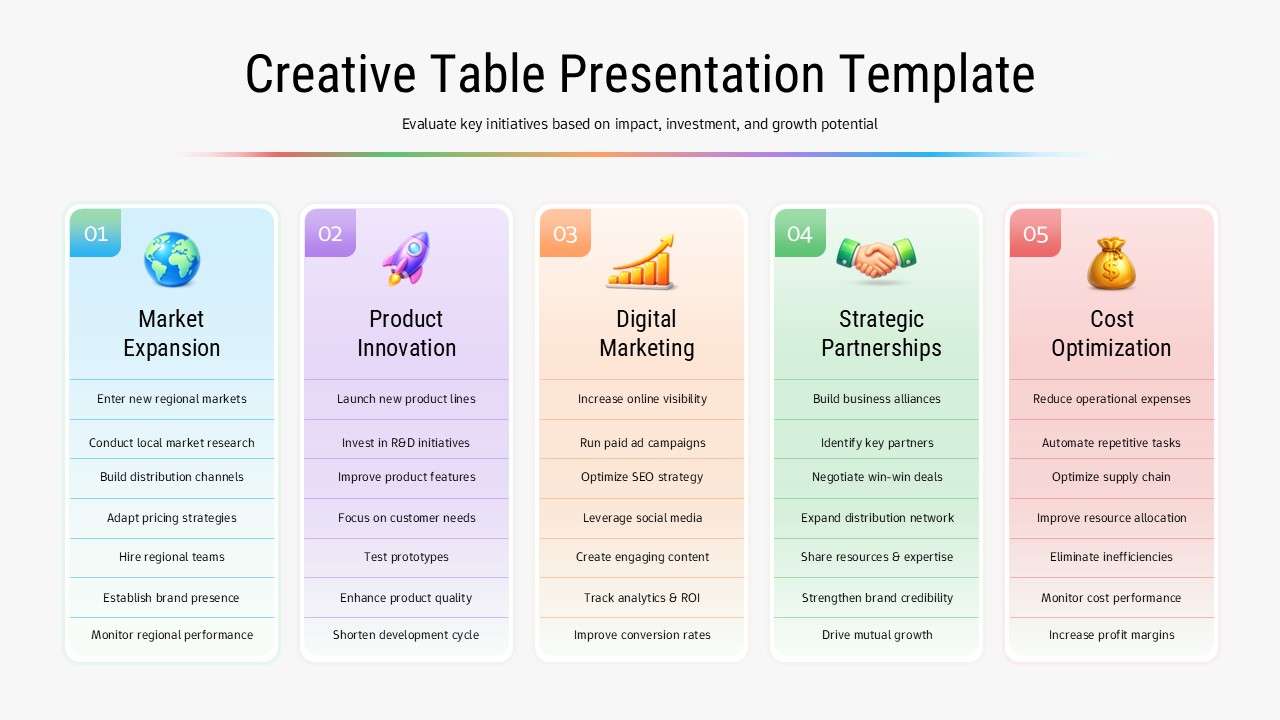
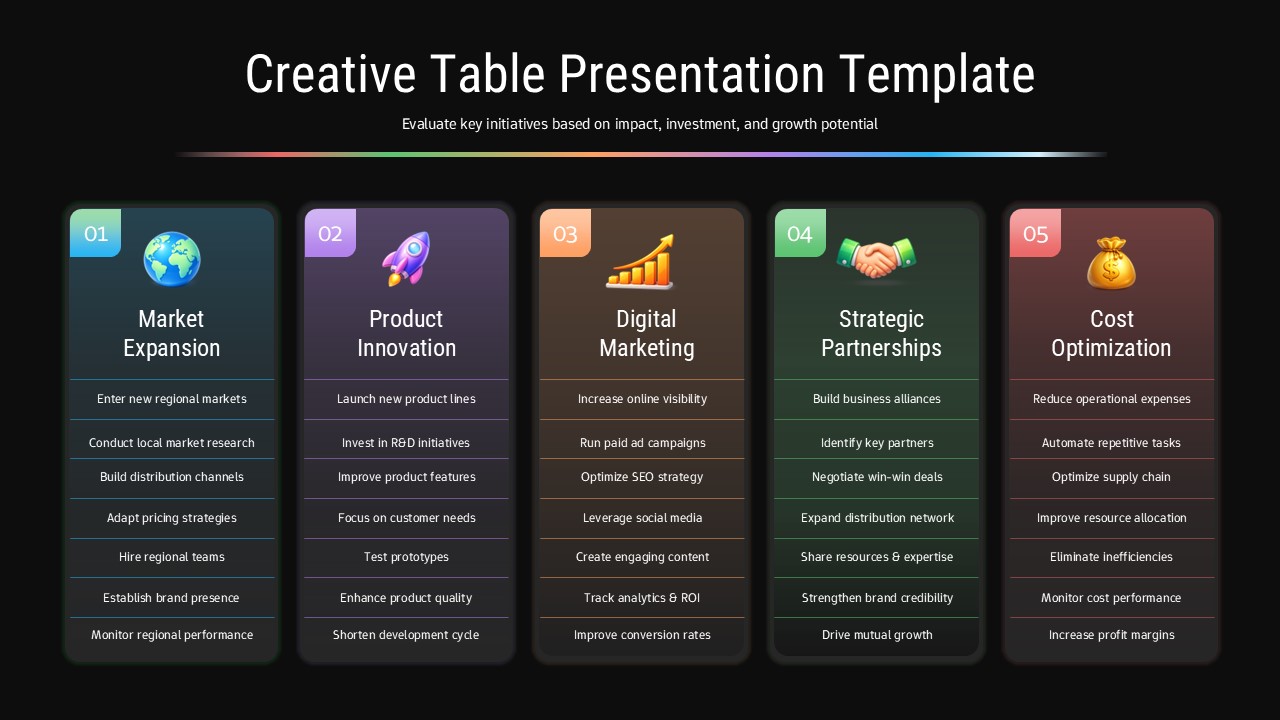
This Creative Table Presentation Template for PowerPoint & Google Slides provides a visually striking 5-column layout with numbered sections and distinct colored backgrounds. Each column features rounded corners, strategic icons at the top, and comprehensive bullet point lists for detailed information display. The template includes both light and dark theme variations, with pastel color coding (blue, purple, orange, green, and pink) that creates clear visual hierarchy and maintains professional aesthetics throughout your presentation.
This Creative Table Presentation Template for is ideal for strategic planning sessions, business initiative comparisons, and executive decision-making presentations. Perfect for corporate strategists, project managers, consultants, and business leaders who need to present multiple strategic options simultaneously. The template effectively supports investment planning discussions, resource allocation meetings, portfolio comparisons, and comprehensive business analysis where clear categorization and visual comparison of different initiatives are essential for stakeholder understanding.
The template offers complete customization flexibility, allowing you to modify colors, icons, text content, and column headers to match your specific business needs. Both light and dark theme options ensure optimal visibility in various presentation environments. This professional design helps transform complex strategic information into digestible, visually appealing formats that enhance audience engagement and facilitate better decision-making processes.
Features of this 5 Column Comparison Table template
• Five-column comparative layout with numbered sections and color-coded categories
• Dual theme options (light and dark) for versatile presentation environments
• Strategic icons and bullet point structure for organized information display
• Pastel color scheme with rounded corners for modern, professional appearance
• 16:9 aspect ratio optimized for both PowerPoint and Google Slides platforms
Why use this 5 Column Comparison Table template
• Simplifies complex strategic information into visually digestible comparison format
• Enhances audience engagement through clear color coding and structured layout
• Saves time with pre-designed professional framework for business presentations
• Facilitates better decision-making through organized side-by-side initiative comparison
Who is it for
This template is perfect for business executives, strategic planners, management consultants, project managers, corporate analysts, and department heads who need to present comparative business initiatives, strategic planning options, investment opportunities, or resource allocation decisions to stakeholders, board members, and executive teams.
Login to download this file


