




Employee of The Month PowerPoint & Google Slides Templates
Employee of The Month Template For PPT & Slides
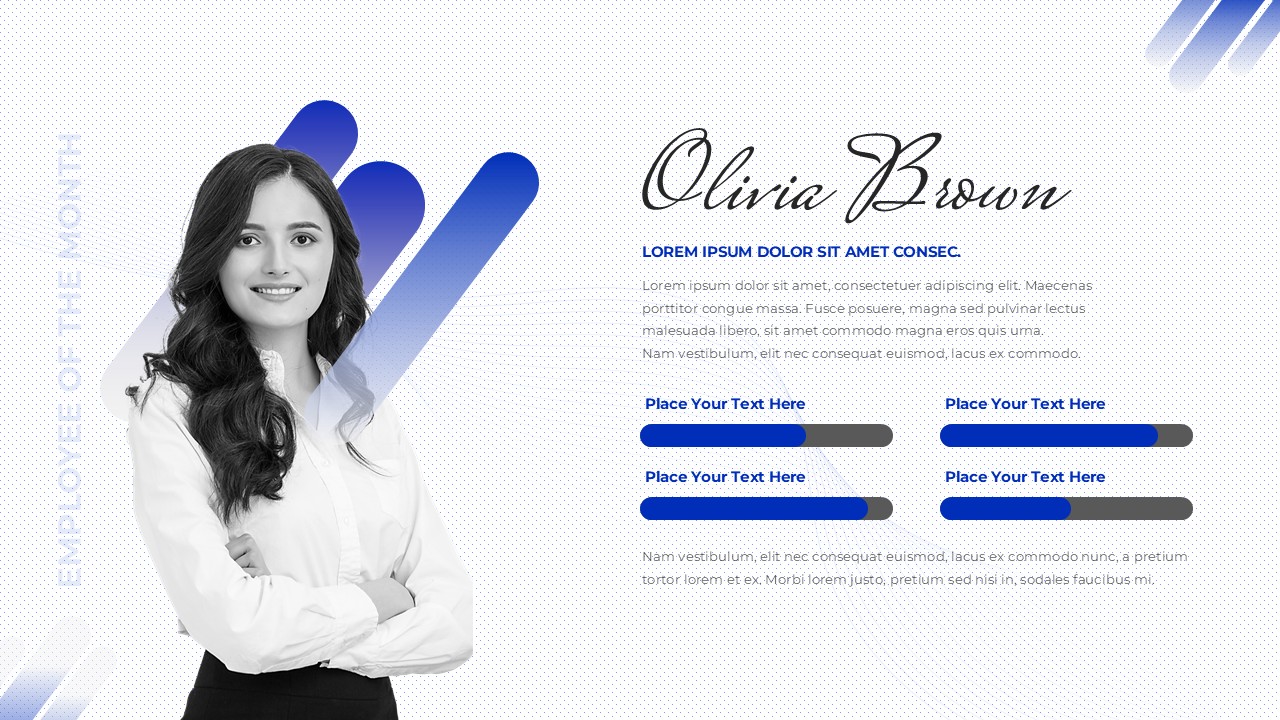
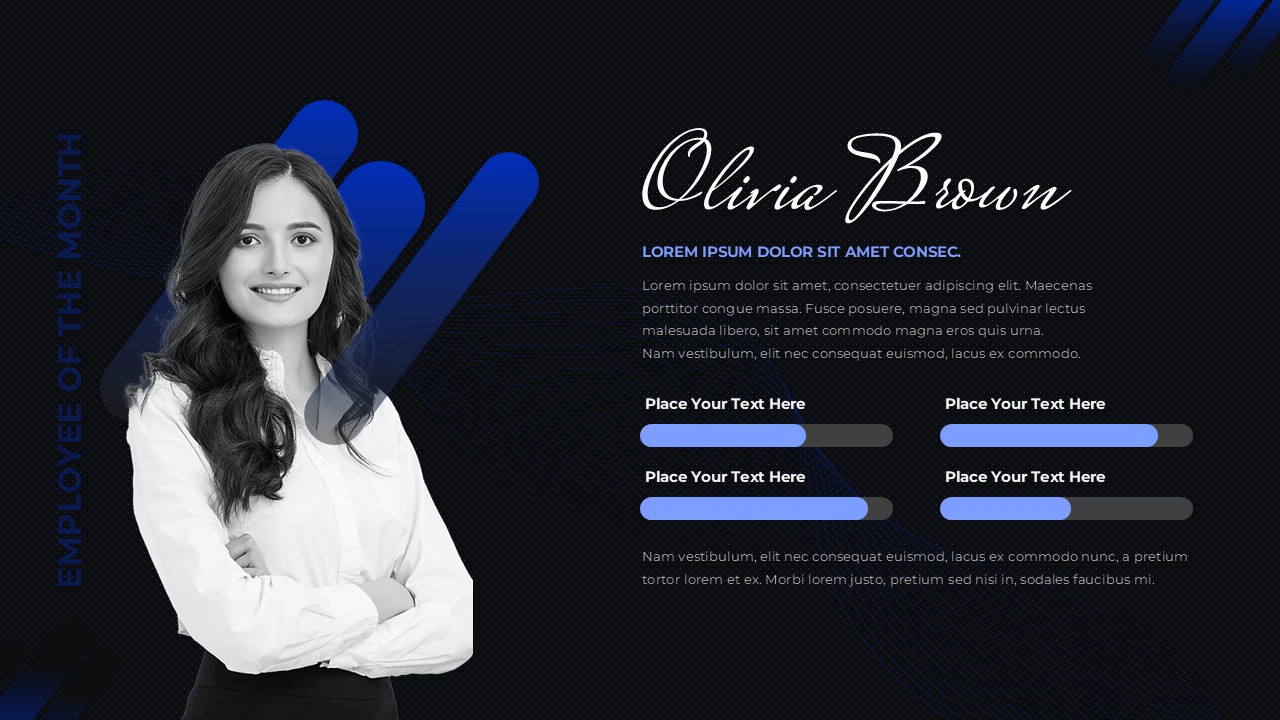
This Employee of the Month Template for PowerPoint and Google Slides is a modern single-page recognition design that puts the spotlight firmly on your top performer. The layout pairs a full-height employee portrait on the left with a structured content panel on the right, creating a clean visual balance between the personal and the professional. A subtle dot-pattern background, bold blue gradient accent shapes, and diagonal corner decorative elements give the slide a contemporary corporate aesthetic that feels polished and presentation-ready straight out of the box.
Designed for HR departments, team managers, and company leaders, this template delivers a consistent and professional recognition format suitable for monthly award announcements, quarterly performance highlights, team meeting acknowledgments, and internal communications programs.
What You See on the Slide
- Full-height portrait section on the left side with blue gradient geometric accent shapes framing the employee photograph in a visually dynamic way
- Elegant script typography for the employee name rendered in a large, celebratory font that immediately draws audience attention
- Bold uppercase designation line in blue beneath the name for role, department, or award title placement
- Description text area for achievement summaries, performance highlights, or personalized recognition messages
- Four customizable skill assessment bars arranged in a two-column grid, each with an editable label and adjustable blue progress indicator showing individual competency levels
- Secondary text section at the bottom for additional notes, closing remarks, or supplementary performance information
- Subtle dot grid background that adds visual texture without competing with the main content
- Decorative diagonal stripe accents in the top right and bottom left corners that reinforce the modern geometric design theme
Who This Template Is For
- HR managers standardizing monthly and quarterly recognition presentations across the organization
- Team leaders acknowledging standout individual contributions during regular meeting presentations
- Department heads presenting performance awards to broader teams or senior leadership
- Internal communications teams repurposing completed slides for digital office displays, company newsletters, and intranet announcements
- Company executives delivering formal recognition moments where visual quality reflects organizational values
Customization Capabilities
- Replace the portrait placeholder with the actual employee photograph in one click
- Update the name, designation, and award title fields with accurate employee information
- Edit the description and supplementary text sections with personalized achievement content
- Adjust all four skill assessment bar levels to reflect real individual performance metrics
- Modify blue color values to match company brand guidelines
- Change fonts and text styling to align with organizational communication standards
- Export as PDF or image file for digital displays and printed recognition materials
Login to download this file


