




Horizontal 5-Step Process Diagram Template for PowerPoint & Google Slides
Five-Stage Horizontal Workflow Diagram Presentation Template
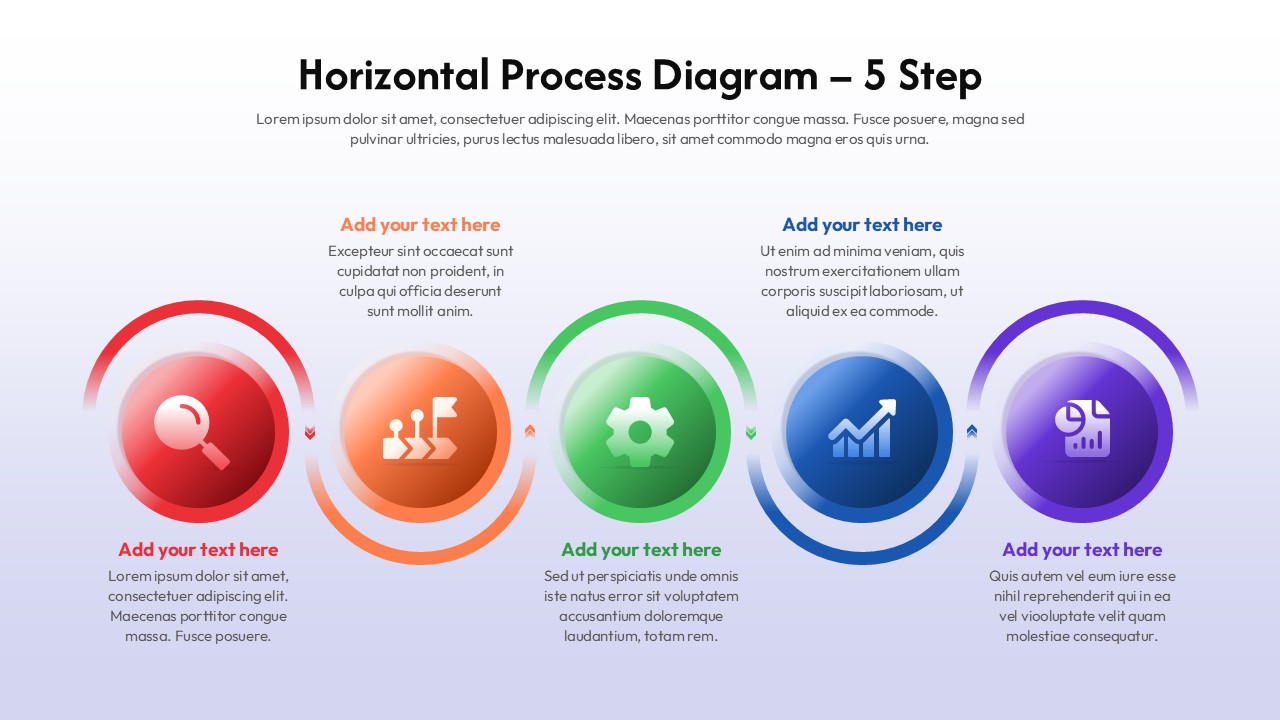
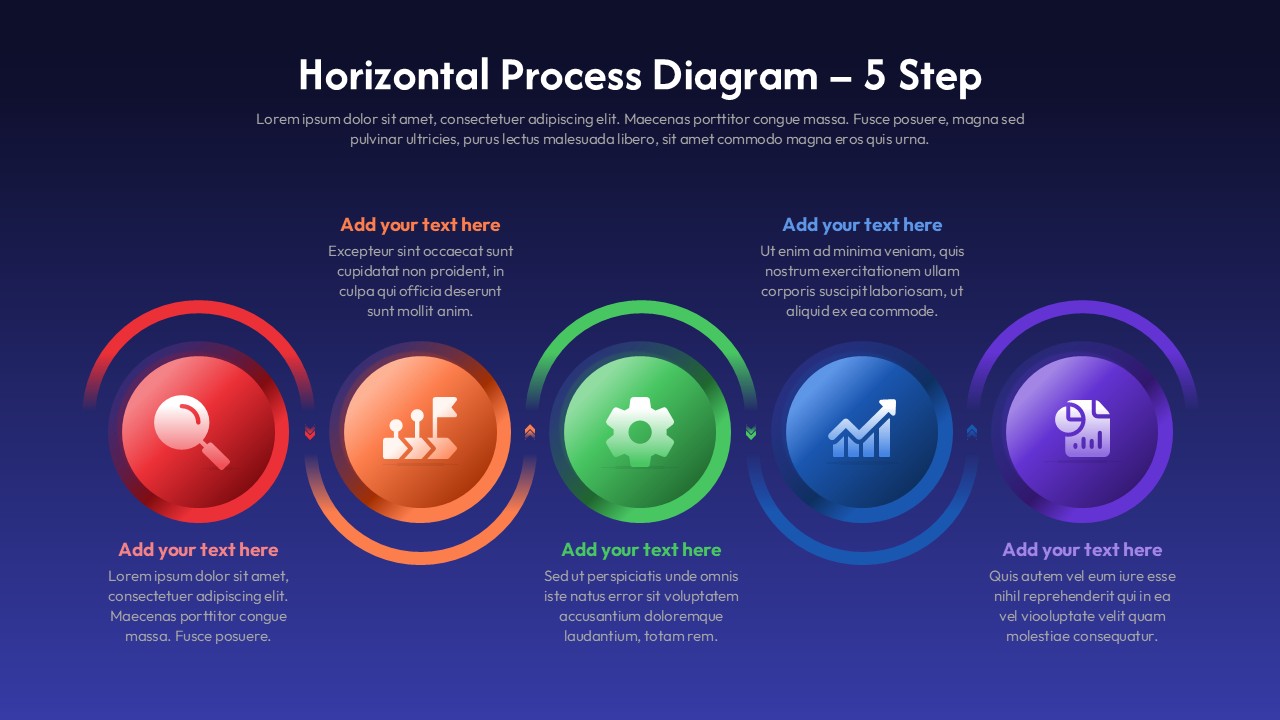
Built for the moment when you have a multi-step process to explain and a slide that isn’t helping you explain it. This 5 step process diagram template is the solution. Five circular icons in a horizontal row, color-coded from red through orange, green, blue, and purple, with a dual-ring halo around each one that gives them a little visual weight without making the slide feel cluttered. Each step gets a title and a description block underneath. That’s the whole structure.
The icons ship with contextual defaults – analysis, goal-setting, implementation, growth, reporting – which works for a lot of business and ops contexts out of the box. Swap them if your use case is different. The gradient background is there and it’s noticeable; if your brand runs on flat white slides, you’ll want to replace it.
What you’re actually getting in this 5 step process diagram:
• Five gradient circle icons with the dual-ring design, fully resizable
• Color-coded sequencing across all five steps
• Editable titles, body text, icon colors
• Horizontal layout that fits a standard 16:9 slide without crowding
• Works in PowerPoint and Google Slides — both, not just one with a footnote
Project managers, consultants, ops teams, and educators tend to get the most use out of this 5 step process diagram. It’s genuinely useful for walkthroughs, onboarding flows, strategic roadmaps, and anything where the sequence matters and you want people to follow along without losing the thread.
It does what it’s supposed to do. Most slide formatting problems in this specific situation – five sequential steps, needs to look intentional – it solves them.
Login to download this file
Template Variations


